
Using Text to Image for create amazing work
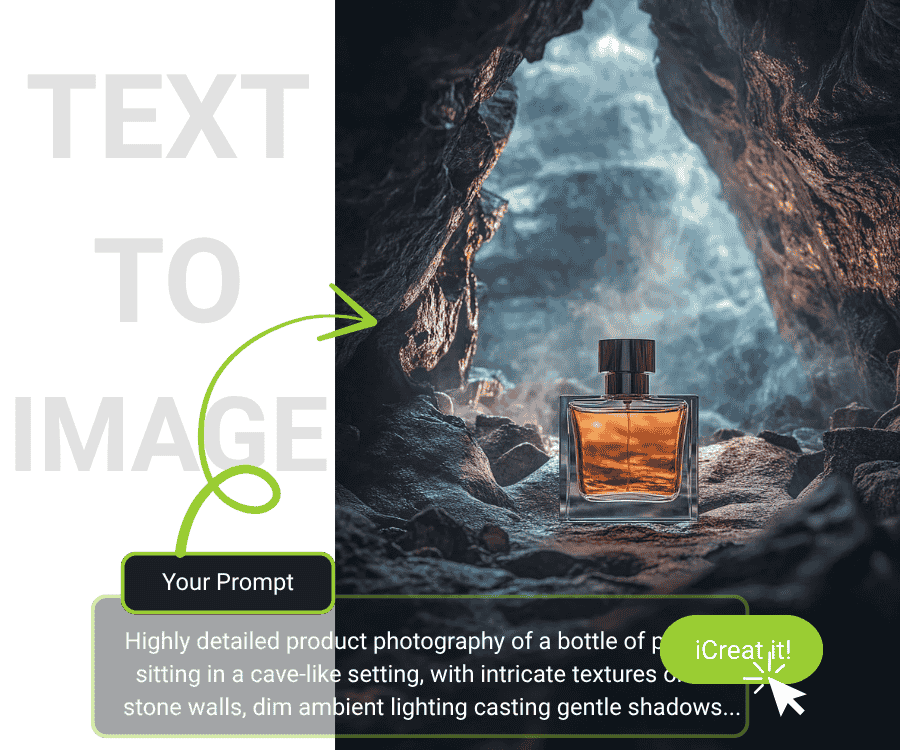
Enter the prompt that you want the element shown in the image, let iCreat make your dream come true.
Get started for free
*No credit card required
60+ Styles and 10+ Hot AI Models
No matter you want photorealistic images, vibrant cartoons, or impressive 3D renders, iCreat will make your artwork perfectly. Speed up your productivity with our lightning-fast AI that creates immediately.
3 Steps to Make an Image
Select AI model
Choose the favorite ai model to match your needs, if you want to use text to generate an artwork image, the best model is Midjourney. If you want to edit the reference image, you can choose Chatgpt or Flux kontext pro model.
Write a prompt word
You can write an essay prompt to check if the result is good or not. If you have a full idea, please write more words to tell our AI system, and then the result will be accurate. You can also open the optimize prompt function.
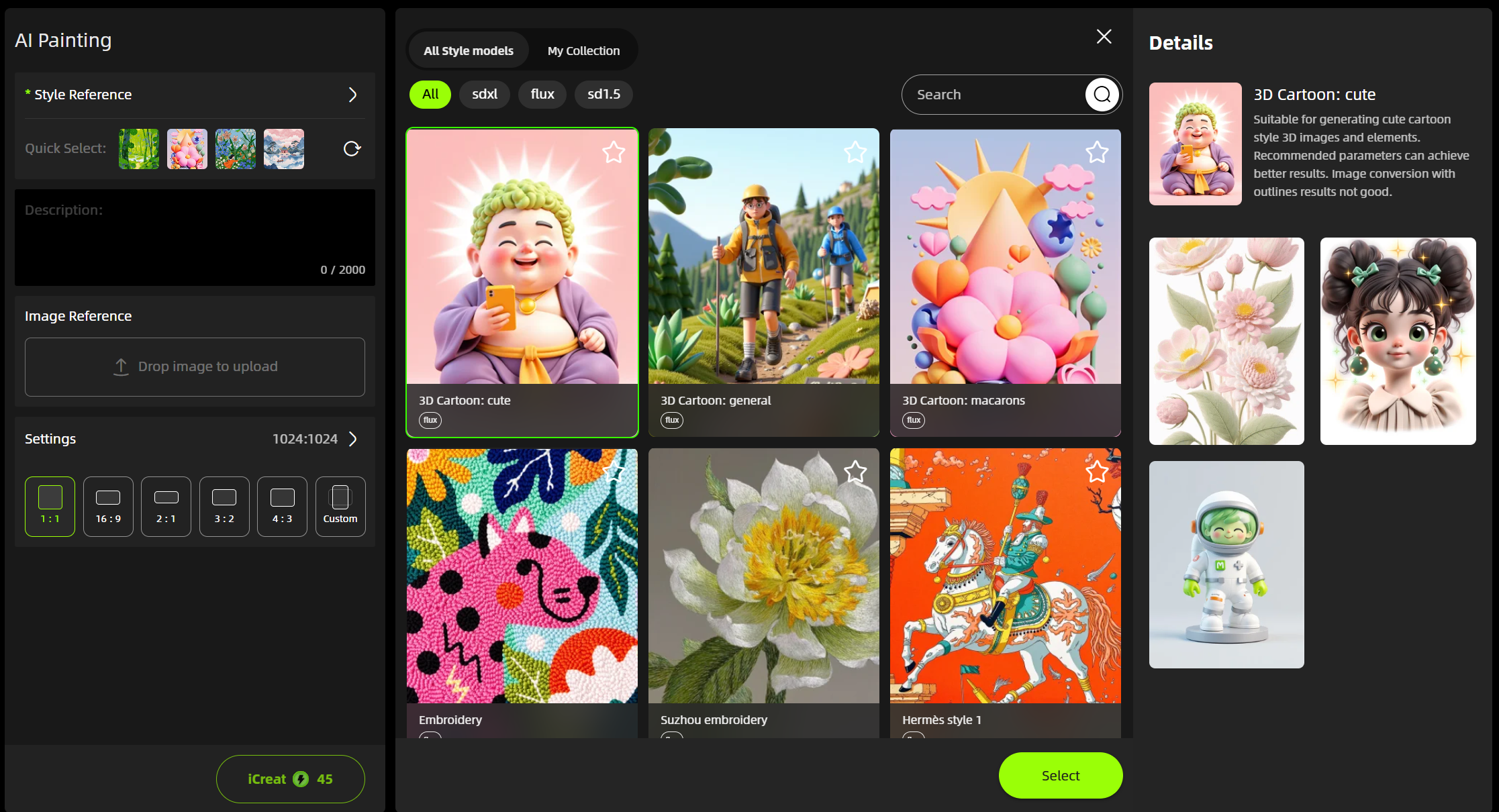
Select style (Available for FLUX.1 Model)
We provided 60+ exclusive styles for you to fulfill your needs. Such as an illustration cartoon. Click "iCreat" AI Generator and watch as Al transforms your words into stunning visuals in seconds.
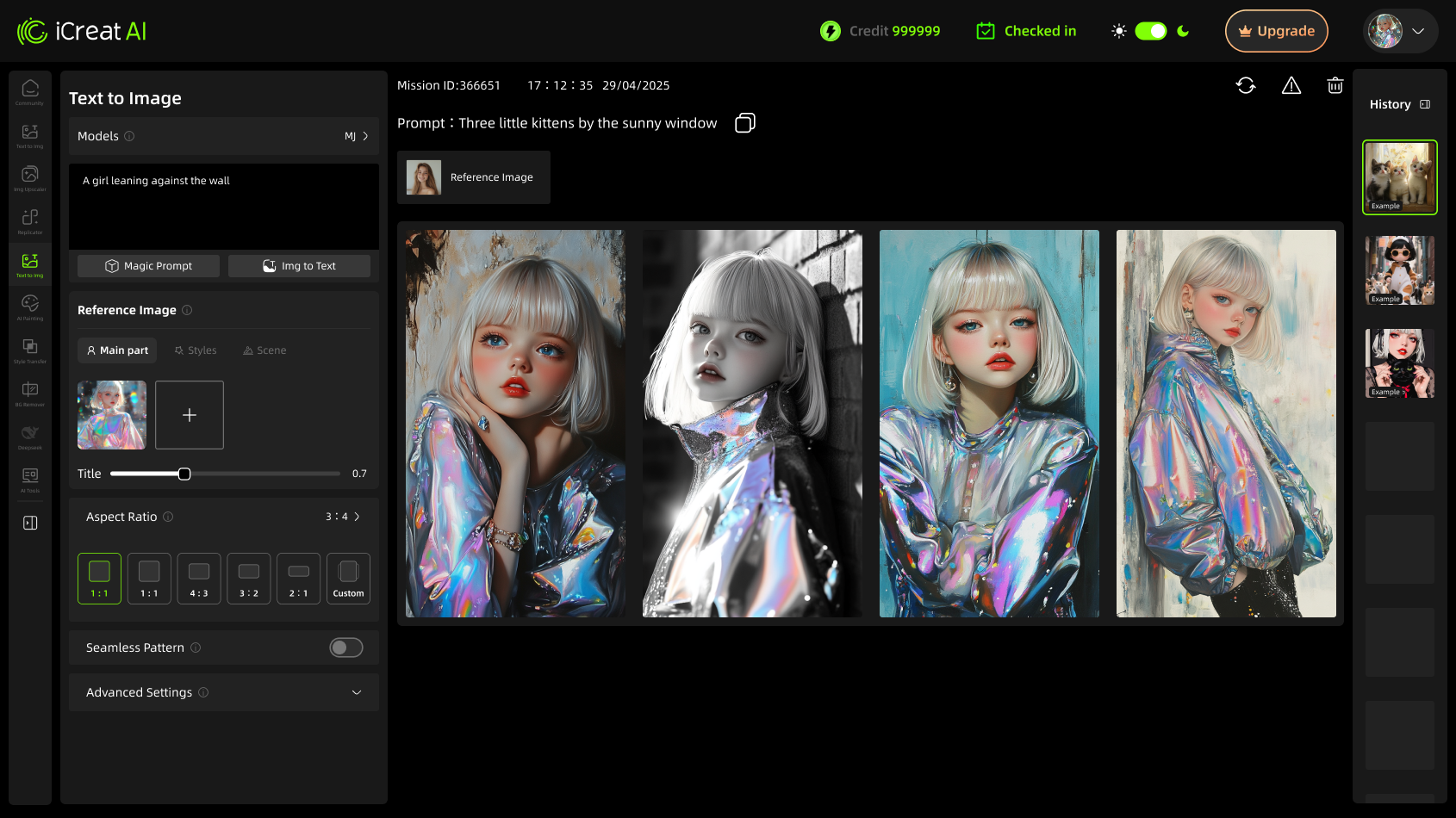
Subject Image Generation
Generate new images while perfectly preserving your uploaded subject. The AI adapts creatively without distorting key elements, ensuring your focal point stays intact.
Style-Consistent Rendering
Automatically match the artistic style of your reference image. Whether it’s a sketch, painting, or photo, the AI replicates textures, brushstrokes, and aesthetics seamlessly.

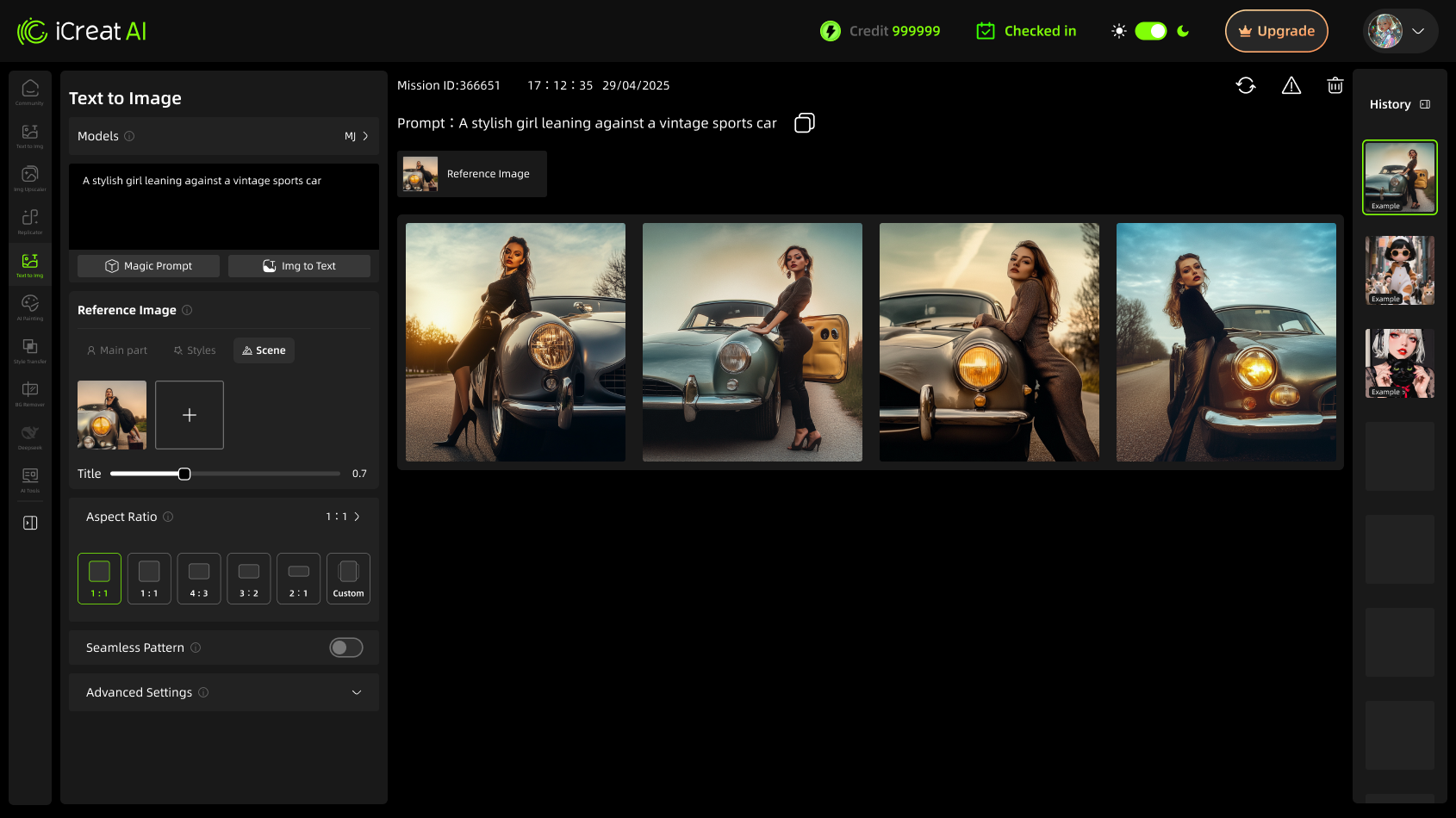
Background-Aware Synthesis
Keep the original context by blending new elements naturally into your image’s background. No jarring edits—just harmonious enhancements that respect the scene.
One-Click Pattern AI Generation
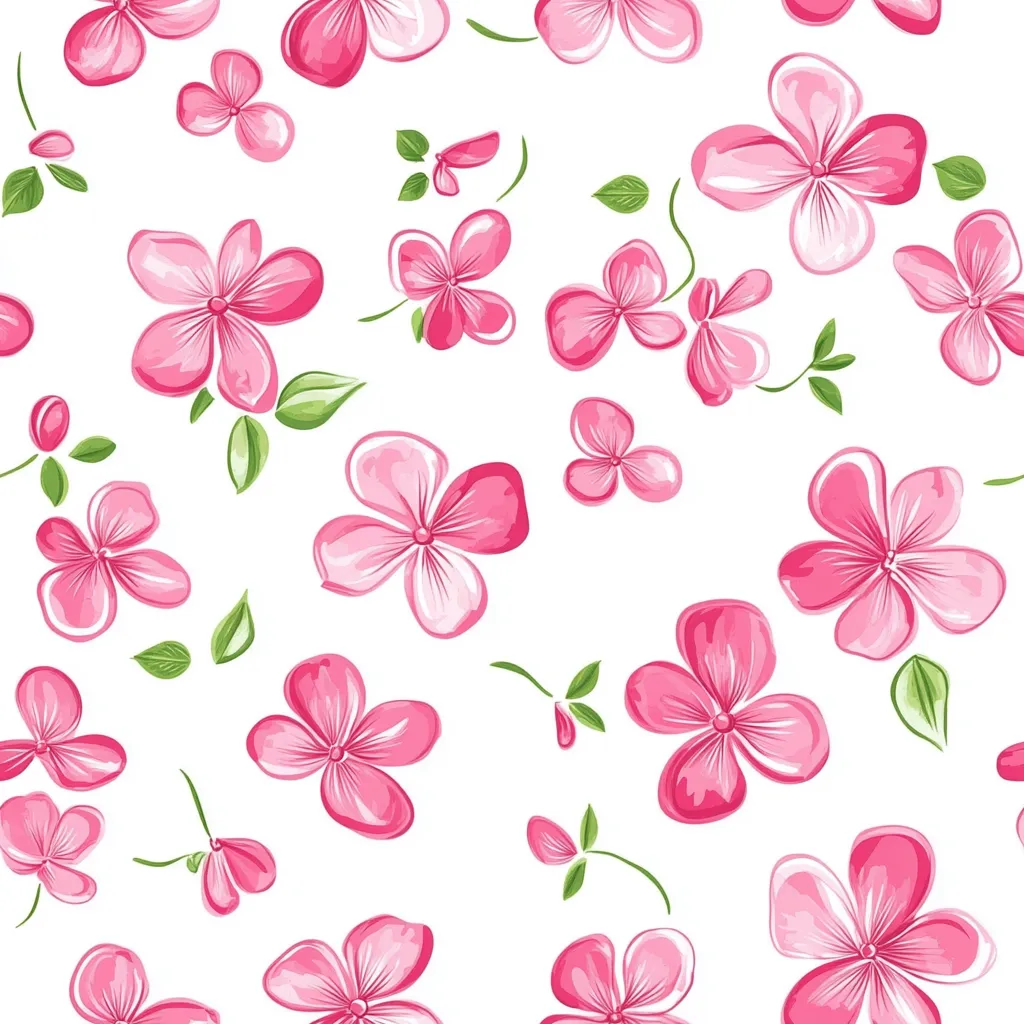
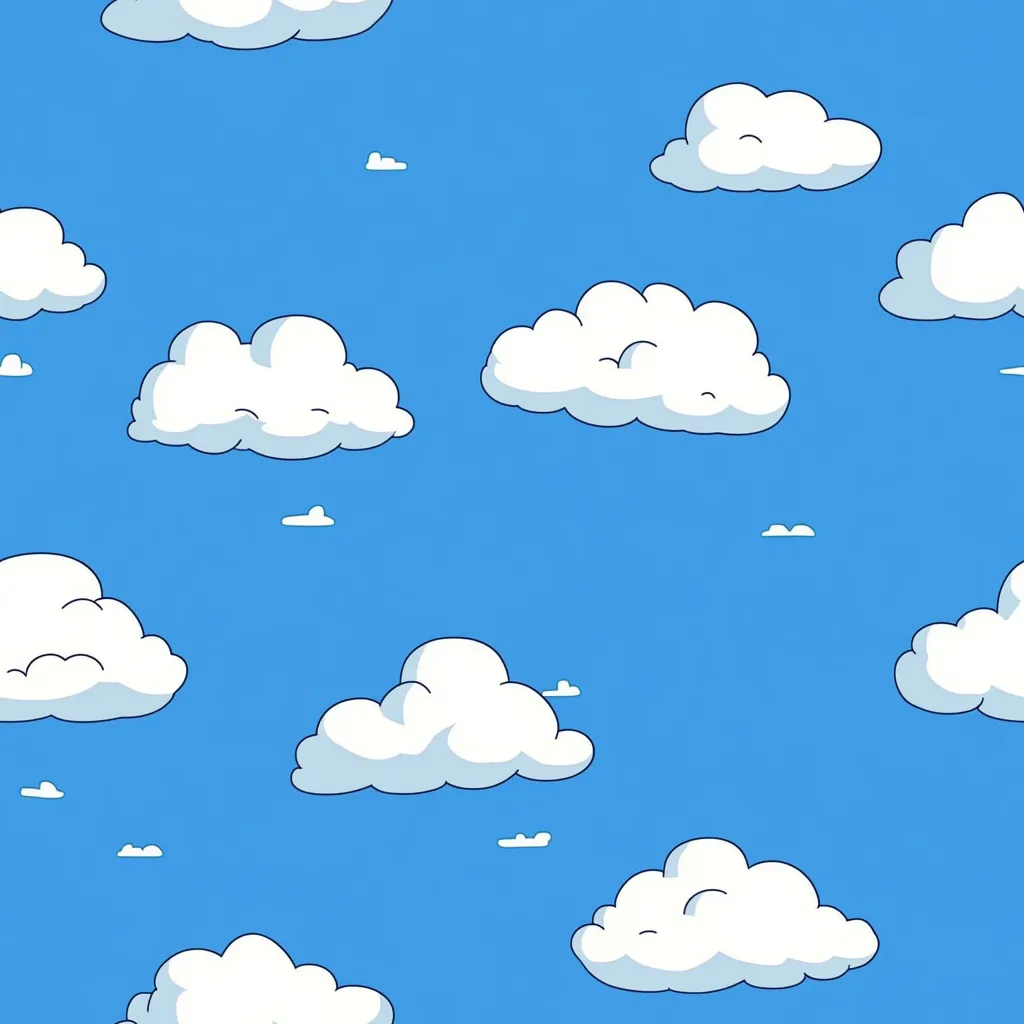
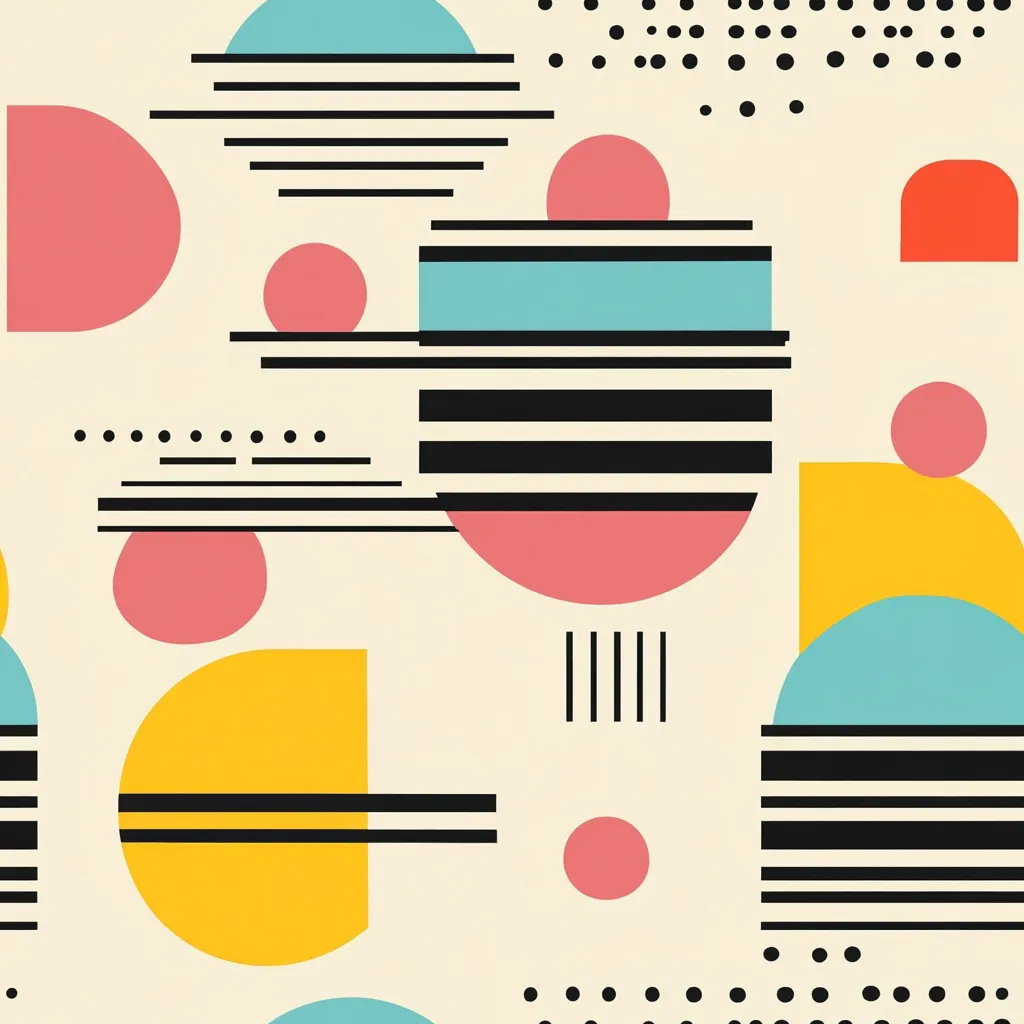
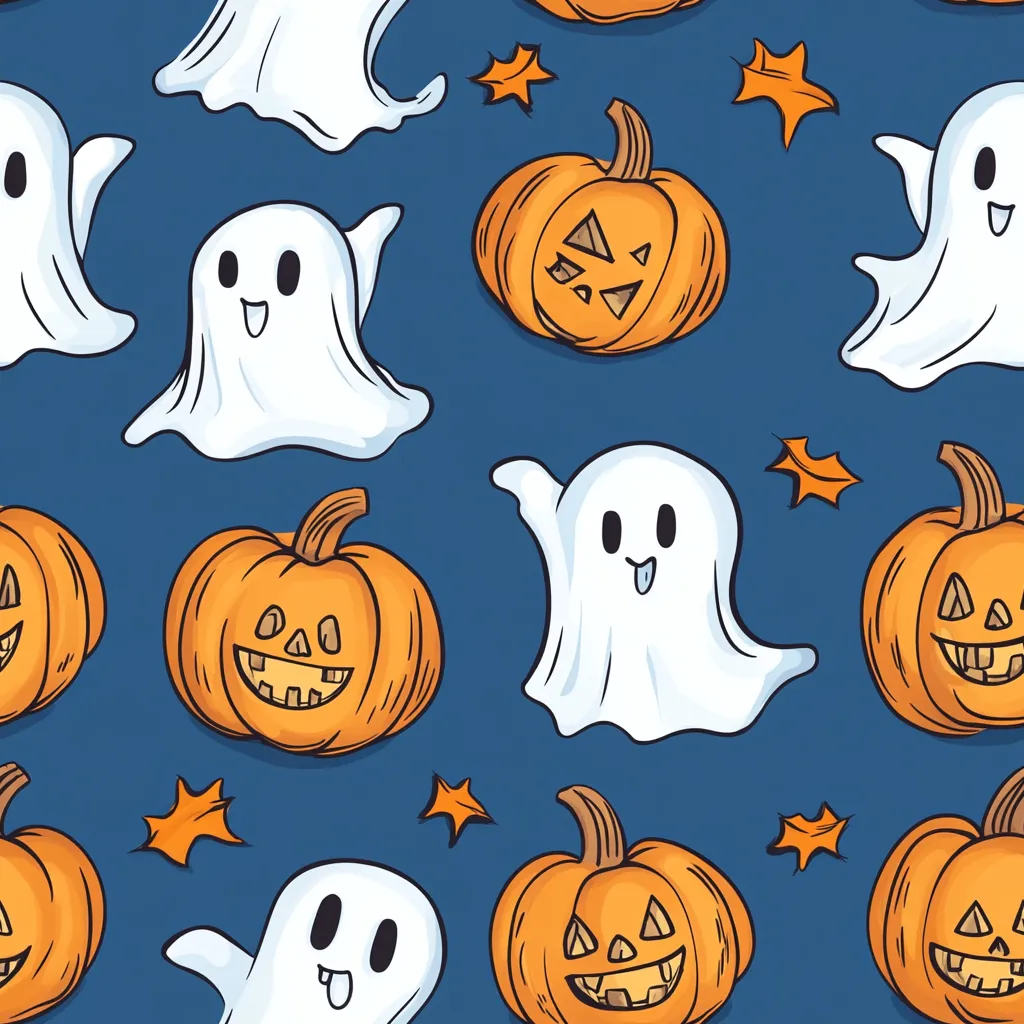
Create seamless, high-resolution patterns from any concept or image input just open the tiling button. Perfect for textiles, wallpapers, packaging, and digital backgrounds—endless variations at scale.
FAQ
1. What is an AI image generator?
keyboard_arrow_down
2. Do I need design skills to use iCreat AI?
keyboard_arrow_down
3. What makes a good AI prompt?
keyboard_arrow_down
4. Can I create seamless or repeating patterns?
keyboard_arrow_down
5. What image styles can the AI create?
keyboard_arrow_down
6. How long does it take to generate an image?
keyboard_arrow_down
7. What resolution are the images?
keyboard_arrow_down
Ready to Start?
Create a free iCreat account and start generating with text to image now
Try Text to Image for FreeCopyright © 2026 iCreat.ai All right reserved.
Secure Payment: 