Make Image Clear in Second & Old Photo Restore Online
Turn blurry, low-resolution or old photos into sharp, high-quality images. Upload your image and see the result instantly.



By uploading image, you agree to iCreat AI's Terms of Use and Privacy Policy.
Fast & Powerful AI Upscaling
Powered by the latest AI and super-resolution technology, images are enhanced in just a few seconds — no waiting, no manual editing..
Higher Resolution, Better Quality
Easily enlarge images by 2x to 16x while preserving sharp details and clarity. Perfect for web, print and professional use.
Safe, Private, & Non-Intrusive
We guard your privacy rigorously, with zero unauthorized access or data sharing, and all your info remains fully encrypted and secure..

How to Use iCreat AI Image Upscaler
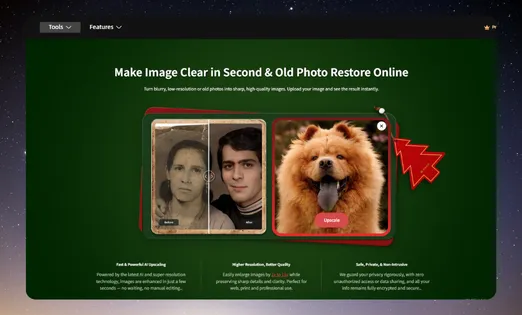
Step 1:Upload an Image
Our AI Image Upscaler works seamlessly with portraits, landscapes, product photos, and more.
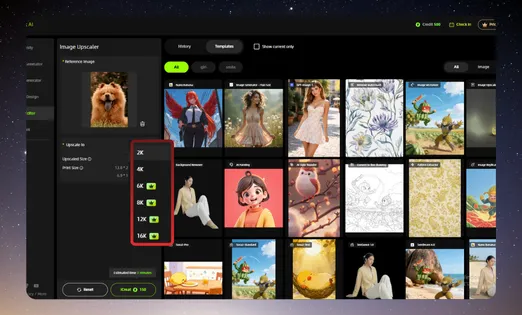
Step 2:Select the Upscale Ratio
Select from multiple upscale ratios from 2x to 16x to achieve the clarity and size you need.
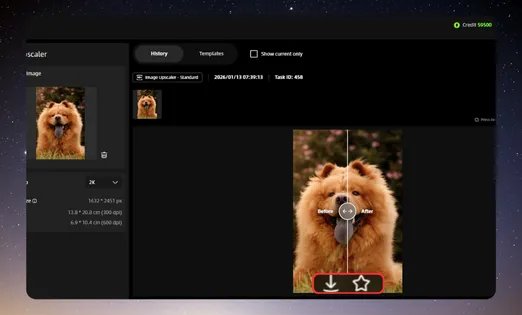
Step 3:Preview and Download
Preview the enhanced image with higher resolution and improved details. Click " Download " to save the final result.

Upscale Any Image with AI - One Click, No Manual Editing
There's no need to manually edit or recreate low-resolution images. iCreat AI Image Upscaler automatically increases image resolution while improving clarity and fine details. Simply upload your image and let the AI enhance size, sharpness, and overall quality in seconds.
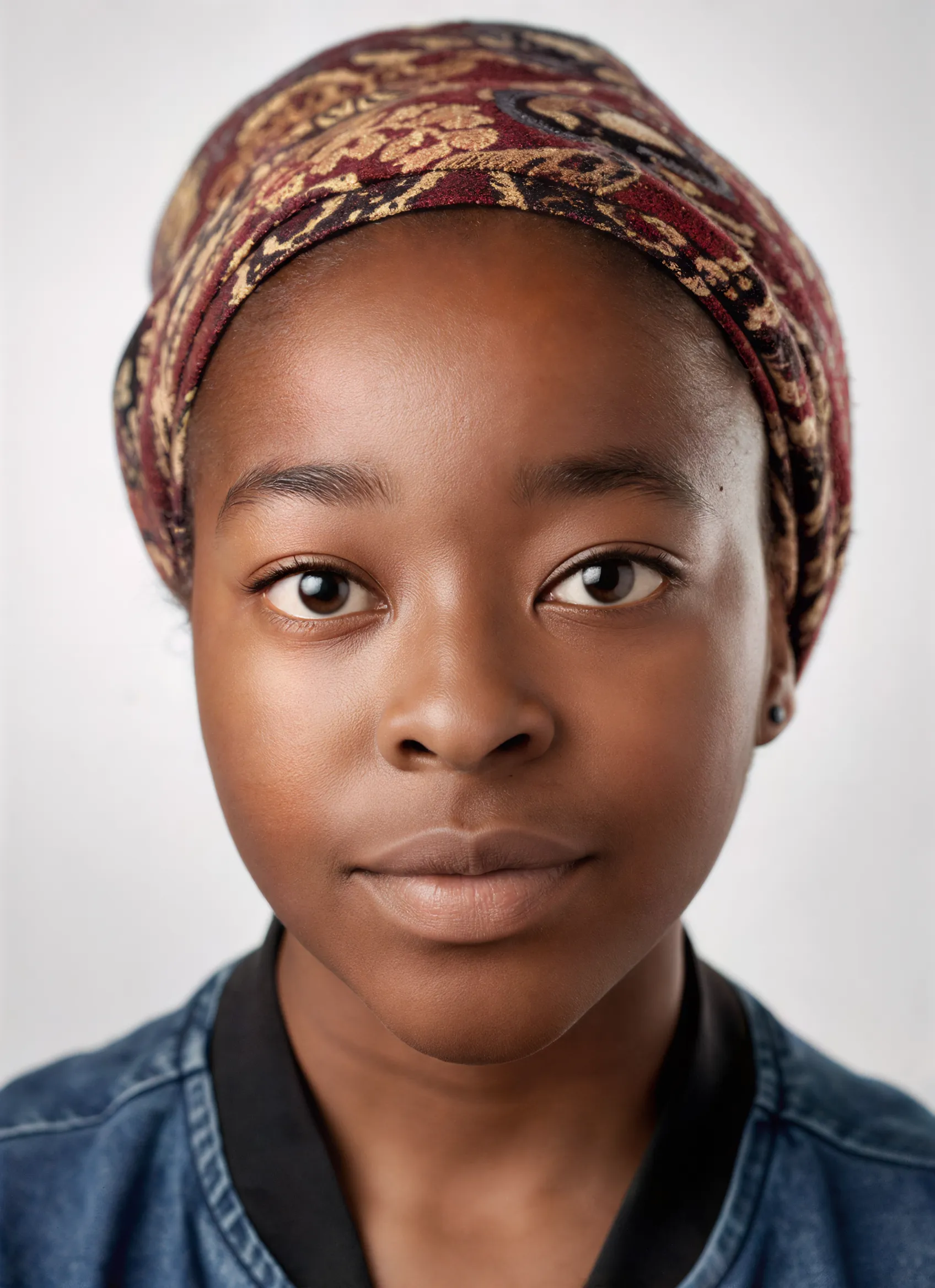
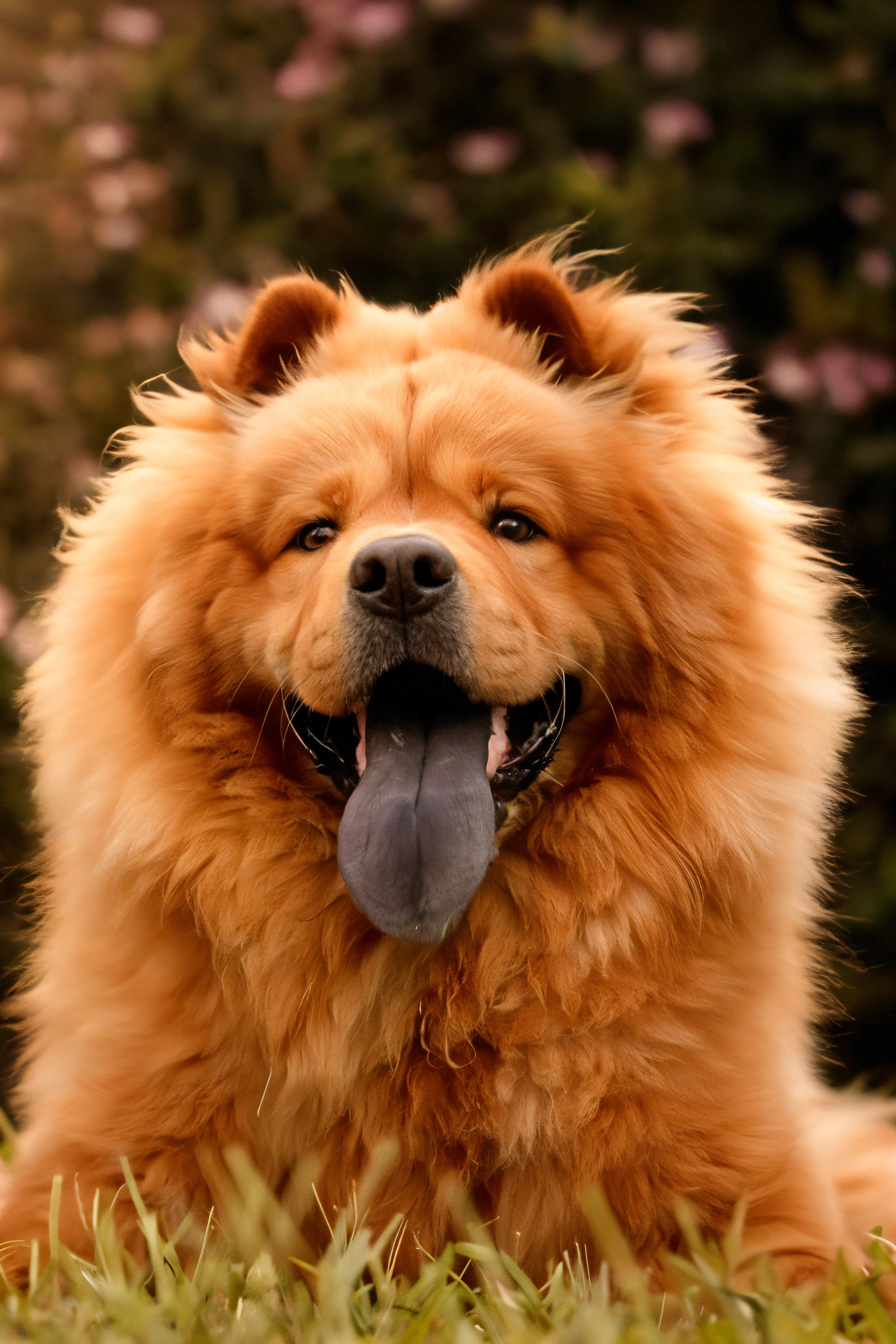
Zoom In with Confidence - Enhanced Quality Without Compromise
Have a great image that doesn't meet resolution requirements? Our AI enhances resolution while preserving visual quality, allowing you to zoom in or enlarge images without unwanted blur or pixelation. Whether for digital use or high-quality printing, you gain flexibility without sacrificing image integrity.
Restore and Enhance Old Photos with AI
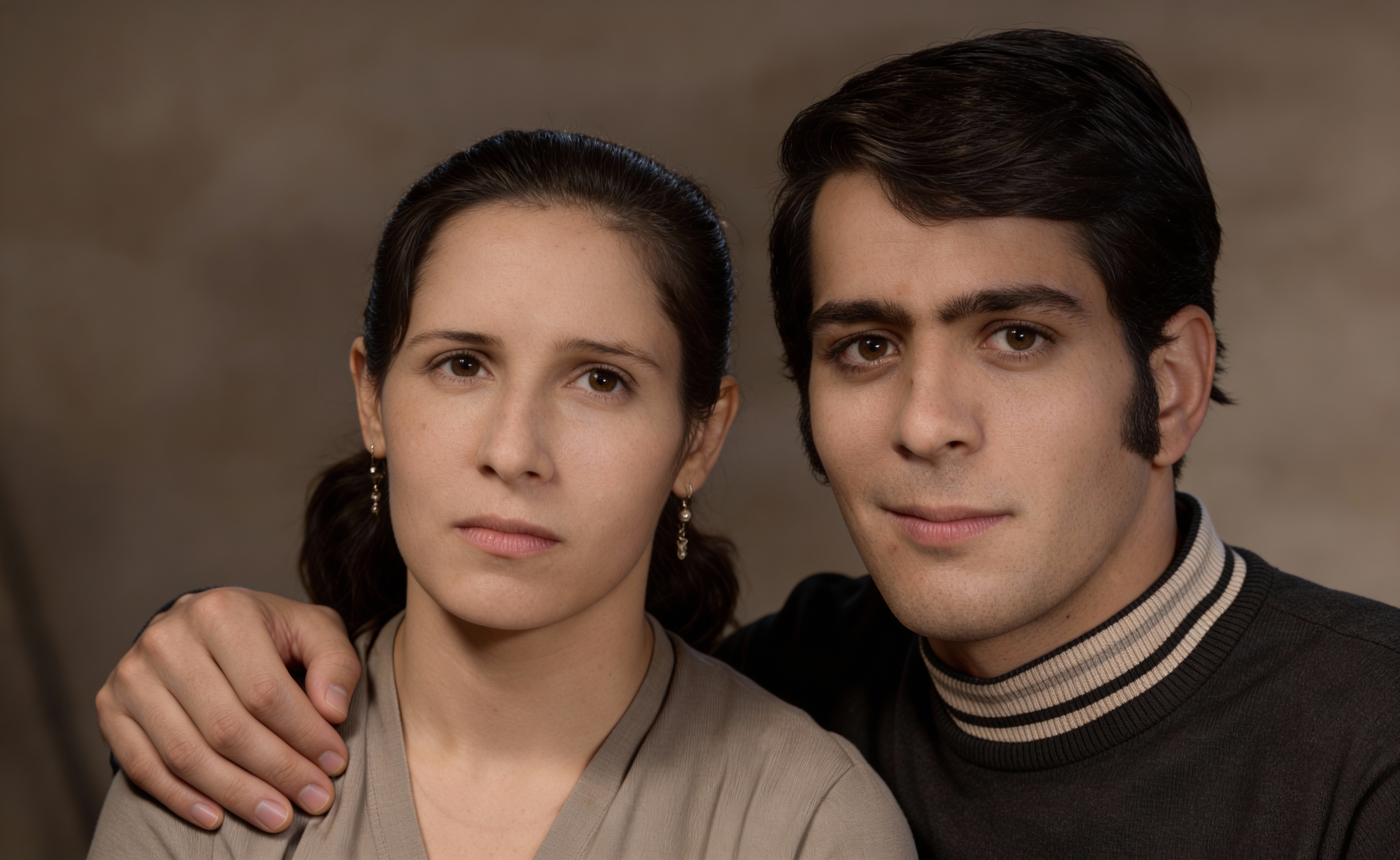
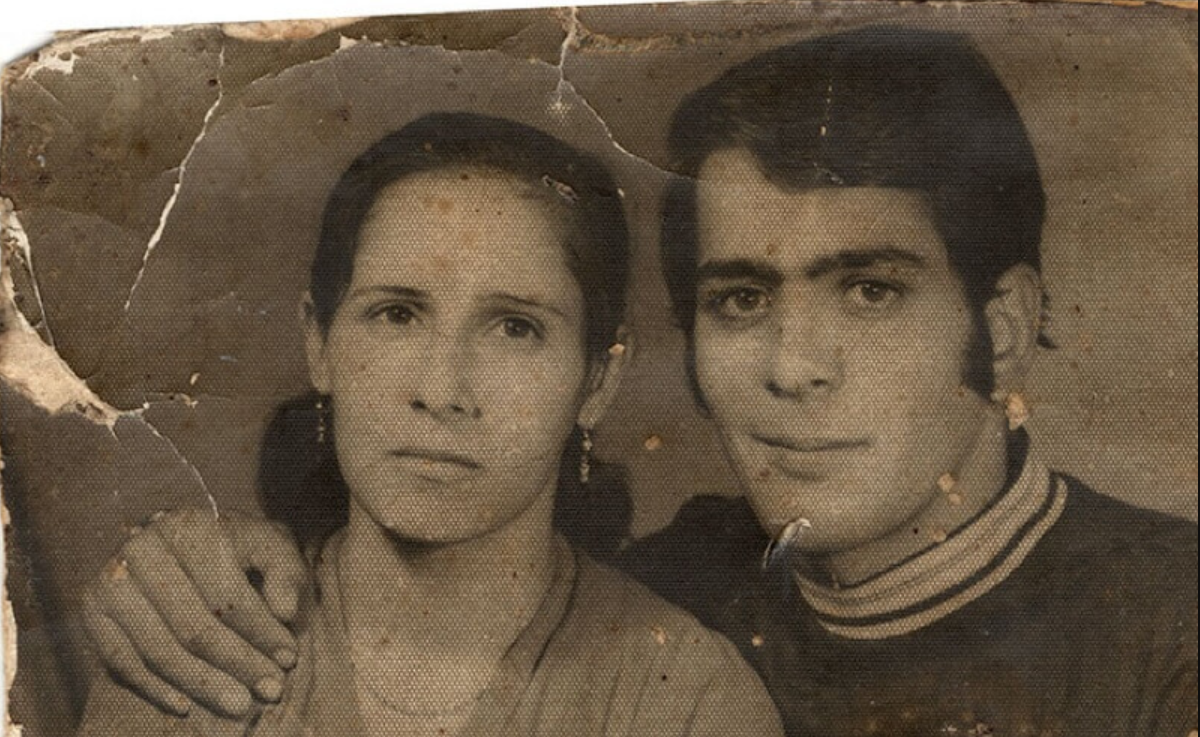
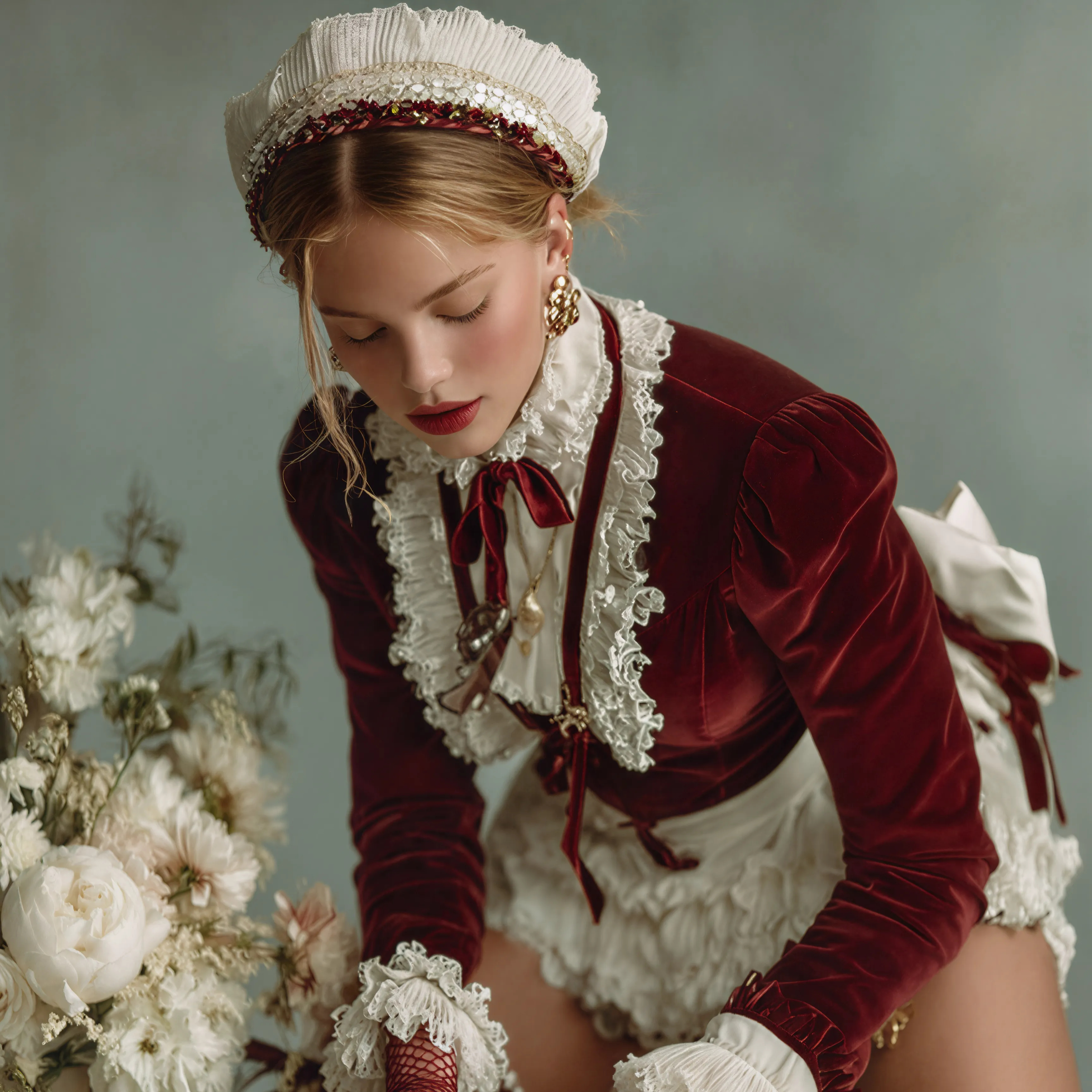
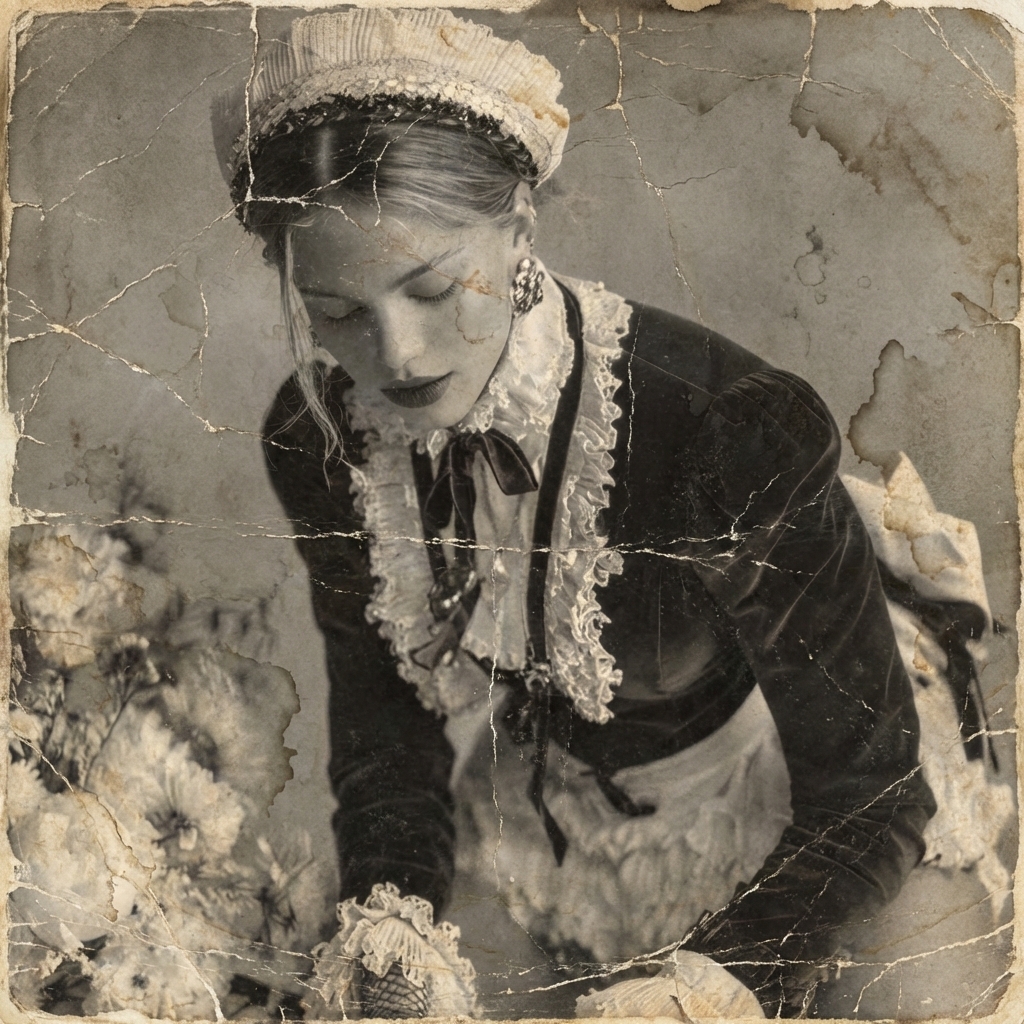
Bring old and damaged photos back to life with AI-powered restoration. Our tool automatically reduces blur, repairs visual noise, enhances sharpness, and improves faded details - all without technical skills. Your memories stay authentic - just clearer and cleaner.


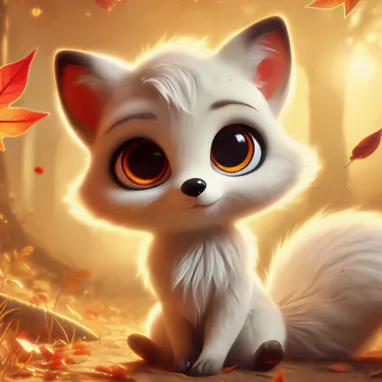
Fix Blurry or Pixelated Images for Higher Quality
Recovering old or low-quality images used to require time and expertise. Now, AI can instantly enhance pixel count, restore details, and improve sharpness - delivering a noticeable quality upgrade in seconds. Old photo restoration has never been easier.
Preserve Memories and Family History Digitally
Old photos are more than images - they're history. Our AI Photo Restorer helps you preserve precious memories by renewing old photos and making them suitable for sharing, archiving, or printing. Turn fragile memories into lasting, high-quality digital images.
Frequently Asked Questions
