
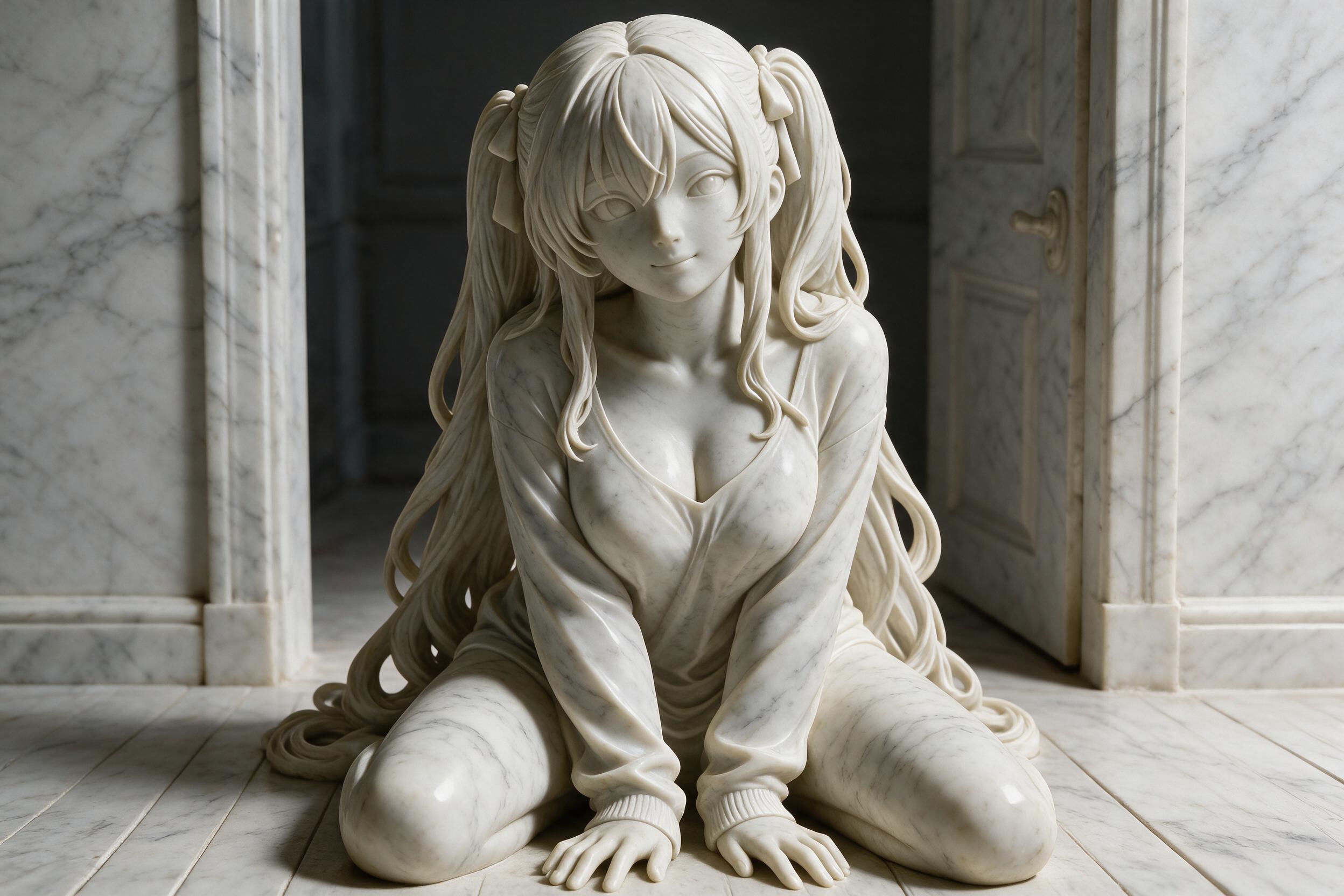
Qwen Image 3.0 Spicy
Qwen Image 3.0 Spicy is a flagship uncensored image generation model built upon Alibaba's advanced Qwen vision architecture. Operating as a Spicy uncensored model, it completely bypasses standard content filters to unlock maximum creative freedom across photorealistic portraiture, complex visual storytelling, and high-detail stylized concept art without content restrictions. Leveraging enhanced rendering capacities, it delivers sharp textures, realistic lighting physics, and exceptional prompt adherence. Qwen Image 3.0 Spicy is the premier choice for professional designers, digital creators, marketing agencies, and visual artists requiring unconstrained, high-quality image synthesis.
Related Models
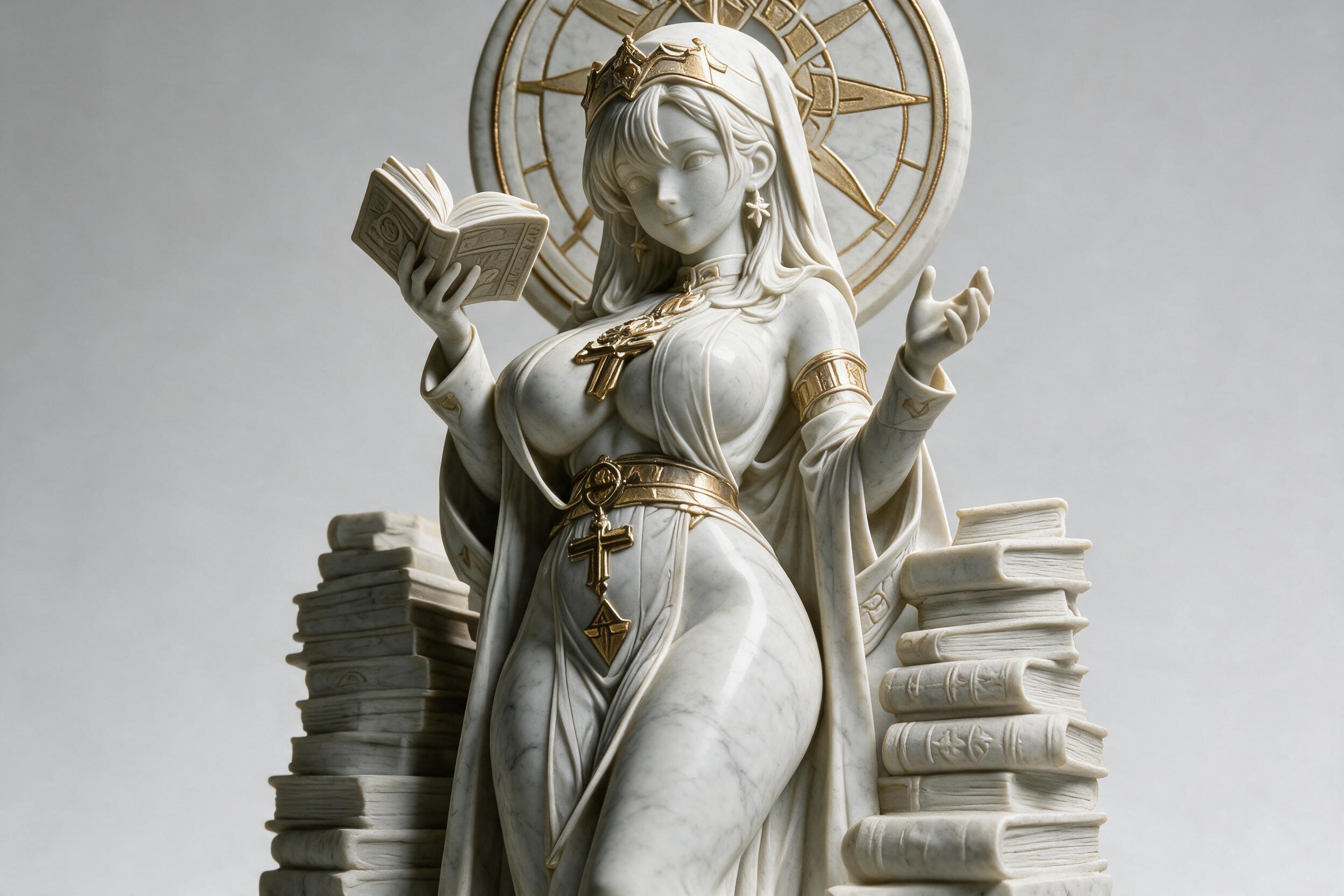
Qwen Image 3.0 Pro Spicy
Qwen Image 3.0 Pro Spicy is a flagship uncensored image generation model built upon Alibaba's advanced Qwen vision architecture. Operating as a Spicy uncensored model, it completely bypasses standard content filters to unlock unrestricted artistic freedom across photorealistic portraiture, complex visual storytelling, and high-detail stylized concept art. Leveraging Pro-tier enhancements, it delivers ultra-sharp textures, master-level lighting physics, fine typography rendering inside images, and exceptional prompt adherence. Qwen Image 3.0 Pro Spicy is the premier choice for professional designers, digital creators, marketing agencies, and visual artists requiring unconstrained, studio-quality image synthesis.

Qwen Image 3.0
Qwen Image 3.0 is Alibaba's next-generation open-weights AI image generation and editing model built on a Diffusion Transformer (DiT) architecture. Supporting both text-to-image (T2I) and image-to-image instruction editing (I2I), it excels at rich content rendering, hyper-realistic detail, and deep contextual understanding. It achieves industry-leading text-in-image typography, rendering clear small text down to 10px across 12 native languages and 20+ fonts for complex multi-column layouts, UI designs, and graphic documents. With open weights available for self-hosting, Qwen Image 3.0 provides highly cost-effective, high-precision visual generation for localized advertising, product UI prototyping, e-commerce graphics, and creative publishing.

Qwen Image 3.0 Pro
Qwen Image 3.0 Pro is Alibaba's flagship third-generation AI image generation model built on a Diffusion Transformer architecture. Engineered for high information density and professional production, it accepts ultra-long prompts of up to 4,500 tokens, allowing a single pass to generate complex layouts like newspaper front pages, multi-panel storyboards, academic papers, and detailed UI interfaces. It delivers micro-level detail and industry-leading typography, rendering legible small text down to 10px across 12 native languages and 20+ fonts.
Qwen 3.8 Max
Qwen3.8-Max is Alibaba’s flagship model in the Qwen3.8 series, designed for agentic, text-based workflows. It excels at coding, debugging, office automation, productivity tasks, tool use, and long-horizon autonomous execution. With a 1-million-token context window and support for outputs of up to 64K tokens, it is ideal for processing large documents, repository-scale coding, multi-step planning, structured content generation, and complex workflows requiring sustained reasoning across hundreds or even thousands of steps.
Read Me
Qwen Image 3.0 Spicy API
Qwen Image 3.0 Spicy is Alibaba's third-generation image generation and editing foundation model, released by the Qwen team on July 21, 2026, and built on a Diffusion Transformer (DiT) architecture. Its keyword is "Real" — Rich Content, Authentic Details, Deep Knowledge. It accepts instructions up to 4,500 tokens (roughly 4.5× the previous generation) and can generate a 3×3 grid of nine complex infographics in a single pass; text rendering reaches 10px precision across 12 native languages and 20+ fonts. Text-to-image (T2I) and image-to-image instruction editing (I2I) are unified in one model, with typography and knowledge capabilities carrying over naturally from generation to editing.
The model is offered through the iCreat platform as an API using a two-step asynchronous task flow: submit a task to obtain a task_id, then poll the result endpoint until a terminal status. It supports ten output sizes across the 1K and 2K tiers, all billed at $0.03 per image; the output watermark can be turned off via parameter.
Model Positioning
Qwen Image 3.0 targets image production where the output must be deployable, not just decorative. It pushes image generation from "produce a pretty picture" to "produce a usable artifact": newspaper pages, exam sheets, film storyboards, nested UI mockups, and knowledge infographics with formulas can all be generated ready-to-use in one pass. Within the Qwen image series it is the third-generation foundation — the previous flagship, Qwen Image 2.0 Pro, ranked fifth overall on Alibaba's own Qwen-Image-Bench (behind GPT Image 2 and Google's Nano Banana models), and generation 3.0 upgrades with a 4.5× instruction window plus deeper semantic juxtaposition and spatial control. Typical needs include localized advertising, product UI prototyping, e-commerce graphics, and creative publishing at scale.
Core Capabilities
Long Instruction Window
Prompts run up to 4,500 tokens — roughly 4.5× the previous generation. Describe layout structure, text content, visual style, and typography the way you would brief a designer, instead of compressing everything into one sentence; fewer regenerations, less manual fixing.
Native Multilingual Text Rendering
Text renders legibly down to 10px across 12 native languages and 20+ fonts, supporting complex multi-column layouts, UI designs, and graphic documents — sharply cutting the cost of producing readable multilingual posters and storyboard material.
Rich Content and Deep Knowledge
Generates a 3×3 grid of nine complex infographics in one pass; understands complex instructions and nested visual logic, composing webpages, software interfaces, chat windows, and posters within a single image from one instruction.
Unified Generation and Editing
Text-to-image (T2I) and image-to-image instruction editing (I2I) share one model: typography, detail fidelity, and world knowledge accumulated in generation carry over naturally to editing — antique-painting restoration, panorama generation, hand-drawn sketch to PPT, and multi-shot storyboards complete in one step.
Authentic Detail Fidelity
Hyper-realistic detail with convincing skin, paper, and material textures; scenes GPT-Image-2 is known for, such as livestream pages, are covered as well.
Pricing
| Size | Unit Price (USD/Image) |
|---|---|
1K: 1024x1024, 1280x720, 720x1280, 1024x768, 768x1024 |
0.03 |
2K: 2048x2048, 2560x1440, 1440x2560, 2048x1536, 1536x2048 |
0.03 |
Billed per generated image; 1K and 2K are the same price. The costUSD field in the response returns the actual cost once the task succeeds.
Application Scenarios
- Localized advertising: batch production of multilingual posters and promo images with readable text
- Product UI prototyping: fast generation and iteration of interfaces, icons, and operation graphics
- E-commerce graphics: product pages, livestream layouts, and detail-page material at scale
- Creative publishing: newspaper pages, exam sheets, paper layouts, hand-drawn sketches to finished art
- Complex editing: restoration, panoramas, and multi-shot storyboards via instruction editing
Model Comparison
Same-Series Comparison
| Model | Released | Positioning | Text Rendering | Instruction Limit |
|---|---|---|---|---|
| Qwen Image 3.0 (this model) | July 2026 | Third-gen foundation, productivity-focused | 10px / 12 languages / 20+ fonts | 4,500 tokens |
| Qwen Image 2.0 Pro | 2025 | Previous flagship | Strong | ~1,000 tokens |
| Qwen Image 1.0 | August 2025 | First-gen foundation, 20B parameters, Apache 2.0 open weights | Strong | ~1,000 tokens |
Cross-Model Comparison
| Model | Developer | Supported Resolutions | Billing |
|---|---|---|---|
| Qwen Image 3.0 | Alibaba | 1K / 2K | Per image |
| Nano Banana 2 Lite | 1K | Per image | |
| GPT Image 2 | OpenAI | Up to 4K | Per image by quality tier |
| Seedream 4.0 | ByteDance | Up to 4K | Per image |
Same-series data comes from Alibaba's official releases; this model's pricing and specifications follow the iCreat channel documentation.
Why Choose Qwen Image 3.0?
- 4,500-token instruction window — brief the model like a designer instead of compressing prompts
- 10px text rendering across 12 languages and 20+ fonts: text in multilingual posters and graphics is usable as generated
- 3×3 infographic grids in a single pass — no stitching complex layouts together
- Unified generation and instruction editing with zero switching cost for restoration, retouching, and storyboards
- 1K and 2K at the same price — high-resolution delivery without a premium
Specifications
| Item | Description |
|---|---|
| Base URL | https://api.icreat.ai |
| Submit endpoint | POST /v1/task/submit/aliyun/qwen-image-3-0-global |
| Query result endpoint | POST /v1/task/result |
| Model ID | aliyun/qwen-image-3-0-global |
| Authentication | Authorization: Bearer header |
| Call pattern | Two-step asynchronous task (submit → poll) |
input.messages |
Required, array of conversation messages carrying the text prompt and optional reference image |
messages[].role |
Required, user |
messages[].content |
Required, array of content parts: each item is {"text": "..."} or {"image": "..."}, combined as needed |
content[].text |
Text prompt or editing instruction |
content[].image |
Reference image URL for image-to-image or instruction editing |
parameters.size |
Required, output image size, e.g. "1024*1024"; ten values across the 1K/2K tiers |
parameters.watermark |
Optional, whether to add a watermark to the output image; default false |
| Task status | SUBMITTED / SUCCEEDED / FAILED |
| Output resource | type is Image, includes url and download_url |
| Cost field | costUSD, present only on SUCCEEDED |
Architecture
Qwen Image 3.0 is built on a Diffusion Transformer (DiT) architecture as the third-generation foundation of the Qwen image generation and editing series. It adopts a unified generation-editing design: text-to-image and image-to-image instruction editing share the same weights, so typography, detail fidelity, and world knowledge accumulated on the generation side carry over naturally to the editing side. The instruction window extends to 4,500 tokens, with enhanced semantic juxtaposition and spatial control supporting 3×3 grid layouts and composed multi-type visuals in a single generation. Output covers ten sizes across the 1K and 2K tiers.
Notes
- Submit and query must be chained with the same
task_id - While processing,
resultis[]; keep polling, with a suggested interval of 2–5 seconds FAILEDis terminal; check request parameters and reference media URLs before resubmittinginputandparametersare sibling top-level fields; do not nest them- Each item in
messages[].contentmust be either{"text": "..."}or{"image": "..."}, combined as needed - Reference image URLs must be publicly accessible
parameters.sizeis required, written aswidth*height(e.g.1024*1024), not joined withxwatermarkdefaults to off; passtrueexplicitly when a watermark is neededcostUSDis returned only when the task succeeds; failed tasks do not produce a cost field
FAQ
How do I get started with the Qwen Image 3.0 API?
Register on the iCreat platform and obtain an API Key from the console, send a generation request to the submit endpoint, then poll the result endpoint with the returned task_id. All requests are authenticated with the Authorization: Bearer header. Keep your API Key safe and never expose it in client code or public repositories.
How is the cost calculated?
Billed per generated image: $0.03 per image for both 1K and 2K. For example, generating 10 2K images costs $0.30. The costUSD field in the response gives the actual cost once the task succeeds.
Does it support generation or editing?
Both. With only {"text": "..."} in content, it generates from the prompt; adding an {"image": "..."} reference enables instruction-based editing (outfit swaps, background changes, restoration, and more). Generation and editing share the same model and endpoint.
What output sizes are supported?
parameters.size supports the 1K tier (1024*1024, 1280*720, 720*1280, 1024*768, 768*1024) and the 2K tier (2048*2048, 2560*1440, 1440*2560, 2048*1536, 1536*2048) — ten values in total, both tiers at the same price. Pick the right size for each delivery platform.
How do I query the task result?
Send a POST request to https://api.icreat.ai/v1/task/result with the task_id in the body. A status of SUBMITTED means processing, with result as [] — keep polling. When status is SUCCEEDED, result returns the image resource array; read url or download_url to retrieve the image.
What if the task fails?
FAILED is a terminal status. Check in order: whether messages contains at least one text item, whether reference image URLs are publicly accessible, whether size is one of the ten values written as width*height, and whether input and parameters are sibling top-level fields. Fix any issue and resubmit. The cost field is returned only when the task succeeds.