
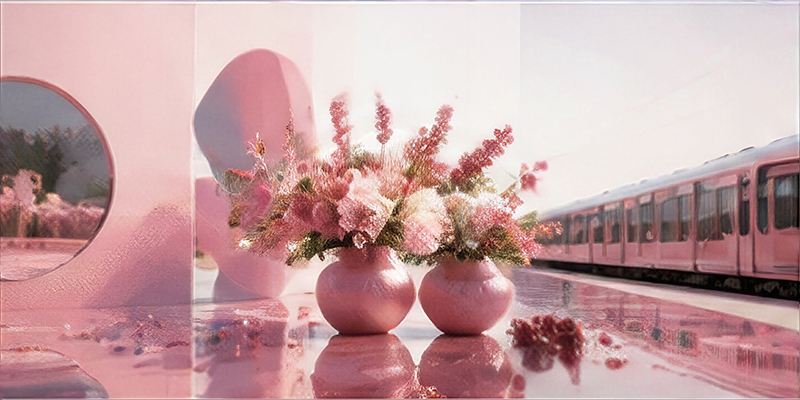
GPT Image 2 Text-to-Image
OpenAI's GPT Image 2 raw image model can generate high-quality images based on natural language prompts. It provides a ready-to-use REST inference API, offering excellent performance, no cold start, and affordability.
Related Models
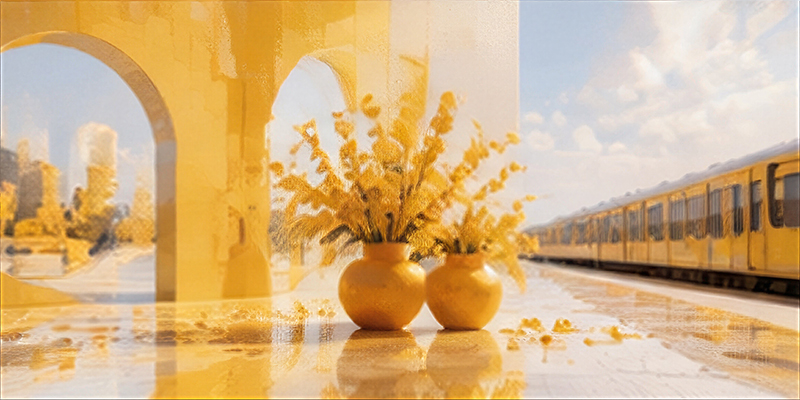
GPT Image 2
OpenAI's GPT Image 2 raw image model can generate high-quality images based on natural language prompts. It provides a ready-to-use REST inference API, offering excellent performance, no cold start, and affordability.
Read Me
GPT Image 2 Text-to-Image API
GPT Image 2 is OpenAI's advanced image generation model, built for production workflows that demand high-quality visual output. Text-to-Image is its core workflow: generating entirely new images from a text prompt alone, ideal for tasks with strict requirements around instruction following, text legibility, complex composition, and photorealistic detail.
On iCreat, you use this workflow by entering a prompt and generating an image directly, with no reference assets required. You can choose 1K, 2K, or 4K output sizes and Low, Medium, or High quality tiers based on your visual needs and budget. The workflow is available through both the online Playground and the iCreat API.
Model Positioning
GPT Image 2 Text-to-Image targets "create from scratch" image generation: no reference images, just a text prompt that produces brand-new visuals. It is the text-to-image workflow of the full GPT Image 2 model, suited to purely text-driven tasks such as posters, ads, infographics, UI concepts, and creative variations. For reference-guided creation or image editing, use the corresponding GPT Image 2 workflows.
Core Capabilities
High-quality image generation
GPT Image 2 Text-to-Image creates brand-new visuals from natural-language prompts, with combined control over subject, scene, composition, lighting, materials, and text — producing final images ready for production pipelines.
Complex prompt control
The model understands multi-layered prompts covering subject, scene, composition, camera angle, lighting, materials, text, and elements that must remain consistent. It is especially suited to advertising, product scenes, and structured layouts where multiple visual requirements must be satisfied in one controllable, production-ready frame.
Clear text and structured visual content
GPT Image 2 excels at images where text and layout are part of the final composition. It can generate poster headlines, product labels, signage, interface text, infographic labels, charts, editorial layouts, and multi-panel explanations, reducing downstream manual design and post-production work.
Flexible 1K, 2K, and 4K output
Supports 1K, 2K, and 4K output tiers with Low, Medium, and High quality options. Test ideas cheaply, produce routine assets at balanced settings, or generate larger final visuals when detail, cropping headroom, print suitability, or delivery resolution matters most.
Pricing
GPT Image 2 Text-to-Image is billed per generated image based on output resolution and quality, at the same prices as the other GPT Image 2 workflows.
1K — from $0.03 per image
| Quality | Unit Price |
|---|---|
| Low | $0.03 |
| Medium | $0.06 |
| High | $0.22 |
Supported sizes: 1024×1024 · 1280×720 · 720×1280 · 1152×864 · 864×1152 · 1248×832 · 832×1248 · 1120×896 · 896×1120 · 1456×624
2K — from $0.06 per image
| Quality | Unit Price |
|---|---|
| Low | $0.06 |
| Medium | $0.12 |
| High | $0.44 |
Supported sizes: 2048×2048 · 2560×1440 · 1440×2560 · 2304×1728 · 1728×2304 · 2496×1664 · 1664×2496 · 2240×1792 · 1792×2240 · 3024×1296
4K — from $0.09 per image
| Quality | Unit Price |
|---|---|
| Low | $0.09 |
| Medium | $0.18 |
| High | $0.66 |
Supported sizes: 2880×2880 · 3840×2160 · 2160×3840 · 3264×2448 · 2448×3264 · 3504×2336 · 2336×3504 · 3200×2560 · 2560×3200 · 3696×1584
Use Cases
Posters and text-heavy advertising
Create marketing assets with headlines, supporting copy, brand colors, and a clear visual hierarchy where text is part of the original composition — no separate design tool needed later.
Infographics and visual explanations
Generate charts, labeled flows, multi-panel explanations, and visual summaries by describing the information order, panel structure, labels, and relationships between elements in the final composition.
UI and editorial design concepts
Create early interface ideas, landing-page visuals, magazine-style layouts, presentation graphics, and editorial design concepts for team evaluation before rebuilding selections in professional design tools.
Creative variations
Adapt the same idea to square, portrait, landscape, and ultra-wide versions while testing different environments, lighting, styles, or supporting elements around the same core subject.
Concept and visual exploration
Quickly validate scene settings, material textures, color palettes, and camera compositions without photography or 3D modeling.
Model Comparison
GPT Image 2 Text-to-Image vs. Nano Banana Pro
Both target professional image generation; choose based on prompt capability, output control, and pricing structure.
| Dimension | GPT Image 2 Text-to-Image | Nano Banana Pro |
|---|---|---|
| Best for | Complex text-heavy requests | Product and design workflows |
| Text and layout | Strong | Strong |
| Image editing | Not supported (text-to-image only) | Reference-guided editing |
| Reference images | Not supported | Up to 11 |
| Prompt limit | 32,000 characters | 8,192 characters |
| Output control | Precise size + quality | Aspect ratio + resolution |
| Minimum price | $0.03 | $0.14 |
| 2K price | $0.06–$0.44 | $0.14 |
| 4K price | $0.09–$0.66 | $0.24 |
| Budget flexibility | Higher | Lower |
| Price predictability | Varies by quality | Fixed by resolution |
GPT Image 2 Text-to-Image vs. GPT Image 2
| Dimension | GPT Image 2 Text-to-Image | GPT Image 2 |
|---|---|---|
| Workflows | Text-to-image only | Text-to-image + reference-guided + editing |
| Input | Text prompt only | Text + optional reference images (up to 16) |
| Reference-guided creation | Not supported | Supported |
| Natural-language image editing | Not supported | Supported |
| Pricing | Same (by resolution and quality) | Same (by resolution and quality) |
| Best for | Pure text-driven creative generation | Full workflow coverage |
Why Choose GPT Image 2 Text-to-Image?
- Text-driven only: no reference assets to prepare — one prompt, one image, ideal for fast creative iteration
- Strong text rendering: outstanding results for text-dense needs like poster headlines, labels, UI text, and infographics
- Precise output control: 1K / 2K / 4K sizes × Low / Medium / High quality, chosen per need
- Flexible pricing: from $0.03 per image to test ideas cheaply
- Production-grade consistency: strong complex-prompt instruction following, less rework and post-production
API
This workflow is called through the iCreat API with model ID openai/gpt-image-2 (Text-to-Image workflow), using asynchronous task submission. Request parameters: prompt (image instruction, required, up to 32,000 characters), size (choose from supported 1K, 2K, or 4K sizes, required), and quality (low, medium, or high, required; controls quality, detail, and price). After submission the task runs asynchronously and returns the generated image on completion.
Specifications
| Spec | Value |
|---|---|
| Model ID | openai/gpt-image-2 (Text-to-Image workflow) |
| Input | Text prompt only |
| Workflow | Text-to-Image |
prompt |
string, required, up to 32,000 characters |
size |
string, required, choose from supported 1K, 2K, or 4K sizes |
quality |
string, required, low, medium, or high |
| Resolution tiers | 1K, 2K, 4K |
| Quality tiers | Low, Medium, High |
| Billing unit | USD per image |
| API mode | Asynchronous task submission |
Architecture
GPT Image 2 Text-to-Image uses asynchronous task submission. A request carrying prompt, size, and quality enters the task queue; the model first reasons over the prompt (layout, text content, object relationships), then performs image generation, and finally returns the image through the result interface. The asynchronous model suits batch generation and long-running tasks — submit multiple jobs in parallel and pay per generated image.
Notes
- Resolution and quality are two independent controls; choosing 4K does not automatically select High quality.
- The Text-to-Image workflow only supports text-to-image. Reference-guided creation, image editing, mask-based editing, and multi-turn conversational editing are not available.
- Important text, logos, packaging details, and factual content should be verified before publication.
- For accurate text in the output, put the exact wording in quotes within the prompt.
FAQ
What is the difference between GPT Image 2 Text-to-Image and GPT Image 2?
GPT Image 2 Text-to-Image is the text-to-image workflow of GPT Image 2: it only accepts a text prompt to generate new images, with no reference images or editing. The full GPT Image 2 additionally supports reference-guided creation with up to 16 images and natural-language image editing. Pricing is identical — both are billed by resolution and quality.
How do I choose between GPT Image 2 Text-to-Image and Nano Banana Pro?
For text-heavy, complex-prompt tasks, choose GPT Image 2 Text-to-Image (32,000-character prompt limit, from $0.03, precise sizes). For reference-guided editing in product and design workflows, choose Nano Banana Pro (up to 11 reference images, fixed per-resolution pricing).
How do I control generation cost?
Choose the lower size tier (1K) and quality tier (Low) to reduce cost, from $0.03 per image. Higher resolution and quality (4K + High) cost more (up to $0.66 per image) — select based on actual delivery requirements.
Why does my generated text contain errors?
Although GPT Image 2's text rendering is significantly better than previous models, long complex strings can still fail. Put exact wording in quotes with its position, and manually verify important text, logos, and packaging details before publishing.