
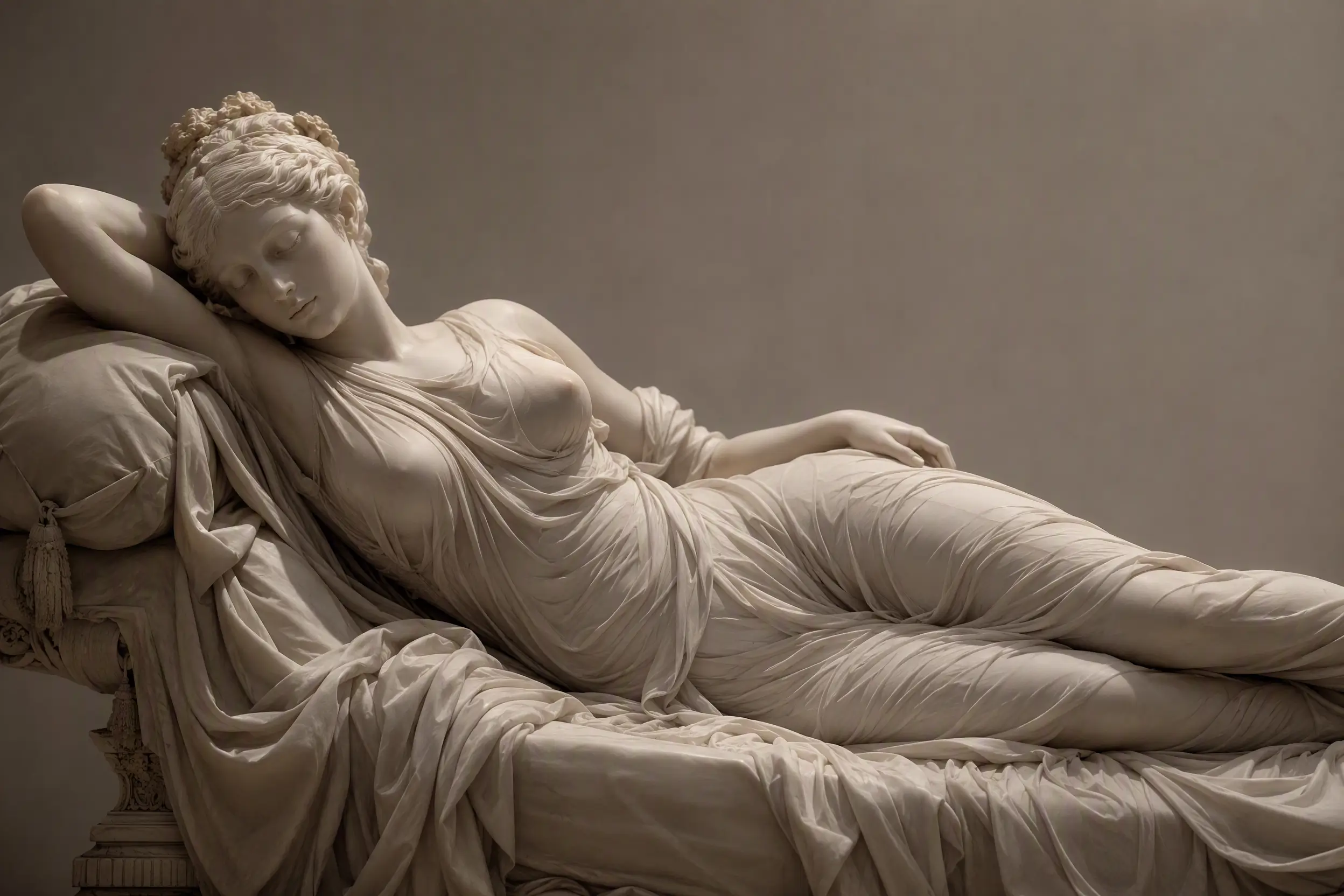
Seedream 5.0 Pro Edit Spicy
Seedream 5.0 Pro Edit Spicy is a uncensored and professional-grade AI image edit model variant by Seedream AI, dedicated to extreme visual impact. Building upon the professional detail and control of the 5.0 Pro series, the Spicy edition is fine-tuned for maximized color saturation, dynamic range (HDR), dramatic lighting contrast, and powerful visual tension.
Related Models
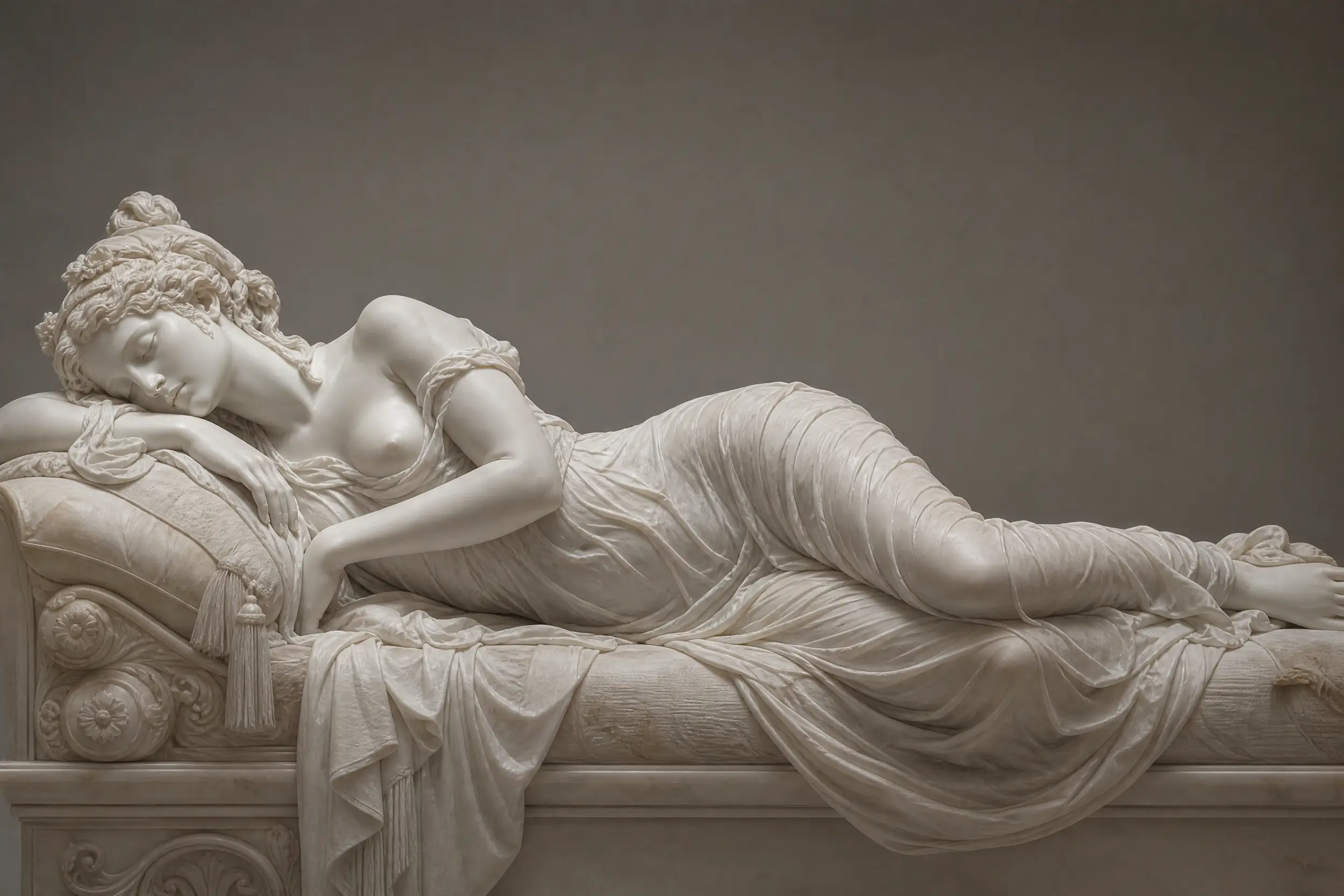
Seedream 5.0 Pro Text-to-Image Spicy
Seedream 5.0 Pro Text to Image Spicy (High Saturation/Dynamic Range Edition) is a uncensored and professional-grade AI text-to-image model variant by Seedream AI, dedicated to extreme visual impact. Building upon the professional detail and control of the 5.0 Pro series, the Spicy edition is fine-tuned for maximized color saturation, dynamic range (HDR), dramatic lighting contrast, and powerful visual tension.
Read Me
Seedream 5.0 Pro Edit Spicy API
Seedream 5.0 Pro is ByteDance's Seed research team's flagship image generation and editing model released on July 8, 2026. This document covers its Edit Spicy endpoint: editing and generating images from reference images plus natural-language prompts, with support for up to 10 reference images, precision editing (point/lasso/box/sketch), and multi-layer separation output. Spicy mode is the uncensored variant of Seedream 5.0 Pro — it removes standard content restrictions while preserving the same editing capabilities, offering greater creative freedom.
Model Positioning
Seedream 5.0 Pro Edit Spicy targets uncensored image editing from reference images — the Spicy edit endpoint of Seedream 5.0 Pro. Unlike the Text-to-Image endpoint, it accepts reference images as input for background replacement, object addition/removal, style transfer, and region editing while preserving subject consistency. Spicy removes the standard version's content moderation, making it suitable for advertising, art, and concept design that require freer creative expression. Supports four precision editing modes (point, lasso, box, sketch) and up to 10 reference images.
Core Capabilities
Multi-reference image editing
Accepts 1–10 reference image URLs as input, combined with a text prompt for image editing. The model fuses characters, products, clothing, and background elements from multiple references for consistency-controlled editing.
Precision region editing
Four editing modes: point selection (click a specific pixel region), lasso (freehand boundary), box (rectangular mask), and sketch (rough shape interpreted by the model), plus color replacement and material swap — enabling local modifications without regenerating the entire image.
2K native output
Supports 7 sizes in the 2K tier (square, landscape, portrait), with native resolution output — not upscaled.
Layer separation
Outputs 10+ independent transparent PNG layers (text, subjects, backgrounds, decorative elements separated). Designers can edit individual elements directly. The model automatically inpaints background areas obscured by subjects.
14-language text rendering
Natively supports text rendering in 14 languages including Chinese, English, Japanese, Korean, Thai, Russian, Spanish, French, German, and Arabic (RTL), with ~89.5% typography accuracy.
Photorealistic portraits and materials
Micro-detail skin texture rendering (sweat, stray hairs, realistic light behavior), following real lighting logic and shallow depth-of-field control for editorial-grade portrait photography.
Pricing
| Size Tier | Unit Price (USD/Image) |
|---|---|
| 2K | $0.09 |
2K tier supported sizes: 2048x2048, 2304x1728, 1728x2304, 2496x1664, 1664x2496, 2720x1530, 1530x2720
Billed per generated image at $0.09 each. The first reference image is free; each additional reference is ~$0.003 (subject to platform).
Use Cases
- Background and scene replacement: preserve the subject while swapping scene, lighting, props, or environment
- Product visual editing: change background, color, or material; multi-image fusion
- Multi-reference brand assets: combine product, packaging, outfit, and background references for consistent brand visuals
- Character consistency editing: lock faces and outfits with multiple character references; edit actions and scenes
- Precision region modification: point/lasso/box local areas for modification without full regeneration
- Uncensored free creative editing: advertising, art, and concept design under Spicy mode
Model Comparison
Seedream 5.0 Pro Edit Spicy vs. Seedream 5.0 Pro Edit (Standard)
| Dimension | Edit Spicy | Edit (Standard) |
|---|---|---|
| Endpoint | seedream-5.0-pro/edit (Spicy) |
seedream-5.0-pro/edit |
| Content moderation | Uncensored (restrictions removed) | Standard moderation |
| Editing capability | Same | Same |
| Reference images | Up to 10 | Up to 10 |
| Resolution | 2K | 2K |
| Precision editing | Point/lasso/box/sketch | Point/lasso/box/sketch |
| Layer separation | Supported | Supported |
| Price | $0.09/image | $0.09/image |
| Best for | Free creative editing, art, concept design | Standard commercial editing |
Seedream 5.0 Pro Edit Spicy vs. Seedream 5.0 Pro T2I Spicy and Seedream 5.0 Lite
| Dimension | Edit Spicy | T2I Spicy | Seedream 5.0 Lite |
|---|---|---|---|
| Workflow | Image editing (reference images + prompt) | Text-to-image (text only) | Lightweight batch generation |
| Input | Reference images (1–10) + text | Text only | Text + optional references |
| Precision editing | Supported (4 modes) | Not supported | Basic editing |
| Max reference images | 10 | Not supported | Multiple |
| Resolution | 2K | 2K | 2K / 3K |
| Output per request | 1 image | 1 image | 1–4 images |
| Price | $0.09/image | $0.09/image | $0.031/image |
| Best for | Uncensored image editing, precision region modification | Uncensored text-to-image | Batch generation, low cost |
Why Choose Seedream 5.0 Pro Edit Spicy?
- Uncensored free editing: Spicy mode removes content restrictions for advertising, art, and concept design editing
- Up to 10 reference images: multi-image fusion editing with character/product/style consistency
- 4 precision editing modes: point/lasso/box/sketch for local modification without full regeneration
- 2K native + layer separation: 10+ transparent PNG layers, delivering editable layered files
- 14-language text rendering: global market asset editing with strong Chinese aesthetics
- High value: $0.09/image, about one-quarter of GPT Image 2
Specifications
| Category | Description |
|---|---|
| Model name | Seedream 5.0 Pro Edit Spicy |
| Developer | ByteDance (Seed research team) |
| Endpoint | seedream-5.0-pro/edit (Spicy) |
| Release date | July 8, 2026 |
| Model type | Image editing model (uncensored variant) |
| Authentication | API Key (Authorization: Bearer) |
image |
string[], optional, reference image URL list, up to 10; supports common image formats, single image max 30MB |
prompt |
string, required, up to 10,000 characters |
size |
string, required; 2048x2048, 2304x1728, 1728x2304, 2496x1664, 1664x2496, 2720x1530, 1530x2720 |
watermark |
boolean, optional, default true |
output_format |
string, optional; png, jpg, default png |
| Max resolution | 2048x2048 (native 2K) |
| Layer separation | 10+ transparent PNG layers |
| Text languages | 14 (including Chinese, Arabic RTL) |
| Text accuracy | ~89.5% |
| Max reference images | Up to 10 |
| Editing modes | Point, lasso, box, sketch, color replacement, material swap |
| Billing unit | USD per image |
| API mode | Asynchronous task submission |
Architecture
Seedream 5.0 Pro Edit Spicy uses an asynchronous task-queue architecture. Requests enter the task queue via the submit endpoint and are processed by the Seedream 5.0 Pro editing system. The model first performs a reasoning pass on the reference images and prompt (subject identification, edit-region localization, text content understanding), then executes the image edit. Spicy mode removes the standard version's content moderation filter at the review layer, preserving the same editing backbone and reasoning capabilities. The system supports multi-layer separation output — rendering text, subjects, backgrounds, and decorative elements as independent transparent PNG layers, with automatic inpainting of background areas obscured by subjects. Reference images are passed via the image array; the model fuses character/product/style features from multiple references and completes the edit guided by the prompt.
Notes
sizemust be one of the 7 supported 2K-tier sizes; 1K and other sizes are not supportedpromptmax length is 10,000 characters (Edit endpoint), shorter than the T2I endpoint's 32,000 charactersimageis optional — when not provided, the Edit endpoint falls back to text-to-image mode; when provided, it enables image editing- Reference images support common image formats; single image max 30MB
watermarkdefaults totrue(watermark added); set tofalseto disableoutput_formatsupportspngandjpg, defaultpng- Text accuracy is ~89.5%; complex long strings may still fail — manually verify important text, logos, and packaging details before publishing
- Spicy mode is uncensored; generated content is not subject to the standard version's content restrictions — comply with local laws and regulations when using
- Fetch results via the result endpoint promptly after completion
FAQ
What is the difference between Edit Spicy and Edit Standard?
Spicy is the uncensored variant of the Edit endpoint, removing the standard version's content moderation filter while maintaining the same editing capability. Both share the same price, resolution, reference image limit, and editing modes.
What is the difference between Edit Spicy and T2I Spicy?
The Edit endpoint accepts reference images (up to 10) for image editing, background replacement, and region modification; the T2I endpoint takes only a text prompt to generate brand-new images from scratch. Choose Edit Spicy for editing existing images, T2I Spicy for creating from text.
How many reference images are supported?
Up to 10. Supports common image formats; single image max 30MB. Keep multi-image aspect ratios consistent for best consistency.
What happens if I don't provide reference images?
When the image parameter is not provided, the Edit endpoint falls back to text-to-image mode, generating a brand-new image from prompt alone.
What precision editing modes are supported?
Four selection modes: point (click a specific pixel region), lasso (freehand boundary), box (rectangular mask), and sketch (rough shape interpreted by the model), plus color replacement and material swap.
How is billing calculated?
Billed per generated image: 2K tier at $0.09/image. The first reference image is free; each additional reference is ~$0.003 (subject to platform).