
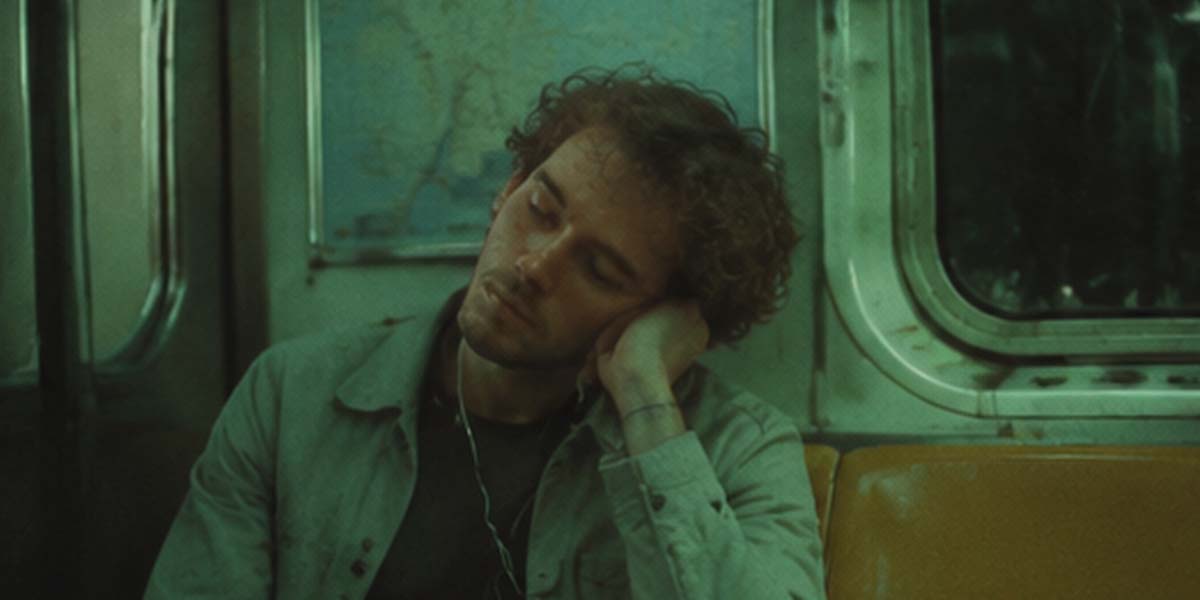
HappyHorse 1.1 Image-to-Video
HappyHorse 1.1 Image-to-Video is Alibaba's next-generation AI image-to-video model. Supporting first-frame driving, first-to-last frame transitions, and short video extension, it generates native 720P/1080P HD videos up to 15 seconds per run. Built on an integrated audio-video joint generation architecture, it natively supports multilingual lip-sync, ambient sound effects, and audio-visual synchronization, while delivering exceptional motion smoothness, subject consistency, and camera control—ideal for e-commerce, short drama VFX, and social media production.
Related Models
HappyHorse 1.1 Reference-to-Video Spicy
HappyHorse 1.1 Reference-to-Video Spicy is Alibaba's high-expressiveness, high-dynamism variant in the HappyHorse model series. Building upon multi-image subject locking and native audio-visual synchronization, the Spicy mode is a uncensored and fine-tuned for high-intensity action, aggressive camera tracking, strong visual impact, and dramatic visual effects. It leverages reference images to drive bold, highly expressive motion sequences and complex camera maneuvers while maintaining multilingual lip-sync and ambient audio—ideal for action-packed short dramas, viral social video, game CG FX, and high-impact commercial ads.
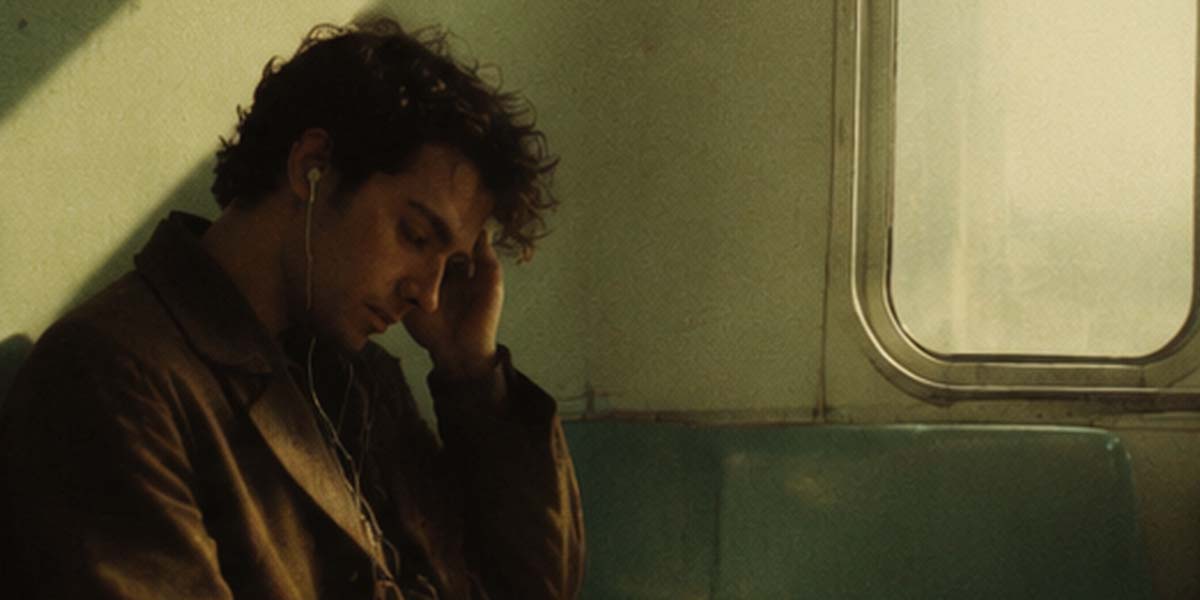
HappyHorse 1.1 Reference-to-Video
HappyHorse 1.1 Reference-to-Video is Alibaba's next-generation AI reference-guided video generation model. Supporting 1 to 9 reference images (covering character identity, outfits, product silhouette, and scene styles), it achieves high-precision multi-image fusion and subject locking to prevent visual drift across shots. It generates native 720P/1080P HD videos up to 15 seconds long per run.
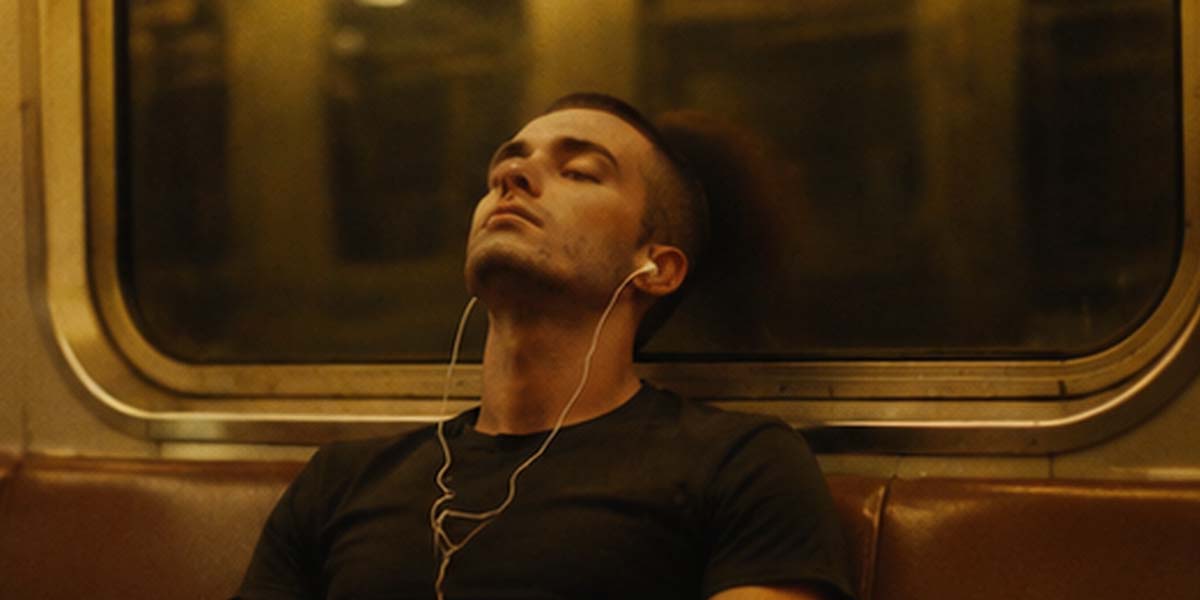
HappyHorse 1.1 Text-to-Video
HappyHorse 1.1 Text-to-Video is Alibaba's next-generation AI text-to-video model. Built on an integrated audio-video joint generation architecture, it generates native 720P/1080P HD videos directly from text, supporting up to 15 seconds of rendering. It natively supports multilingual lip-sync, ambient sound effects, and audio-visual synchronization without extra dubbing, while delivering exceptional motion smoothness, subject consistency, and camera control—ideal for short dramas, commercial ads, and social media video production.
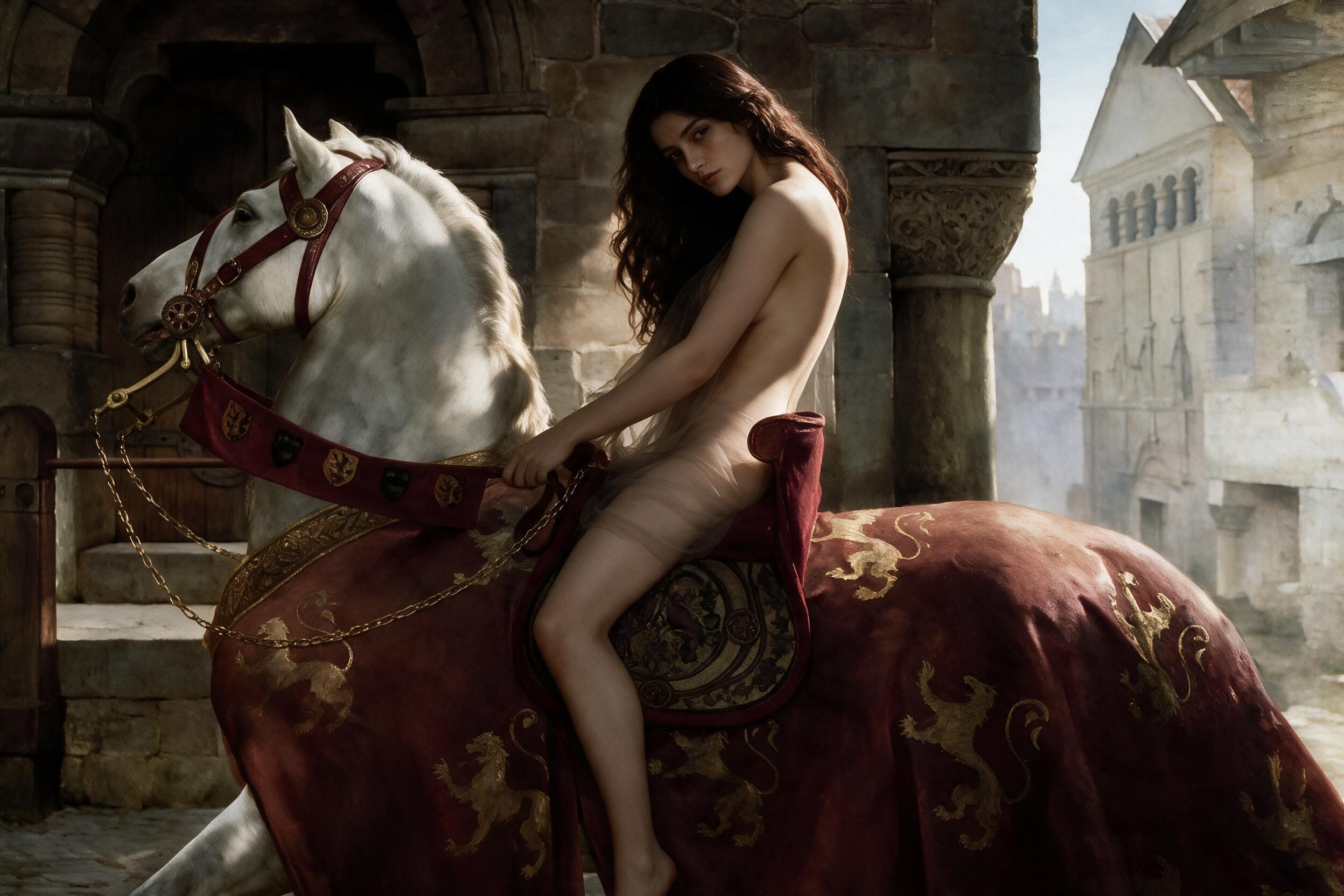
HappyHorse 1.1 Image-to-Video Spicy
HappyHorse 1.1 Image to Video Spicy transforms a single starting image into a short cinematic video, combining rock-solid temporal consistency with smooth, highly expressive character movement.
Read Me
HappyHorse 1.1 Image-to-Video API
Overview
HappyHorse 1.1 Image-to-Video is Alibaba's native multimodal AI video generation model (single-stream Transformer architecture) on iCreat: input a single starting image plus a text prompt — optionally with a negative prompt — to generate a short cinematic video with excellent temporal consistency, smooth and highly expressive character movement, and natively synchronized audio. Developers call ali/happyhorse-1-1/image-to-video through the async task queue, with 720P / 1080P output, five aspect ratios, and 4–15 second durations.
ali/happyhorse-1-1/image-to-videoCore Capabilities
Single-image animation. Transform one still image into a cinematic short video; the model keeps the subject and scene consistent while bringing the frame to life.
Excellent temporal consistency. The first frame anchors the video, so the scene stays stable frame to frame without drifting.
Smooth, expressive character motion. Character movements and micro-expressions animate fluidly from the still, avoiding stiff or robotic motion.
Text-driven motion and camera. The prompt describes how the scene unfolds — movement, camera push-ins, and atmosphere — rather than re-describing what is already visible in the image.
Negative prompt. negative_prompt describes content that should not appear in the video, giving fine control over what the model avoids.
Native audio-video synchronization. Built on a single-stream Transformer that encodes text, image, video, and audio in one representation space, the model generates synchronized audio (ambience, music, sound effects) together with the visuals.
Dual resolution. 720P for cost-effective iteration; 1080P for sharper final delivery.
Five aspect ratios. 1:1, 9:16, 16:9, 3:4, and 4:3 cover square feeds, vertical short video, and landscape formats.
4–15 second durations. Short lengths tailored for teasers, loops, and social clips.
Watermark control. watermark defaults to false; enable it when an AI-generated mark is required.
Async task design. Submit → poll → retrieve keeps the workflow batch-friendly, fault-tolerant, and easy to integrate.
Model Comparison
HappyHorse 1.1 Image-to-Video vs Seedance 2.5 Image-to-Video vs Kling V3 Omni
| Field | HappyHorse 1.1 I2V | Seedance 2.5 I2V | Kling V3 Omni |
|---|---|---|---|
| Developer | Alibaba | ByteDance | Kuaishou |
| Max duration | 15 sec | 30 sec (multi-round extension) | 15 sec |
| Resolutions | 720P / 1080P | 480P / 720P | 720P / 1080P / 4K |
| Aspect ratios | 1:1, 9:16, 16:9, 3:4, 4:3 | 16:9, 4:3, 1:1, 3:4, 9:16, 21:9, adaptive | 16:9, 9:16, 1:1 |
| Reference input | Single first-frame image | First-frame image | Images, videos, characters |
| Negative prompt | Supported (negative_prompt) |
— | — |
| Native audio | Yes (native sync) | — | Yes |
| 5-second cost | $0.70 (720P) / $0.90 (1080P) | $0.70 (480p) / $1.52 (720p) | Std $0.42 |
| Best for | Animating stills with native audio | Continuing from a first frame | Long narratives, multi-shot |
Input
The first-frame image and the text prompt drive generation. The negative prompt is optional.
| Input | Count | Format | Notes |
|---|---|---|---|
| First-frame image | 1 | input.media[] |
type: first_frame + url; anchors the video |
| Text prompt | 1 | input.prompt |
Describes motion and camera; guides the animation |
| Negative prompt | 1 | input.negative_prompt |
Optional; describes content that should not appear |
Input Examples
Image-to-video
{
  "input": {
    "prompt": "A running kitten",
    "negative_prompt": "The kitten should not run in a straight line",
    "media": [
      {
        "type": "first_frame",
        "url": "https://example.com/cat.jpg"
      }
    ]
  },
  "parameters": {
    "resolution": "720P",
    "ratio": "1:1",
    "duration": 5,
    "watermark": false
  }
}
Without a negative prompt
{
  "input": {
    "prompt": "A kitten running across a grassy field",
    "media": [
      {
        "type": "first_frame",
        "url": "https://example.com/cat.jpg"
      }
    ]
  },
  "parameters": {
    "resolution": "1080P",
    "duration": 5,
    "watermark": false
  }
}
Parameters
input fields
| Field | Type | Required | Description |
|---|---|---|---|
prompt |
string | Yes | Prompt describing the video to generate |
negative_prompt |
string | No | Describes content that should not appear in the video |
media |
object[] | No | List of reference media |
media[].type |
string | Yes | Media type. Use first_frame for the first-frame image |
media[].url |
string | Yes | URL of the reference image |
parameters fields
| Field | Type | Required | Description |
|---|---|---|---|
resolution |
string | Yes | Video resolution. Available values: 720P, 1080P |
ratio |
string | Yes | Video aspect ratio. Available values: 1:1, 9:16, 16:9, 3:4, 4:3 |
duration |
integer | Yes | Video duration in seconds. Range: 4–15 |
watermark |
boolean | No | Whether to add a watermark. Defaults to false |
Pricing
| Resolution | Unit Price (USD/second) | Cost for 5 Seconds | Cost for 15 Seconds |
|---|---|---|---|
| 720P | 0.14 | 0.70 | 2.10 |
| 1080P | 0.18 | 0.90 | 2.70 |
Total Cost = Unit Price × Output Video DurationQuick Start
This API uses an API Key for authentication. Get your API Key from https://icreat.ai/hub/keys.
Submit a request:
curl --fail-with-body --connect-timeout 10 --max-time 60 \
  -X POST https://api.icreat.ai/v1/task/submit/ali/happyhorse-1-1/image-to-video \
  -H "Authorization: Bearer ${ICREAT_API_KEY}" \
  -H "Content-Type: application/json" \
  -d '{
    "input": {
      "prompt": "A running kitten",
      "negative_prompt": "The kitten should not run in a straight line",
      "media": [
        {
          "type": "first_frame",
          "url": "https://icreat.ai/xxx.jpg"
        }
      ]
    },
    "parameters": {
      "resolution": "720P",
      "duration": 5,
      "watermark": false
    }
  }'
The server will return:
{
  "task_id": "task-xxx"
}
Poll the task status:
curl --connect-timeout 10 --max-time 60 \
  -X POST "https://api.icreat.ai/v1/task/query-status" \
  -H "Authorization: Bearer ${ICREAT_API_KEY}" \
  -H "Content-Type: application/json" \
  -d '{
  "task_id": "task-xxx"
}'
When the status is SUCCEEDED, retrieve the result:
curl --connect-timeout 10 --max-time 60 \
  -X POST "https://api.icreat.ai/v1/task/get-result" \
  -H "Authorization: Bearer ${ICREAT_API_KEY}" \
  -H "Content-Type: application/json" \
  -d '{
  "task_id": "task-xxx"
}'
Output
submit → task_id → query-status (SUCCEEDED) → get-resultAfter submitting the request, poll query-status with the returned task_id until the status becomes SUCCEEDED, then call get-result with the same task_id to retrieve the generated video (with natively synchronized audio).
Use Cases
Bringing photos to life. Animate portraits, travel shots, and stills — a photo becomes a moving clip with subtle motion and native sound.
E-commerce product showcase. Use a product still as the first frame and drive the camera or product motion with a prompt — turn static listings into dynamic assets for feeds and detail pages.
Social short clips. 4–15 second teasers, loops, and clips sized for feeds and stories, with the aspect ratio matched to each platform.
Low-cost fast iteration. At $0.70 for a 720P 5-second clip, test multiple creative directions cheaply before investing in premium renders.
Limitations
Duration is limited to 4–15 seconds; longer narratives must be split across multiple requests and stitched in post.
Only 720P and 1080P resolutions are available.
The current interface accepts a single reference media type (first_frame); multi-image and video references (reference-to-video) are not supported on this endpoint.
resolution, ratio, and duration are required fields and must be included in every request.
FAQ
How do I get an API Key?
Create one at https://icreat.ai/hub/keys and pass it via the Authorization: Bearer header.
Is the first-frame image required?
The first-frame image is the core input of image-to-video: pass it via input.media with "type": "first_frame" and its URL. The schema marks media as optional, but for image-to-video you should always provide it; the text prompt is still required to describe the motion.
What does negative_prompt do?
Describes content that should not appear — e.g. "The kitten should not run in a straight line" — without touching the main prompt.
Is audio generated?
Yes. The model natively synchronizes audio with video. Audio is generated together with the visuals — no separate audio-generation request is required.
Is the watermark on by default?
No. watermark defaults to false; set it to true to add the AI-generated mark.
How is the cost calculated?
Total Cost = Unit Price × Output Video Duration. For example, a 10-second 1080P video costs 0.18 × 10 = $1.80.
720P or 1080P?
Use 720P for fast, low-cost iteration; use 1080P for final delivery that needs more visible detail.