
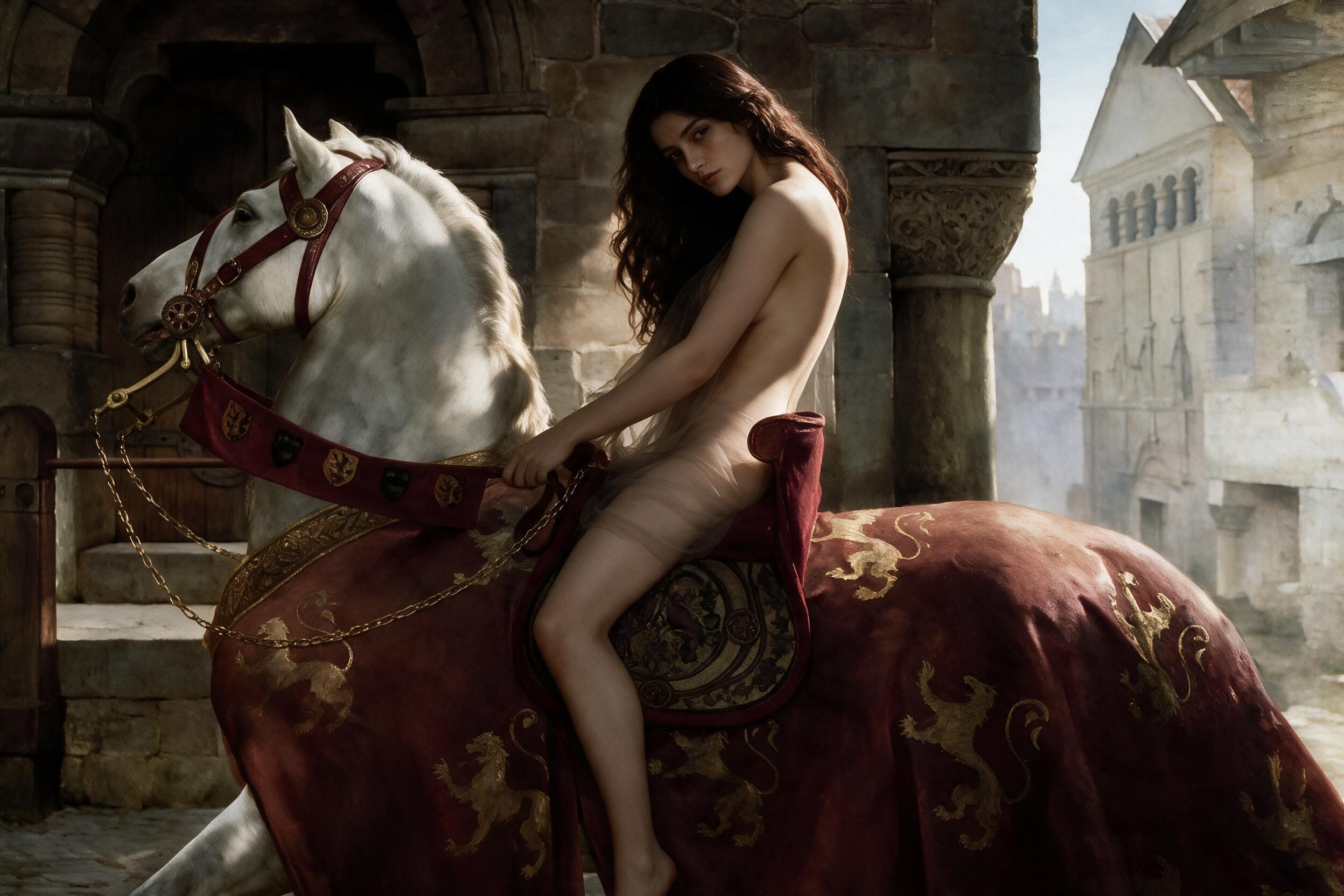
HappyHorse 1.1 Image-to-Video Spicy
HappyHorse 1.1 Image to Video Spicy transforms a single starting image into a short cinematic video, combining rock-solid temporal consistency with smooth, highly expressive character movement.
Related Models
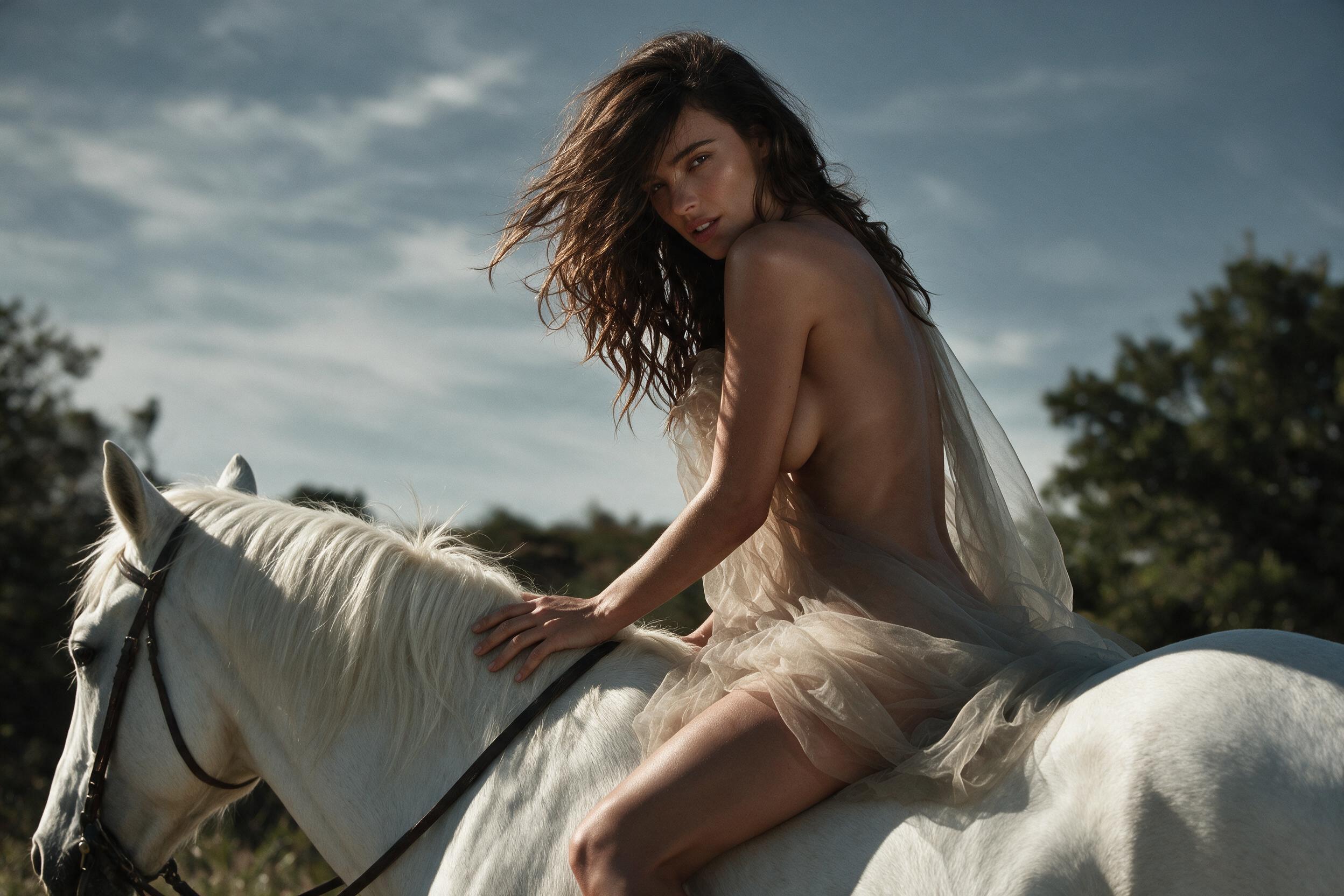
HappyHorse 1.1 Reference-to-Video Spicy
HappyHorse 1.1 Reference-to-Video Spicy is Alibaba's high-expressiveness, high-dynamism variant in the HappyHorse model series. Building upon multi-image subject locking and native audio-visual synchronization, the Spicy mode is a uncensored and fine-tuned for high-intensity action, aggressive camera tracking, strong visual impact, and dramatic visual effects. It leverages reference images to drive bold, highly expressive motion sequences and complex camera maneuvers while maintaining multilingual lip-sync and ambient audio—ideal for action-packed short dramas, viral social video, game CG FX, and high-impact commercial ads.
HappyHorse 1.1 Reference-to-Video
HappyHorse 1.1 Reference-to-Video is Alibaba's next-generation AI reference-guided video generation model. Supporting 1 to 9 reference images (covering character identity, outfits, product silhouette, and scene styles), it achieves high-precision multi-image fusion and subject locking to prevent visual drift across shots. It generates native 720P/1080P HD videos up to 15 seconds long per run.
HappyHorse 1.1 Text-to-Video
HappyHorse 1.1 Text-to-Video is Alibaba's next-generation AI text-to-video model. Built on an integrated audio-video joint generation architecture, it generates native 720P/1080P HD videos directly from text, supporting up to 15 seconds of rendering. It natively supports multilingual lip-sync, ambient sound effects, and audio-visual synchronization without extra dubbing, while delivering exceptional motion smoothness, subject consistency, and camera control—ideal for short dramas, commercial ads, and social media video production.
HappyHorse 1.1 Image-to-Video
HappyHorse 1.1 Image-to-Video is Alibaba's next-generation AI image-to-video model. Supporting first-frame driving, first-to-last frame transitions, and short video extension, it generates native 720P/1080P HD videos up to 15 seconds per run. Built on an integrated audio-video joint generation architecture, it natively supports multilingual lip-sync, ambient sound effects, and audio-visual synchronization, while delivering exceptional motion smoothness, subject consistency, and camera control—ideal for e-commerce, short drama VFX, and social media production.
Read Me
HappyHorse 1.1 Image-to-Video Spicy API
Overview
HappyHorse 1.1 Image-to-Video Spicy turns one required starting image into a 4–15 second video with realistic, smooth motion, automatic native audio, and 720P or 1080P output.
The first-frame image establishes the subject, composition, lighting, environment, and visual style. A required Prompt guides the movement, action, style, and atmosphere of the generated video.
On iCreat, Spicy refers to the endpoint variant designed for mature NSFW content generation without standard content filters. Access is limited to adults aged 18 and over and remains subject to applicable laws and prohibited-content rules.
Use the model through:
ali/happyhorse-1-1/image-to-video-spicyKey Features
Realistic, smooth-motion generation. HappyHorse 1.1 is designed to generate realistic, fluid movement from a first-frame image while keeping the motion visually connected to the source.
Simple first-frame workflow. One required image establishes the opening composition, subject, lighting, environment, and visual style.
Prompt-guided animation. The required Prompt describes the intended action, movement, style, and atmosphere. A focused motion instruction usually produces more stable results than several competing actions.
Negative Prompt control. Use negative_prompt to reduce flickering, anatomy errors, abrupt cuts, unwanted objects, style changes, or other unwanted results. It improves control but does not guarantee complete removal.
Automatic native audio. Native audio is generated with the video automatically. No audio upload or separate audio-generation request is required.
720P and 1080P output. Use 720P for lower-cost testing and 1080P for selected outputs that need more visible detail.
Spicy access on iCreat. The Spicy endpoint removes standard content filters for lawful mature 18+ creation while keeping the same first-frame Image-to-Video workflow.
Model Comparison
HappyHorse 1.1 Spicy vs HappyHorse 1.1
| Metric | HappyHorse 1.1 Spicy | HappyHorse 1.1 (Official) |
|---|---|---|
| Content Filters | No standard filters; 18+ only | Standard filters |
| I2V Modes | First Frame | First Frame |
| Output Resolution | 720P, 1080P | 720P, 1080P |
| Duration | 4–15 sec (iCreat) | 3–15 sec (Official) |
| Native Audio | Automatic | Automatic |
HappyHorse 1.1 Spicy vs Wan 2.7 Spicy vs Wan 2.6 Spicy vs Seedance 1.5 Pro Spicy
| Metric | HappyHorse 1.1 Spicy | Wan 2.7 Spicy | Wan 2.6 Spicy | Seedance 1.5 Pro Spicy |
|---|---|---|---|---|
| Image Control | First Frame | First Frame | First Frame | First Frame + Optional Last Frame |
| Output Resolution | 720P, 1080P | 720P, 1080P | 720P, 1080P + SR | 480P, 720P |
| Duration | 4–15 sec | 4–15 sec | 5 / 10 / 15 sec | 4–12 sec |
| Native Audio | Automatic | Automatic | Automatic + optional audio input | Optional |
| Control Options | Prompt + Negative Prompt | Prompt + Negative Prompt + Ratio | Prompt + Negative Prompt + Prompt Enhancement + Shot Type | Prompt + Last Frame + Camera Fixed + Ratio |
Inputs
| Input | Count | Format | Notes |
|---|---|---|---|
| Text Prompt | 1 | — | Prompt required; Negative Prompt optional |
| Images | 1 | JPEG, PNG, WebP | One required starting image |
| Videos | Not supported | — | No video input |
| Audio | Not supported | — | No audio input is required; native audio is generated automatically |
A clear starting image with one visible subject, stable anatomy, deliberate composition, and enough room for movement usually provides a stronger motion foundation.
Parameters
| Parameter | Supported Values | What It Controls |
|---|---|---|
resolution |
720P, 1080P |
Output detail and price |
duration |
4–15 |
Output length and cost |
watermark |
true, false |
Whether to add a watermark |
Pricing
| Resolution | Unit Price | 5 Seconds | 10 Seconds | 15 Seconds |
|---|---|---|---|---|
| 720P | $0.14/sec | $0.70 | $1.40 | $2.10 |
| 1080P | $0.18/sec | $0.90 | $1.80 | $2.70 |
Total Cost = Unit Price × Output Video DurationQuick Start
curl --fail-with-body --connect-timeout 10 --max-time 60 \
  -X POST https://api.icreat.ai/v1/task/submit/ali/happyhorse-1-1/image-to-video-spicy \
  -H "Authorization: Bearer ${ICREAT_API_KEY}" \
  -H "Content-Type: application/json" \
  -d '{
    "input": {
      "prompt": "The subject slowly turns toward the camera while hair and clothing move naturally. Keep the original lighting, facial identity, and visual style. Add a gentle camera push-in.",
      "negative_prompt": "distorted anatomy, extra limbs, unstable face, flickering, sudden cut, abrupt camera movement, text, logo",
      "media": [
        {
          "type": "first_frame",
          "url": "https://example.com/source-image.jpg"
        }
      ]
    },
    "parameters": {
      "resolution": "1080P",
      "duration": 8,
      "watermark": false
    }
  }'
The request returns a task_id.
Submit request → Receive task_id → Poll status → Retrieve resultQuery the task status until it reaches SUCCEEDED, then use the same task_id to retrieve the result.
Output
HappyHorse 1.1 Image-to-Video Spicy uses an asynchronous task flow.
The submission request returns a task_id. Task status is checked through the query-status endpoint, and the completed result is retrieved through the get-result endpoint after the task succeeds.
Detailed result fields are not listed until they are confirmed from an actual iCreat response.
Use Cases
Realistic portrait animation. Animate subtle expressions, breathing, head movement, hair, clothing, and camera motion from one lawful adult portrait.
Character and artwork motion. Add smooth movement to illustrations, posters, key art, and character images while keeping the original visual direction.
Product and concept-frame animation. Turn a composed still image into a short motion concept without rebuilding the entire scene from text.
Mature fictional scene animation. Animate lawful adult artwork through the Spicy route for short narrative or performance concepts.
Audio-video concept generation. Generate motion and native audio together from one starting image without uploading a soundtrack.
Limitations
HappyHorse 1.1 Image-to-Video Spicy is available only to adults aged 18 and over. Requests remain subject to applicable laws and prohibited-content rules. Removing standard content filters does not permit illegal content.
The endpoint requires one starting image and does not expose a last frame, video input, or audio input. Output length is limited to 4–15 seconds.
Improved does not mean perfect identity preservation. Facial details, anatomy, clothing, text, background objects, and lighting can still change between generations or as motion develops.
Large body movement, rapid camera motion, extreme perspective changes, or several competing actions can reduce stability. Negative Prompts can reduce unwanted results but cannot guarantee complete removal.
FAQ
What type of source image gives HappyHorse 1.1 the most stable result?
Use a clear image with one main subject, visible facial or body structure, deliberate composition, consistent lighting, and enough space for the intended movement. Heavy blur, cropped joints, overlapping limbs, dense text, or unclear foreground objects give the model more details to reinterpret.
How should I write a motion prompt without changing the original image style?
Write the Prompt around motion rather than redescribing the image. State the subject action first, then add one camera movement and any environmental motion. Instructions such as keep the original composition, lighting, clothing, and visual style can reinforce the intended direction.
Why does the face or identity change during a head turn?
A single starting image only shows the subject from one angle. Large rotations require the model to infer facial features that are not visible in the source. A clear front or three-quarter view, slower head movement, limited occlusion, and smaller camera-angle changes usually reduce identity drift.
How can I reduce flickering, camera wobble, and random zoom?
Keep the scene continuous, use one main action, and request no more than one clear camera movement. Add concise exclusions such as flickering, camera wobble, random zoom, jump cut, scene change, or perspective shift to the Negative Prompt.
How much movement can be added before the source image begins to drift?
Subtle expressions, breathing, hair movement, clothing movement, and slow camera motion are generally easier to keep close to the source. Large body turns, fast limb movement, extreme perspective changes, and several actions at once create more opportunities for the model to change identity, anatomy, or background details.
Will repeated generations from the same image remain identical?
No. Video generation is probabilistic, so the same image and Prompt can produce different motion, framing, and details. Keep the Prompt and parameters unchanged when comparing variants, then select the result that best preserves the source image and intended movement.
How is HappyHorse 1.1 different from Wan 2.7 for first-frame animation?
HappyHorse 1.1 focuses on a simple first-frame workflow and realistic, smooth-motion generation. Wan 2.7 deployments may provide broader Image-to-Video modes or more controls. The better choice depends on whether simple source-image animation or wider workflow control matters more.
What does Spicy mean on iCreat?
Spicy refers to the iCreat endpoint variant designed for mature NSFW content generation without standard content filters. It is limited to adults aged 18 and over and remains subject to applicable laws and prohibited-content rules.