
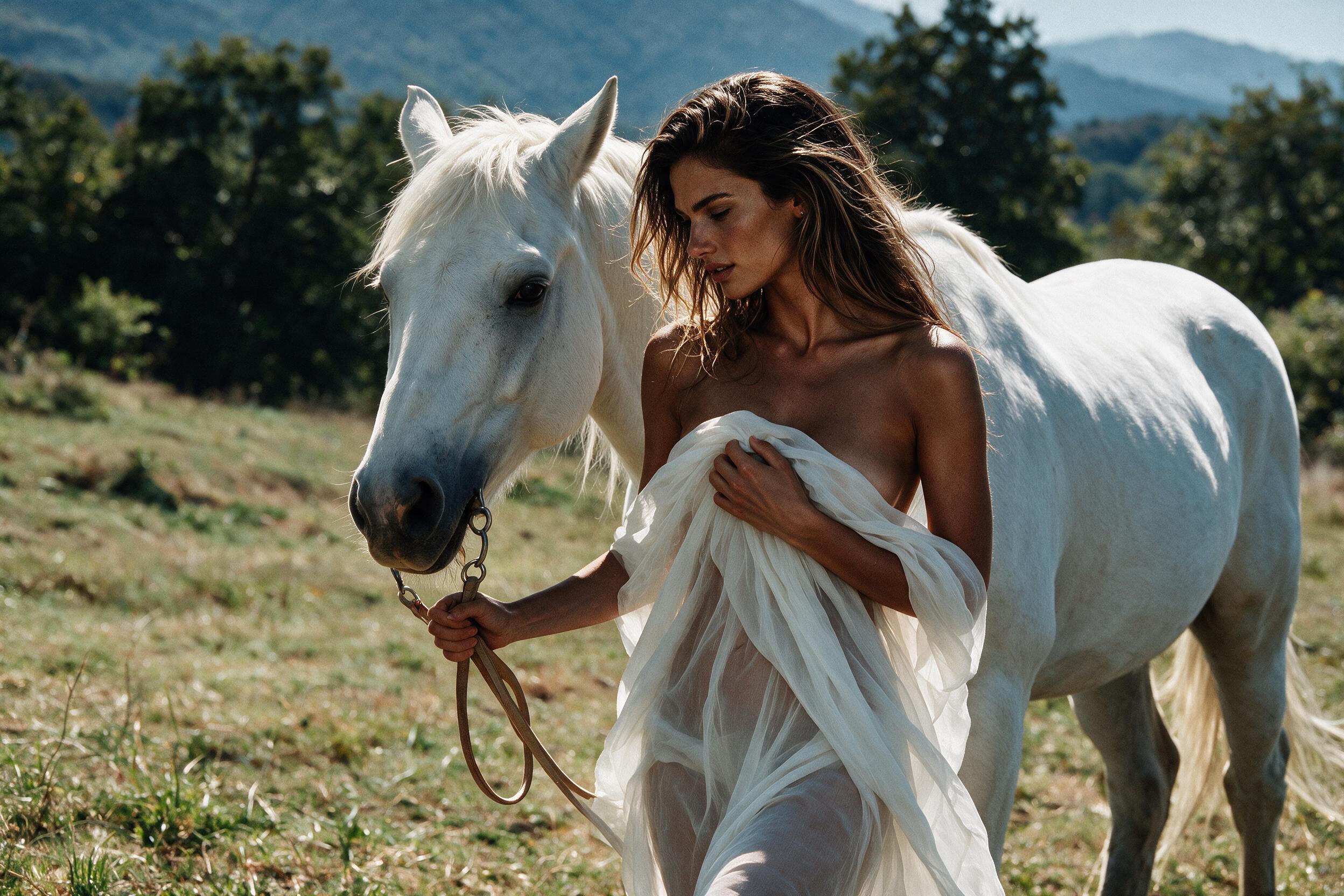
HappyHorse 1.1 Text-to-Video Spicy
HappyHorse 1.1 Text to Video Spicy turns simple text prompts into short cinematic clips, blending impressive temporal stability with expressive, nuanced character movement.
Related Models
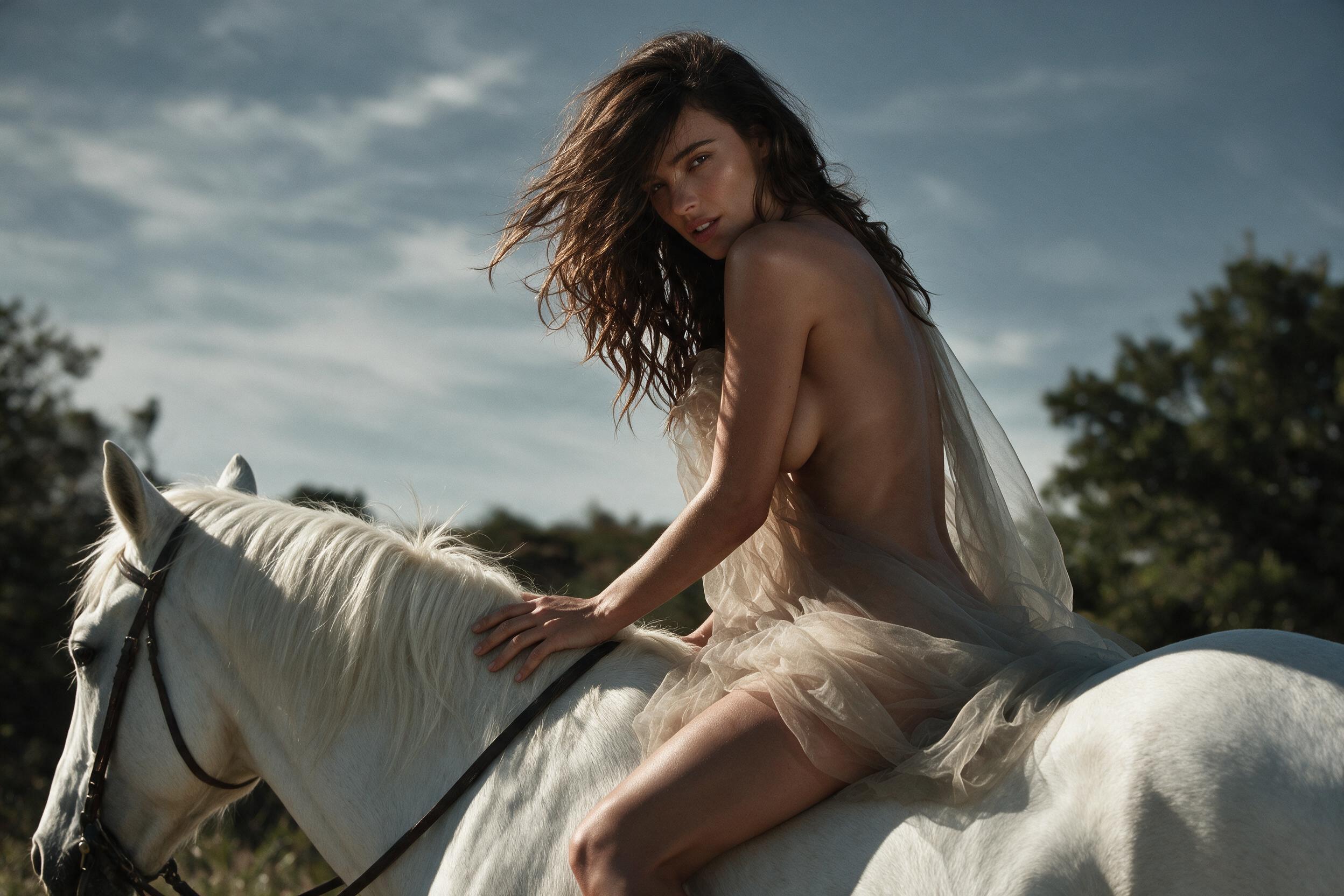
HappyHorse 1.1 Reference-to-Video Spicy
HappyHorse 1.1 Reference-to-Video Spicy is Alibaba's high-expressiveness, high-dynamism variant in the HappyHorse model series. Building upon multi-image subject locking and native audio-visual synchronization, the Spicy mode is a uncensored and fine-tuned for high-intensity action, aggressive camera tracking, strong visual impact, and dramatic visual effects. It leverages reference images to drive bold, highly expressive motion sequences and complex camera maneuvers while maintaining multilingual lip-sync and ambient audio—ideal for action-packed short dramas, viral social video, game CG FX, and high-impact commercial ads.

HappyHorse 1.1 Reference-to-Video
HappyHorse 1.1 Reference-to-Video is Alibaba's next-generation AI reference-guided video generation model. Supporting 1 to 9 reference images (covering character identity, outfits, product silhouette, and scene styles), it achieves high-precision multi-image fusion and subject locking to prevent visual drift across shots. It generates native 720P/1080P HD videos up to 15 seconds long per run.
HappyHorse 1.1 Text-to-Video
HappyHorse 1.1 Text-to-Video is Alibaba's next-generation AI text-to-video model. Built on an integrated audio-video joint generation architecture, it generates native 720P/1080P HD videos directly from text, supporting up to 15 seconds of rendering. It natively supports multilingual lip-sync, ambient sound effects, and audio-visual synchronization without extra dubbing, while delivering exceptional motion smoothness, subject consistency, and camera control—ideal for short dramas, commercial ads, and social media video production.
HappyHorse 1.1 Image-to-Video
HappyHorse 1.1 Image-to-Video is Alibaba's next-generation AI image-to-video model. Supporting first-frame driving, first-to-last frame transitions, and short video extension, it generates native 720P/1080P HD videos up to 15 seconds per run. Built on an integrated audio-video joint generation architecture, it natively supports multilingual lip-sync, ambient sound effects, and audio-visual synchronization, while delivering exceptional motion smoothness, subject consistency, and camera control—ideal for e-commerce, short drama VFX, and social media production.
Read Me
HappyHorse 1.1 Text-to-Video Spicy API
Overview
HappyHorse 1.1 Text-to-Video Spicy turns text prompts into 4–15 second videos with automatic native audio at 720P or 1080P. Spicy is the uncensored version of HappyHorse 1.1 Text-to-Video, designed for mature NSFW creation without the standard model’s usual content filters.
Access is limited to adults aged 18 and over and remains subject to applicable laws and prohibited-content rules. Uncensored access does not mean illegal content is permitted.
The page is built for pure Text-to-Video generation. A required prompt defines the scene, subjects, action, camera, and style. An optional Negative Prompt helps reduce unwanted objects, visual errors, styles, or camera behavior.
Use the model through:
ali/happyhorse-1-1/text-to-video-spicyKey Features
Uncensored Text-to-Video access. The Spicy variant removes the standard model’s usual content filters for mature 18+ generation. It is designed for lawful adult-oriented creative work rather than unrestricted or illegal content.
Negative Prompt control. Use negative_prompt to describe elements that should not appear, such as unwanted objects, visual artifacts, incorrect anatomy, specific styles, or camera behavior. A Negative Prompt can reduce unwanted results but does not guarantee complete removal.
Automatic native audio. HappyHorse 1.1 Spicy generates native audio with the video automatically. No audio upload or separate audio-generation request is required.
720P and 1080P output. Choose 720P for lower-cost testing and 1080P for final outputs that need more visible detail. Resolution directly affects the per-second price.
Flexible 4–15 second duration. Any integer duration from 4 to 15 seconds is accepted. Shorter clips are useful for focused actions, while longer clips allow more scene development, camera movement, or narrative progression.
Five aspect ratios. Generate square, vertical, landscape, and portrait videos with 1:1, 9:16, 16:9, 3:4, or 4:3.
Model Comparison
HappyHorse 1.1 Spicy vs HappyHorse 1.1
| Metric | HappyHorse 1.1 Spicy | HappyHorse 1.1 (Official) |
|---|---|---|
| Content Filters | No standard filters; 18+ only | Standard filters |
| Input Mode | Text-to-Video | Text-to-Video |
| Output Resolution | 720P, 1080P | 720P, 1080P |
| Duration | 4–15 sec (iCreat) | 3–15 sec (official) |
| Native Audio | Automatic | Automatic |
HappyHorse 1.1 Spicy vs Wan 2.7 T2V vs Wan 2.6 T2V vs Vidu Q3-Pro T2V
| Metric | HappyHorse 1.1 Spicy | Wan 2.7 T2V | Wan 2.6 T2V | Vidu Q3-Pro T2V |
|---|---|---|---|---|
| Output Resolution | 720P, 1080P | 720P, 1080P + SR | 720P, 1080P | 540p, 720p, 1080p + SR |
| Duration | 4–15 sec | 2–15 sec | 5, 10, 15 sec | 1–16 sec |
| Native Audio | Automatic | Automatic + optional audio input | Automatic + optional audio input | Optional + BGM |
| Prompt Controls | Prompt + Negative Prompt | Negative Prompt + Prompt Enhancement | Negative Prompt + Prompt Enhancement + Shot Type | Prompt Enhancement + Style + Motion Control |
| Best Fit | Uncensored T2V | Advanced controls | Multi-shot workflows | Style and motion control |
Inputs
| Input | Count | Format | Notes |
|---|---|---|---|
| Text Prompt | 1 | — | Required |
| Images | — | — | Not used in this Text-to-Video workflow |
| Videos | — | — | Not used in this Text-to-Video workflow |
| Audio | — | — | No audio input is required; native audio is generated automatically |
The prompt can describe the visual scene, action, camera, and style in one instruction. Clear wording usually works better than several competing actions or camera movements in the same sentence.
Parameters
| Parameter | Supported Values | What It Controls |
|---|---|---|
prompt |
Text | Scene, subjects, action, camera, and style |
negative_prompt |
Text | Content or visual elements to avoid |
resolution |
720P, 1080P |
Output detail and price |
ratio |
1:1, 9:16, 16:9, 3:4, 4:3 |
Output frame shape |
duration |
4–15 |
Output length and cost |
watermark |
true, false |
Whether to add a watermark |
Pricing
| Resolution | Unit Price | 5 Seconds | 10 Seconds | 15 Seconds |
|---|---|---|---|---|
| 720P | $0.14/sec | $0.70 | $1.40 | $2.10 |
| 1080P | $0.18/sec | $0.90 | $1.80 | $2.70 |
Total Cost = Unit Price × Output Video DurationNative audio is included in the listed price.
Quick Start
curl --fail-with-body --connect-timeout 10 --max-time 60 \
  -X POST https://api.icreat.ai/v1/task/submit/ali/happyhorse-1-1/text-to-video-spicy \
  -H "Authorization: Bearer ${ICREAT_API_KEY}" \
  -H "Content-Type: application/json" \
  -d '{
    "input": {
      "prompt": "A cinematic nighttime scene in a private penthouse, soft warm lighting, slow camera push-in, realistic movement",
      "negative_prompt": "distorted anatomy, extra limbs, flickering light, unstable faces, abrupt camera movement, text, logo"
    },
    "parameters": {
      "resolution": "1080P",
      "ratio": "16:9",
      "duration": 8,
      "watermark": false
    }
  }'
The request returns a task_id.
Submit request → Receive task_id → Poll status → Retrieve resultQuery the task status until it reaches SUCCEEDED, then use the same task_id to retrieve the result.
Output
HappyHorse 1.1 Text-to-Video Spicy uses an asynchronous task flow.
The submission request returns a task_id. Task status is checked through the query-status endpoint, and the completed result is retrieved through the get-result endpoint after the task succeeds.
Detailed output fields are not listed until they are confirmed from an actual iCreat response.
Use Cases
Mature fictional scene generation. Create lawful adult-oriented fictional scenes from a text prompt without using image, video, or audio inputs.
Cinematic concept development. Explore lighting, camera movement, atmosphere, pacing, and sound before committing to a longer production workflow.
Adult entertainment previsualization. Generate short scene concepts and visual direction for lawful age-restricted entertainment projects.
Mature advertising concepts. Develop short promotional concepts for age-restricted products, services, or entertainment where permitted.
Audio-video scene generation. Produce video and native sound together without a separate audio model or soundtrack upload.
Limitations
HappyHorse 1.1 Text-to-Video Spicy is available only to adults aged 18 and over. Requests remain subject to applicable laws and prohibited-content rules. Removing standard content filters does not permit illegal content.
This page covers the Text-to-Video workflow only. Images, videos, and audio files are not used in the documented workflow. Output length is limited to 4–15 seconds.
Results remain probabilistic. Complex anatomy, fast motion, multiple subjects, continuity, and audio timing can still vary. Negative Prompts can reduce unwanted elements but cannot guarantee that an element will never appear.
FAQ
What does Spicy mean in HappyHorse 1.1?
Spicy is the uncensored variant of HappyHorse 1.1 Text-to-Video. It removes the standard version’s usual content filters for mature NSFW generation. Access is limited to adults aged 18 and over and remains subject to applicable laws and prohibited-content rules.
Is HappyHorse 1.1 Spicy completely unrestricted?
No. Spicy removes standard content filtering, but illegal content and other prohibited uses are not allowed. It should not be described as unlimited, rule-free, or open to every type of request.
Does HappyHorse 1.1 Spicy generate audio automatically?
Yes. Native audio is generated with the video automatically and is included in the listed price. No audio upload or separate audio-generation request is required.
How should a Negative Prompt be written?
List the specific content, errors, styles, or camera behavior you want to avoid. Short phrases such as extra limbs, flickering, unstable faces, or abrupt camera movement are usually clearer than long contradictory sentences.
When should 1080P be used instead of 720P?
Use 720P for testing and lower-cost iteration. Use 1080P for selected outputs that need more visible detail, cleaner textures, or a larger delivery size.
Can HappyHorse 1.1 Spicy generate silent video?
The current endpoint generates native audio automatically and does not expose an audio switch. A separate post-production step is required when a silent final file is needed.
Does a Negative Prompt guarantee that an element will not appear?
No. It can reduce the chance of unwanted content or artifacts, but generation remains probabilistic. Clear main prompts and concise exclusions usually provide better control.