


The best product photo checklist checks image quality, platform compliance, and product accuracy before upload. AI product images can look polished but still fail Amazon or Shopify standards if the details are wrong, the background is off, or the image does not feel trustworthy enough for a shopper.
That is why this is not just a formatting check. It is a pre-publish quality review for ecommerce teams that need to decide whether an AI-generated product image is ready to go live.
Key Takeaways
- A good product photo checklist checks both platform requirements and visual quality.
- AI images should be reviewed for resolution, background consistency, proportions, and product detail accuracy.
- Amazon and Shopify both reward clarity, but they do not require the same presentation.
- AI cleanup tools can fix some issues before publishing, but they cannot replace review.
- iCreat AI is most useful when you want to generate, clean, and refine product visuals before they go live.
What Amazon And Shopify Product Photos Need To Do
Amazon and Shopify both need clear product images, but the workflow goal is slightly different.
Support Trust And Clarity
A product photo should help a shopper understand what the item is and why it is worth attention. If the image looks confusing, the listing feels less trustworthy.
Fit Platform Image Standards
Amazon tends to be stricter about main-image presentation. Shopify is more flexible, but product images still need to support the storefront experience and work well on mobile.
Work For The Product Page And The Marketplace
The best product image is not only compliant. It is also useful across the product page, listing gallery, and campaign workflows.
Pre-Publish Quality Checklist For AI Product Photos
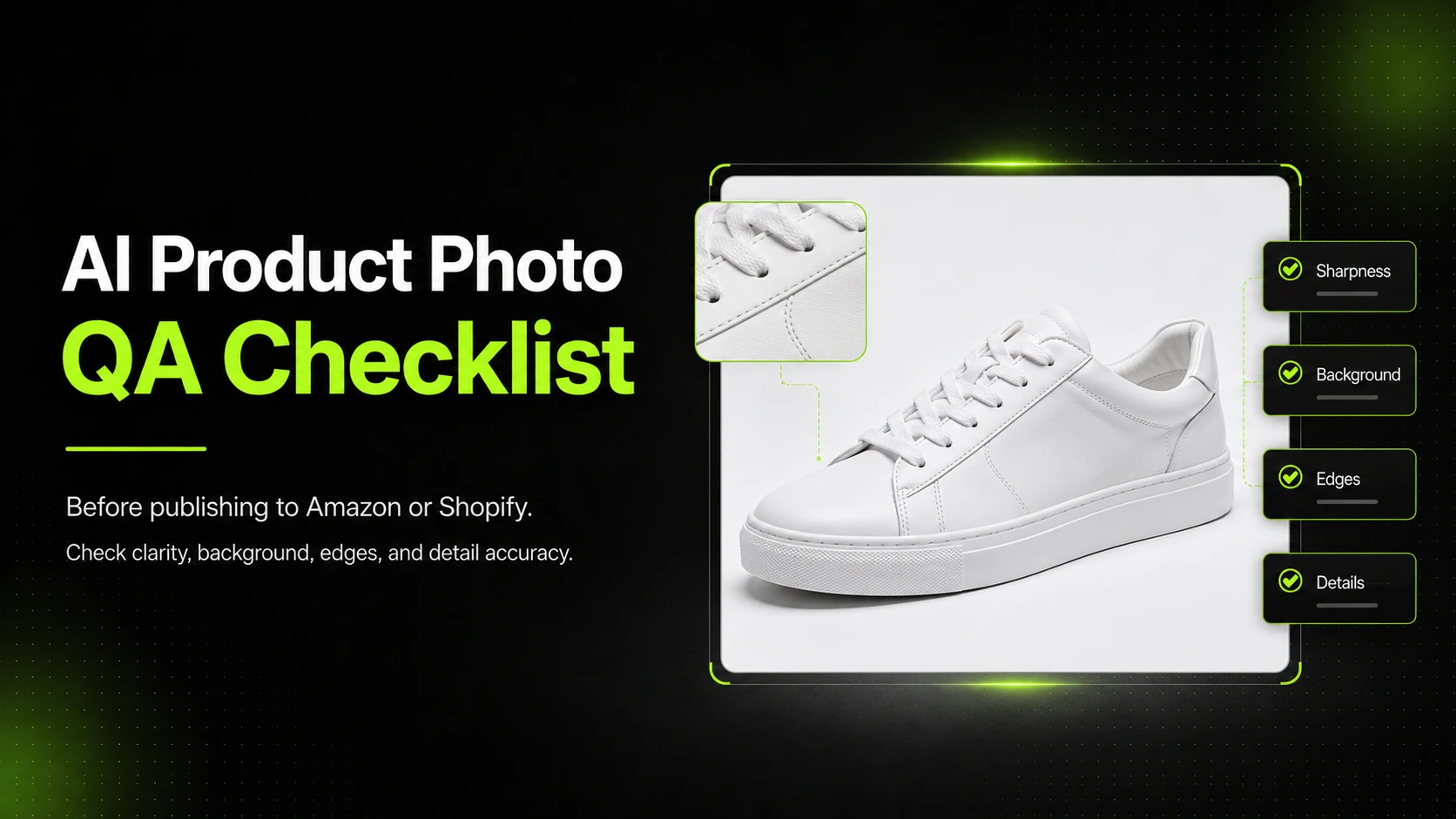
Before publishing any AI-generated product image, run through this checklist.
Check Resolution And Sharpness
The image should be sharp enough to hold up on a product page or marketplace listing. If the source looks soft or low resolution, it may need upscaling before upload.
Check Background Consistency
The background should not distract from the product. If the goal is a white-background listing image, make sure the background is clean and even.
Check Product Proportions And Edges
The product should look physically believable. Watch for warped edges, soft corners, awkward shadows, and shapes that do not match the real item.
Check Logo, Texture, And Detail Accuracy
If the product has a label, print, seam, zipper, collar, or packaging detail, review it carefully. Product accuracy is one of the main reasons AI images fail the publish test.
Amazon Checklist Items
Amazon product images usually need the clearest possible presentation.
White Background Compliance
Main images should follow the platform's white-background expectations when relevant. Keep the background neutral and uncluttered.
Main Image Clarity
The product should be easy to identify at a glance. If the image is too styled, too dark, or too busy, it may not work as the primary image.
Product Must Be Easy To Identify
The shopper should know what they are looking at immediately. The first image should prioritize clarity over creativity.
Shopify Checklist Items
Shopify gives sellers more flexibility, but that does not mean image quality matters less.
Storefront Presentation And Zoom Quality
The product photo should look clear on desktop and mobile. If shoppers zoom in, the image should still hold up.
Consistency Across Product Listings
One of Shopify's strengths is that you can build a more consistent storefront. Use that flexibility to keep product images visually aligned.
Mobile-Friendly Readability
Most customers scan quickly on a phone. The product must still be obvious in a small frame.
How AI Helps Fix Product Photos Before Publishing
AI is useful because it can improve the source image before the final upload.
Background Cleanup And Transparent Cutouts
Background Remover is useful when the background needs to be cleaned up or turned into a more flexible transparent asset.
Resolution Improvement And Final Polish
If the image is usable but too soft or too small, Image Upscaler can help improve presentation quality before publishing.
Turning One Reference Into More Publishable Visuals
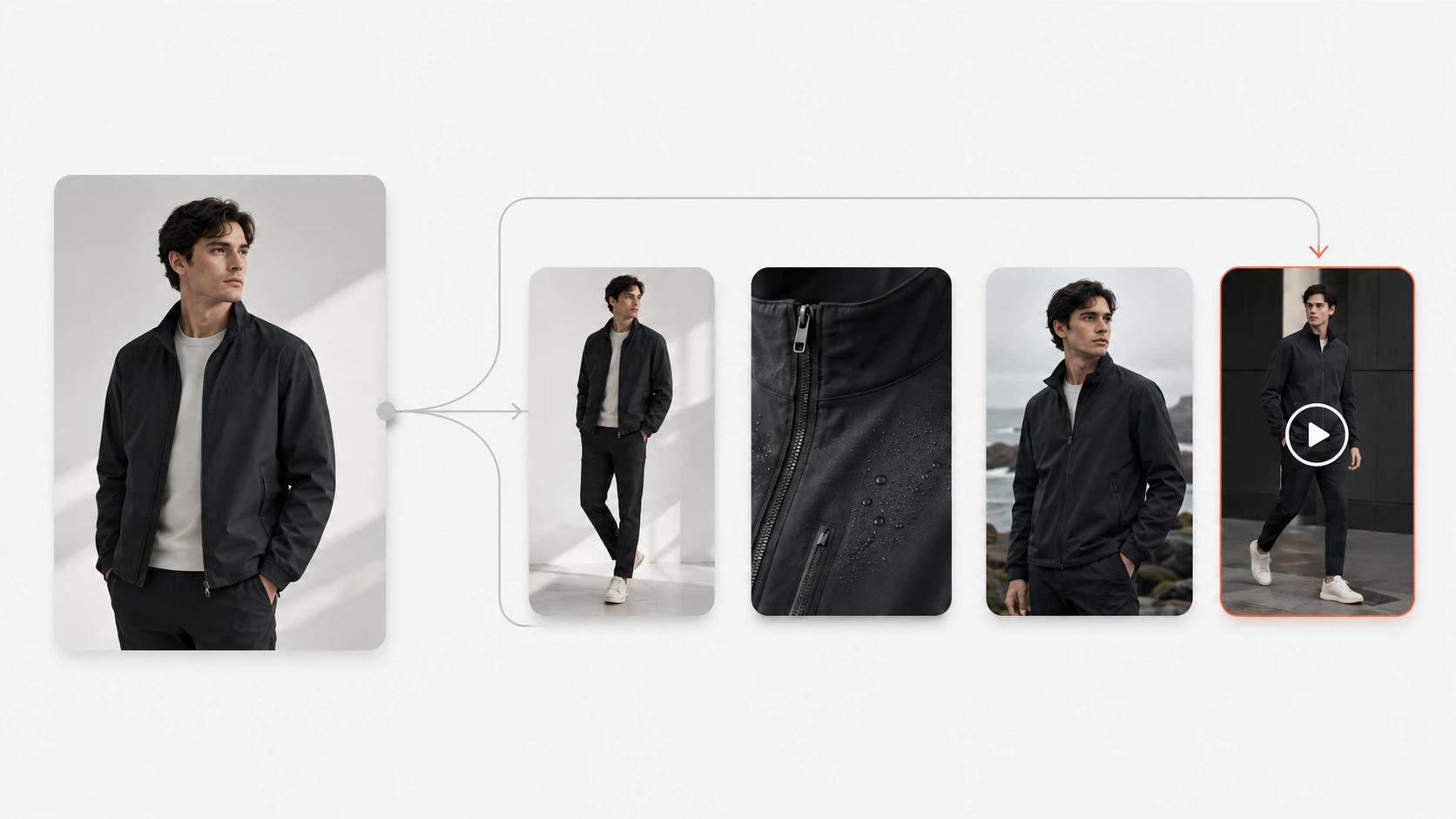
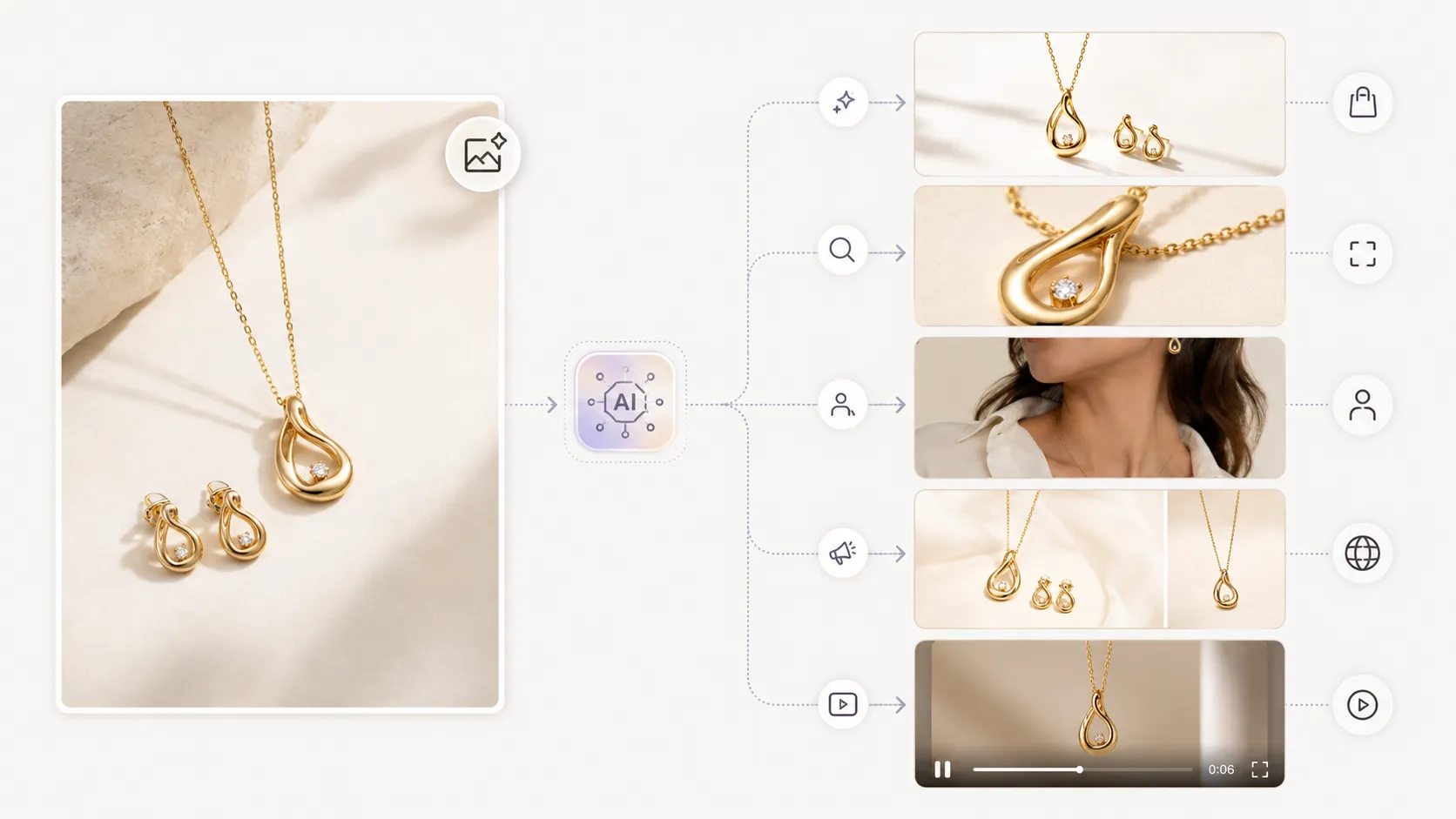
With AI Product Photography, teams can create more product visuals from a strong reference image instead of rebuilding every listing image from scratch.
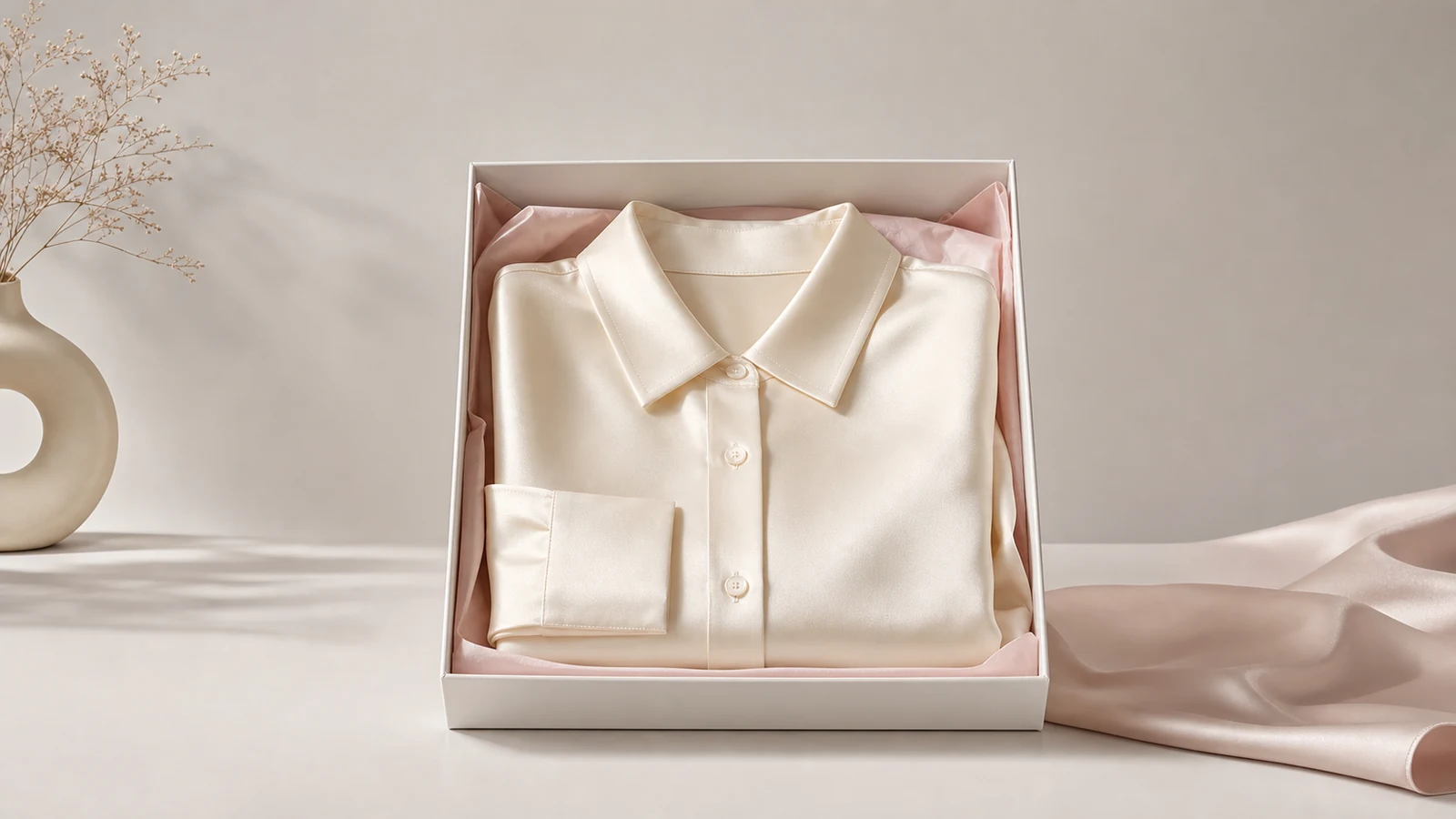
For fashion and apparel, AI Fashion Detail Image Generator can help create supporting assets such as detail shots, mockups, and white-background visuals that fit a more complete product page workflow.
Common Reasons AI Product Photos Fail QA
Fake-Looking Shadows Or Lighting
If the product sits in the scene awkwardly, the image can feel synthetic even if the product itself looks good.
Cropping That Cuts Off Important Details
Poor crop choices can hide product shape or remove important branding elements.
Missing Or Distorted Brand Elements
The listing should not go live if AI has changed a logo, seam, print, or packaging detail in a way that affects accuracy.
A Practical QA Workflow
- Generate the best product image from a clean reference.
- Review resolution, sharpness, and background quality.
- Check proportions, edges, logos, and texture accuracy.
- Clean up or upscale the image if needed.
- Compare the final image against Amazon or Shopify expectations before publishing.
This checklist is not about making every image perfect. It is about making sure the image is good enough to publish with confidence.
For many ecommerce teams, the best process is simple: generate, review, clean up, and publish only when the product still looks real and trustworthy.
FAQ
Conclusion
An AI product photo quality checklist helps you catch problems before they go live on Amazon or Shopify. The best checklist looks at both platform requirements and visual trust: clarity, accuracy, resolution, and presentation.
If you want to create cleaner product visuals from your own reference images, start with iCreat AI's AI Product Photography. If the image needs cleanup before publishing, Background Remover and Image Upscaler can help improve the final result. For fashion and apparel workflows, AI Fashion Detail Image Generator can help build a more complete product page asset set.
When you are ready to prepare product visuals for publishing, log in to iCreat AI and start from your best reference image.