




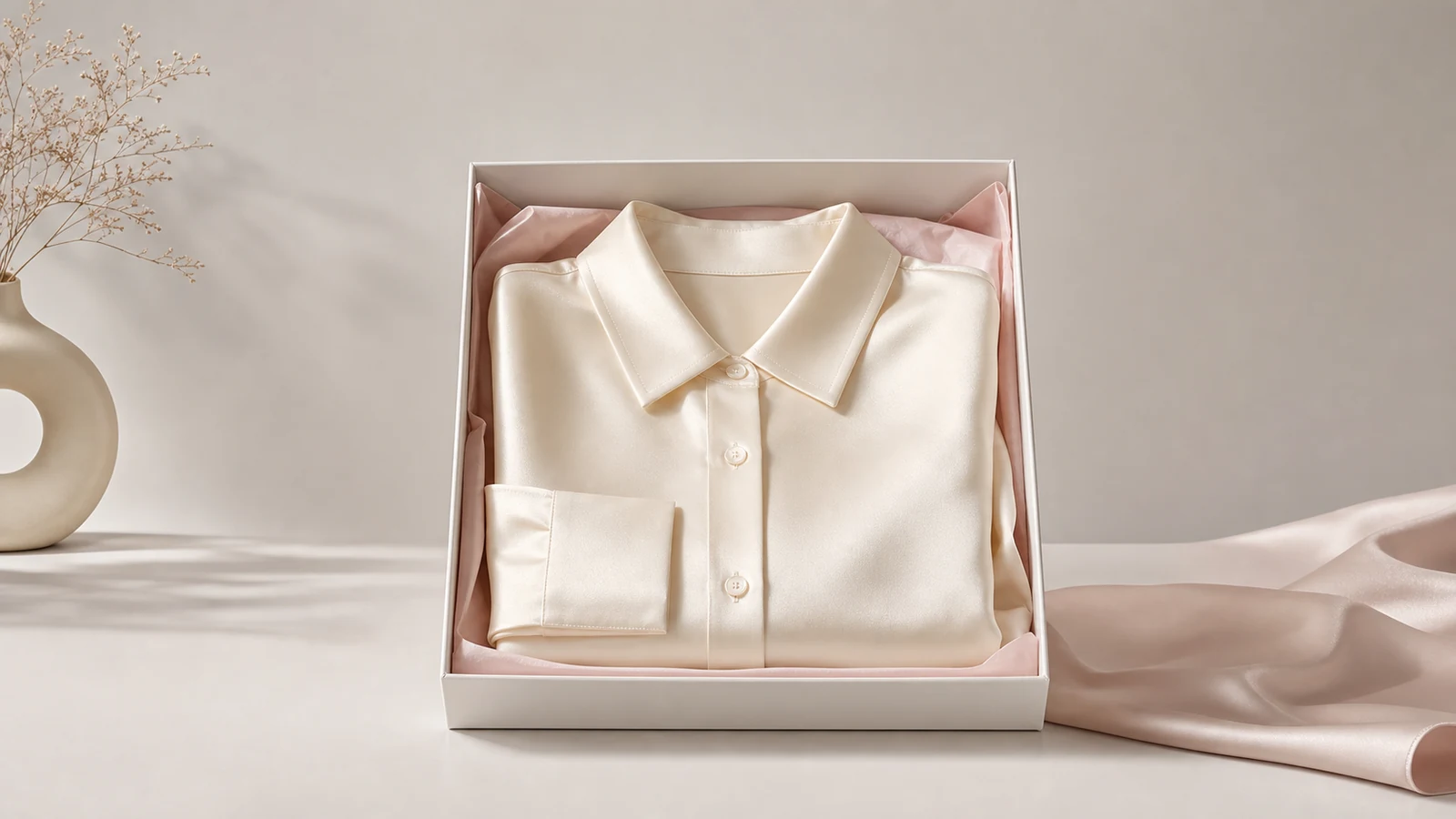
The best AI product photo generator for product listings is one that creates clean, listing-ready visuals quickly, keeps the product recognizable, and supports the output sizes and formats ecommerce teams actually need. For brands that want a practical workflow instead of a generic image tool, iCreat AI is a strong fit.
Product listings are not just about making an image look impressive. The image needs to help the shopper understand the product, match channel requirements, and stay consistent across a catalog. That is why the right tool is less about novelty and more about workflow, output control, and repeatability. In this guide, you will see what matters most and how iCreat AI supports listing-focused production.
Key Takeaways
- A good listing-focused AI product photo generator should prioritize product clarity, channel-ready formats, and consistent output over flashy concepts.
- Product teams need more than speed; they need listing-ready output, repeatable workflows, and clear product visibility.
- iCreat AI is a strong fit for listing work because its AI Product Photography workflow supports up to 10 reference images, up to 4K output, and model options for standard or higher-detail generation.
- Listing teams often need more than one asset type, so product detail images and white-background variants matter alongside hero visuals.
- The fastest way to improve AI listing output is to start with a strong reference image, define the listing goal, and review every final asset before publishing.
What makes a product photo generator good for listings?
The best product listing tools solve a very specific problem: they help teams publish product images that are clear, credible, and usable across ecommerce channels. That usually means white-background images, clean staged visuals, detail shots, and consistent sizing.
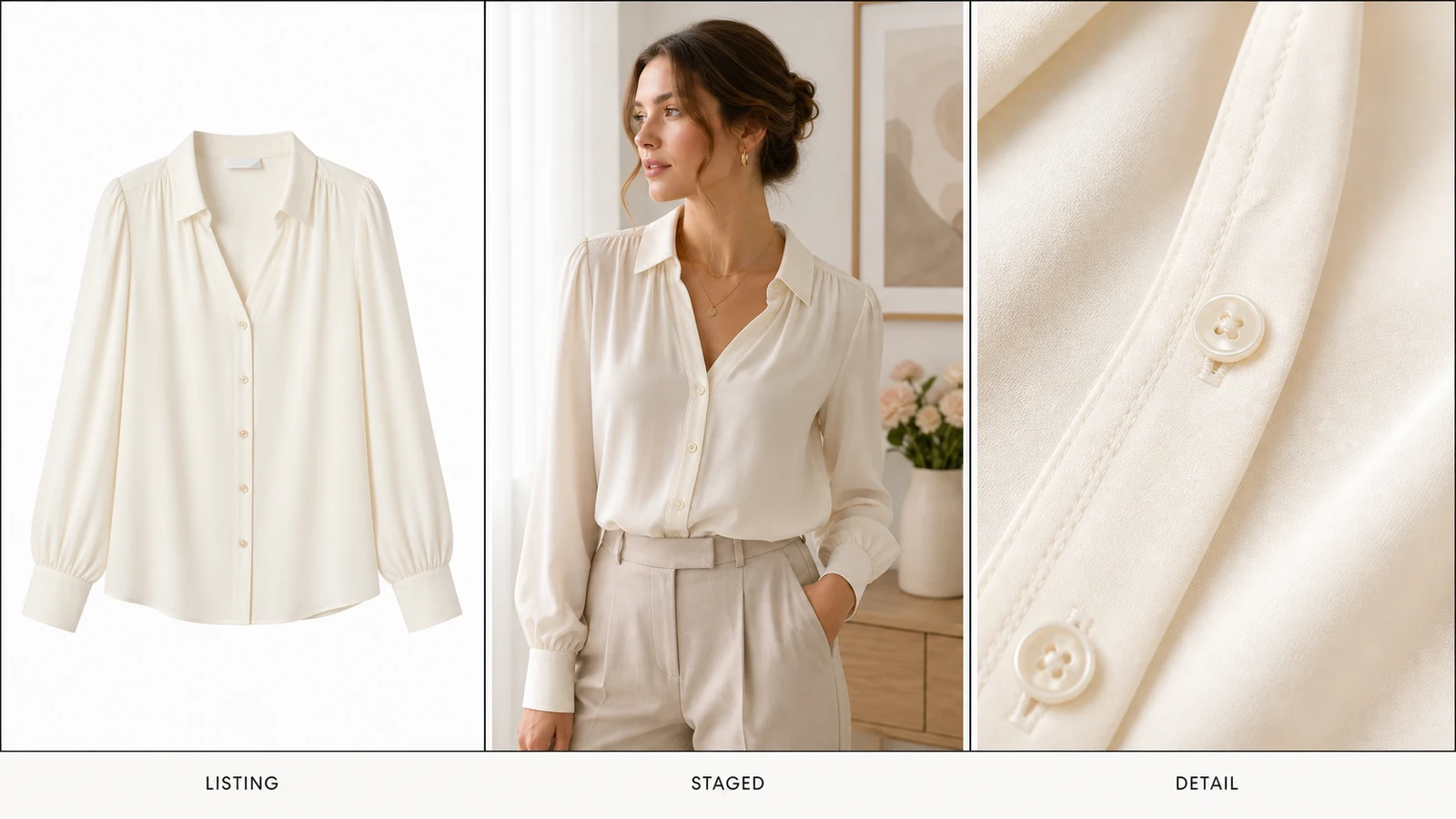
Shopify's ecommerce photography guide makes the same core point from a different angle. Product photos need to help the shopper click, inspect, and buy. In practice, that means strong lighting, visible details, and multiple useful views, not just one attractive hero image.
Product clarity matters more than visual novelty
Listing images need to keep the product easy to read. If the image looks creative but obscures packaging, shape, or materials, it does not do its job well.
This is where many general AI image tools can feel less reliable for ecommerce. They may create interesting scenes, but listing teams need visuals that stay close to the product reference and feel trustworthy in a sales context.
Output flexibility supports more channels
Listing workflows need coverage across marketplaces, storefronts, PDPs, social posts, and ads. The tool has to support that range without making the product harder to recognize.
For ecommerce teams, that is useful framing. The listing tool should not stop at one image. It should help generate the set of assets needed for marketplaces, store pages, and supporting marketing channels.
Want a workflow built around ecommerce visuals? Start with AI Product Photography when the main goal is generating listing-ready product images from reference inputs.
Why iCreat AI works well for listing-ready product images
For this use case, iCreat AI's AI Product Photography workflow fits well. It is designed for teams that need ecommerce product images, campaign visuals, and listing-ready assets from reference images and prompts.
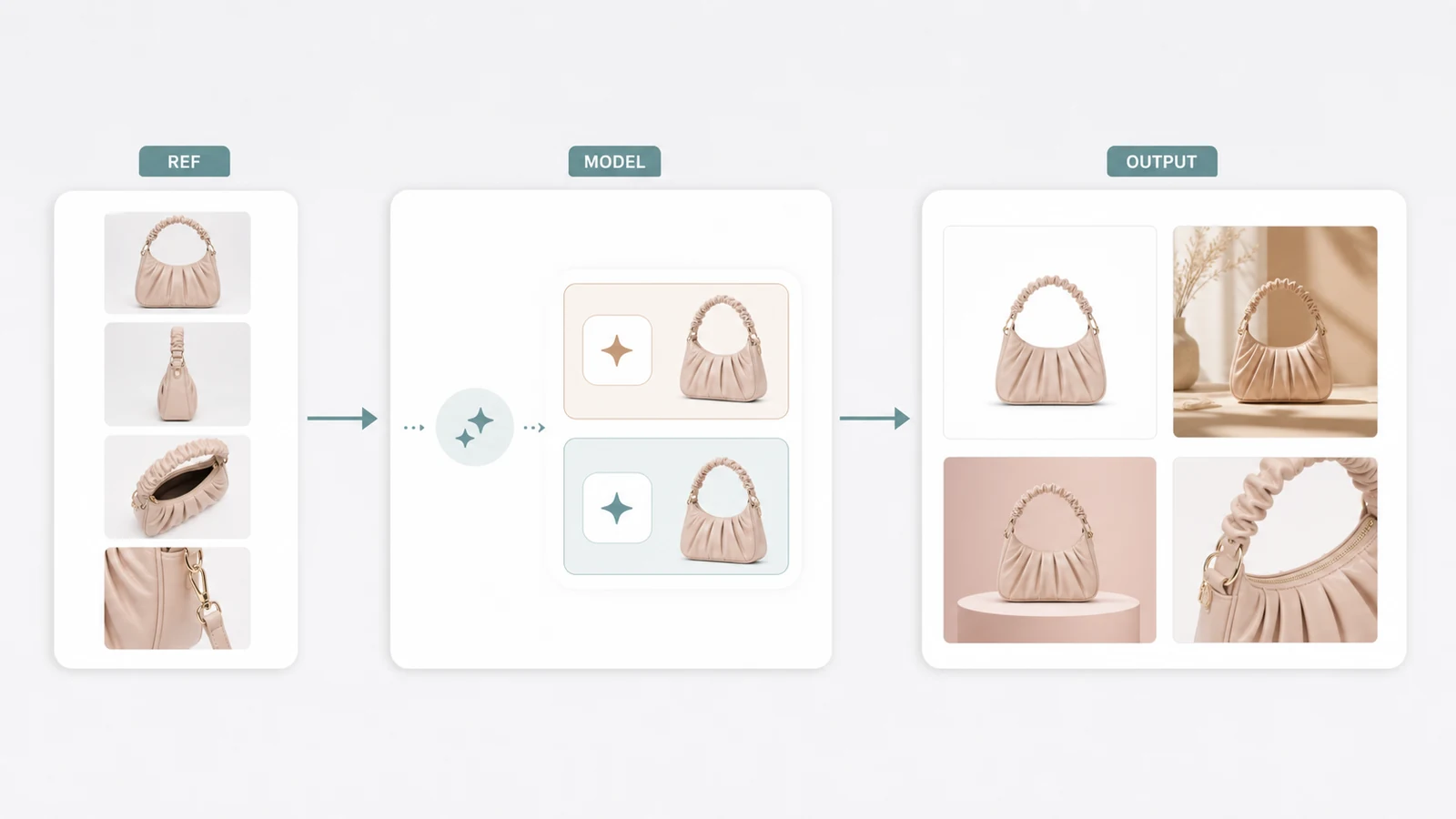
Built around reference-image-driven generation
iCreat AI should be positioned around commercial production workflows, not broad AI art generation. That matters for product listings, because the best starting point is usually an actual product image rather than a blank-text prompt.
AI Product Photography supports up to 10 reference images, mainstream ecommerce and social ratios, and up to 4K output where the workflow allows it. It uses GPT-Image-1 for standard generation and Nano Banana Pro for advanced generation. That gives teams a more practical decision path than a one-model-fits-all workflow.
Stronger support for listing sets, not just one hero image
Most product listings need more than a single polished shot. A team may need a clean main image, a marketplace-friendly variant, a detail-led image, and a few supporting visuals for the PDP.
That is where the broader iCreat AI tool set helps. If the listing needs closer garment or product detail assets, AI Fashion Detail Image Generator is a useful supporting workflow for white-background and detail-image production.
Model choice helps match cost and quality needs
Not every SKU needs the most advanced generation path. If the listing is straightforward and the team needs efficient output, the GPT-Image-1 model is the standard option. If the product needs more detail restoration or transparent PNG support, the Nano Banana Pro model is the better fit.
That distinction is useful for growing catalogs, because it helps teams choose the right generation level without treating every listing like a premium campaign shoot.
Ready to create listing assets faster? Use AI Product Photography for the main generation workflow, then expand into detail-image support only when the listing needs it.
How to choose the right tool for your catalog
The best tool depends on the catalog problem you need to solve.
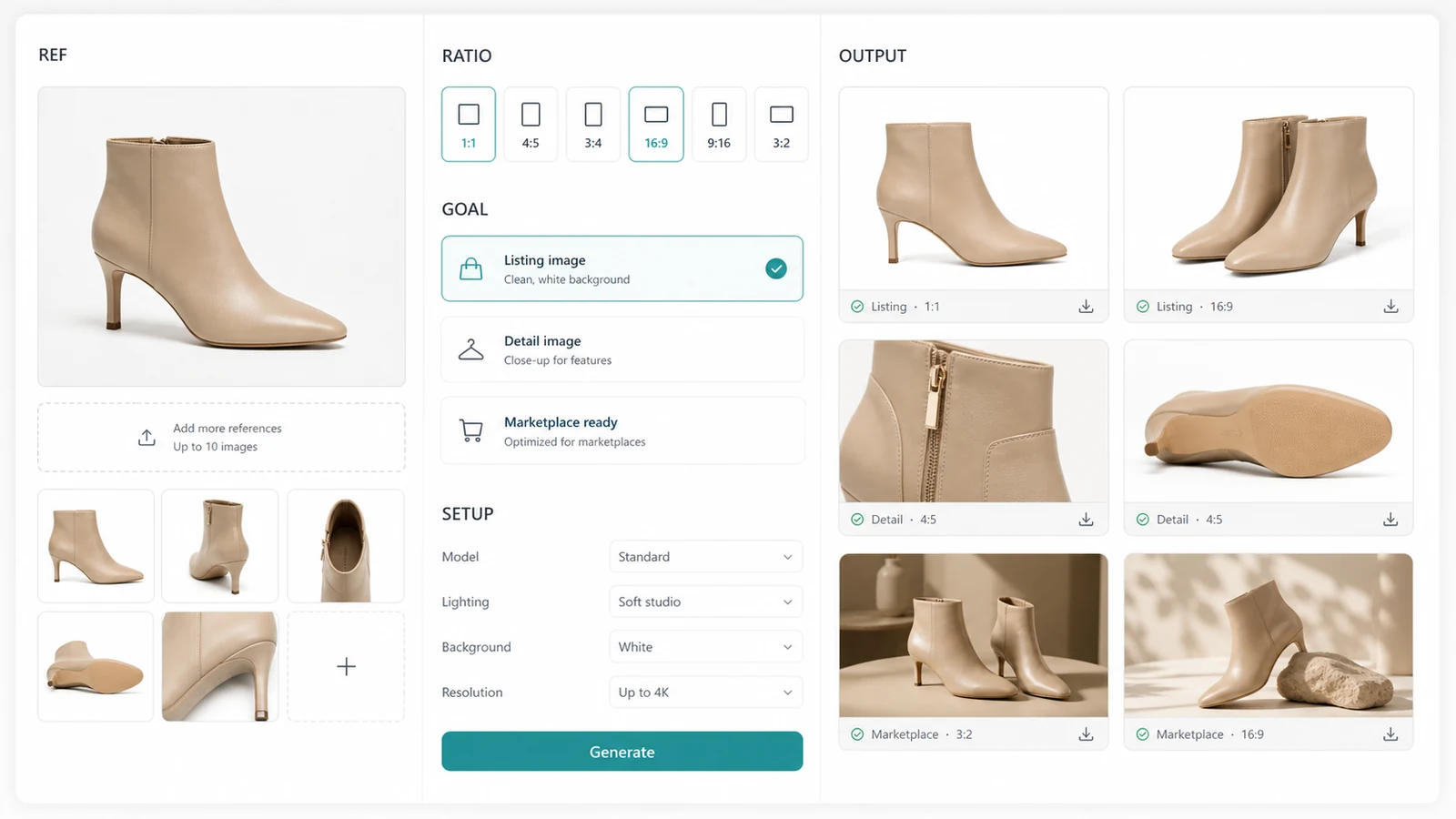
Choose a listing-first tool when you need clean catalog output
If the main goal is marketplace, storefront, or PDP imagery, the tool should help generate product-focused visuals quickly and consistently. This is the clearest match for iCreat AI's AI Product Photography workflow.
Choose a detail-focused workflow when feature visibility matters
If your shoppers need to inspect material, trims, packaging, or surface details, create the main listing image first, then support it with detail assets. That is where AI Fashion Detail Image Generator can help.
Choose the advanced model path when product fidelity matters more
For premium products, visually complex items, or outputs where cleaner detail recovery matters, Nano Banana Pro is usually the better model path. It is positioned for higher-detail commercial visuals, not as a guarantee of perfect output.
Common mistakes to avoid with AI product listings
One common mistake is treating a listing image like an ad concept. Product listings usually need clarity before creativity.
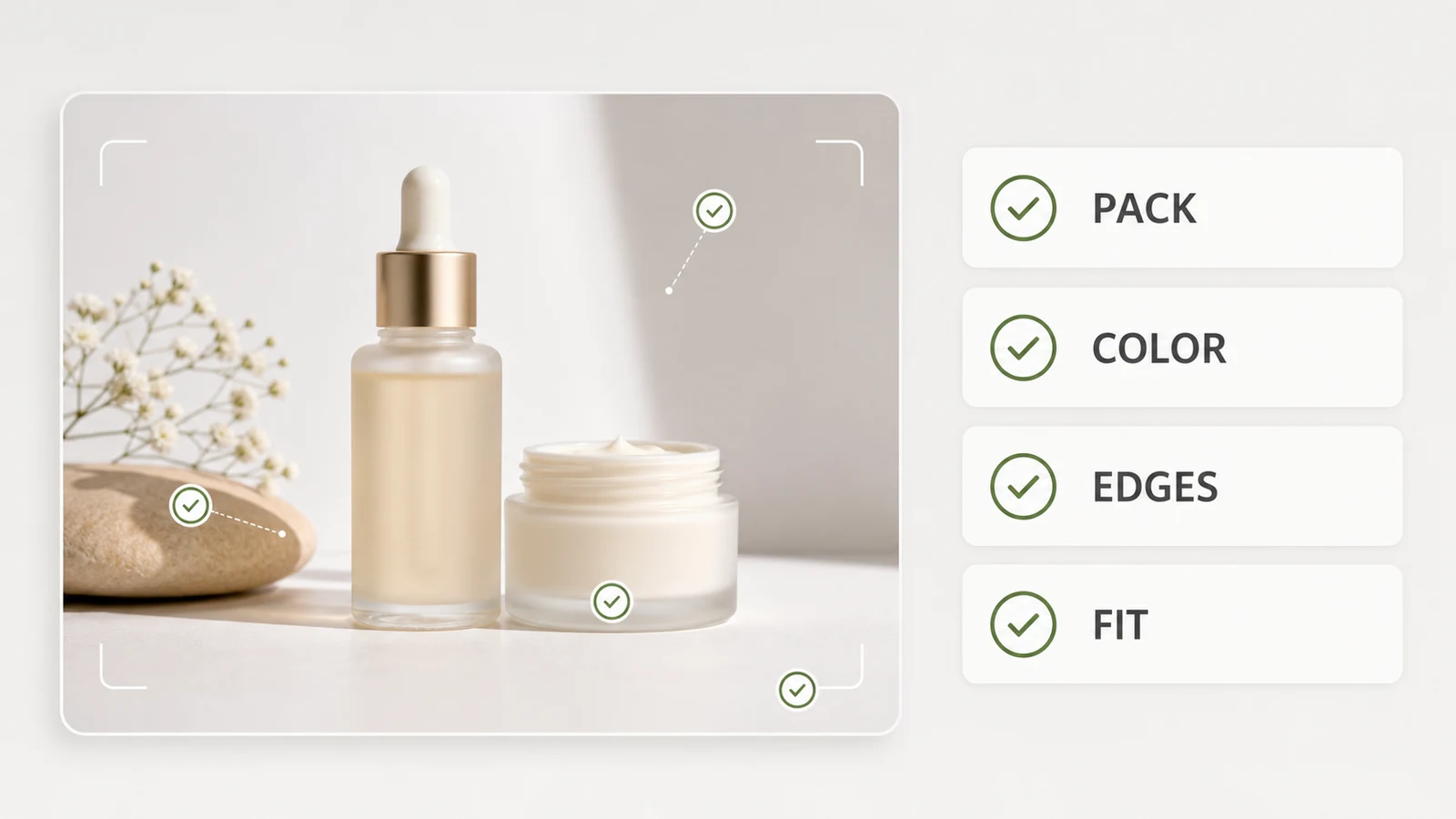
Another mistake is publishing the first attractive output without checking whether it still reflects the real item. That can create trust issues, especially for color, texture, size cues, or packaging details.
A third mistake is using one visual style for every channel. Marketplace listings, PDP galleries, and ads often need different asset priorities, even when they start from the same product reference.
FAQ
Conclusion
The best AI product photo generator for product listings is not just the one with the flashiest output. It is the one that helps ecommerce teams create clear, useful, and repeatable product visuals that are ready for real selling environments.
For teams that want a workflow grounded in reference images, channel-ready output, and commercial use, iCreat AI is a strong choice. Start with AI Product Photography, add AI Fashion Detail Image Generator when the listing needs closer product views, and choose between GPT-Image-1 or Nano Banana Pro based on the quality level the catalog needs.
When you are ready to build your next set of listing assets, log in to iCreat AI and start from your strongest product reference.