




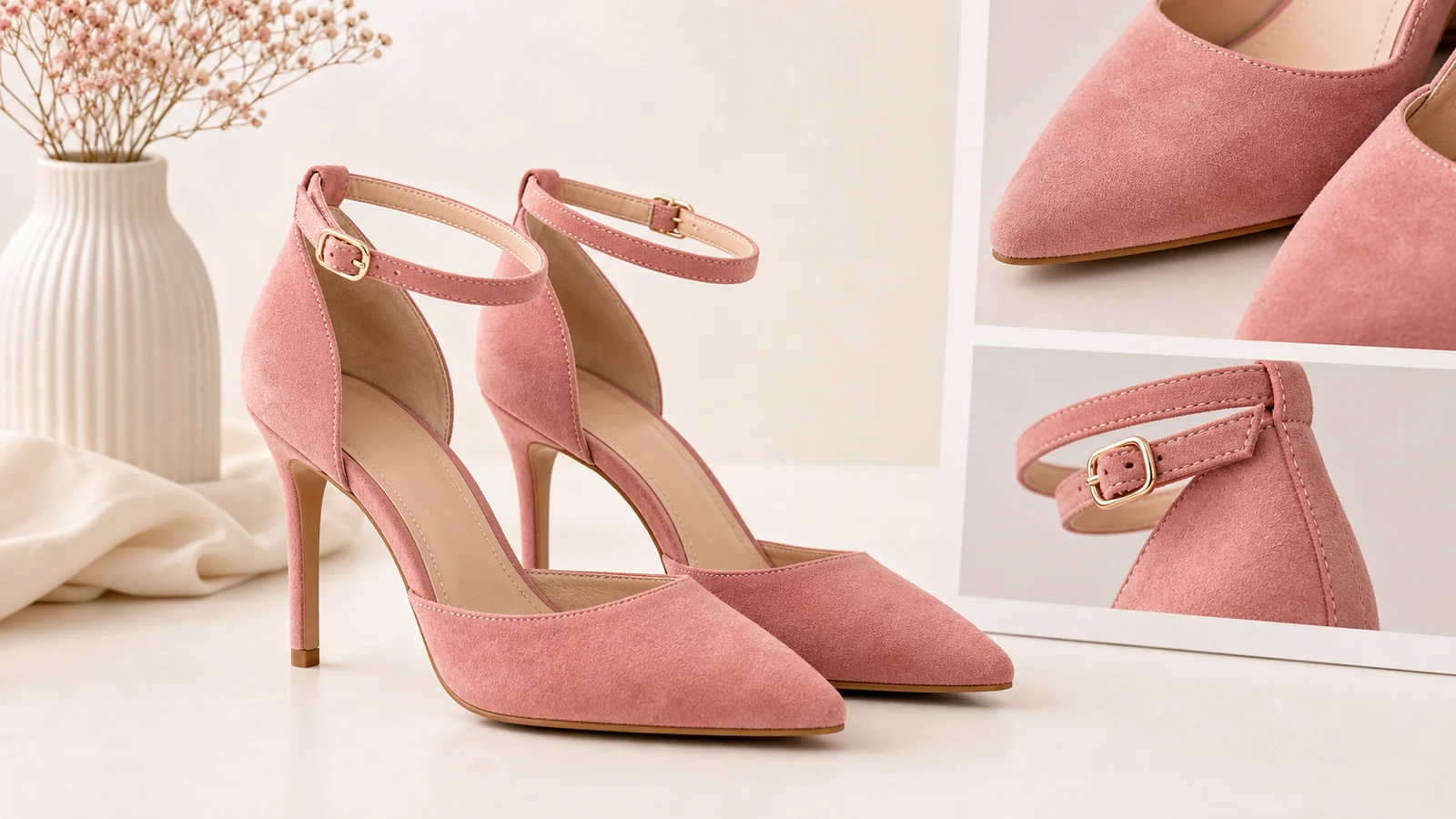
The best AI product photography tool with 4K export should do more than give you a larger file. It should help you create high-resolution product visuals that still look useful, believable, and commercially ready when viewed up close or cropped for different channels. That is why iCreat AI is a strong fit for teams that care about both resolution and workflow quality.
4K is often treated like a shortcut for premium output. In practice, it is only valuable when the image underneath it is strong. If the product edges are unclear, the label looks off, or the styling hides the item, a bigger file does not solve the real problem. The best tool combines higher-resolution export with a workflow that protects product clarity.
This guide explains when 4K matters, how to use it well, and why iCreat AI works for teams that need more flexible, higher-resolution ecommerce production.
Key Takeaways
- 4K export matters most when the underlying image is already commercially usable.
- AI Product Photography supports up to 4K output.
- Higher resolution is useful for cropping flexibility, channel reuse, and clearer detail presentation.
- Nano Banana Pro is a strong option when more detail preservation matters.
- Teams should still review every final asset for credibility, clarity, and channel fit.
Why 4K matters in product photography workflows
Resolution becomes more important as the same image gets reused across more surfaces. A higher-resolution asset gives teams more flexibility when they need to crop, resize, repurpose, or focus on different parts of the image.
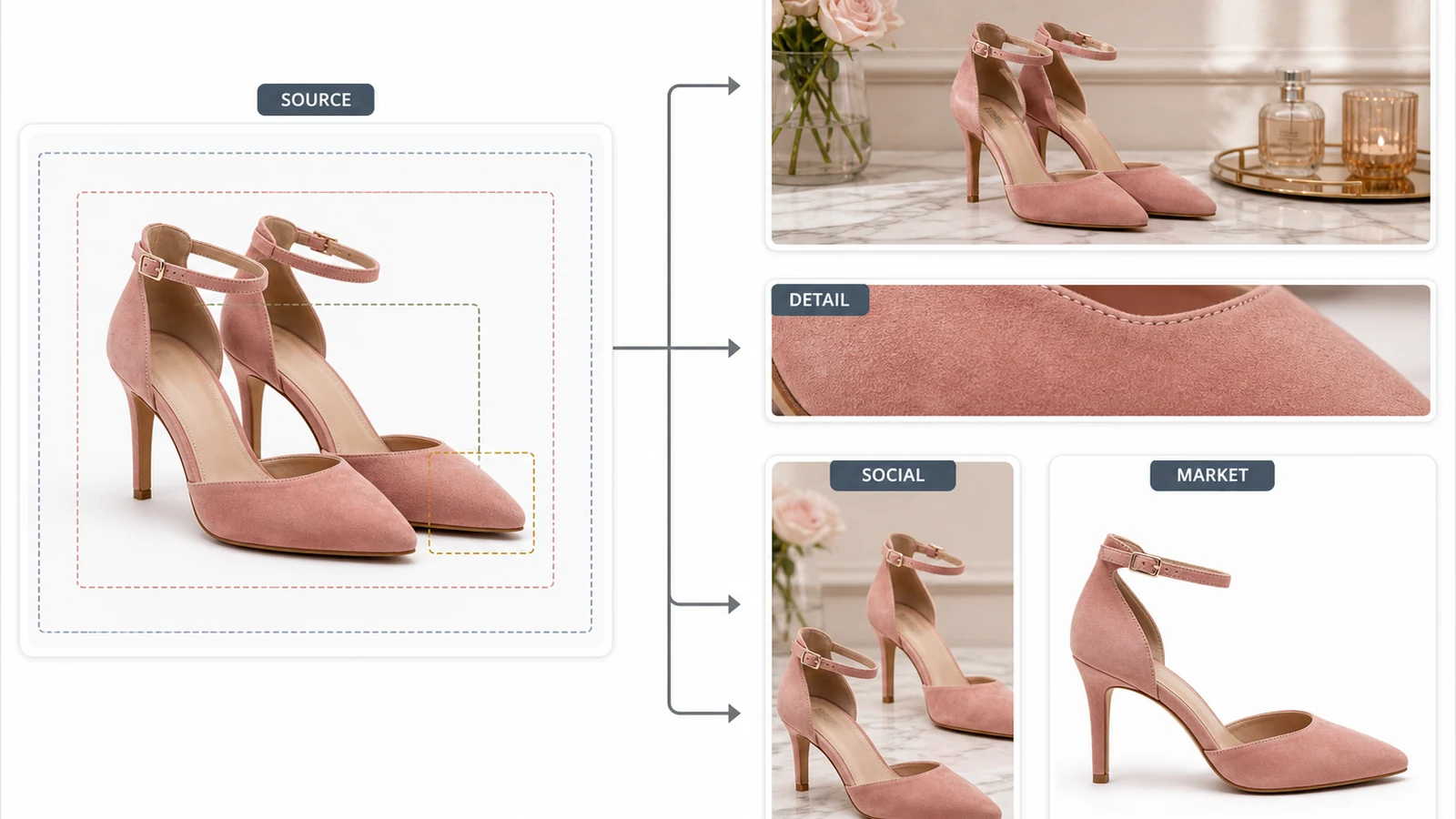
That can be useful for:
- product page hero images
- marketplace listings with stricter display expectations
- paid social crops
- campaign banners
- detail-focused sections on PDPs
If one image may serve several downstream uses, 4K can give the team more room to work.
4K helps most when flexibility matters
Imagine a brand launching a new coffee product. The same core visual may need to work as:
- a square marketplace image
- a vertical social crop
- a wider email banner cut
- a PDP image with tighter product framing
Starting from a higher-resolution asset can make those adaptations easier without immediately degrading the image.
4K is not a substitute for product clarity
This is the most important point. A high-resolution image that misrepresents the product is still a weak commercial asset. Resolution improves flexibility. It does not fix an unclear, inaccurate, or poorly grounded source image.
That is why teams should treat 4K as part of the workflow, not the whole promise.
Why iCreat AI works well for 4K output
iCreat AI is a strong option because the workflow is built around ecommerce product generation first, with higher-resolution output as a practical capability instead of a headline gimmick.
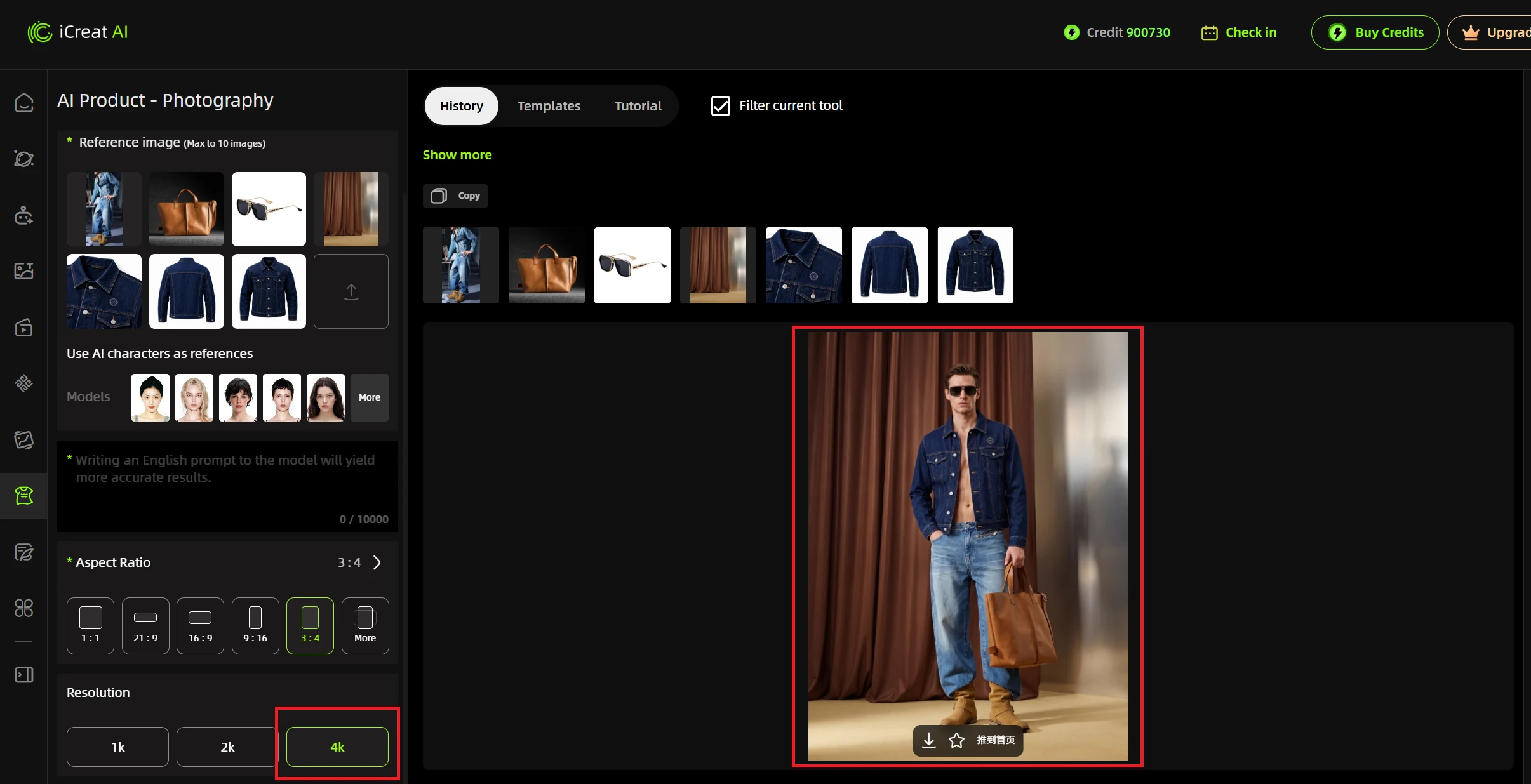
AI Product Photography supports up to 4K export
AI Product Photography supports up to 4K output, which makes it a useful fit for teams creating listing images, campaign visuals, and broader ecommerce assets that may need additional resizing or reuse.
Because the workflow starts from product references, the team has a stronger chance of generating outputs that remain tied to the actual item.
Use a higher-detail path when the product needs it
Some products benefit more from a higher-detail generation path than others. A plain water bottle may be relatively straightforward. A textured bag, beauty package, or premium accessory may need more attention to surface detail and edges.
That is where Nano Banana Pro becomes useful. It is the better path when the team wants a more detail-oriented output for hero assets or more visually complex products.
Detail workflows still matter alongside resolution
If the product page needs closer supporting assets, AI Fashion Detail Image Generator can help create the kinds of white-background or detail-forward images that complement a larger hero visual.
That matters because 4K alone does not replace the need for better asset coverage.
A practical 4K workflow example
Imagine a premium skincare brand launching a new product bundle. The team wants one strong core image that can be used across the storefront, PDP, and campaign materials.
A practical workflow could look like this:
- upload the clearest product references into AI Product Photography
- generate a clean main image with the product fully visible
- export the strongest version at up to 4K
- crop variants for storefront, ads, and social placements
- create detail-supporting images separately if packaging or texture needs closer attention
This approach treats 4K as a business tool. It helps one approved visual travel further.
How to decide whether 4K actually matters for your team
Not every team needs higher-resolution output on every job.
Choose 4K when you need flexible reuse
If one asset will be resized or repurposed across several placements, higher resolution is more valuable.
Choose 4K when tighter crops are likely
If merchandisers or marketers often crop into the product for banners, modules, or ad formats, starting with more resolution helps.
Do not treat 4K as the main buying criterion
The better question is whether the workflow creates strong product images first. 4K is useful after that requirement is met.
Common mistakes teams make with 4K output
Higher resolution can create a false sense of quality if the workflow is not disciplined.
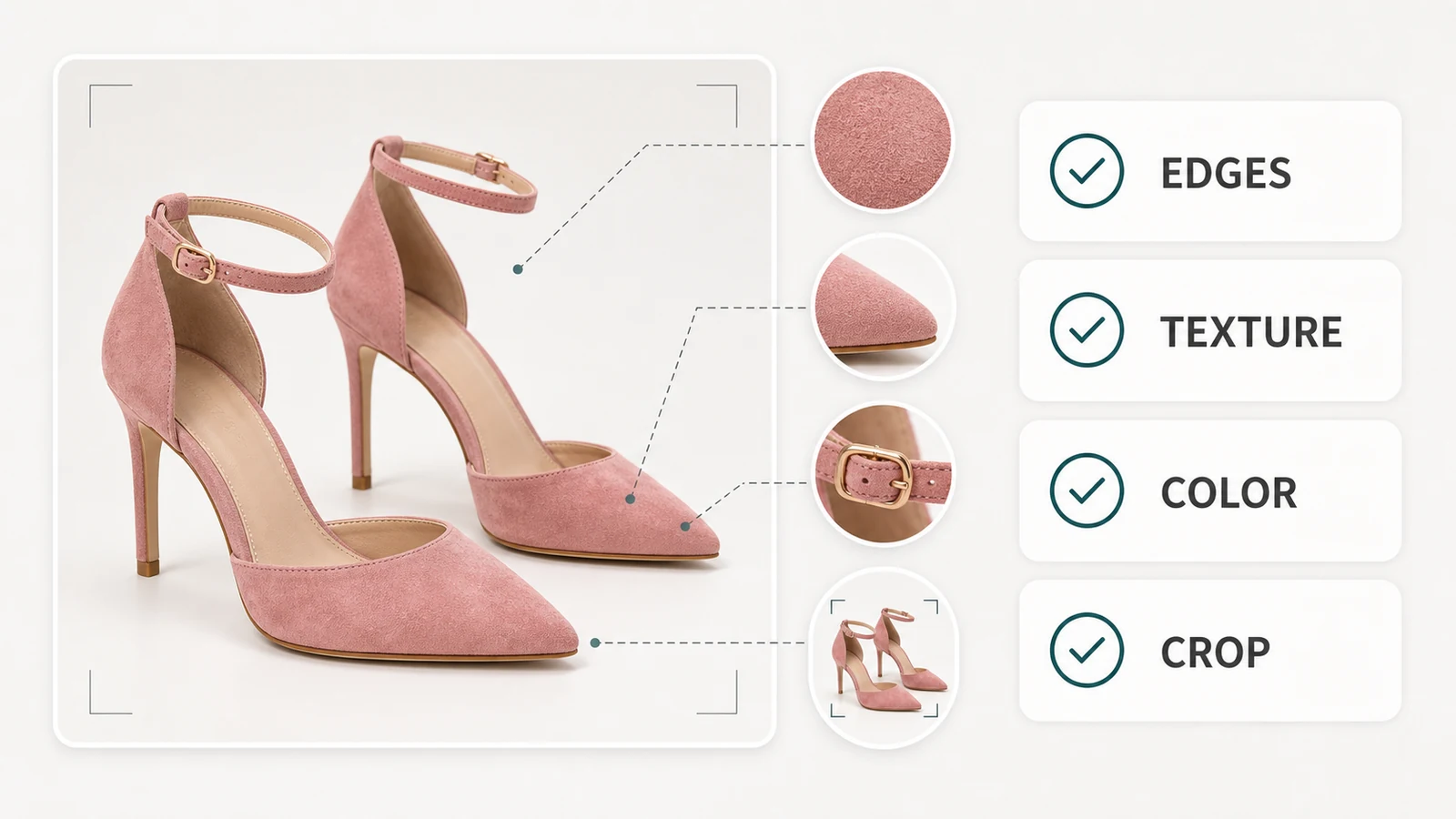
Avoid these mistakes:
- assuming a larger file means the image is ready to publish
- using weak source images and expecting resolution to rescue them
- skipping review of labels, edges, and product details
- creating a large hero image but forgetting supporting detail assets
The best use of 4K is practical, not decorative.
FAQ
Conclusion
4K export is useful when it gives your team more flexibility without weakening product clarity. The best AI product photography tool with 4K export should help you create strong core visuals first, then make those visuals more reusable across channels.
iCreat AI is a strong option because it combines up to 4K output with a product-focused ecommerce workflow. Start with AI Product Photography, then use Nano Banana Pro or AI Fashion Detail Image Generator when the workflow needs more detail support.