


OpenAI's GPT-Live has quickly become one of the most important voice AI releases for developers to watch. It introduces a more natural full-duplex conversation experience, where the model can listen and speak at the same time instead of waiting for rigid turns. For anyone building voice assistants, real-time AI agents, customer support bots, or hands-free product experiences, that sounds like a major step forward. (OpenAI)
But if you are searching for GPT-Live API access, the practical question is simple: can developers use GPT-Live API right now, and what should they build while waiting?
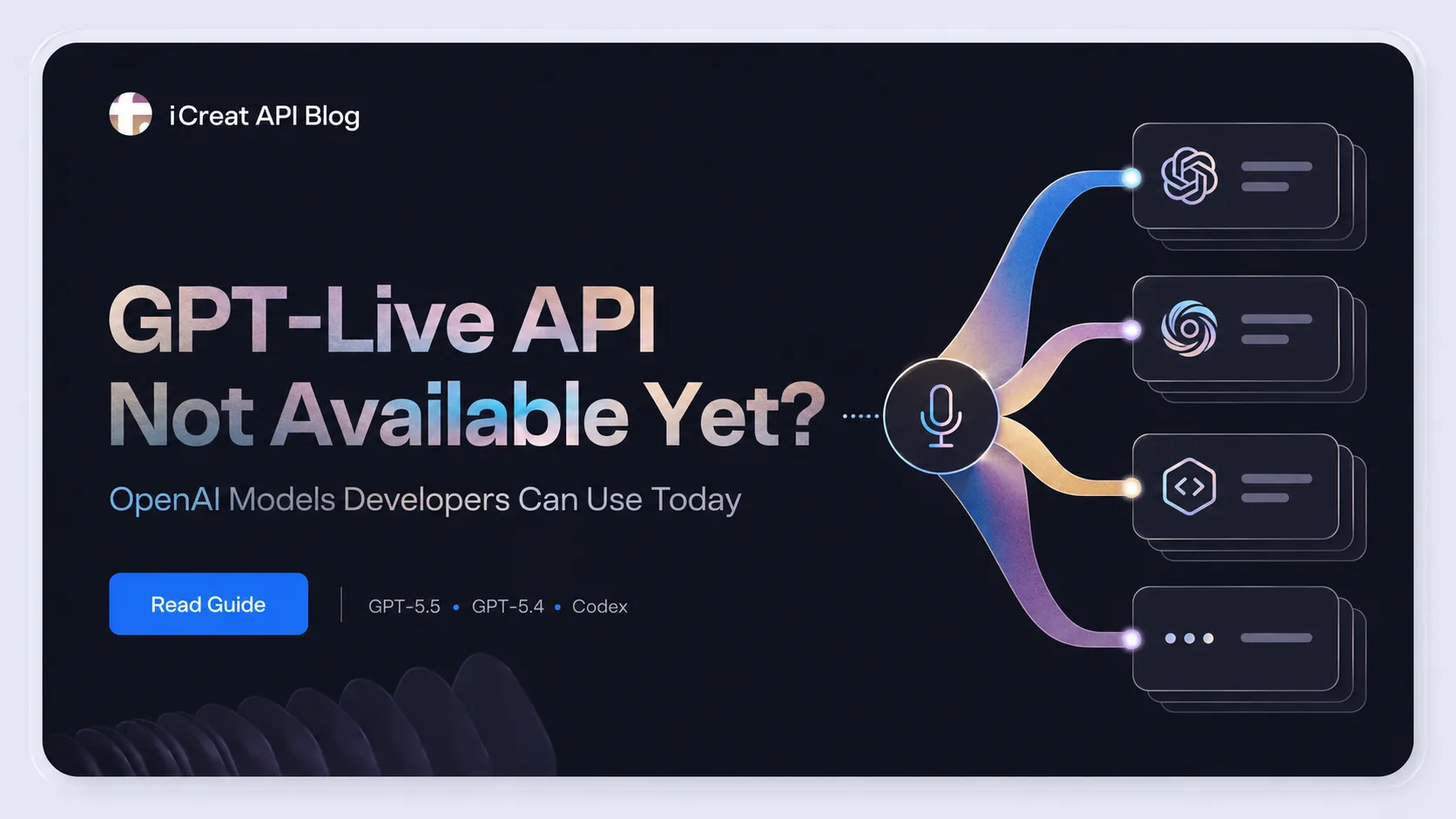
The answer is that you do not need to wait for GPT-Live API access to start building the backend of a voice AI product. GPT-Live may become the voice interaction layer, but the intelligence layer behind many real-world voice agents can already be built with OpenAI models such as GPT-5.5, GPT-5.4, GPT-5.4 mini, and GPT-5.3 Codex.
That distinction matters. Voice AI is not only about speaking and listening. A useful voice AI product also needs to understand intent, reason through complex requests, call tools, search information, manage workflows, and generate reliable answers. Those parts can be designed and tested today.
On iCreat API, developers can access OpenAI-compatible model APIs through an official channel, with one API for multiple models, unified billing, and pay-as-you-go pricing. If GPT-Live is the future of the voice layer, models like GPT-5.5 can already help you build the intelligence layer behind it.
What is GPT-Live?
GPT-Live is OpenAI's new generation of voice models designed for more natural human-AI interaction. Unlike older voice systems that process speech in separate turns, GPT-Live is built on a full-duplex architecture. This allows it to listen and speak at the same time, making conversations feel faster, more fluid, and less mechanical. (OpenAI)
In practice, this means GPT-Live can handle a conversation more like a person would. It can acknowledge that it is listening, respond quickly in back-and-forth exchanges, stay quiet when the user needs time to think, and manage interruptions more naturally. OpenAI also describes GPT-Live as a model that can continuously make interaction decisions, such as whether to speak, keep listening, pause, interrupt, or invoke a tool. (OpenAI)
For developers, the important point is not only that GPT-Live sounds more natural. It also changes how voice AI applications can be designed. Instead of treating voice as a simple input-output feature, GPT-Live points toward AI systems where real-time interaction happens at the front end, while more complex reasoning and task execution can happen in the background.
That is where GPT-5.5 becomes important.
Is GPT-Live API available now?
OpenAI has said that GPT-Live will come to the API soon, but developers should be careful not to treat GPT-Live API access as a fully available building block until official API documentation, pricing, rate limits, and integration details are released. At launch, OpenAI is rolling out GPT-Live-1 and GPT-Live-1 mini to ChatGPT users, with GPT-Live-1 powering ChatGPT Voice for paid users and GPT-Live-1 mini becoming the default for free users. (OpenAI)
That does not mean developers have to wait before doing anything useful.
A production-ready voice AI application needs more than a voice layer. It also needs a backend model that can reason, classify user intent, generate useful answers, call external tools, work with business logic, and handle different levels of task complexity. Those backend capabilities can be started today with OpenAI models that are already available through iCreat API.
So the better question is not only "When can I use GPT-Live API?" The better question is:
What OpenAI models can I use today to prepare the intelligence layer of a voice AI product?
Why GPT-Live points developers toward GPT-5.5
The most important detail in OpenAI's GPT-Live announcement is not only full-duplex audio. It is delegation.
OpenAI explains that GPT-Live can delegate questions that require web search, deeper reasoning, or more complex work to another model like GPT-5.5 in the background. At launch, GPT-Live uses GPT-5.5 behind the scenes, and OpenAI says it will update the backend model as new frontier models are released. (OpenAI)
This changes how developers should think about voice AI architecture. GPT-Live is not just "a voice model that answers everything by itself." It is better understood as part of a layered system:
Voice interaction layer: listening, speaking, interruption handling, turn-taking, and real-time conversation flow.
Intelligence layer: reasoning, search, tool use, multi-step planning, and answer generation.
Application layer: your product logic, database, CRM, codebase, support system, calendar, order system, or other workflow tools.
For iCreat users, this is a natural fit. iCreat API is built around one API for image, video, audio, 3D, avatar, and LLM models, with transparent pay-as-you-go pricing. Instead of thinking about one model as the entire product, developers can think in terms of model routing: use different models for different tasks, depending on quality requirements, cost sensitivity, and workload type.
If GPT-Live becomes the voice interface, GPT-5.5 can be the intelligence engine behind more complex conversations.
OpenAI models developers can use today on iCreat API
If you are preparing for GPT-Live API, or building a voice agent backend before GPT-Live API becomes widely available, the most practical step is to choose the right OpenAI model for the intelligence layer.
Here is a simple way to think about the OpenAI models currently available through iCreat API.
| Model | Best for | Why it matters for voice AI products |
|---|---|---|
| GPT-5.5 | Complex reasoning, advanced assistants, agentic workflows | A strong choice for the intelligence layer behind high-quality voice agents. |
| GPT-5.4 | General AI assistants, customer support, content workflows | A balanced model for everyday assistant use cases. |
| GPT-5.4 mini | High-volume, cost-sensitive, lightweight requests | Useful for simple tasks, request classification, short answers, and high-frequency assistant workloads. |
| GPT-5.3 Codex | Coding assistants, developer tools, code explanation | Useful for voice-driven coding assistants, debugging flows, and developer productivity tools. |
For most developers, GPT-5.5 should be the first model to evaluate if the goal is to build a high-quality AI assistant or voice agent backend. It is especially useful when the assistant needs to reason across multiple steps, synthesize information, explain decisions, or support agentic workflows.
GPT-5.4 can be a more balanced choice for general-purpose assistant use cases. If you are building a customer support assistant, product Q&A flow, content workflow, or internal helper tool, GPT-5.4 may provide enough capability without always routing every request to the highest-cost model.
GPT-5.4 mini is useful when the workload is high-volume and the task is relatively lightweight. In a voice AI product, not every user request needs a frontier-level response. Some requests are simple: classify intent, answer a short FAQ, detect whether a user needs a human agent, summarize a short message, or route the conversation to the right tool. GPT-5.4 mini can be a good fit for those first-pass tasks.
GPT-5.3 Codex is more specialized. It is most relevant when the voice interface is connected to developer workflows, such as explaining code, debugging errors, generating tests, summarizing pull requests, or helping users interact with an IDE through voice.
iCreat OpenAI model pricing
Pricing is one of the main reasons developers should design the intelligence layer carefully before building a full voice AI product. Real-time assistants can create high-frequency workloads, and using the same model for every request may not be cost-efficient.
On iCreat API, the OpenAI models listed above use pay-as-you-go pricing.
| Model | Input price | Output price | Cache read price |
|---|---|---|---|
| GPT-5.5 | $0.5000 / 1M tokens | $3.0000 / 1M tokens | $0.0500 / 1M tokens |
| GPT-5.4 | $0.2500 / 1M tokens | $1.5000 / 1M tokens | $0.0250 / 1M tokens |
| GPT-5.4 mini | $0.0750 / 1M tokens | $0.4500 / 1M tokens | $0.0070 / 1M tokens |
| GPT-5.3 Codex | $1.7500 / 1M tokens | $14.0000 / 1M tokens | $0.1750 / 1M tokens |
Always check the latest pricing page before building production workloads, because model pricing can change over time.
The practical point is simple: a voice AI backend should not treat every request equally. A lightweight greeting, an intent classification request, and a complex multi-step troubleshooting task do not need the same model. A strong backend architecture should route tasks based on complexity.
For example, GPT-5.4 mini can handle simple classification and short answers. GPT-5.4 can handle general conversation. GPT-5.5 can handle complex reasoning or agentic workflows. GPT-5.3 Codex can handle code-related tasks.
That is the benefit of using a model aggregation platform: you can test and route different workloads across different models instead of locking the whole product into one model choice.
How to think about a voice AI stack before GPT-Live API arrives
A useful way to think about GPT-Live is to separate the voice layer from the intelligence layer.
The voice layer handles listening, speaking, turn-taking, interruption, and real-time conversation flow. The intelligence layer handles understanding, reasoning, planning, tool use, and answer generation. The application layer connects the AI system to your actual product or business workflow.
A simple voice AI stack can look like this:
User voice input -> speech or realtime audio layer -> OpenAI model backend -> tools and business logic -> response generation -> speech or visual output
Even before GPT-Live API becomes widely available, developers can build and test the model backend. They can define prompts, connect tools, design routing rules, estimate cost, test output quality, and decide when to use a stronger model like GPT-5.5 or a lighter model like GPT-5.4 mini.
This matters because the hardest part of building a useful AI assistant is rarely the voice output alone. The harder questions are usually:
Can the assistant understand what the user really wants?
Can it decide when to answer directly and when to call a tool?
Can it handle ambiguous requests without breaking the conversation?
Can it route simple and complex tasks to different models?
Can it keep cost under control as usage grows?
Can it produce answers that are reliable enough for a real product?
Those questions are about the intelligence layer. And that layer can be built before GPT-Live API access is fully available.
Which OpenAI model should you choose?
Choose GPT-5.5 if your voice AI product needs advanced reasoning, complex task handling, search synthesis, or agentic workflows. It is the best fit when answer quality matters more than cost. For example, a financial research assistant, advanced customer support agent, legal intake assistant, or enterprise workflow assistant may need the stronger reasoning layer that GPT-5.5 provides.
Choose GPT-5.4 if you are building a general-purpose assistant, customer support workflow, content assistant, or product Q&A experience. It can be a balanced option for many production use cases where quality matters, but every request does not need the most advanced model available.
Choose GPT-5.4 mini if your workload is high-volume, repetitive, or cost-sensitive. It can handle lightweight tasks such as intent classification, short responses, simple FAQ answers, and first-pass routing. In many voice AI products, a mini model can sit at the first layer of the backend and decide whether a request needs to be escalated to a stronger model.
Choose GPT-5.3 Codex if your product is focused on developer workflows. It can support voice-driven coding assistants, code explanation, debugging, test generation, and IDE-style AI tools. If voice becomes a more common interface for coding work, specialized coding models will be important for building reliable developer experiences.
The main takeaway is that developers should not choose a model only by looking at the newest release or the highest capability. The better approach is to design a model strategy around the actual workload.
Example: building a voice agent backend before GPT-Live API
Imagine you are building a customer support voice agent.
Before GPT-Live API access is widely available, you can already build the backend logic. GPT-5.4 mini can classify user intent, detect whether the request is simple or complex, and answer short FAQ-style questions. GPT-5.4 can handle common support conversations, such as product explanations, account questions, or standard troubleshooting steps.
When the user asks something more complex, GPT-5.5 can take over. It can help with policy explanations, multi-step troubleshooting, search synthesis, escalation summaries, or tasks that require deeper reasoning. If the user asks technical or coding-related questions, GPT-5.3 Codex can handle those developer workflows.
This type of model routing strategy makes the product more flexible. It also helps control cost. Instead of sending every request to the most expensive model, the system can use the right model for the right task.
This is also why it makes sense to start testing OpenAI models before GPT-Live API becomes widely available. When the voice layer is ready, your backend logic, prompts, routing rules, and cost assumptions can already be in place.
Why use iCreat API for OpenAI model testing?
Developers rarely choose one model once and never change it. In real products, model selection is an ongoing process. You may use a smaller model for lightweight requests, a stronger model for complex reasoning, and a coding-focused model for developer workflows.
iCreat API helps developers use multiple OpenAI models through one OpenAI-compatible API workflow. Instead of managing separate model access patterns across different products, teams can test model output, compare pricing, and move faster from evaluation to integration.
iCreat API is designed for developers who need access to image, video, audio, 3D, avatar, and LLM models through one API. For LLM models, you can start with a small recharge, test output quality on real prompts, compare the cost of different models, and decide which model should power each part of your application.
For a voice AI backend, that can mean using GPT-5.4 mini for lightweight routing, GPT-5.4 for general conversations, GPT-5.5 for advanced reasoning, and GPT-5.3 Codex for code-related tasks.
This is the practical value of a model aggregation platform. The goal is not just to call one model. The goal is to build a system where each task can use the model that fits best.
What to do when GPT-Live API becomes available
When GPT-Live API becomes available with clear documentation, pricing, rate limits, and integration details, developers will be able to evaluate it as the voice interaction layer of their applications.
But teams that have already built the intelligence layer will be in a better position. Your GPT-5.5 prompts, GPT-5.4 mini routing logic, tool-calling workflows, and business rules do not need to wait for the final voice layer. They can be designed, tested, and improved now.
That preparation matters because voice AI products are not only judged by how natural they sound. They are judged by whether they can solve real user problems. A voice agent that sounds natural but gives weak answers will not be useful. A voice agent that reasons well but cannot handle cost at scale will be difficult to operate. A voice agent that cannot route tasks correctly will quickly become unreliable.
GPT-Live may improve the real-time interaction experience, but the backend still needs strong model selection, clear routing, and reliable business logic.
Final thoughts: don't wait for GPT-Live API to build the intelligence layer
GPT-Live is an important step toward more natural real-time AI conversations. It shows where voice AI is going: full-duplex interaction, better listening, smoother turn-taking, and deeper work handled in the background. OpenAI's own architecture points to a future where the voice layer and the intelligence layer work together. (OpenAI)
But developers do not have to wait for GPT-Live API access to start building useful voice AI products.
The intelligence layer can be designed today with OpenAI models such as GPT-5.5, GPT-5.4, GPT-5.4 mini, and GPT-5.3 Codex. You can test prompts, compare model cost, design task routing, connect business logic, and prepare the backend architecture before the final voice layer becomes available.
Start testing OpenAI models on iCreat API today. Build the intelligence layer now, and be ready when GPT-Live API becomes available.