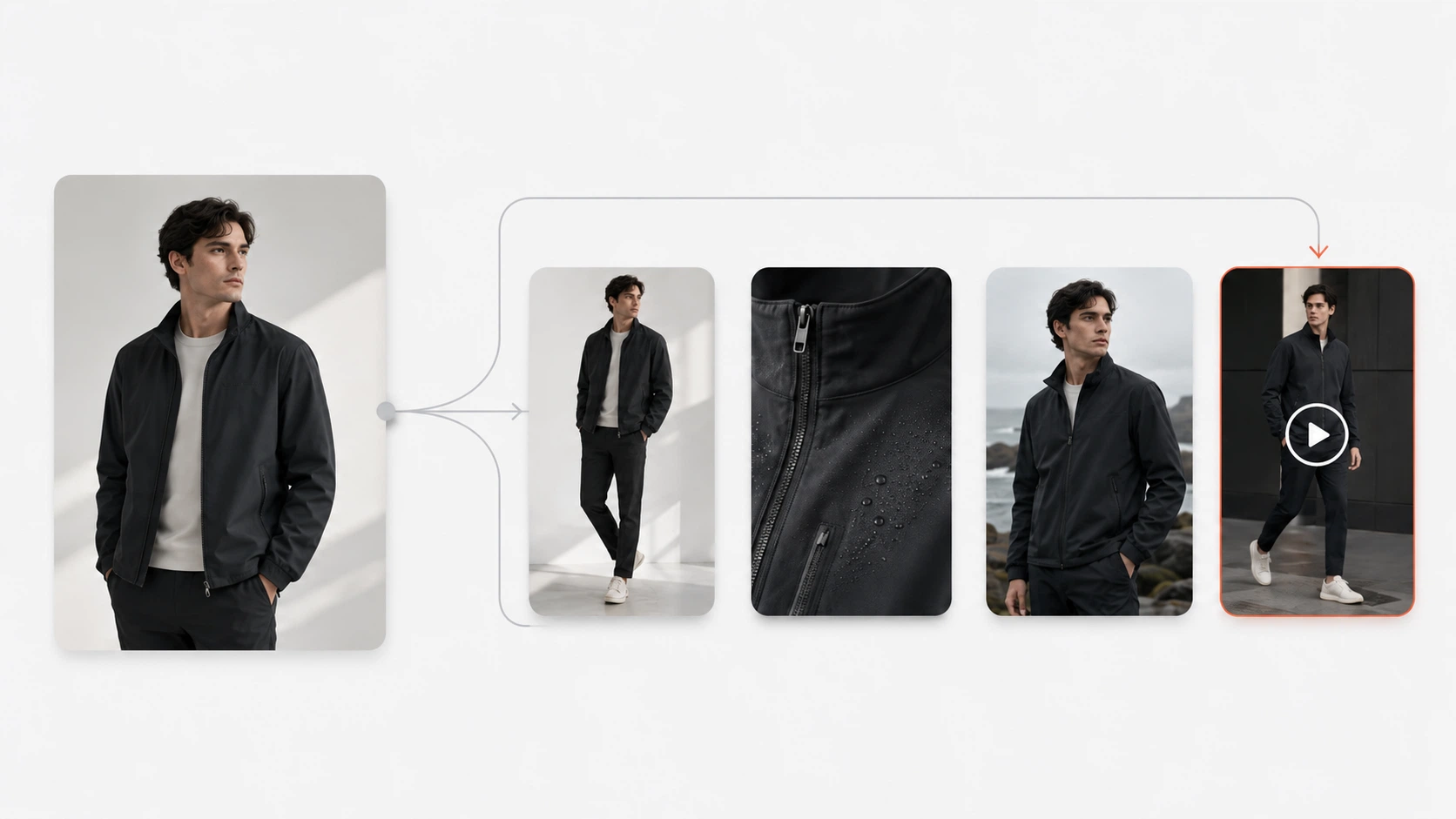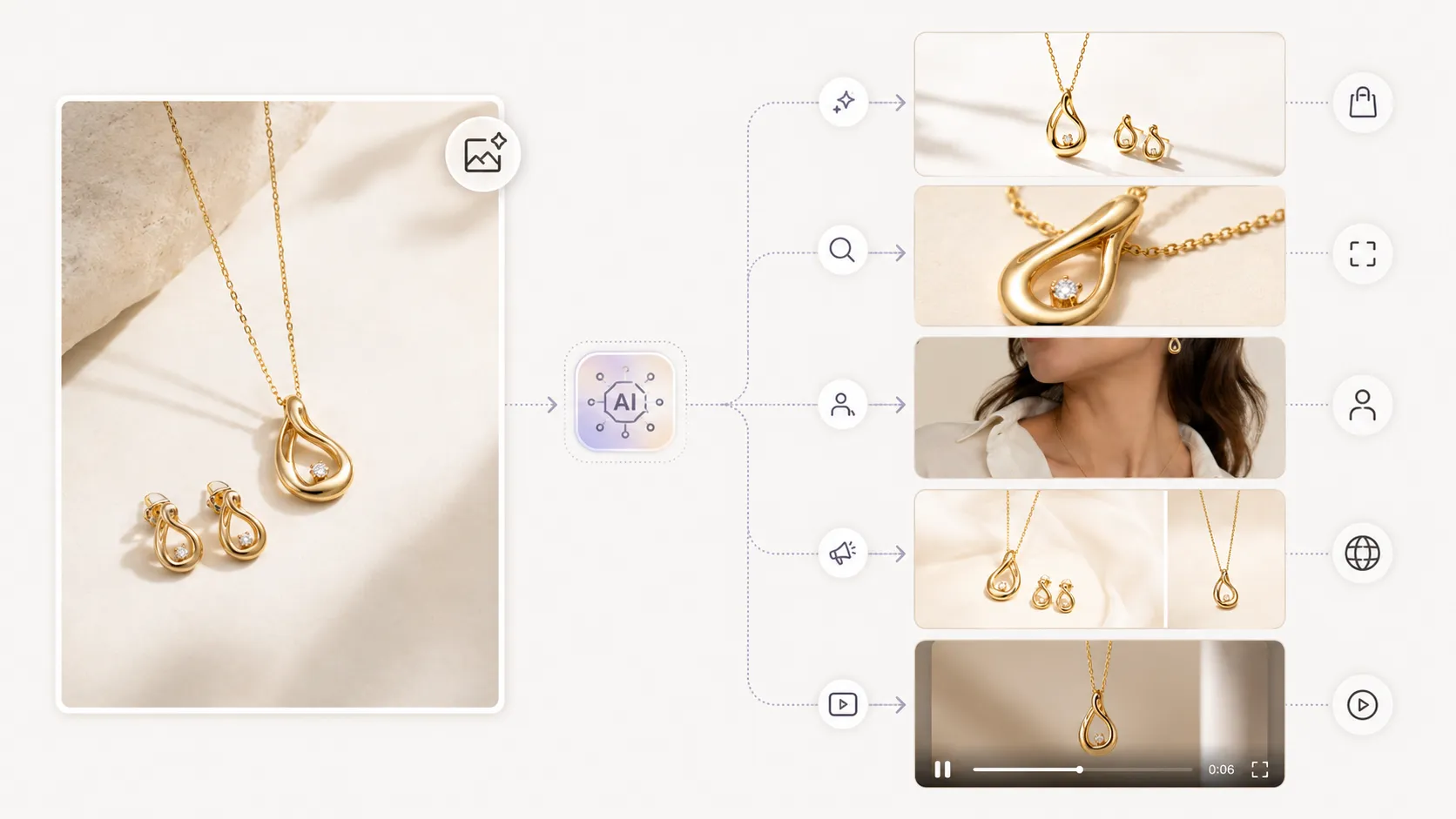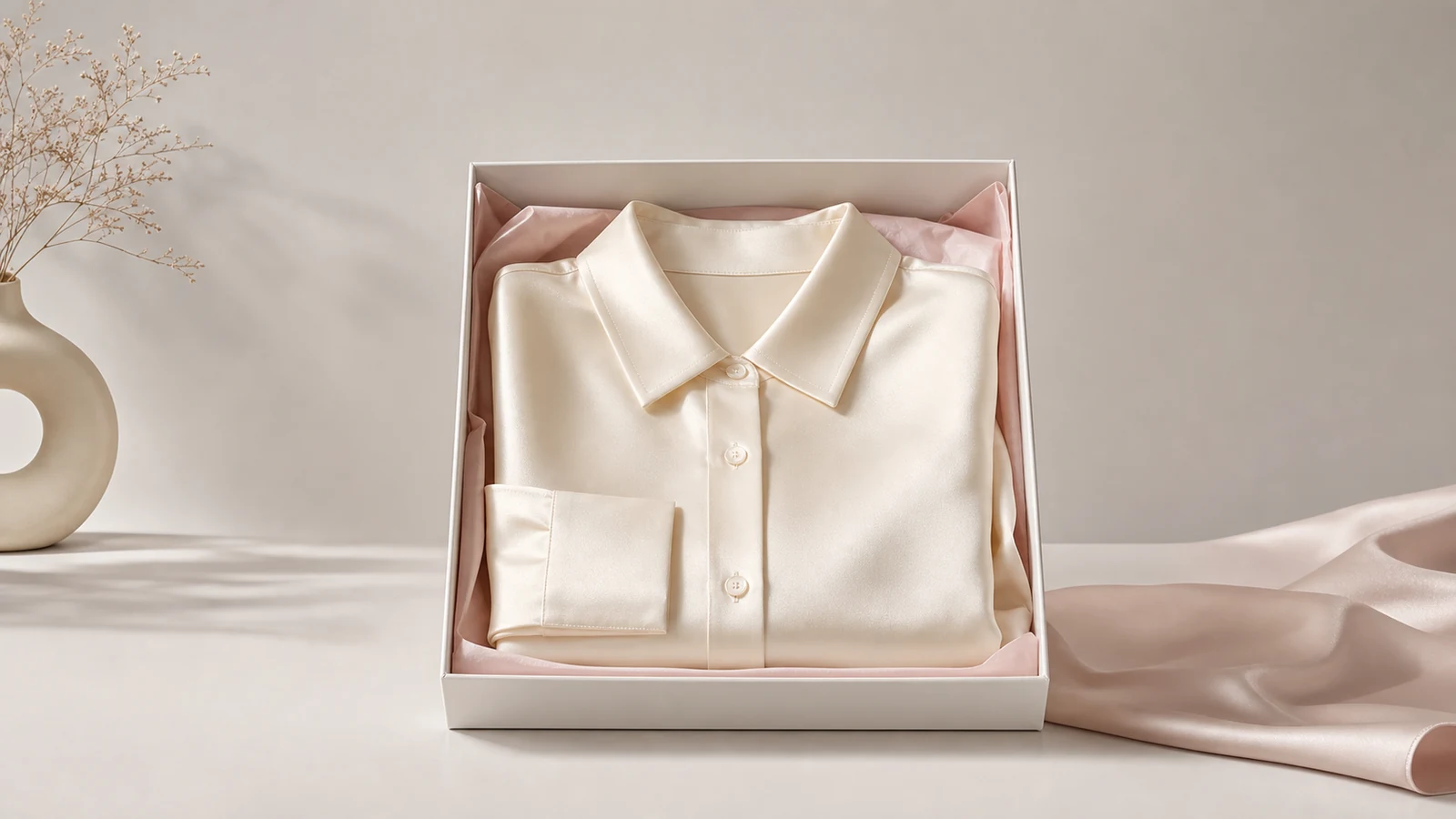



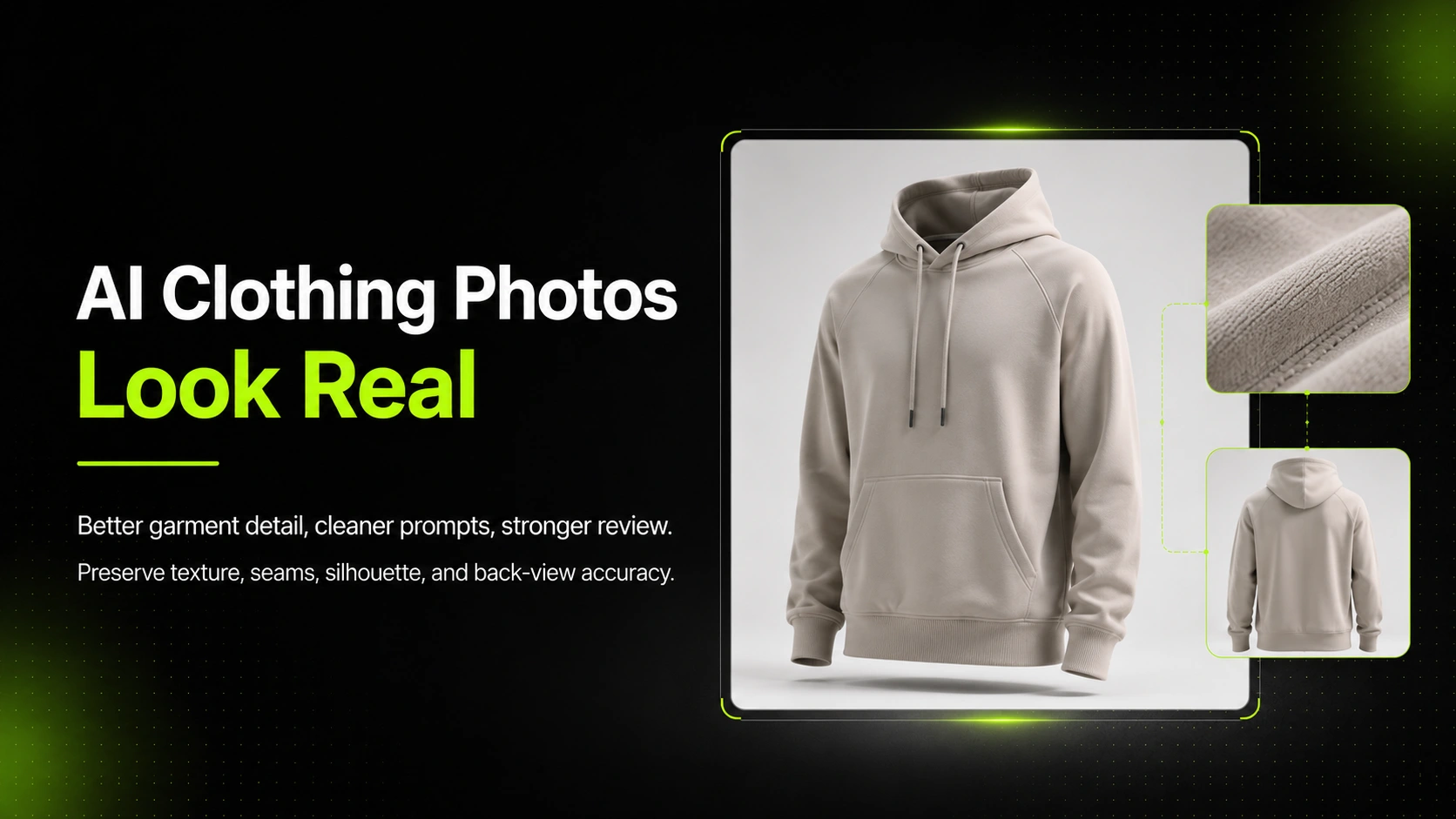
Realistic AI clothing product photos come from better references, stronger garment-detail inputs, cleaner prompts, and stricter review. If a clothing image looks fake, the problem is usually not only the model. It is usually that the workflow did not protect the garment well enough.
That matters more in fashion ecommerce than in many other categories. Clothing buyers judge texture, drape, silhouette, logo placement, seams, and fit cues visually. If any of those details feel wrong, the image can look attractive but still fail the product-page trust test.
Key Takeaways
- AI clothing product photos look more believable when the workflow protects fabric texture, seams, logos, and garment shape.
- Weak references, missing detail images, and overstyled prompts are some of the biggest reasons clothing outputs feel fake.
- Front, detail, and back-view references are often more important for clothing than for simpler product categories.
- Higher-detail workflows are useful when the product needs stronger fabric realism, cleaner trims, and more believable lighting.
- iCreat AI is most useful when you want to turn strong clothing references into more believable ecommerce visuals without repeating every photoshoot.
Why AI Clothing Product Photos Look Fake
Clothing product images usually fail in more specific ways than generic product visuals. The fabric can look melted. The seams drift. The collar shape changes. The back view no longer matches the front. A logo softens just enough to feel wrong.
These are not small visual issues in apparel ecommerce. They are the exact things shoppers use to decide whether a product looks premium, accurate, and trustworthy.
Fabric Texture and Seam Drift
Fabric realism is one of the hardest things to preserve. If knit texture turns into a flat pattern, or seam lines lose structure, the garment starts to feel synthetic.
That is especially damaging when the material itself is part of the sale. Knitwear, denim, satin, wool, embroidery, and printed garments all depend on visible surface cues.
Broken Lighting, Drape, and Shadow Logic
Clothing needs believable drape and lighting. If the light direction feels wrong or the garment folds behave unnaturally, the image becomes less convincing immediately.
For fashion ecommerce, lighting does more than make the scene look good. It helps shoppers understand structure, material weight, and fit impression.
Missing Logos, Distorted Cuts, or Wrong Back-View Details
Many AI clothing images fail because the product seems almost right. The silhouette looks close, but the back shape is wrong. The logo is softened. The print is changed. The cut around the neckline or hem no longer matches the actual item.
That is why clothing realism should be judged as product accuracy, not only visual beauty.
If your team wants to create more believable clothing visuals from garment references, AI Product Photography is the main workflow to start with because it keeps the product, not only the atmosphere, at the center.
What Makes AI Clothing Product Photos Look More Real
Realistic clothing images usually feel consistent in the same way a strong studio photo does. The garment structure, texture, lighting, and visual logic all agree with each other.
Strong Front, Detail, and Back-View References
Clothing often needs more than one reference image. A single front-facing shot may not carry enough information about texture, trims, and back construction.
For many apparel workflows, a stronger set includes:
- A clean main image.
- A detail image for fabric, stitching, print, or logo.
- A back-view image when rear construction matters.
That extra context helps the output stay closer to the real garment.
Product-First Prompts That Protect Garment Structure
A strong clothing prompt should describe the intended output clearly, but it should also protect garment logic. That means guiding the scene without letting the styling overpower the product.
The prompt should help preserve silhouette, material behavior, trims, and brand details instead of only describing a mood.
Simpler Scenes That Keep the Clothing Visible
Many fashion outputs look fake because the background and scene become too dramatic. If realism is the goal, the setup should support the garment, not compete with it.
Cleaner scenes often create more believable clothing results than highly styled environments.
How To Improve Clothing Photo Realism Before You Generate
The best realism improvements usually happen before generation starts.
Start with Cleaner Garment References
Use the strongest available reference image. Make sure the garment shape, color, and important design elements are easy to read. If the reference is already confusing, the generation will usually become even less reliable.
This is especially important for garments with prints, hardware, layered construction, or subtle fabric behavior.
Add Detail Images for Texture, Prints, and Trims
If the clothing depends on visible fabric texture, collar shape, buttons, zippers, labels, or embroidery, include a detail image. That added context often improves realism more than rewriting the prompt repeatedly.
For many fashion teams, this is the simplest way to reduce fake-looking detail drift.
Use Image-To-Prompt or Prompt Refinement for Visual Consistency
A supporting tool like Image to Prompt can help analyze a strong reference image and turn its lighting, composition, and style into a more structured prompt.
The value is not automation for its own sake. The value is better visual discipline.
How To Improve Clothing Photo Realism During Generation
Choose the Right Model for Fabric and Detail Needs
Not every clothing visual needs the same workflow. Some straightforward product images may work with a standard generation path. Others need stronger detail restoration and more polished lighting.
Nano Banana Pro is better positioned for higher-detail clothing outputs where fabric texture, logo placement, and more realistic lighting matter more.
Keep Lighting Direction and Background Controlled
If lighting and background conditions become too complex, clothing realism becomes harder to maintain. Use one clear light direction and a scene that supports the product instead of overcomplicating it.
This is especially important for garments with folds, reflective trims, or subtle surface texture.
Compare Multiple Outputs Before Selecting One
Do not stop at the first image that looks acceptable. Compare several outputs and review the details that matter most: collar shape, hem line, logo sharpness, seam direction, print behavior, and overall silhouette.
That is one of the most practical habits a fashion ecommerce team can build.
How To Review AI Clothing Product Photos Before Publishing
Clothing images should be reviewed like product assets, not like casual AI artwork.
Check Fit, Silhouette, and Product Shape
Start with the overall shape. Does the garment fall naturally? Does the silhouette match the actual product? Does the item still look wearable and structurally believable?
If the shape is wrong, the image usually is not publishable.
Review Logos, Seams, Texture, and Back-View Accuracy
Then check the details. Review stitching, labels, neckline shape, sleeve edge, print sharpness, logo position, and back-view logic. If the garment changes meaningfully in these areas, the image may not be trustworthy enough for ecommerce.
For supporting close-ups, trims, and product-page detail assets, AI Fashion Detail Image Generator can support a more detail-focused workflow from strong fashion inputs.
Decide Whether the Image Is Good Enough for PDP or Campaign Use
Not every image needs exact editorial perfection. But it should still be believable enough for the use case. A PDP image usually needs stricter product accuracy than a lighter campaign variation.
In suitable workflows and input conditions, some outputs may reach around 80% visual similarity. That can be enough for many fashion marketing and variation workflows, but it should never be treated as guaranteed. Human review still matters.
Common Mistakes That Make AI Clothing Product Photos Feel Fake
Using Only One Weak Reference Image
One weak image often forces the model to invent too much. Clothing products usually benefit from richer input than simpler object categories.
Overstyling the Scene
If the styling is more memorable than the garment, the image stops working as a clothing product visual. A beautiful scene can still create a commercially weak asset.
Publishing Without Garment-Detail Review
Some images look convincing at first glance but fail under closer review. The more product-specific the garment is, the more important this review step becomes.
A Practical Clothing Realism Workflow
- Start with a strong front-facing reference image.
- Add a detail image for texture, trims, or print.
- Add a back-view image when rear structure matters.
- Write a prompt that protects garment logic before atmosphere.
- Choose the workflow based on the detail requirement.
- Compare multiple outputs and reject anything that breaks trust.
That is what makes AI clothing product photos feel more real. The workflow is not about pushing the model harder with more style words. It is about giving the model better garment information and applying stronger commercial review.
For a Shopify apparel seller, this may mean creating one trustworthy PDP image from a strong source. For a fashion brand, it may mean creating a broader set of campaign visuals while still preserving fabric, structure, and product identity.
FAQ
Conclusion
AI clothing product photos look real when the workflow respects the same things shoppers care about in traditional fashion photography: fabric behavior, clean seams, logo accuracy, believable lighting, and a silhouette that matches the garment. The goal is not only to make the image attractive. It is to make it trustworthy enough for ecommerce use.
If you want to create more believable clothing product visuals from your own references, start with iCreat AI's AI Product Photography. If the project needs stronger fabric detail, more polished lighting, and a cleaner commercial finish, Nano Banana Pro is a stronger fit. For prompt refinement and detail-support workflows, Image to Prompt and AI Fashion Detail Image Generator can help strengthen the process.
When you are ready to create more realistic fashion ecommerce visuals, log in to iCreat AI and start from your strongest garment references.