


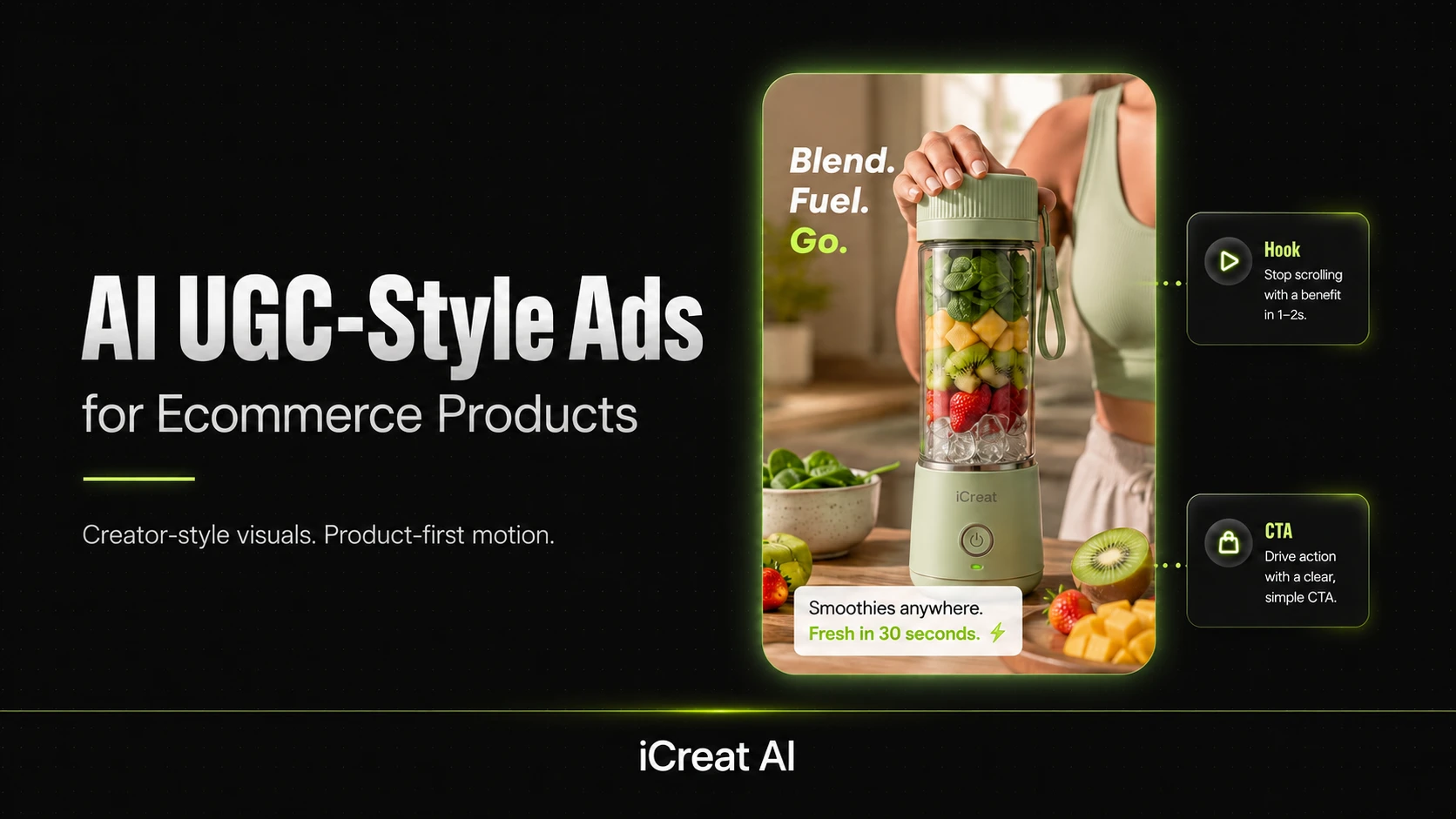
AI can help ecommerce teams create UGC-style ads by combining product visuals, creator-style pacing, and short-form video workflows. The goal is not to fake a human creator perfectly. The goal is to build ad assets that feel native, move quickly, and still keep the product clear enough to sell.
That matters because UGC-style ads have become a practical creative category, not just a trend. Teams want more ad variation, faster iteration, and a workflow that does not depend on a full creator pipeline for every concept.
Key Takeaways
- AI UGC-style ads work best when they start from strong product visuals and clear ad intent.
- The best workflows combine product photos, creator-style scripting, and short-form motion assets.
- UGC-style ads still need product clarity, even when they feel casual or creator-led.
- AI makes it easier to test hooks, backgrounds, and variations without rebuilding every ad from scratch.
- iCreat AI is most useful when you want to turn existing product visuals into more ad-ready motion assets.
What UGC-Style Ads Need To Do
UGC-style ads need to build trust quickly, show the product in use, and feel native to the platform. They are usually meant to look less polished than a traditional brand ad, but they still need structure.
The best UGC-style ecommerce ads do not just look casual. They feel like something a real person might share, while still making the product easy to understand.
Build Trust Quickly
People respond to ads that feel direct and human. A UGC-style ad should get to the point fast, with a clear hook and an obvious product benefit.
Show The Product In Use
Product context matters. A viewer should be able to see what the item is, how it works, or why it matters in a real-life setting.
Feel Native To The Platform
UGC-style ads should look like they belong in TikTok, Reels, or other short-form placements. That usually means natural pacing, simple edits, and a format that does not feel overproduced.
How AI Fits Into UGC-Style Ad Creation
AI is useful because it helps ecommerce teams move from a product reference to a video-ready ad concept faster.
Recent market signals show that AI vendors are increasingly framing this as a brief-to-output workflow category: define the concept, choose the style, generate the asset, then refine for the final ad.
Turn Product Images Into Video-Ready Assets
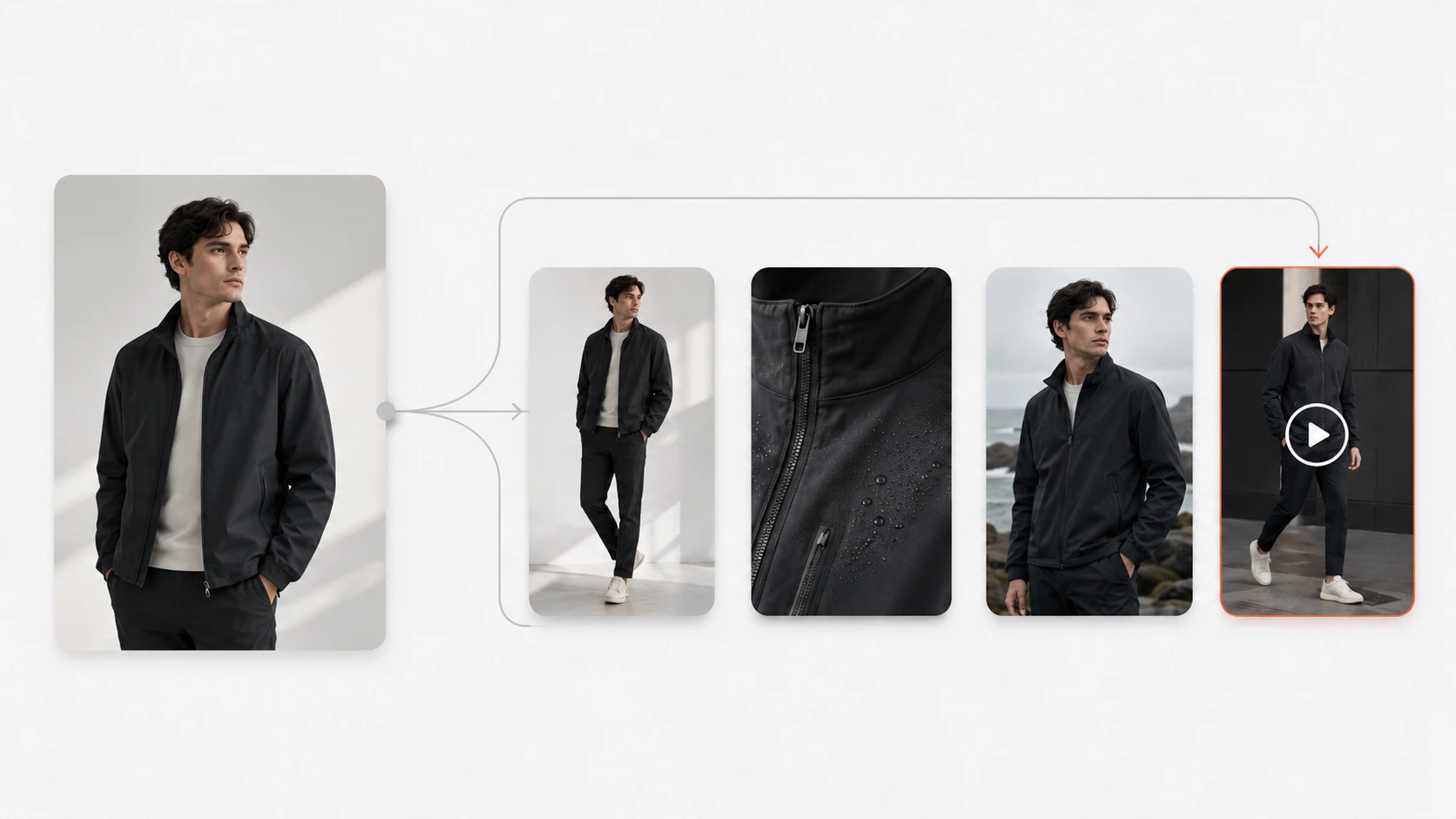
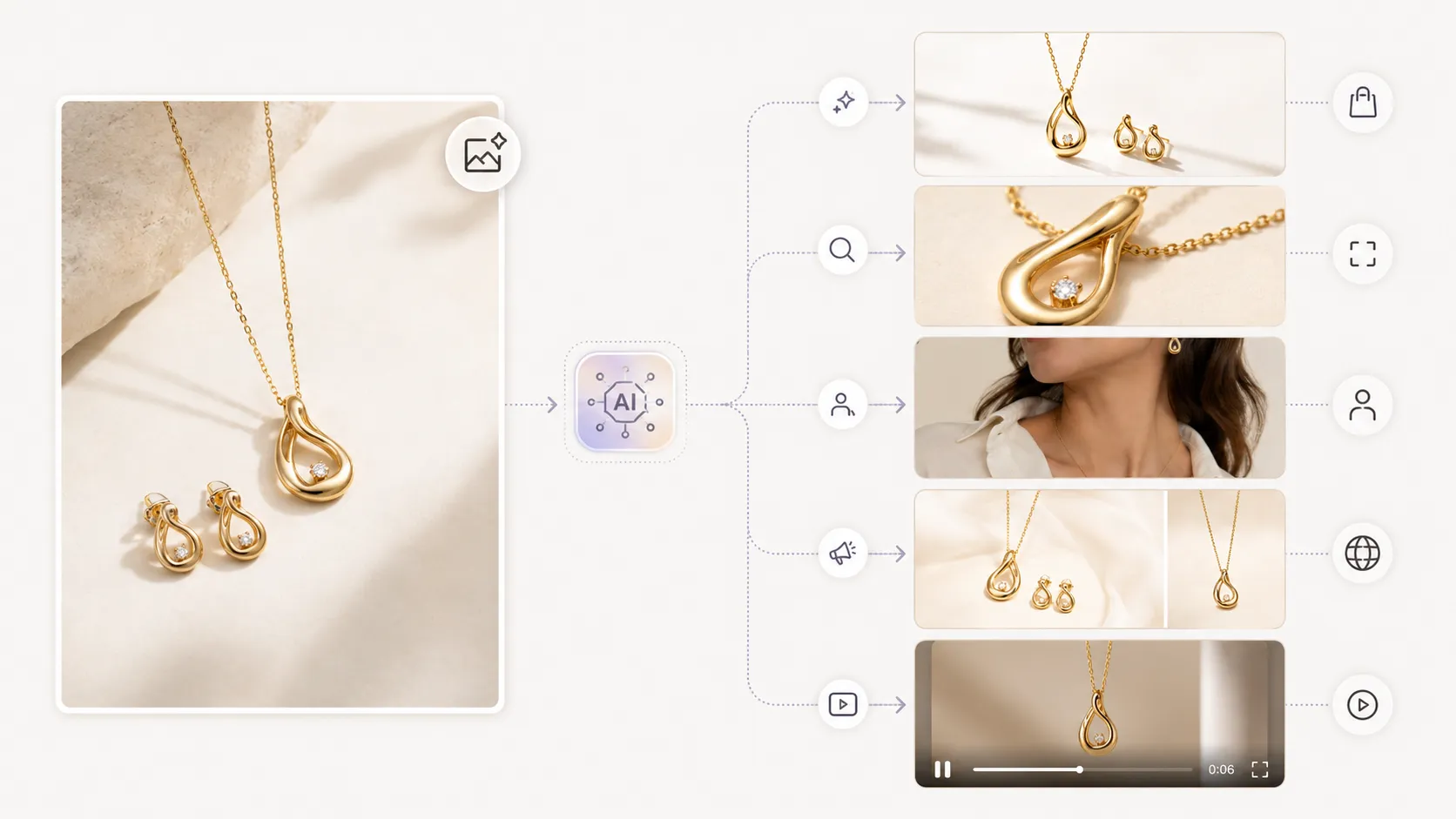
The best place to start is usually a strong product image. AI Product Photography helps create the source visuals that can later be adapted into UGC-style ad assets.
Use AI To Test Different Visual Directions
One of the most practical benefits of AI is variation testing. A single product can support multiple angles, crops, or concepts without a new shoot every time.
Replace Backgrounds Or Elements For New Variants
If the core product image is strong but the scene needs to change, AI Image Replacer can help adapt the concept for different audiences or seasonal campaigns.
Best UGC-Style Ad Structures For Ecommerce
UGC ads usually work because they follow a simple persuasive structure.
Hook, Problem, Proof, CTA
This is the basic pattern most ecommerce teams should start with. The hook grabs attention, the problem makes the product relevant, the proof builds confidence, and the CTA tells the viewer what to do next.
Demo-First Product Ad Structure
If the product is easy to demonstrate, lead with the demo. Show the item in use early so the viewer does not have to guess what it does.
Testimonial-Style Ad Structure Without Fake Claims
You do not need to invent customer stories to use a testimonial-style structure. You can still frame the ad around a relatable outcome, a clear benefit, and a believable product use case.
How To Keep UGC-Style Ads Product-First
The biggest mistake in UGC-style ads is hiding the product behind the format.
Keep The Product Visible Early
The viewer should understand what is being sold in the first few seconds. If the product appears too late, the ad may feel entertaining but not useful.
Use Close-Ups, Detail Shots, And Clear Framing
Product clarity does not mean boring visuals. It means giving the viewer enough detail to trust the offer.
Avoid Overediting The Product Out Of The Ad
If the ad gets too stylized, the product can lose its role. The ad should feel creator-led, not product-absent.
Best AI Workflows For Ecommerce Teams
Product Photo To UGC-Style Motion Asset
This is the cleanest workflow for most teams. Start with the best product image, then turn it into a motion asset that feels more social and creator-led.
AI Product Video is the main tool for this step because it helps transform product visuals into short-form video content for paid social.
Background Swaps For Alternate Ad Concepts
If you need to test new angles, AI Image Replacer can help generate new background or scene variations without starting from scratch.
Variation Testing For Paid Social
The best AI UGC workflows do not stop at one output. They generate several ad versions so the team can test which hook, scene, or pacing works best.
Common Mistakes To Avoid
Making The Ad Feel Fake Or Overproduced
UGC-style ads should feel authentic enough to work in a feed. If they look too polished, they may lose the native feel that makes the format effective.
Hiding The Product Behind The Script
The script should support the product, not distract from it. If the audience remembers the story but not the item, the ad is not doing its job.
Using One Asset For Every Audience
Different audiences respond to different visuals. A prospecting ad and a retargeting ad often need different hooks or product emphasis.
A Practical Workflow For Ecommerce Teams
- Start with a strong product reference image.
- Define the ad goal: prospecting, retargeting, launch, or seasonal refresh.
- Build a creator-style concept with a simple hook and clear product outcome.
- Turn the best concept into a short-form motion asset.
- Create a second or third variation for testing.
This is the most practical way to think about AI UGC ads. The workflow is not about replacing creators. It is about making creator-style production more scalable for ecommerce teams.
FAQ
Conclusion
UGC-style ads work best when they feel human, move quickly, and still show the product clearly. AI makes that workflow more practical for ecommerce teams because it helps turn strong product visuals into more ad-ready assets faster.
If you want to build UGC-style ads from existing product visuals, start with iCreat AI's AI Product Video. For source images and campaign-ready visuals, AI Product Photography helps create the base assets, and AI Image Replacer helps refresh concepts for new ad variants.
When you are ready to build your next short-form ad workflow, log in to iCreat AI and start from your strongest product reference.