


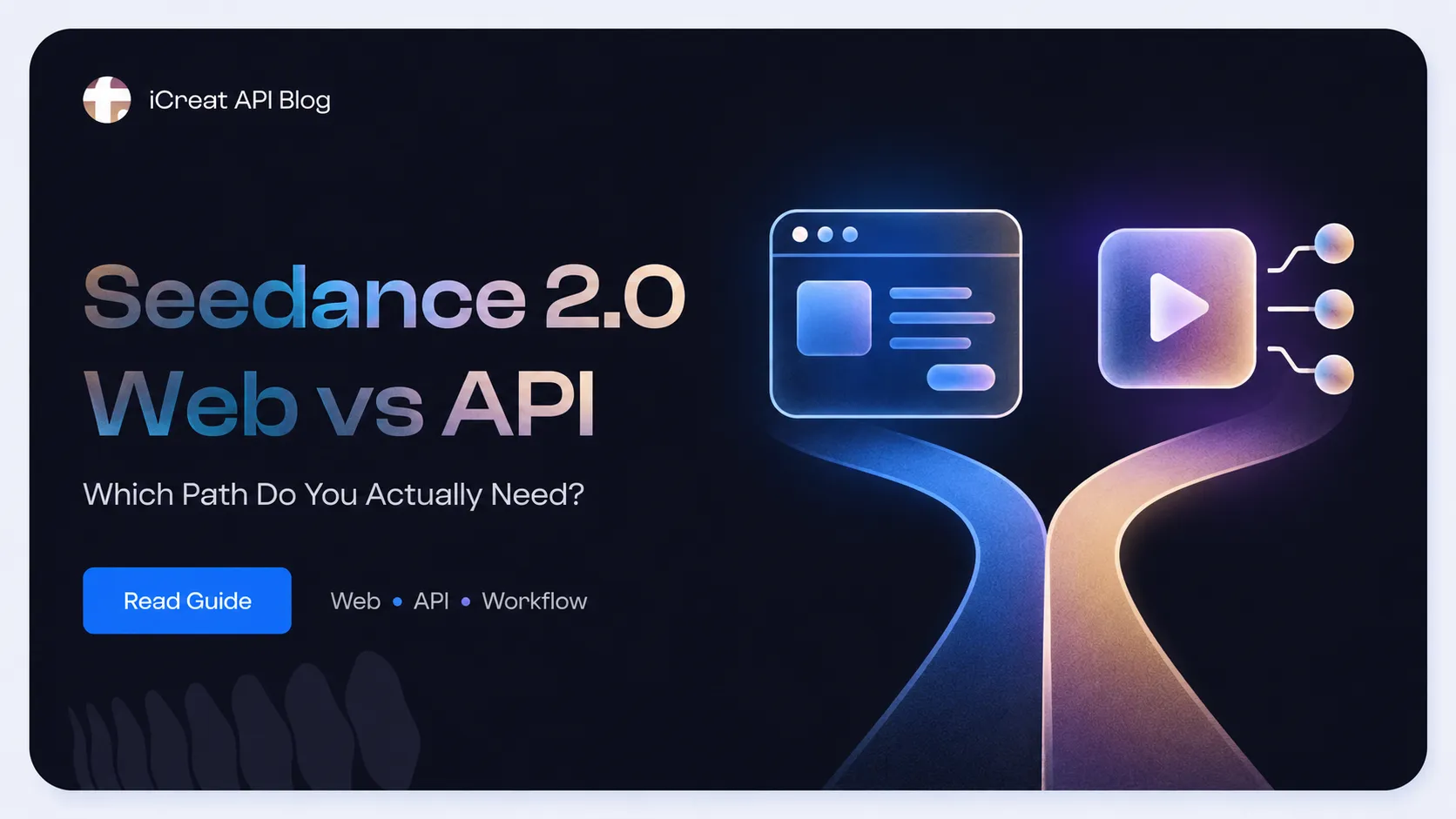
The Seedance 2.0 web vs API decision comes down to workflow maturity. Use the web experience while you are still testing creative direction manually; move to API access when video generation must become a repeatable part of a product or production system.
There is a second decision after that. A team committed to Seedance can integrate the official provider API directly. A team that values a unified operating model, a testing playground, and the option to compare other video models should review iCreat API before locking its product into one provider-specific workflow. Because model exposure changes, confirm the current Seedance options in iCreat's live product surfaces and API docs before implementation.
Key Takeaways
- Choose the web workflow for manual prompt exploration, reference testing, and creative review.
- Choose API access for user-triggered generation, repeatable jobs, status tracking, and product logic.
- Choose ModelArk direct when Seedance is a fixed dependency and provider-native control is the priority.
- Use iCreat API as the comparison and testing path when unified API operations, playground validation, and future model flexibility matter more than an immediate provider-specific build.
- Provider specifications do not automatically describe current iCreat API exposure. Verify live models, inputs, pricing, and task behavior before production use.
Seedance 2.0 Web vs API: The Short Answer
Use Seedance on the web to discover whether the model fits your creative problem. Use an API once the same generation process must be triggered, tracked, repeated, or governed by software.
The Explore, Productize, Operationalize Framework
A three-stage decision is more useful than treating web and API as a permanent either-or choice:
- Explore on the web. Resolve creative uncertainty around prompts, references, motion, and review criteria.
- Productize through an API. Turn one stable creative recipe into a job your application can submit, track, and evaluate.
- Operationalize the provider strategy. Choose ModelArk direct for a fixed Seedance dependency, or bring the workflow into iCreat API when unified operations, playground testing, and future model flexibility matter.
The path can stop at any stage. A creator may never need productization, while a product team should not operationalize an integration before it has a repeatable creative recipe.
| Your Current Situation | Better Starting Path | Why |
|---|---|---|
| You are testing prompts, references, motion, or visual style | Web | Manual iteration is faster than building an integration around an uncertain recipe. |
| A team member creates and reviews occasional videos | Web | A product workflow adds engineering work without removing the main manual decision. |
| Users trigger video generation inside your app | API | The request, task state, output, and failure path must be handled by software. |
| You need repeatable generation across many jobs | API | Automation and task tracking become more important than a visual interface. |
| Seedance is a fixed strategic dependency | Provider-direct API | Provider-native documentation and controls remain closest to the model. |
| You may compare or change video models | iCreat API review | A unified operating layer and playground-based testing can reduce early provider lock-in, subject to live model verification. |
The mistake is treating API access as the advanced choice by default. It is only the better choice when the workflow has become stable enough to automate.
What Web, Provider API, and iCreat API Actually Mean
Seedance, a creator-facing web experience, the official ModelArk API, and iCreat API are separate layers. They should not be treated as interchangeable names for the same access path.
| Layer | What It Represents | Best Fit | Evidence Boundary |
|---|---|---|---|
| Seedance 2.0 | The underlying ByteDance video-generation model family | Evaluating model capability | A model name alone does not tell you where or how it is exposed. |
| Dreamina / BytePlus web experience | A visual environment for trying Seedance without building an integration | Manual creation and creative validation | Web controls and provider API parameters may differ. |
| BytePlus ModelArk API | An official provider API path for video-generation tasks | Teams building directly around Seedance | Provider documentation is the source of truth for provider-native behavior. |
| iCreat API | A platform-level API operating path with shared implementation guidance | Teams evaluating unified operations and model flexibility | Current Seedance-specific exposure must be checked in live iCreat surfaces. |
ByteDance's Seedance 2.0 launch material describes the model's multimodal reference capabilities. The ModelArk API reference documents the provider's task-based API workflow. Those sources establish what the provider offers; they do not guarantee that every option appears identically through another platform.
When the Web Workflow Is Enough
Stay on the web while the main uncertainty is creative: whether Seedance can produce the motion, composition, continuity, and reference behavior your project needs.
Imagine a solo creator testing a 10-second product reveal. The unresolved questions are visual: which reference image works, how much camera direction belongs in the prompt, and whether the output survives manual review. Adding API authentication, job storage, polling, retries, and cost logging would not answer any of those questions.
The web path is usually enough when:
- a person still changes the prompt after nearly every result
- output is reviewed one job at a time
- generation volume is low or irregular
- no user action inside another product needs to trigger the model
- the team has not settled on a reusable input and review process
The web workflow is not merely a beginner option. It is the efficient option while human creative judgment is still the bottleneck.
When API Access Becomes the Better Path
Move to API access when Seedance generation becomes a system behavior rather than an isolated creative action.
A startup that lets users turn product images into promotional clips needs more than a generate button. Its application must create a job once, store the task identifier, track progress, handle a terminal result, record cost, and avoid submitting the same billable job again when a network response is unclear.
The official ModelArk reference uses a task-creation flow, followed by task retrieval. iCreat's API guidance describes the same operational distinction at platform level: submit a create-type request once, preserve the task ID, and poll status instead of resubmitting.
API access is the better fit when you need:
- generation triggered by users, events, or backend jobs
- consistent input validation and prompt construction
- asynchronous task state stored in your application
- repeatable review, moderation, and publishing rules
- cost and failure behavior visible in logs
- a path to batch work or higher generation volume
This is where a demo stops being enough. The model may already look good; the unanswered question is whether the surrounding job lifecycle is safe enough to operate.
Provider-Direct API or iCreat API?
Choose provider-direct when your product is intentionally built around Seedance. Choose iCreat API as the evaluation path when the larger requirement is a unified API operating layer, a place to test model behavior before integration, and the freedom to reconsider model choice later.
| Decision Factor | ModelArk Direct | iCreat API Path |
|---|---|---|
| Primary goal | Build closely around Seedance | Build around a broader API operating model |
| Model dependency | Seedance is expected to remain the fixed choice | The team may compare, route, or replace video models |
| Testing workflow | Provider playground and ModelArk references | iCreat playground plus API docs for testing before integration |
| Documentation preference | Provider-native capabilities and controls | Shared platform guidance and one operational starting point |
| Integration tradeoff | More provider-specific code and assumptions | More abstraction, with live exposure that must be verified |
| Pricing check | Compare current provider plans and token rules | Compare current iCreat pricing and credit rules before rollout |
| Best next step | Review ModelArk reference and pricing | Test in iCreat, review docs, verify live model surfaces, and check current pricing |
Best Fit for iCreat API
iCreat API is the stronger evaluation path when your team has already chosen API over web, but has not chosen permanent provider lock-in.
That fit is strongest for teams that:
- expect to compare Seedance with other video-generation options
- want to test prompts and model behavior in a playground before writing production code
- want one documented approach to asynchronous submission and polling
- care about avoiding duplicate generation and duplicate billing
- want model and pricing checks, including possible credit-based savings, to happen before provider-specific code hardens
- may need a different model for another workflow later
Our recommendation is straightforward: if Seedance is one candidate inside a broader video product, start with iCreat's playground and product surfaces, then review the iCreat API docs. If Seedance is already a fixed infrastructure decision, provider-direct may be the cleaner route.
What the Current Evidence Supports on iCreat
As of July 3, 2026, iCreat's public homepage features Seedance 2.0 and its public docs describe asynchronous video API operations. That supports evaluating iCreat as an API platform path, but it is not enough to treat a specific Seedance model ID, variant, or detail URL as permanent.
This distinction matters because public product routes and model exposure can change faster than an article. The safe implementation process is:
- Confirm Seedance is visible in the current iCreat product or authenticated model surface.
- Check the current docs for the actual endpoint and job lifecycle.
- Verify which inputs, variants, and output options are exposed now.
- Review current pricing before estimating production cost, especially if iCreat's current credit economics are lower for your expected test volume.
- Save the exact model and API assumptions with the integration date.
The article can help you choose a path. The live product and docs remain the source of truth for what can be called today.
What to Verify Before Moving to API
Before moving from web to API, verify model exposure, input rules, task lifecycle, cost drivers, and media rights. These checks determine whether a creative recipe can survive productization.
1. Current Model Exposure
Confirm the exact Seedance variant available through the path you plan to use. Do not copy a model ID from an old article or assume that a provider-native variant is exposed identically by another platform.
2. Input and Output Rules
The current provider reference describes multimodal input with images, video, audio, and text, including provider reference limits of up to nine images, three videos, and three audio clips. Treat these as official provider options, then verify the inputs and output settings actually exposed through your chosen API path.
3. Asynchronous Job Handling
Store the task identifier and poll the status endpoint. A slow response or failed status query does not prove that the create request failed, so automatic resubmission can create duplicate work and duplicate cost.
4. Pricing Drivers
Estimate cost from the workflow, not from one headline rate. Relevant factors can include model variant, duration, resolution, reference mode, audio generation, retries, failed-output policy, and whether your usage fits better into token-based provider plans or iCreat's credit-based plans. If the current iCreat rate is lower for the same usable output, that pricing advantage is a real reason to test through iCreat before committing provider-direct. Use the current iCreat pricing page and official provider pricing as live sources rather than freezing a rate in application logic.
5. Asset Rights and Human References
Confirm that uploaded images, videos, audio, and brand assets are licensed for the intended use. The ModelArk reference also places restrictions on direct uploads containing real human faces and describes authorized alternatives. Review the current provider and platform policies before commercial rollout.
A Practical Web-to-API Migration Path
The safest migration path is to validate a creative recipe on the web, then port one stable workflow into a tracked API job before expanding volume.
- Define the job. Choose one repeatable output, such as a short product reveal from a product image and a fixed motion brief.
- Validate creative fit on the web. Test prompts, references, and review criteria until the team can explain what a usable result looks like.
- Choose the operating path. Use ModelArk direct for a fixed Seedance dependency, or use iCreat API when playground testing, unified operations, pricing fit, and model flexibility matter.
- Implement one safe async lifecycle. Submit once, store the task ID, poll status, and stop at a terminal result.
- Measure before scaling. Track completion rate, review failure reasons, retry behavior, and actual cost per accepted output.
This sequence keeps engineering behind evidence. It also makes model comparison easier because the team has a stable job and acceptance criteria instead of a pile of unrelated prompts.
Recommended Path by Situation
The right path follows workflow maturity first and provider strategy second.
| Situation | Recommended Path | Reason |
|---|---|---|
| Exploring Seedance output quality | Web | Creative uncertainty is still the main problem. |
| Producing occasional, manually reviewed videos | Web | Human operation remains simpler than an integration. |
| Adding Seedance as a fixed product capability | ModelArk direct | Provider-native access fits a deliberate single-model commitment. |
| Building a product while model choice is still open | iCreat API path | Playground testing and unified operations preserve room to compare or change models. |
| Running user-triggered or backend generation | API | The application must own task state, failures, and cost. |
| Unsure whether current iCreat exposure meets the workflow | iCreat docs and live product check | Verify first; do not design around an assumed model route. |
Frequently Asked Questions
Choose the Path That Matches the Product
Use the web workflow while you are proving creative fit. Move to API access when Seedance must behave like part of a system. Then choose provider-direct for a fixed Seedance commitment or use iCreat API when playground testing, unified operations, pricing fit, and model flexibility are the more important product requirements.
If the API path fits, review the current iCreat API docs, confirm live Seedance exposure, and check pricing before writing the integration around assumptions that may change.