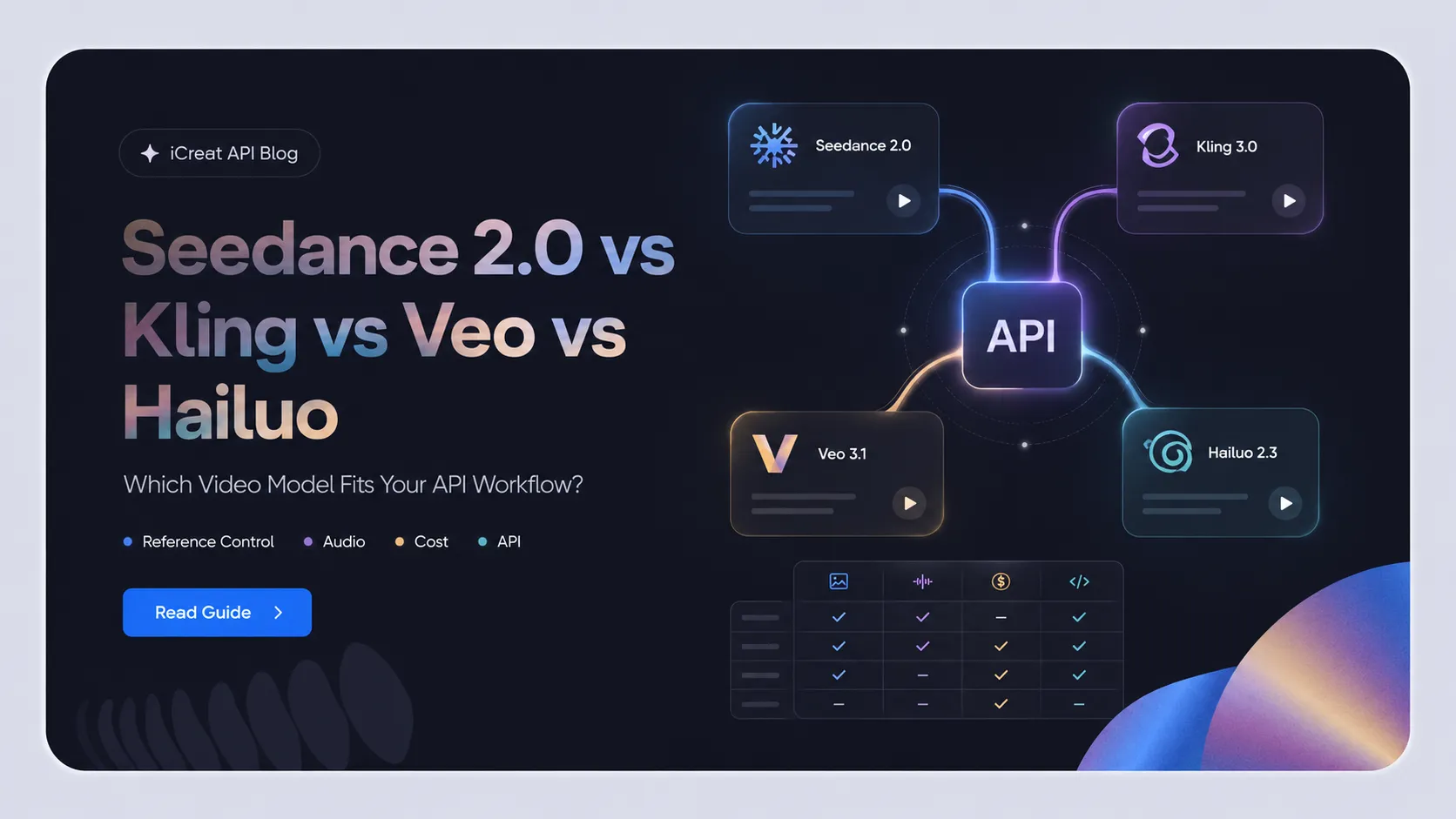



The Seedance 2.5 vs Veo 3.1 vs Sora 2 vs Runway Gen-4.5 vs Kling 3.0 vs Hailuo 2.3 decision should not start with "which model looks best in demos?" It should start with two questions: does the model fit the video you need to make, and is it safe enough to build around right now?
As of July 8, 2026, the practical answer is mixed. Veo 3.1 has one of the clearest official API paths. Sora 2 is powerful but a poor foundation for new builds because OpenAI has deprecated the video models and scheduled shutdown. Seedance 2.5 looks promising, but its official Dreamina page still needs availability verification before production planning. Runway Gen-4.5, Kling 3.0, and Hailuo 2.3 each make sense for different creative and operational jobs. This is exactly where iCreat API can help: when the model choice is still open, use it to compare available options, test prompts in a playground, review current pricing, and avoid locking your product to one provider too early.
Start from the iCreat model catalog, then confirm the live docs and pricing before integration.
Key Takeaways
- Do not choose a universal winner. Choose by creative fit, API readiness, availability risk, pricing clarity, and production constraints.
- Veo 3.1 is the cleanest official API candidate in this set when native audio and a documented Gemini API path matter.
- Sora 2 should be treated as a migration or historical comparison point, not a stable new foundation, because OpenAI's video docs say Sora 2 video models and the Videos API are deprecated and scheduled to shut down on September 24, 2026.
- Seedance 2.5 should be verified before build planning. Its official Dreamina page describes capabilities but also says the model is coming soon.
- Use iCreat API when you need a practical place to compare currently available models, test workflows, check pricing, and move from playground validation into API implementation.
Seedance 2.5 vs Veo 3.1 vs Sora 2 vs Runway Gen-4.5 vs Kling 3.0 vs Hailuo 2.3: The Short Answer
Pick the model by workflow, not by hype. For a developer or product team, the best choice is the model that can produce the right kind of video and survive the operational checks: current availability, API access, pricing, async behavior, moderation rules, and model lifecycle risk.
| Situation | Best Starting Candidate | Why |
|---|---|---|
| You need the clearest official API path for native-audio video | Veo 3.1 | Google's Veo docs document Veo 3.1 generation through the Gemini API, including native generated audio and current model codes. |
| You are watching Seedance 2.5 for cinematic long-form promise | Seedance 2.5, but verify first | The Dreamina Seedance 2.5 page lists ambitious capabilities, but also frames Seedance 2.5 as coming soon. |
| You need a new production foundation after 2026 | Avoid Sora 2 as the foundation | OpenAI's video generation docs say Sora 2 video models and the Videos API are deprecated and will shut down on September 24, 2026. |
| You need premium creative fidelity and a creator-workflow orientation | Runway Gen-4.5 | Runway positions Gen-4.5 around visual fidelity, prompt adherence, dynamic action, and temporal consistency, while also naming limitations such as causal reasoning and object permanence. |
| You need multi-shot storytelling, native audio, or voice-controlled clips | Kling 3.0 | Kling's official guides describe native audio, multi-shot narratives, start/end frames, and credit-based pricing. |
| You need fast iteration and batch-oriented short video cost planning | Hailuo 2.3 | MiniMax says Hailuo 2.3 improves motion and stability, and its pricing docs expose point-based API deductions for Hailuo 2.3 and 2.3 Fast. |
| You need to compare models before committing to one provider | iCreat API workflow | Use iCreat to browse available models, test in product surfaces or playground, review pricing, and then move into docs or an access key when the workflow is clear. |
The most useful mental model is Creative Fit vs API Readiness. A model can be creatively strong but risky to build on. A model can have a clear API but be the wrong visual fit. Your shortlist should survive both axes.
The Criteria That Actually Matter for AI Video APIs
For API-backed video generation, compare models by buildability as much as output quality. Demo quality matters, but production work also depends on access path, job lifecycle, pricing model, and whether the model will still be available when your feature launches.
Use this checklist before treating any model as a production candidate:
- Current availability: Is the model live, preview-only, coming soon, deprecated, or available only in a web app?
- API path: Is there an official API, a platform API path, or only a creator interface?
- Input support: Does the workflow need text-to-video, image-to-video, reference images, first/last frames, audio, video references, or storyboard control?
- Output constraints: What duration, resolution, aspect ratio, and audio behavior are documented by the provider?
- Async behavior: Can your application submit a job once, store the task ID, poll status, and avoid duplicate billing?
- Pricing clarity: Are costs exposed through credits, points, seconds, plan tiers, or another model?
- Lifecycle risk: Is the model newly launched, still coming soon, deprecated, or scheduled for shutdown?
- Rights and safety: Are there restrictions around uploaded faces, voices, copyrighted material, public figures, or commercial output?
- iCreat exposure: If you plan to use iCreat API, can you confirm the model in the live catalog or dashboard rather than relying on a guessed URL?
This is where many comparison posts go wrong. They collapse creative appeal and production readiness into one score. For a product team, those are different decisions.
Model Availability and Evidence Status
The current evidence favors a cautious, source-based shortlist. Veo 3.1, Runway Gen-4.5, Kling 3.0, and Hailuo 2.3 have clearer official provider evidence. Seedance 2.5 needs an availability check. Sora 2 has a direct deprecation problem.
| Model | Provider-Level Evidence | API / Build Status | Main Risk |
|---|---|---|---|
| Seedance 2.5 | Dreamina's official page describes 4K, reference-to-video, multimodal inputs, 30-second standard mode, and beta long-video mode, but also says Seedance 2.5 is coming soon. | Do not treat as a stable API foundation until current availability is verified. | Availability ambiguity. |
| Veo 3.1 |
Google AI docs describe Veo 3.1 through the Gemini API with native audio,
8-second generation, 720p, 1080p, and 4K options, and model codes such as
veo-3.1-generate-preview.
|
Strong official API path, subject to current Google docs and account access. | Preview model lifecycle and cost checks. |
| Sora 2 | OpenAI announced Sora 2 in 2025, but OpenAI later stated the Sora product was no longer available as of April 26, 2026. Its video API docs say Sora 2 models are deprecated. | Poor foundation for new builds because shutdown is scheduled for September 24, 2026. | Deprecation and migration risk. |
| Runway Gen-4.5 | Runway's official announcement positions Gen-4.5 as a high-fidelity creative model and names known limitations. | Strong provider workflow, but confirm current API/product access and pricing on Runway surfaces. | Provider-specific workflow and unverifiable cross-platform claims. |
| Kling 3.0 | Kling's official guides describe VIDEO 3.0 and 3.0 Omni, including native audio, multi-shot narratives, voice control, and credit-per-second pricing. | Good candidate for story, audio, and controlled character workflows. | Credit rules and supported modes vary by option. |
| Hailuo 2.3 | MiniMax's Hailuo 2.3 announcement and API pricing docs describe standard and Fast variants with point deductions by duration and resolution. | Good candidate for iteration, batch planning, and motion-focused workflows. | Package pricing, point validity, and quality/speed tradeoffs. |
For iCreat API specifically, use verified public pages rather than guessed model detail routes. Official provider reference options describe what the provider documents; current iCreat API exposure may differ. As of this review, the safe internal links are the model catalog, docs, pricing page, access key page, and homepage. Exact model exposure should be checked in the live product before you design around it.
Best Fit by Use Case
The best model depends on the job. A social-content app, an ecommerce ad tool, a cinematic studio workflow, and a developer API integration do not need the same tradeoff profile.
| Use Case | Best-Fit Direction | Why |
|---|---|---|
| Ecommerce product ads | Start with available models through iCreat, then compare Veo, Kling, Hailuo, or Seedance if available | Product ads need repeatable prompts, reference inputs, pricing checks, and fast iteration more than a single demo winner. |
| Native-audio video generation | Veo 3.1 or Kling 3.0 | Both have official native-audio documentation, but their access paths and output constraints differ. |
| Multi-shot storytelling | Kling 3.0 | Kling's guides emphasize multi-shot narratives, start/end frames, voice control, and character continuity. |
| Premium cinematic hero clips | Runway Gen-4.5 or Veo 3.1 | Runway emphasizes high-fidelity visual control; Veo offers a documented Gemini API route. Verify creative needs against build needs. |
| Fast batch iteration | Hailuo 2.3 Fast or other currently available lower-cost candidates | MiniMax documents Hailuo 2.3 Fast and point deductions; compare accepted-output cost, not only generation cost. |
| New production build after Sora 2 deprecation | Avoid Sora 2 as the primary foundation | Deprecation and shutdown make it risky for new features. Use it only with a migration plan if already committed. |
| Model selection is still open | iCreat API | Test workflows in iCreat's product surfaces or playground, compare available models, review pricing, then move into docs and access keys. |
For example, an ecommerce startup building product-video ads should not choose only from a beautiful sample reel. It should define one repeatable job, such as "turn one product image and one brand prompt into a short ad variation," then test which available model produces acceptable outputs at a cost and lifecycle the product can support.
Seedance 2.5: Strong Promise, But Verify Availability
Seedance 2.5 is worth watching, but it should not be treated as a stable production API choice until current availability is confirmed. The official Dreamina page lists attractive capabilities while also saying Seedance 2.5 is coming soon.
The page describes cinematic 4K video generation, reference-to-video, up to 50 multimodal references, 30-second standard-mode output, and beta long-video output up to 180 seconds. Those are significant claims for creative teams because they point toward longer clips, richer reference control, and higher visual ambition.
The availability caveat changes the build decision. A model can be strategically interesting and still be the wrong thing to schedule a production launch around. If you are comparing Seedance 2.5 with Veo 3.1, Kling 3.0, or Hailuo 2.3 for a shipping product, separate these two questions:
- Creative question: If Seedance 2.5 becomes available in your required path, does it match the video style, duration, reference behavior, and quality target?
- Build question: Is Seedance 2.5 currently exposed through an official API or your chosen platform with the inputs, pricing, and limits your product needs?
For iCreat readers, that means using the iCreat model catalog as the starting point, not assuming a Seedance 2.5 model page exists just because a provider page exists. If Seedance 2.5 appears in the live product, verify the current docs and pricing before writing provider-specific assumptions into your application.
Veo 3.1: Strong Official API Path for Native-Audio Video
Veo 3.1 is one of the strongest API-readiness candidates in this set because Google documents it through the Gemini API. If your team needs a clearer official video API path with native audio, Veo 3.1 belongs near the top of the test list.
Google's Veo API documentation describes Veo 3.1 video generation with native
generated audio, 8-second outputs, 720p, 1080p, and 4K options, portrait and
landscape aspect ratios, reference-image support, first/last frame generation, and
video extension features. It also names current model codes including
veo-3.1-generate-preview, veo-3.1-fast-generate-preview,
and veo-3.1-lite-generate-preview.
That documentation makes Veo 3.1 easier to evaluate than a model whose API status is unclear. It does not remove every production question. You still need to check account access, rate behavior, cost, accepted content rules, and whether a unified platform such as iCreat currently exposes the exact Veo workflow you want.
Veo 3.1 is a strong fit when:
- native audio matters to the output
- the team wants official provider docs before building
- 8-second generation is compatible with the product format
- reference images or first/last frame control are part of the creative workflow
- the team can tolerate preview-model lifecycle changes
For an app that generates short ad clips or social videos, Veo 3.1 can be a serious first test. If the team wants to compare it against other models instead of committing provider-direct immediately, test the workflow through iCreat's current model surfaces where available, then move into the API docs once the model path is confirmed.
Sora 2: Impressive Model, Weak Foundation After Deprecation
Sora 2 is the model in this comparison with the clearest warning label. It may still matter for migration planning or historical comparison, but it is a weak foundation for a new product build because OpenAI has deprecated the relevant video models and scheduled shutdown.
OpenAI's Sora 2 announcement introduced Sora 2 in September 2025. The same page now notes that the Sora product is no longer available as of April 26, 2026. OpenAI's video generation API docs state that Sora 2 video generation models and the Videos API are deprecated and will shut down on September 24, 2026.
That changes the recommendation. Even if Sora 2 can produce strong results, a new application should not treat it as the default production foundation unless the team has a short-term use case, a known shutdown plan, and a migration path.
Use Sora 2 as:
- a migration trigger if you already depended on it
- a comparison reference when explaining quality expectations
- a reason to avoid model lock-in in video infrastructure
- a reminder to monitor provider lifecycle notices before launch
Do not use Sora 2 as:
- the main model for a new long-lived feature
- a benchmark winner without discussing shutdown risk
- a reason to ignore currently available alternatives
- a production dependency without a dated revalidation step
iCreat's public pricing may list Sora-related entries at a given moment, but that does not override OpenAI's deprecation timeline. If you see Sora 2 in any current product surface, treat it as something to verify carefully, not as a reason to skip the shutdown notice.
Runway Gen-4.5: High-Fidelity Creative Model With Provider-Specific Workflow
Runway Gen-4.5 is best read as a premium creative candidate, not as a generic API default. Runway's official announcement emphasizes visual fidelity, prompt adherence, controllable action, temporal consistency, speed, and efficiency compared with prior Runway workflows.
Runway also makes strong rating claims in its Gen-4.5 announcement, including an Artificial Analysis Text to Video benchmark reference. Treat those as Runway-attributed claims unless you independently review the benchmark methodology. The more actionable details for a product team are the stated strengths and limitations.
Runway itself names limitations around causal reasoning, object permanence, and success bias. Those limitations matter for production because they affect how you design prompts, review output, and decide whether a failed generation should be retried, edited, or routed to another model.
Runway Gen-4.5 is a good candidate when:
- the output is a polished creative asset rather than a high-volume utility clip
- visual direction and cinematic quality matter more than pure throughput
- the workflow can tolerate provider-specific review and production steps
- the team is willing to verify access, pricing, and API details directly on Runway's current surfaces
For a studio team building hero clips, Runway Gen-4.5 may be the right creative test. For a developer building a repeatable API product, the next question is whether Runway's current workflow and pricing fit the operating model, or whether you should compare currently available alternatives through a multi-model path first.
Kling 3.0: Multi-Shot, Native Audio, and Storyboard Control
Kling 3.0 is compelling when the video job needs story structure, native audio, character continuity, or more directed scene control. Its official guides are also useful because they describe concrete modes and credit-per-second pricing.
The Kling VIDEO 3.0 guide describes native audio, stronger element consistency, multi-shot narratives, flexible 3-to-15-second duration, text-to-video, image-to-video, start/end frame generation, and multilingual support. The Kling 3.0 Omni guide adds multimodal input, voice-driven characters, direct audio-visual output, and storyboard-oriented controls.
Kling's documentation also exposes pricing units. For example, its VIDEO 3.0 guide lists native-audio 1080p pricing at 12 credits per second and native-audio 720p at 9 credits per second, while no-native-audio modes have lower credit-per-second costs. The Omni guide adds different rules for video-input and no-video-input cases.
This makes Kling 3.0 easier to cost-model than models where pricing is hidden behind vague plan language. But you still need to calculate the cost of accepted output, not just one generated clip. Retries, rejected clips, audio modes, resolution, and duration all change the real cost of a workflow.
Kling 3.0 is a strong candidate for:
- short multi-shot stories
- character or element continuity
- clips with native audio or voice binding
- social-content apps that need directed variation
- workflows where credit-per-second planning is acceptable
If your team is using iCreat as the operating path, verify whether the current iCreat catalog exposes the Kling option you need. Provider capabilities do not automatically equal iCreat exposure.
Hailuo 2.3: Fast Iteration and Cost-Effectiveness
Hailuo 2.3 is strongest when iteration speed, motion quality, and cost planning matter. MiniMax positions it around improved physical actions, stylization, character micro-expressions, better motion-command response, and more stable visuals.
MiniMax's Hailuo 2.3 announcement also says Hailuo 2.3 Fast is designed for faster and lower-cost creation, and claims up to a 50 percent cost reduction for batch creation. Attribute that claim to MiniMax unless you have a same-workflow test record.
The more useful operational evidence is MiniMax's
video pricing documentation. It lists API package tiers and point deductions for models such as
MiniMax-Hailuo-2.3-Fast, MiniMax-Hailuo-2.3, and
MiniMax-Hailuo-02 by resolution and duration. It also notes that
failures or security-review failures do not deduct points.
Hailuo 2.3 is a good test candidate when:
- the product needs many short variations
- a social-content or ecommerce workflow needs batch output
- motion realism is more important than long-form narrative structure
- the team wants a visible pricing unit for early cost estimates
- a Fast variant can reduce cost for acceptable-quality drafts
The main tradeoff is quality threshold. A lower-cost or faster route only helps if the output is accepted often enough. Measure accepted-output cost, not raw generation cost.
Where iCreat API Fits in This Comparison
iCreat API is the right operating path when model choice is still open and the team needs to turn comparison into a practical test. Use it to browse available models, test prompts in product surfaces or playground, review current pricing, and move into API docs only after the workflow proves itself.
That is different from saying every named model in this article is automatically available through iCreat. The safer and more useful position is this: iCreat helps you compare and operationalize currently available AI models without forcing an early provider lock-in, but exact model exposure must be confirmed in the live model catalog or dashboard.
Best Fit for iCreat API
iCreat API is the right fit for teams that are still choosing the model, not just writing code for a model they have already committed to. It is strongest when the practical job is to test a real video workflow, compare current options, understand pricing, and then build through a documented API path.
Use iCreat API when:
- you are building an ecommerce, creative SaaS, ad-generation, or social-content product and do not yet know which model will survive real prompts
- you want a playground step before writing production code
- you need to compare model behavior and pricing before choosing a provider path
- you want one API operating model rather than separate integrations for every candidate
- you care about async safety, task tracking, and duplicate-billing prevention
- you may want to switch models as availability, price, or quality changes
Choose provider-direct instead when:
- one model is already a fixed strategic dependency
- provider-native controls are more important than abstraction
- you need a feature that only the provider's native API currently exposes
- your team is comfortable maintaining model-specific integration logic
A practical iCreat path looks like this:
- Open the iCreat model catalog and identify currently available video-capable models.
- Use iCreat's product surfaces or playground to test the exact job you care about, such as product image to short ad, storyboard clip, or social variation.
- Check current pricing against the expected workflow, including resolution, duration, retries, and accepted-output rate.
- Review the API docs for task submission, status polling, and production behavior.
- Get an API access key only after the workflow and model path are clear enough to implement.
This is where iCreat can carry real conversion responsibility without overclaiming. The article helps you choose what to test; iCreat gives you the place to test available models and turn the winning workflow into an API path.
What to Verify Before You Build
Before production, verify the facts that can change after an article is published. This is especially important for 2026 video models because launch status, preview names, pricing, and platform exposure can change quickly.
Use this checklist before committing engineering work:
- Live model exposure: Confirm the exact model in the provider docs, iCreat catalog, or authenticated dashboard.
- Model version: Save the model name, version, and date you verified it.
- Input mode: Confirm text, image, video, audio, reference images, first/last frames, and any multimodal limits.
- Output rules: Confirm duration, resolution, aspect ratio, native audio, watermarking, and file retention behavior.
- Pricing: Use live pricing pages, not cached blog values. Compare provider pricing and iCreat pricing if both are options.
- Async lifecycle: Confirm how task creation, polling, completion, failure, and retries work.
- Deprecation notices: Check whether the model is preview, deprecated, scheduled for shutdown, or replaced by a newer model.
- Rights and safety: Review uploaded-asset rights, real-person restrictions, copyrighted character rules, public-figure rules, and commercial-use terms.
- Fallback path: Decide what happens if the chosen model becomes unavailable, too expensive, or fails review too often.
For video products, the fallback path is not optional. Sora 2's deprecation is a useful warning: even a famous model can become the wrong foundation if lifecycle risk changes.
FAQ
Choose for the Workflow, Then Build the Operating Path
The right model is the one that fits both the video and the production path. Veo 3.1 is strong when official API clarity matters. Kling 3.0 and Hailuo 2.3 are useful for story, audio, speed, and cost-planning workflows. Runway Gen-4.5 is a serious creative candidate. Seedance 2.5 deserves attention but needs availability verification. Sora 2 should trigger migration thinking, not fresh platform dependence.
If model choice is still open, use iCreat API as the testing and operating path: browse the current model catalog, validate the workflow in the playground or product surface, check pricing, and read the docs before building around assumptions that may change.