


Introduction
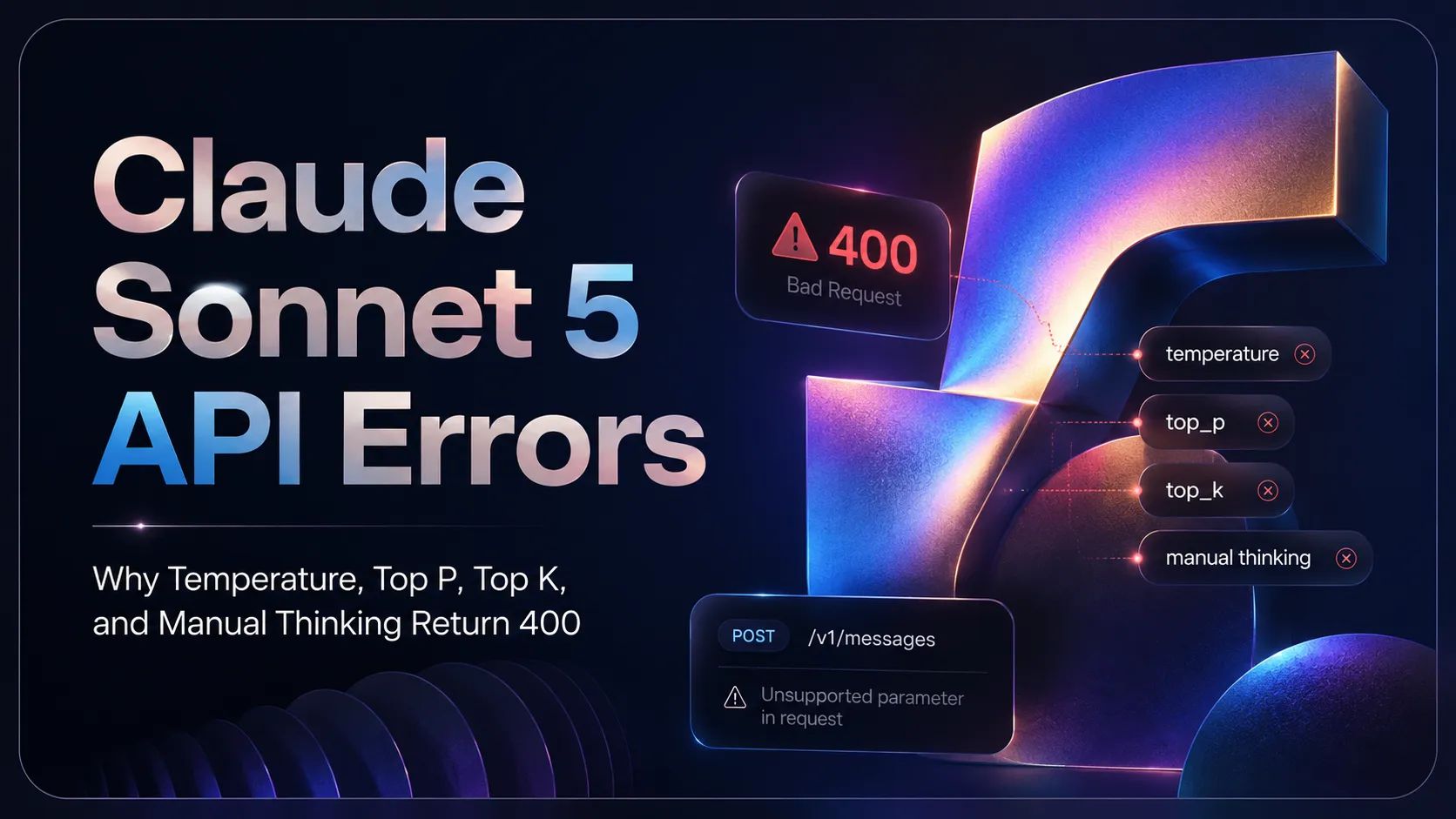
Claude Sonnet 5 is designed as a drop-in upgrade from Claude Sonnet 4.6, but "drop-in" does not mean every old request payload will work unchanged. Some common parameters that developers used with earlier Claude models can now return a 400 error.
The most common causes are:
- Setting
temperatureto a non-default value. - Setting
top_pto a non-default value. - Setting
top_kto a non-default value. - Using manual extended thinking with
thinking: {type: "enabled", budget_tokens: N}. - Prefilling the assistant message, which was already unsupported on Claude Sonnet 4.6.
Claude Platform Docs state that Claude Sonnet 5 has three important behavior changes from Claude Sonnet 4.6: adaptive thinking is on by default, manual extended thinking now returns a 400 error, and non-default sampling parameters such as temperature, top_p, and top_k return a 400 error.
This guide explains why these errors happen, how to fix them, and how to safely migrate old Claude Sonnet 4.6 request payloads to Claude Sonnet 5. It also shows how to think about these changes when using Claude Sonnet 5 through iCreat API, an OpenAI-compatible unified API platform.
Quick Fix
If your Claude Sonnet 5 request returns a 400 error, check your request body first.
Remove these parameters if they are set to non-default values
{
  "temperature": 0.2,
  "top_p": 0.9,
  "top_k": 40
}
For Claude Sonnet 5, the safest migration path is to omit these parameters entirely and use system-prompt instructions to guide style, tone, format, and consistency. Claude Platform Docs explicitly say that setting temperature, top_p, or top_k to a non-default value returns a 400 error.
Replace manual extended thinking
Do not use:
{
  "thinking": {
    "type": "enabled",
    "budget_tokens": 32000
  }
}
Use adaptive thinking instead:
{
  "thinking": {
    "type": "adaptive"
  }
}
Or omit the thinking field if adaptive thinking is already the default in your API surface. Claude Platform Docs state that manual extended thinking with thinking: {type: "enabled", budget_tokens: N} was deprecated on Claude Sonnet 4.6 and is removed on Claude Sonnet 5, where it returns a 400 error.
Why Claude Sonnet 5 Returns 400 for Old Parameters
Claude Sonnet 5 changes how developers should control generation behavior.
With older LLM APIs, developers often used sampling parameters such as temperature, top_p, and top_k to influence randomness, variety, and output style. They also used manual extended thinking controls to reserve a fixed reasoning budget.
Claude Sonnet 5 moves away from that pattern. Instead, Anthropic recommends:
- Omitting unsupported sampling parameters.
- Using system prompts and clear instructions for style and behavior.
- Using adaptive thinking.
- Controlling reasoning depth with the
effortparameter where supported. - Leaving enough
max_tokensheadroom for thinking and final response text.
Claude's Sonnet 5 best practices guide says that if you previously relied on temperature for stylistic variety, you should remove temperature, top_p, and top_k when migrating, and use system-prompt instructions to guide tone and variety instead.
Error 1: temperature Returns 400
Problem
A request like this may fail:
{
  "model": "claude-sonnet-5",
  "temperature": 0.2,
  "max_tokens": 2048,
  "messages": [
    {
      "role": "user",
      "content": "Write a concise product description."
    }
  ]
}
Why it happens
Claude Sonnet 5 does not accept temperature set to a non-default value. Even if your SDK type-checks the field, the API can reject it server-side.
This matters because many OpenAI-compatible clients, internal wrappers, and shared LLM gateways include temperature by default. If your app automatically adds temperature, the migration may fail even if the rest of the payload looks correct.
Fix
Remove temperature:
{
  "model": "claude-sonnet-5",
  "max_tokens": 2048,
  "messages": [
    {
      "role": "user",
      "content": "Write a concise product description."
    }
  ]
}
Then control style with instructions:
{
  "model": "claude-sonnet-5",
  "max_tokens": 2048,
  "messages": [
    {
      "role": "system",
      "content": "Write in a concise, polished, commercial tone. Avoid exaggerated claims."
    },
    {
      "role": "user",
      "content": "Write a product description for an AI video API."
    }
  ]
}
Error 2: top_p Returns 400
Problem
A request like this may fail:
{
  "model": "claude-sonnet-5",
  "top_p": 0.9,
  "messages": [
    {
      "role": "user",
      "content": "Generate five alternative headlines."
    }
  ]
}
Why it happens
top_p is another sampling parameter. Claude Sonnet 5 rejects non-default top_p values with a 400 error. Claude Platform Docs recommend omitting sampling parameters entirely and using prompting to guide behavior.
Fix
Remove top_p and describe the variation you want:
{
  "model": "claude-sonnet-5",
  "messages": [
    {
      "role": "system",
      "content": "Generate varied but realistic marketing headlines. Each headline should use a different angle: speed, cost, workflow, quality, and developer experience."
    },
    {
      "role": "user",
      "content": "Generate five alternative headlines for Claude Sonnet 5 API."
    }
  ]
}
This is usually better than relying on sampling settings because it makes the desired variation explicit.
Error 3: top_k Returns 400
Problem
A request like this may fail:
{
  "model": "claude-sonnet-5",
  "top_k": 40,
  "messages": [
    {
      "role": "user",
      "content": "Brainstorm API use cases."
    }
  ]
}
Why it happens
top_k is also a sampling parameter. Claude Sonnet 5 does not accept non-default top_k values.
Fix
Remove top_k and prompt for diversity directly:
{
  "model": "claude-sonnet-5",
  "messages": [
    {
      "role": "system",
      "content": "Give diverse ideas across developer tools, enterprise automation, content workflows, support systems, and data analysis. Avoid repeating the same pattern."
    },
    {
      "role": "user",
      "content": "Brainstorm API use cases for Claude Sonnet 5."
    }
  ]
}
Error 4: Manual Extended Thinking Returns 400
Problem
A request like this may fail:
{
  "model": "claude-sonnet-5",
  "thinking": {
    "type": "enabled",
    "budget_tokens": 32000
  },
  "messages": [
    {
      "role": "user",
      "content": "Analyze this complex code migration plan."
    }
  ]
}
Why it happens
Manual extended thinking is removed on Claude Sonnet 5. The older pattern thinking: {type: "enabled", budget_tokens: N} returns a 400 error. Claude's Sonnet 5 prompting guide says this was deprecated on Claude Sonnet 4.6 and is now removed; developers should use adaptive thinking with the effort parameter instead.
Fix
Use adaptive thinking:
{
  "model": "claude-sonnet-5",
  "thinking": {
    "type": "adaptive"
  },
  "messages": [
    {
      "role": "user",
      "content": "Analyze this complex code migration plan."
    }
  ]
}
If your API surface supports effort, use it to control reasoning depth:
{
  "model": "claude-sonnet-5",
  "thinking": {
    "type": "adaptive"
  },
  "output_config": {
    "effort": "high"
  },
  "messages": [
    {
      "role": "user",
      "content": "Analyze this complex code migration plan."
    }
  ]
}
For very hard coding or agentic tasks, Claude's prompting guide says to raise effort to high or xhigh rather than trying to force deeper reasoning only through prompting.
Error 5: max_tokens Too Low Can Cause Truncated Answers
This may not return a 400 error, but it is a common migration issue.
Claude Sonnet 5 runs adaptive thinking by default. Claude Platform Docs explain that max_tokens is a hard limit on total output, including both thinking and response text, so developers should revisit max_tokens for workloads that previously ran without thinking on Claude Sonnet 4.6.
Problem
Your request succeeds, but the final answer is too short, incomplete, or truncated.
You may see something like:
stop_reason: "max_tokens"Why it happens
Adaptive thinking can use part of the output budget. If max_tokens is too tight, the model may spend too much of the budget on reasoning and not enough on the final answer.
Claude's prompting guide warns that on long tasks, adaptive thinking can use a large share of the budget; if the budget is tight, the response may be mostly thinking followed by a truncated answer.
Fix
Increase max_tokens, lower effort, or ask for a more concise final answer.
{
  "model": "claude-sonnet-5",
  "max_tokens": 4096,
  "messages": [
    {
      "role": "system",
      "content": "Think only as much as needed. Return a concise final answer with clear recommendations."
    },
    {
      "role": "user",
      "content": "Review this architecture plan and identify the top 5 risks."
    }
  ]
}
Error 6: Assistant Message Prefilling Returns 400
This is not new to Claude Sonnet 5, but it is still worth checking.
Claude Platform Docs state that assistant message prefilling returns a 400 error on Claude Sonnet 5, unchanged from Claude Sonnet 4.6. Anthropic recommends using structured outputs, system prompt instructions, or output_config.format instead.
Problem
A request tries to prefill the assistant response:
{
  "model": "claude-sonnet-5",
  "messages": [
    {
      "role": "user",
      "content": "Return JSON."
    },
    {
      "role": "assistant",
      "content": "{"
    }
  ]
}
Fix
Use explicit output instructions instead:
{
  "model": "claude-sonnet-5",
  "messages": [
    {
      "role": "system",
      "content": "Return valid JSON only. Do not include markdown fences or explanations."
    },
    {
      "role": "user",
      "content": "Extract the product name, price, and key benefit from this text."
    }
  ]
}
If your API surface supports structured output formatting, use that instead of prefilling.
Before and After: Migrating a Sonnet 4.6 Request to Sonnet 5
Here is a typical request that may work on an older model or in an older wrapper but fail on Claude Sonnet 5:
{
  "model": "claude-sonnet-4-6",
  "temperature": 0.2,
  "top_p": 0.9,
  "top_k": 40,
  "thinking": {
    "type": "enabled",
    "budget_tokens": 16000
  },
  "max_tokens": 2048,
  "messages": [
    {
      "role": "user",
      "content": "Review this pull request and identify risky changes."
    }
  ]
}
A safer Claude Sonnet 5 version:
{
  "model": "claude-sonnet-5",
  "thinking": {
    "type": "adaptive"
  },
  "max_tokens": 4096,
  "messages": [
    {
      "role": "system",
      "content": "You are a senior software engineer. Be precise, practical, and concise. Rank issues by severity. Avoid speculation."
    },
    {
      "role": "user",
      "content": "Review this pull request and identify risky changes."
    }
  ]
}
The migration does four things:
- Changes the model ID from
claude-sonnet-4-6toclaude-sonnet-5. - Removes
temperature,top_p, andtop_k. - Replaces manual thinking with adaptive thinking.
- Raises
max_tokensto leave room for reasoning and final answer text.
OpenAI-Compatible API Note for iCreat Users
Claude Sonnet 5 is available on iCreat API through an OpenAI-compatible unified API. This is convenient because developers can test and route multiple models with a familiar request pattern.
However, OpenAI-compatible clients often include optional generation parameters such as temperature by habit. If your application has a shared LLM wrapper, check whether it automatically injects parameters like:
{
  "temperature": 0.7,
  "top_p": 1
}
For Claude Sonnet 5, avoid sending unsupported non-default sampling parameters. If your wrapper is used across multiple providers, add model-specific parameter filtering.
A simple rule:
If model == "claude-sonnet-5":
    remove non-default temperature
    remove non-default top_p
    remove non-default top_k
    remove manual extended thinking
    use adaptive thinking or omit thinking depending on your API surface
Check the iCreat API Docs for the latest supported fields, base URL, authentication method, and model-specific examples.
Why Prompting Replaces Temperature for Style Control
Many developers used temperature to control creativity. For Claude Sonnet 5, that approach can break the request.
Instead, use prompt-level controls.
Instead of this
{
  "temperature": 0.8,
  "messages": [
    {
      "role": "user",
      "content": "Write ad copy."
    }
  ]
}
Use this
{
  "messages": [
    {
      "role": "system",
      "content": "Write energetic but credible B2B ad copy. Use short sentences. Avoid hype. Give three distinct angles: speed, cost, and workflow."
    },
    {
      "role": "user",
      "content": "Write ad copy for a Claude Sonnet 5 API page."
    }
  ]
}
This gives you more predictable control than a sampling parameter because it defines the exact kind of variation you want.
How to Control Output Consistency Without temperature = 0
Some developers used temperature = 0 for determinism. The Claude migration guide notes that temperature = 0 never guaranteed identical outputs on prior models.
For more consistent output, use:
- Clear system instructions.
- Strict output schemas.
- Few-shot examples.
- Shorter task scopes.
- Explicit formatting rules.
- Post-processing validation.
- Retry logic for invalid structured outputs.
Example:
{
  "model": "claude-sonnet-5",
  "messages": [
    {
      "role": "system",
      "content": "Return JSON only. Use exactly these keys: title, summary, risks, next_steps. Do not add extra keys."
    },
    {
      "role": "user",
      "content": "Analyze this feature brief."
    }
  ]
}
For production systems, deterministic behavior should come from schema validation and workflow design, not only from sampling settings.
How to Control Reasoning Without Manual budget_tokens
Manual thinking budgets are no longer supported on Claude Sonnet 5. Use adaptive thinking and effort settings where supported.
A practical approach:
| Task type | Suggested approach |
|---|---|
| Simple extraction | Disable thinking or use low effort if supported |
| Short rewriting | Direct prompt, concise output instructions |
| Standard coding help | Adaptive thinking, medium or high effort |
| Complex code migration | Adaptive thinking, high or xhigh effort |
| Long agentic workflow | Adaptive thinking, high or xhigh effort, larger max_tokens |
| User-facing low-latency task | Lower effort, concise final answer |
Claude's prompting guide says Sonnet 5 respects effort levels strictly, especially at the low end. If the model under-thinks at low or medium, raise effort to high or xhigh.
Troubleshooting Checklist
When Claude Sonnet 5 returns a 400 error, use this checklist.
| Check | What to do |
|---|---|
| Model ID | Use claude-sonnet-5 |
temperature | Remove it if set to a non-default value |
top_p | Remove it if set to a non-default value |
top_k | Remove it if set to a non-default value |
| Manual thinking | Remove thinking: {type: "enabled", budget_tokens: N} |
| Adaptive thinking | Use thinking: {type: "adaptive"} where supported |
max_tokens | Increase if outputs are truncated |
| Assistant prefill | Remove assistant message prefilling |
| Structured output | Use system instructions or structured output features |
| Shared wrapper | Filter unsupported fields per model |
| SDK defaults | Check whether your SDK sends parameters automatically |
Common 400 Error Patterns
Pattern 1: The request worked on Sonnet 4.6 but fails on Sonnet 5
Most likely cause:
temperature, top_p, top_k, or manual thinking budgetFix:
Remove unsupported fields and retest.Pattern 2: The request fails even though the SDK type-checks
Most likely cause:
The SDK supports the field for older models, but Claude Sonnet 5 rejects it server-side.Fix:
Do not rely only on SDK type definitions. Add model-specific payload filtering.Pattern 3: The request succeeds but the answer is incomplete
Most likely cause:
max_tokens is too low for adaptive thinking plus final answer.Fix:
Raise max_tokens, lower effort, or request a shorter final response.Pattern 4: The model is less varied after removing temperature
Most likely cause:
The prompt does not explicitly ask for variation.Fix:
Ask for specific types of variation in the system or user prompt.Pattern 5: The model under-thinks complex tasks
Most likely cause:
Effort is too low or the prompt does not signal that multi-step reasoning is needed.Fix:
Raise effort where supported, or add direct instructions that the task requires careful multi-step reasoning.Recommended Migration Workflow
Do not migrate all requests by changing only the model name.
Use this workflow:
- Find all request templates that call Claude models.
- Search for
temperature,top_p,top_k, andbudget_tokens. - Remove unsupported sampling parameters for Claude Sonnet 5.
- Replace manual extended thinking with adaptive thinking where supported.
- Revisit
max_tokenslimits. - Recount tokens because Claude Sonnet 5 uses a new tokenizer.
- Test production prompts in the iCreat Playground.
- Compare success rate, cost, latency, and truncation rate.
- Add model-specific payload filtering in your API wrapper.
- Roll out gradually.
Claude Platform Docs also recommend recounting tokens because Claude Sonnet 5's new tokenizer produces approximately 30% more tokens for the same text, which can affect token budgets, context usage, and request cost.
Example: Model-Specific Parameter Filtering
If your application supports multiple models, add a filter before sending requests.
def sanitize_params_for_model(model: str, params: dict) -> dict:
    cleaned = dict(params)

    if model == "claude-sonnet-5":
        # Remove unsupported non-default sampling controls
        cleaned.pop("temperature", None)
        cleaned.pop("top_p", None)
        cleaned.pop("top_k", None)

        # Remove old manual extended thinking
        thinking = cleaned.get("thinking")
        if isinstance(thinking, dict) and thinking.get("type") == "enabled":
            cleaned["thinking"] = {"type": "adaptive"}

    return cleaned
This type of filtering is useful when your app routes across multiple models, such as Claude Sonnet, Claude Opus, GPT, Gemini, DeepSeek, MiniMax, and other LLMs.
FAQ
temperature?temperature set to a non-default value. Remove the parameter and use system-prompt instructions to control tone, style, and variation.top_p?top_p set to a non-default value. The safest migration path is to omit it from the request payload.top_k?top_k set to a non-default value. Remove it when migrating from older request templates.thinking: {type: "enabled", budget_tokens: N} was deprecated on Claude Sonnet 4.6 and removed on Claude Sonnet 5. Use adaptive thinking instead.thinking field run with adaptive thinking on Claude Sonnet 5. To turn thinking off, pass thinking: {type: "disabled"}.temperature?budget_tokens?effort parameter where supported. For hard coding or agentic tasks, raise effort to high or xhigh. For simpler or lower-latency tasks, use lower effort or disable thinking where appropriate.max_tokens may be too low. Adaptive thinking uses part of the output budget, and Claude Sonnet 5's new tokenizer can produce more tokens for the same text. Increase max_tokens, lower effort, or ask for a shorter final answer.stop_reason: "refusal", not as an error.Conclusion
Claude Sonnet 5 can be a strong upgrade from Claude Sonnet 4.6, but some old request patterns can now fail with a 400 error.
The most important fixes are simple:
Remove non-default temperature, top_p, and top_k.
Replace manual extended thinking with adaptive thinking.
Revisit max_tokens.
Remove assistant message prefilling.
Use prompts and structured output controls instead of unsupported generation parameters.
For production teams, the best solution is not to patch each error one by one. It is to build model-specific request sanitization, test real prompts before migration, and route each task to the right model.
With iCreat API, developers can test Claude Sonnet 5 in the Playground, integrate it through an OpenAI-compatible unified API, and compare it with other LLM, image, video, audio, 3D, and avatar models in one workflow.