


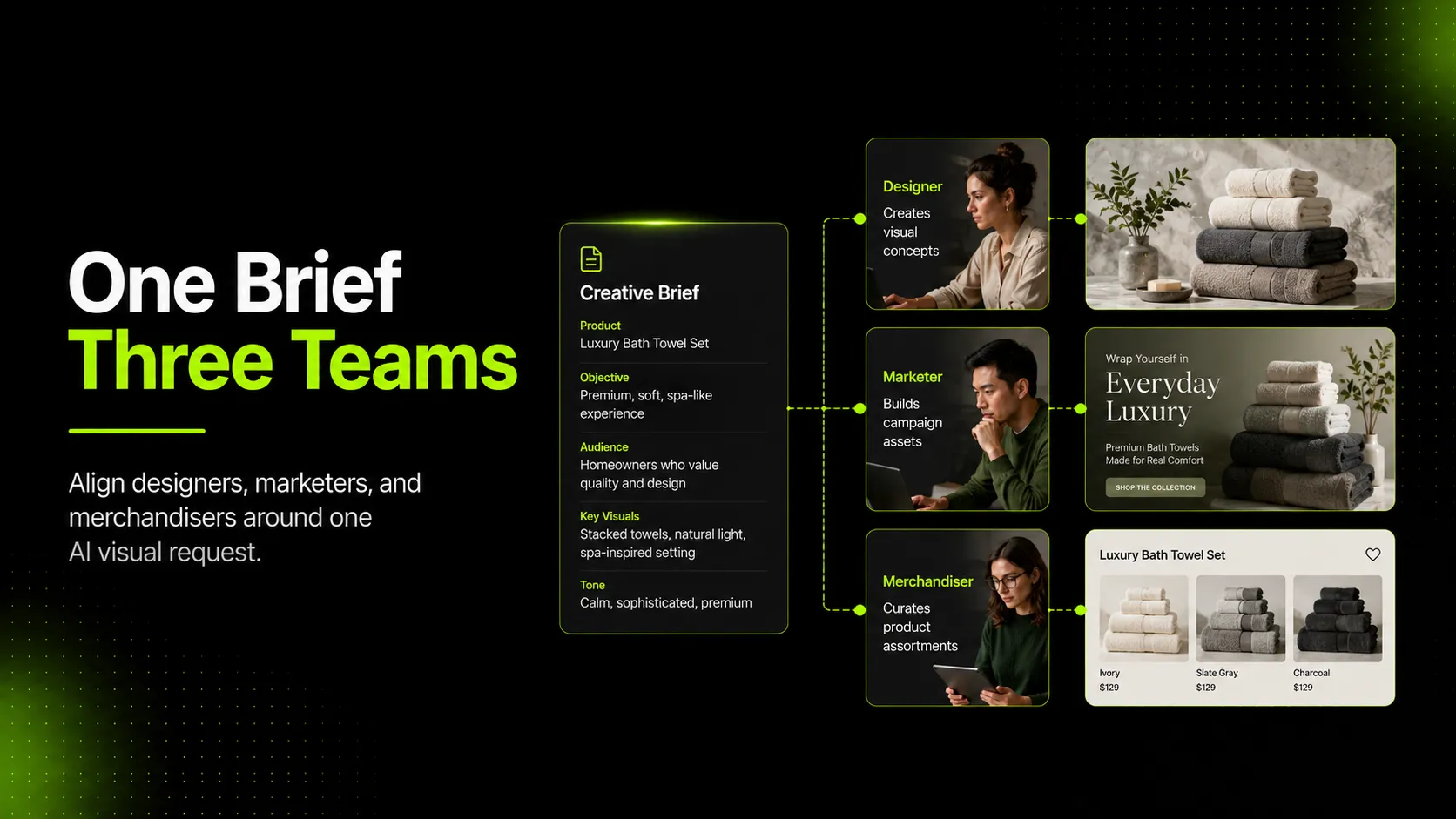
To brief designers, marketers, and merchandisers for the same AI visual request, do not give everyone the same vague prompt. Give them one shared brief with role-specific requirements: design direction, marketing use case, merchandising accuracy, source images, approval rules, and final quality checks.
The practical challenge is that each team reads the same request differently. A designer may hear "make it premium." A marketer may hear "make it perform in ads." A merchandiser may hear "do not change the product." If the brief does not separate those needs before generation starts, the AI output can look polished and still fail the job.
Key Takeaways
- A useful AI visual brief needs one shared goal plus role-specific notes for design, marketing, and merchandising.
- Designers need visual direction, composition rules, references, and brand guardrails.
- Marketers need channel, audience, message, format, and campaign context.
- Merchandisers need product truth: color, material, variant, SKU, fit, and details that cannot change.
- AI-generated ecommerce visuals should be reviewed before publishing, especially when product accuracy affects shopper trust.
Why One AI Visual Request Breaks Down Across Teams
One AI visual request often breaks down because the request sounds simple at the top and becomes ambiguous at execution.
For example, a fashion team might ask for "summer campaign visuals for the new linen dress." That sounds clear until each stakeholder interprets it:
| Team | What They May Prioritize | What They May Miss |
|---|---|---|
| Designer | mood, lighting, layout, crop, visual consistency | which product details must stay exact |
| Marketer | hook, audience, CTA, ad format, scroll-stopping contrast | whether the image still works for PDP or collection use |
| Merchandiser | color, fit, fabric, variant, assortment accuracy | whether the creative feels strong enough for campaign use |
None of these interpretations is wrong. The problem is that they are incomplete on their own.
AI visual workflows make this more important because the output is generated from instructions, references, and model interpretation. If the brief says "make the dress look more premium" but does not say "keep the neckline, sleeve length, fabric texture, and color unchanged," the result may satisfy the design direction while creating a merchandising issue.
The brief should prevent that conflict before generation. It should define what can change, what cannot change, who approves each part, and what the final image is supposed to do.
What Designers Need in the Brief
Designers need enough direction to shape the image without guessing the brand system from scratch. They should not be left with only a product name and a channel.
A strong design section includes:
- Visual style: clean studio, editorial lookbook, soft natural light, premium minimal, bold campaign, seasonal lifestyle
- Composition: full-body model, cropped detail, flat lay, product-only, group shot, close-up, mobile-first vertical crop
- Reference images: approved brand visuals, previous campaign examples, product references, competitor examples to avoid or learn from
- Brand rules: color palette, logo handling, background limits, typography if text is part of the creative
- Flexibility rules: what the designer can interpret freely and what must stay fixed
The last point matters most. Design work improves when the brief separates creative freedom from product constraints.
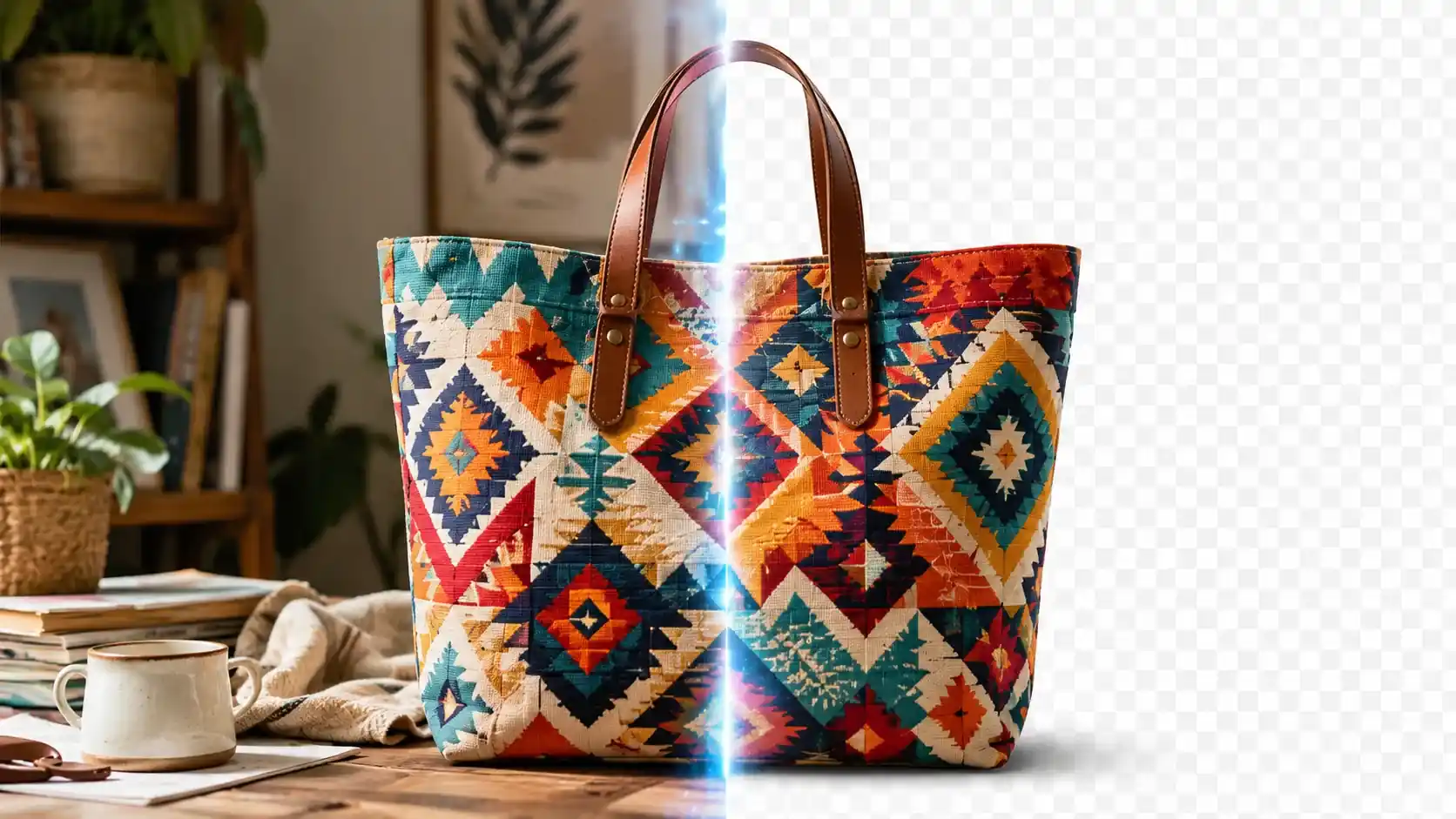
For a handbag, the designer may be free to change the environment, lighting, surface, and crop. They should not change the hardware color, strap length, logo placement, leather texture, or visible proportions. For a dress, they may change the setting and model pose, but not the sleeve shape, neckline, hem length, fabric weight, or print scale.
The design part of the brief should also avoid empty words. "Premium," "fresh," "elevated," and "modern" are not useless, but they need translation into visible choices. A better version is: "premium minimal: soft shadow, neutral stone background, no busy props, product fills most of the frame, muted warm lighting."
What Marketers Need in the Brief
Marketers need to know what the visual must make someone do. A beautiful image is not automatically a useful campaign asset.
The marketing section should define:
- Audience: new customer, returning customer, wholesale buyer, seasonal shopper, sale shopper, premium buyer
- Channel: PDP hero, Shopify collection image, paid social ad, email banner, landing page hero, organic social post
- Message: new arrival, fabric benefit, fit confidence, styling idea, seasonal launch, giftable product, limited collection
- Format: square, vertical, horizontal, mobile-first crop, story/reel cover, feed ad, web hero
- CTA context: shop now, explore collection, see details, compare colors, join waitlist
This helps the team judge whether the output is useful for its destination. A collection-page image needs to help shoppers scan and compare products. A paid ad image needs to create enough contrast and context to earn attention. A PDP image needs to support inspection and trust.
Shopify's ecommerce photography guidance makes a similar distinction: catalog photos help someone click, while detail shots on product pages help convince them to add to cart. That means a single visual style rarely does every job equally well.
For AI generation, marketers should also specify the campaign promise. If the campaign is about "lightweight linen for hot weather," the image should show breathability, movement, and summer context. If the campaign is about "workwear capsule essentials," the image should feel structured, versatile, and easy to style.
Without that context, the AI may create a visually attractive scene that does not support the actual message.
What Merchandisers Need in the Brief
Merchandisers need the brief to protect product truth. Their concern is not whether the image looks good in isolation. Their concern is whether the image represents the product customers can actually buy.
The merchandising section should include:
- Product name and SKU or variant
- Colorway and material
- Fit, silhouette, or dimensions that must stay accurate
- Visible details that cannot change
- Variant rules for color, size, bundle, or assortment
- Where the asset will appear in the customer journey
This is especially important for apparel and accessories. A model pose can change the perceived fit of a jacket. A lighting shift can make a cream skirt look white. A generated texture can make faux leather look like genuine leather. A changed strap length can make a handbag look like a different product.
For shopping feeds and product listings, accuracy is not just an internal preference. Google Merchant Center image guidance states that product images should accurately display the entire product, avoid misleading overlays, and show the correct variant. It also notes that generative AI images should preserve metadata indicating the image was AI-generated.
That does not mean every AI visual is risky. It means merchandising review has to be built into the workflow. The brief should make clear which details are fixed before the generation starts and which details must be checked before publishing.
How to Turn the Same Request Into AI-Ready Inputs
An AI-ready brief is more specific than a traditional creative request. It needs to translate stakeholder goals into inputs the generation workflow can use.
1. Choose the Right Reference Images
Use the clearest product image as the main reference. Add detail references when accuracy matters.
For fashion products, useful references may include:
- front view
- back view
- fabric close-up
- label or logo detail
- fit or on-model reference
- previous campaign image for style direction
The goal is not to upload everything available. The goal is to give the model enough visual information to preserve what matters.
2. Separate Fixed Elements From Flexible Elements
Fixed elements are product facts. Flexible elements are creative choices.
| Fixed | Flexible |
|---|---|
| product color | background |
| logo placement | lighting mood |
| garment cut | model pose |
| material texture | styling context |
| visible hardware | crop and composition |
This distinction keeps the AI workflow practical. If everything is fixed, the brief becomes too restrictive. If nothing is fixed, the output can drift away from the product.
3. Add Negative Instructions
Negative instructions are especially useful when teams already know what tends to go wrong.
Examples:
- do not alter the neckline
- do not add text overlays
- do not change the logo color
- do not make the handbag larger than the reference
- do not add extra pockets, buttons, straps, patterns, or accessories
Negative instructions are not a guarantee, but they make the review criteria clearer. If the output breaks one of them, it should not move forward without correction.
4. Match the Output to the Channel
The brief should specify destination before generation.
For example:
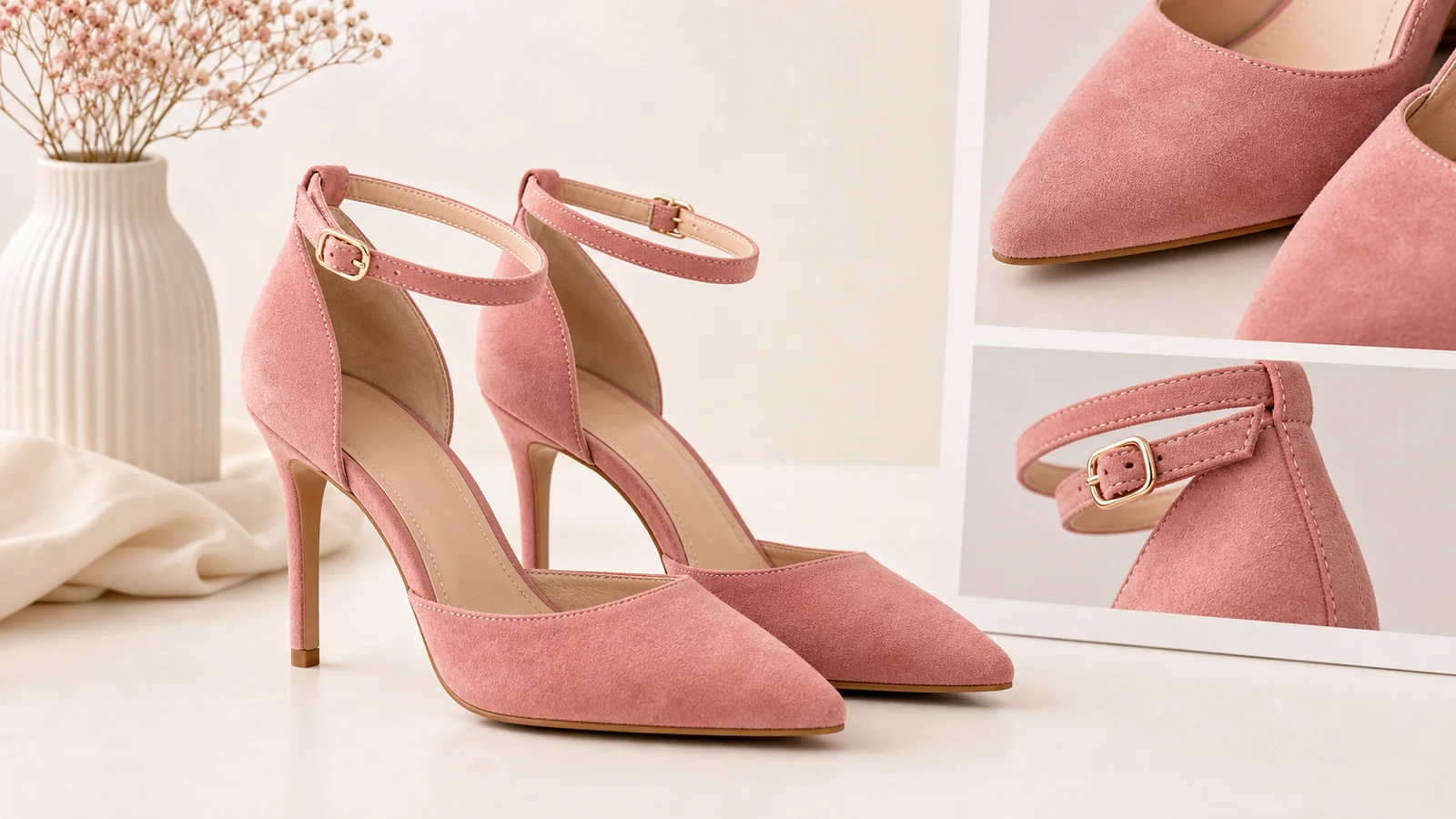
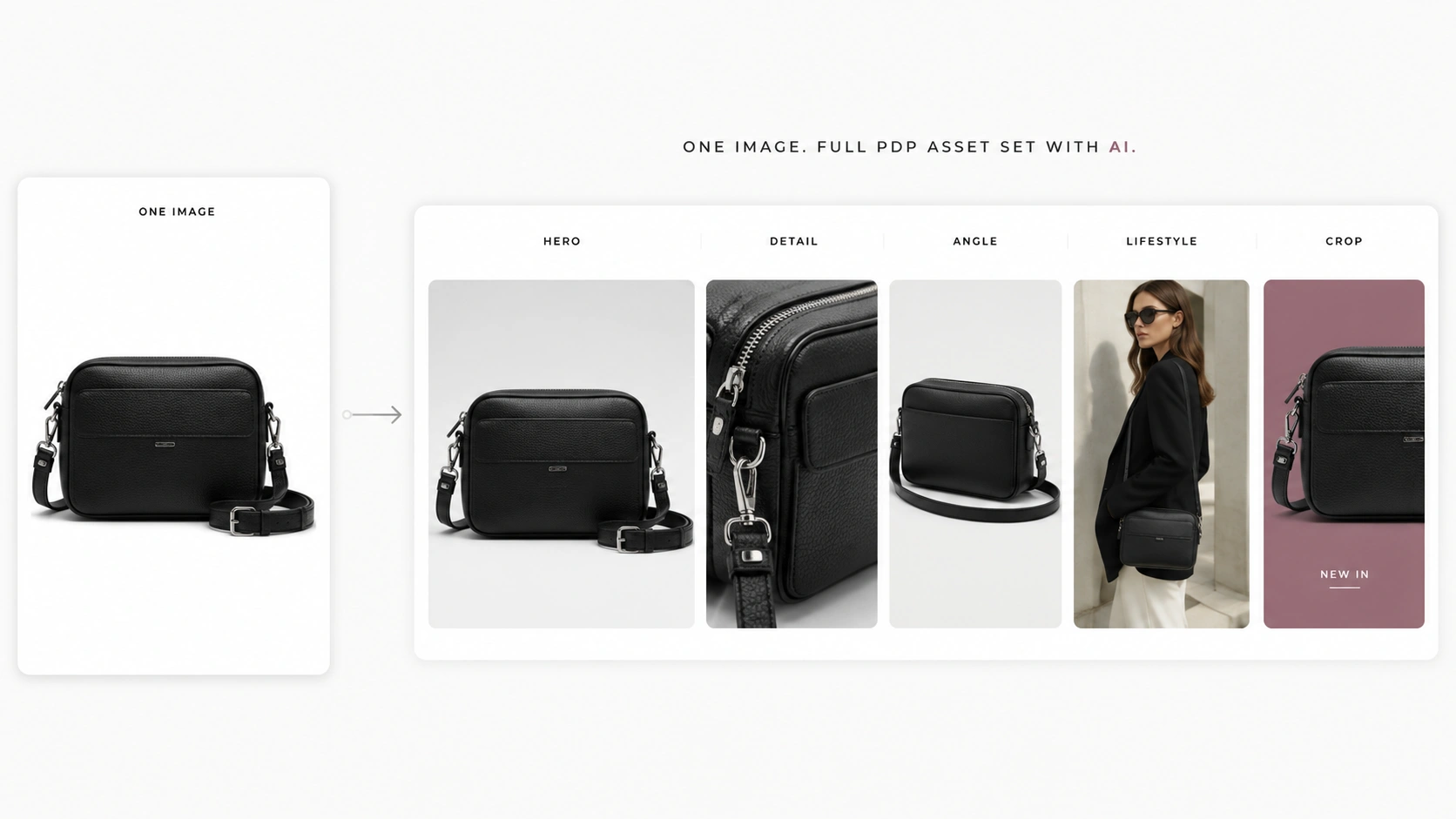
- PDP image: product clarity, accurate detail, enough resolution for inspection
- Collection image: consistent crop, easy scanning, clear product shape
- Paid social image: stronger hook, mobile crop, fast visual read
- Email hero: space for copy, brand mood, campaign context
This is where a product-focused workflow matters. iCreat AI's AI Product Photography workflow is most relevant when a team needs to generate product visuals, campaign images, and visual variations from approved references. It should still be used with a review process, especially when the image is customer-facing.
Common Misunderstandings That Cause Rework
Most AI visual rework comes from unclear expectations, not from the tool alone.
| Misunderstanding | Why It Causes Rework | Better Briefing Rule |
|---|---|---|
| "Make it more premium" | everyone imagines a different visual style | define lighting, background, crop, and reference examples |
| "Use this for ads and PDP" | campaign and product-page visuals have different jobs | define primary and secondary channels separately |
| "Keep the product accurate" | too broad to review consistently | list fixed product details |
| "Create variations" | unclear whether variants mean backgrounds, poses, SKUs, or messages | define variation type before generation |
| "Use AI to speed it up" | speed can erase approval steps | define what still needs human review |
The biggest hidden cost is late feedback. If the merchandiser reviews only after design and marketing approval, the team may need to regenerate or re-edit the entire asset. If the marketing team defines the channel only after image creation, the crop, message, or framing may not fit the campaign.
A good brief does not remove judgment. It moves judgment earlier.
Final QA Checklist Before You Generate or Publish
Before generating, check the brief:
- Is the product use case clear?
- Is the primary channel clear?
- Are fixed product details listed?
- Are reference images attached or linked?
- Are design references specific enough?
- Are exclusions or negative instructions included?
- Is the approval owner clear for product, brand, and channel fit?
Before publishing, review the output:
- Does the product match the SKU or variant?
- Are color, material, logo, silhouette, and proportions accurate enough for the destination?
- Does the image fit the intended channel crop?
- Does the image support the campaign message?
- Does the styling imply anything untrue about the product?
- If the image is AI-generated and used in shopping contexts, has the team preserved required metadata where applicable?
This final review is not bureaucracy. It protects the workflow from the exact failure mode AI can create: fast output that looks finished before it has been checked.
FAQ
Build the Brief Before You Generate
The best AI visual request is not the longest prompt. It is the clearest shared agreement between the people who will use, judge, and publish the image.
For ecommerce teams, that means aligning design direction, marketing context, and merchandising accuracy before generation starts. Once those rules are clear, AI can help create more visual options from approved product references without making every team restart the conversation after each output.
If your team already has product references and needs campaign visuals, product images, or channel-specific variations, try iCreat AI's AI Product Photography workflow as part of a reviewed visual production process.