


Introduction
The release of GPT-5.6 gives developers access to more advanced AI capabilities for reasoning, coding, and agent-based applications. However, for startups and SaaS companies building AI products, choosing a model is not only a technical decision.
It is also a cost decision.
A model that performs well during testing can become expensive when an application reaches production scale. Every user request, generated response, document analysis task, and agent workflow contributes to ongoing AI infrastructure costs.
This is why GPT-5.6 API pricing has become an important consideration for developers evaluating OpenAI's latest models.
The key questions are no longer only:
- How intelligent is GPT-5.6?
- How good are its reasoning and coding capabilities?
Production teams also need to ask:
- How much does GPT-5.6 API cost at scale?
- How do token prices affect AI product margins?
- Is there a more flexible way to access GPT-5.6?
- Should different workloads use different models?
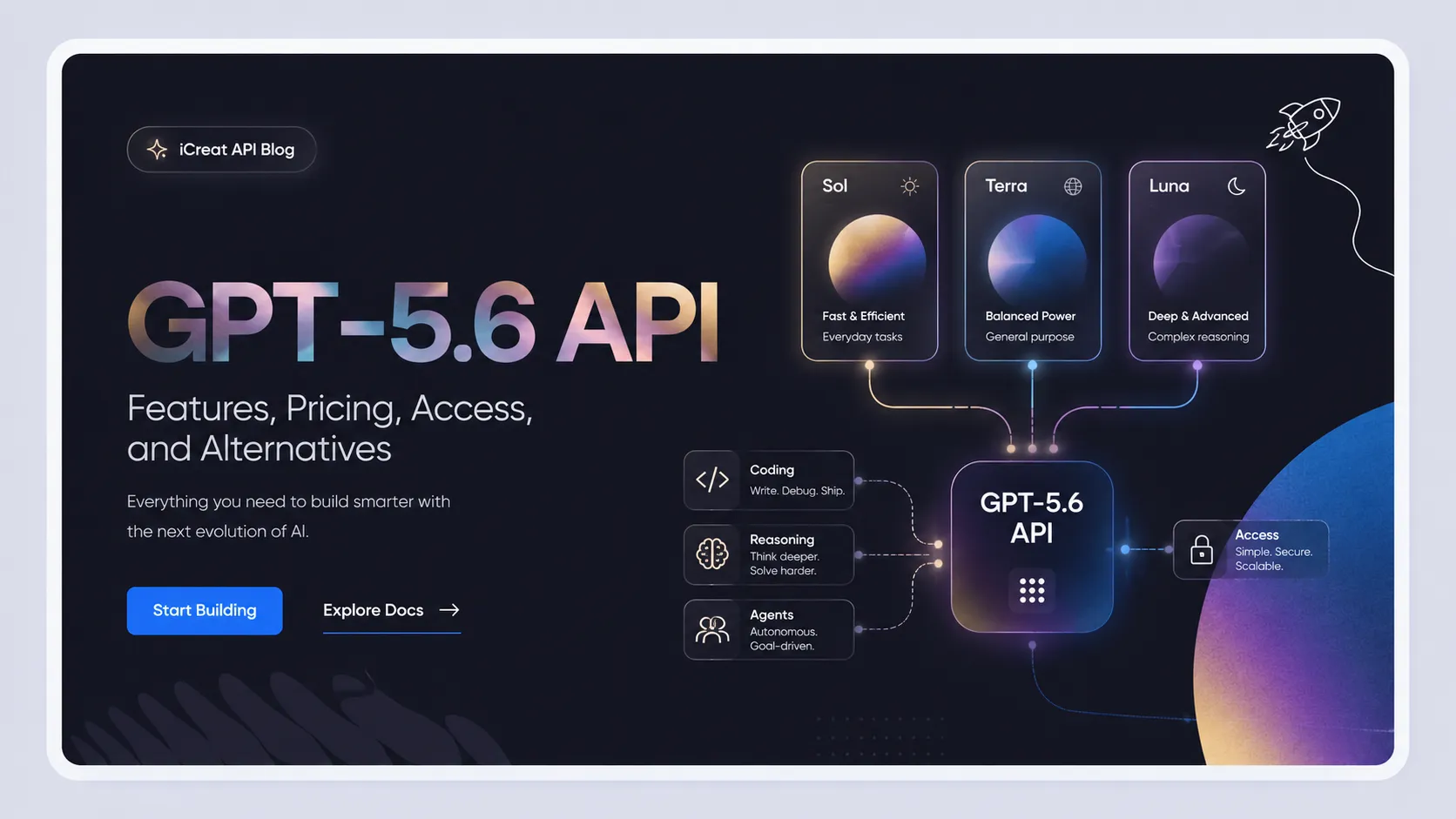
GPT-5.6 introduces three model tiers:
- GPT-5.6 Sol - maximum intelligence for complex reasoning workloads.
- GPT-5.6 Terra - balanced capability and cost for production applications.
- GPT-5.6 Luna - optimized for higher-volume and cost-sensitive use cases.
iCreat API provides GPT-5.6 access through an OpenAI-compatible API, allowing developers to integrate GPT-5.6 models while also accessing other frontier models from Anthropic, Google, and DeepSeek through one unified API platform.
This guide explains GPT-5.6 API pricing, compares official pricing with iCreat API pricing, calculates real-world cost differences, and explains how startups can choose the right model strategy.
GPT-5.6 API Pricing Overview
GPT-5.6 API pricing follows a token-based usage model.
Instead of paying a fixed monthly subscription, developers pay based on actual API usage.
The main pricing components are:
Input Tokens
Input tokens represent the information sent to the model.
Examples:
- User messages.
- Uploaded documents.
- Code files.
- Conversation history.
- Images and multimodal inputs.
For applications with large context windows, input token pricing can become a major cost factor.
Output Tokens
Output tokens represent the content generated by the model.
Examples:
- AI responses.
- Generated code.
- Reports.
- Agent actions.
- Analysis results.
For many AI applications, output tokens can become even more expensive because complex workflows often require longer model responses.
GPT-5.6 Official API Pricing
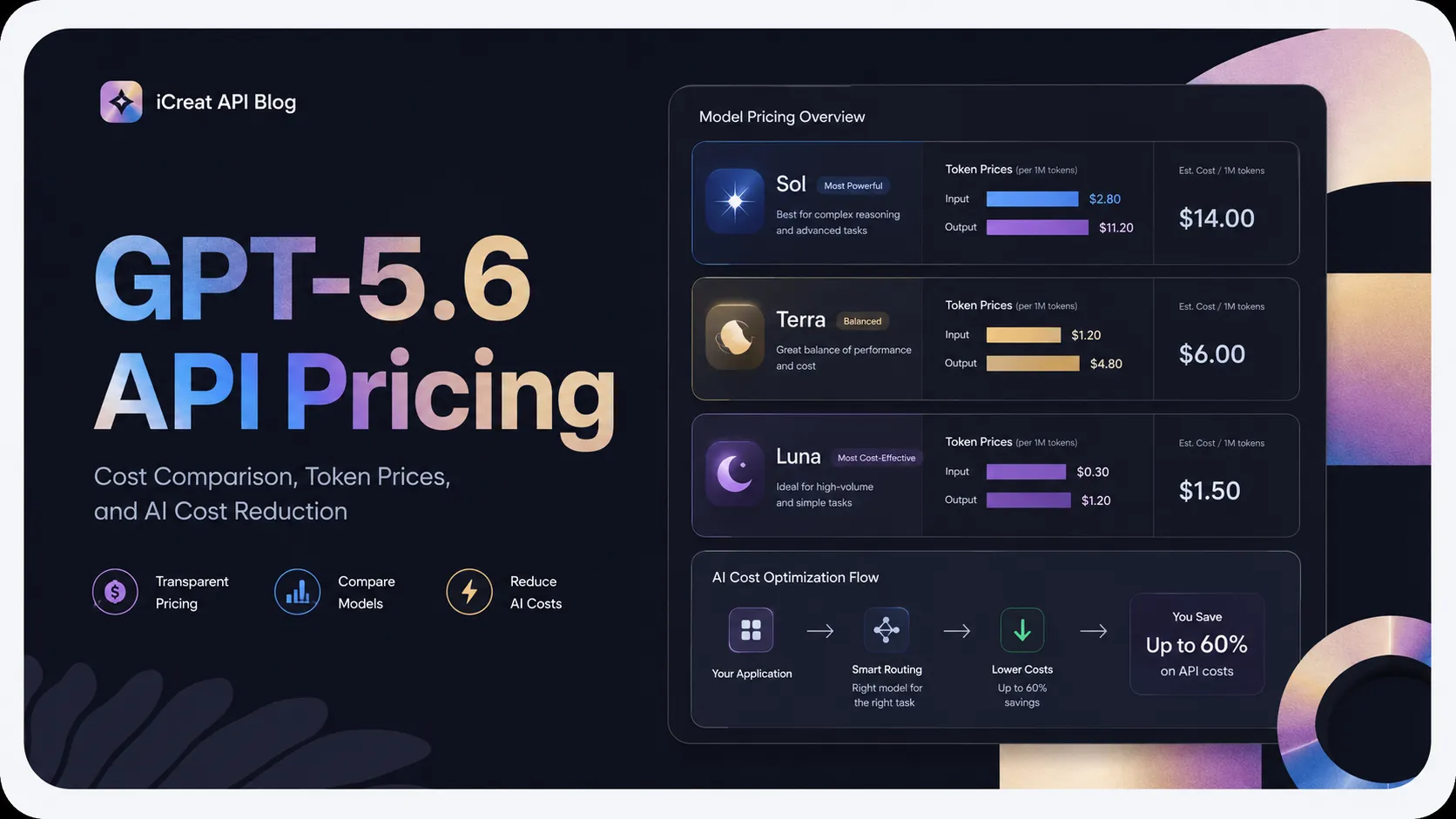
OpenAI's GPT-5.6 model family includes three pricing tiers designed for different levels of capability and cost efficiency, as shown in the latest OpenAI model docs.
| Model | Input Price | Output Price |
|---|---|---|
| GPT-5.6 Sol | $5 / 1M tokens | $30 / 1M tokens |
| GPT-5.6 Terra | $2.5 / 1M tokens | $15 / 1M tokens |
| GPT-5.6 Luna | $1 / 1M tokens | $6 / 1M tokens |
Each model targets a different production scenario.
GPT-5.6 Sol Pricing
GPT-5.6 Sol is the highest-capability model in the GPT-5.6 family.
It is designed for applications where reasoning quality matters more than cost.
Typical use cases:
- Advanced AI agents.
- Complex software engineering assistants.
- Research automation.
- High-value enterprise workflows.
For these applications, a more capable model can reduce errors and improve task completion quality.
However, premium intelligence also comes with higher API costs.
GPT-5.6 Terra Pricing
GPT-5.6 Terra focuses on balancing performance and operating cost.
It is suitable for:
- AI SaaS products.
- Business assistants.
- Customer-facing AI features.
- Internal productivity tools.
For many startups, Terra may represent the best balance between capability and scalability.
GPT-5.6 Luna Pricing
GPT-5.6 Luna is designed for workloads where cost efficiency matters.
Common examples:
- High-volume chat applications.
- Automated content processing.
- Simple AI workflows.
- Large-scale user interactions.
When millions of requests are processed monthly, lower token costs can have a significant impact on profitability.
iCreat GPT-5.6 API Pricing: Up to 90% Lower Input Token Costs
For production AI applications, API pricing differences become more important as usage grows.
iCreat API provides GPT-5.6 access with lower token pricing compared with official API rates.
The goal is to help developers build AI products with more predictable infrastructure costs while maintaining a flexible API workflow.
GPT-5.6 API Cost Comparison: OpenAI vs iCreat API
Input Token Pricing
| Model | OpenAI Official API | iCreat API | Cost Difference |
|---|---|---|---|
| GPT-5.6 Sol | $5 / 1M tokens | $0.5 / 1M tokens | 90% lower |
| GPT-5.6 Terra | $2.5 / 1M tokens | $0.25 / 1M tokens | 90% lower |
| GPT-5.6 Luna | $1 / 1M tokens | $0.1 / 1M tokens | 90% lower |
For input tokens, iCreat API pricing reduces GPT-5.6 costs to approximately one-tenth of official pricing.
Output Token Pricing
| Model | OpenAI Official API | iCreat API | Cost Difference |
|---|---|---|---|
| GPT-5.6 Sol | $30 / 1M tokens | $4 / 1M tokens | Around 87% lower |
| GPT-5.6 Terra | $15 / 1M tokens | $2 / 1M tokens | Around 87% lower |
| GPT-5.6 Luna | $6 / 1M tokens | $0.8 / 1M tokens | Around 87% lower |
For applications generating long responses, code, reports, or agent outputs, output token savings can significantly affect total operating costs.
What Does Lower GPT-5.6 API Pricing Mean in Real Applications?
A percentage comparison is useful, but SaaS companies usually think in monthly operating costs.
The real question is:
How much AI usage can my budget support?
Example 1: AI Customer Support SaaS
Assume an AI customer support platform processes:
- 100,000 conversations per month.
- Average input: 1,000 tokens per conversation.
- Average output: 500 tokens per conversation.
Monthly usage:
- Input tokens: 100 million.
- Output tokens: 50 million.
Using Official GPT-5.6 Sol Pricing
Input:
100M x $5 / 1M = $500
Output:
50M x $30 / 1M = $1,500
Total:
$2,000/month
Using iCreat GPT-5.6 Sol Pricing
Input:
100M x $0.5 / 1M = $50
Output:
50M x $4 / 1M = $200
Total:
$250/month
The difference:
- Official API cost: $2,000/month
- iCreat API cost: $250/month
Potential saving:
$1,750/month
For startups operating with limited margins, this difference can affect pricing strategy and product profitability.
Example 2: AI Coding Assistant
Consider an AI coding assistant used by developers.
Monthly usage:
- 20 million input tokens.
- 10 million output tokens.
GPT-5.6 Sol Official Pricing
Input:
20M x $5 = $100
Output:
10M x $30 = $300
Total:
$400/month
iCreat GPT-5.6 Pricing
Input:
20M x $0.5 = $10
Output:
10M x $4 = $40
Total:
$50/month
For developer tools with many active users, controlling token costs becomes critical.
GPT-5.6 API vs ChatGPT Subscription: What Developers Need to Know
One common misunderstanding among businesses evaluating GPT-5.6 is confusing ChatGPT subscriptions with API access.
Although both provide access to OpenAI models, they serve completely different purposes.
ChatGPT Subscription
ChatGPT subscriptions are designed for individual users who interact with AI through a consumer application.
Typical usage:
- Writing assistance.
- Personal productivity.
- Research.
- Everyday AI conversations.
A subscription does not provide the infrastructure needed to power an AI product.
GPT-5.6 API
The GPT-5.6 API is designed for developers building applications.
Typical use cases:
- AI SaaS products.
- Customer-facing AI features.
- Developer tools.
- AI agents.
- Enterprise automation.
API usage provides:
- Programmatic access.
- Application integration.
- Usage-based billing.
- Custom workflows.
- Control over model selection.
For startups building AI products, API access is the foundation for turning AI capabilities into a scalable service.
How GPT-5.6 API Pricing Changes at Different Business Stages
The right GPT-5.6 model depends not only on capability requirements but also on the stage of your product.
A model choice that works for an early prototype may not be the best choice after reaching thousands of users.
Stage 1: MVP and Early Testing
At the early stage, startups usually focus on:
- Validating product ideas.
- Testing user demand.
- Building the first version.
- Controlling initial costs.
At this stage, developers often need flexibility more than maximum intelligence.
Recommended approach:
#### GPT-5.6 Luna or Terra
GPT-5.6 Luna works well for:
- Simple AI assistants.
- Content workflows.
- Early experiments.
GPT-5.6 Terra works better when:
- Output quality affects user experience.
- The product requires stronger reasoning.
The goal at this stage is not using the most expensive model.
The goal is finding the right balance between quality and cost.
Stage 2: Growing SaaS Product
As a product gains users, AI usage becomes a major operating expense.
Companies begin to care about:
- User retention.
- Response quality.
- Infrastructure margins.
- Predictable costs.
Recommended approach:
#### GPT-5.6 Terra
Terra is often a strong choice for production SaaS applications because it balances:
- Intelligence.
- Reliability.
- Cost efficiency.
Examples:
- AI customer support.
- Business assistants.
- Workflow automation.
- Knowledge management tools.
Stage 3: Enterprise and High-Value AI Applications
Some applications cannot compromise on accuracy.
Examples:
- AI software engineering platforms.
- Research systems.
- Professional decision support.
- Enterprise automation.
Recommended approach:
#### GPT-5.6 Sol
For high-value workflows, the additional model capability can justify higher pricing.
The key is not choosing the cheapest model.
The key is matching model intelligence to business value.
GPT-5.6 Alternatives: Comparing Cost and Capability
GPT-5.6 is one of the strongest AI model families available, but production applications rarely rely on only one model.
Different models provide different advantages.
A practical AI infrastructure strategy often combines:
- Premium reasoning models.
- Balanced production models.
- Cost-efficient models.
GPT-5.6 vs Claude Opus 4.8
Best for: Advanced reasoning workloads
Claude Opus 4.8 is positioned as a premium alternative for complex tasks.
Strengths:
- Deep reasoning.
- Long-form analysis.
- Complex problem solving.
- High-quality generation.
Compared with GPT-5.6 Sol:
| GPT-5.6 Sol | Claude Opus 4.8 | |
|---|---|---|
| Primary strength | Reasoning, coding, agents | Advanced analysis |
| Best use case | AI applications requiring OpenAI ecosystem | Complex knowledge workflows |
| Pricing level | Premium | Premium |
Choose GPT-5.6 when your product benefits from:
- OpenAI-compatible workflows.
- Coding and agent capabilities.
- GPT ecosystem integration.
Choose Claude Opus when:
- Long-form reasoning quality is the priority.
GPT-5.6 vs Claude Sonnet 4.6
Best for: Coding and production applications
Claude Sonnet 4.6 is widely used for software development workflows.
Strengths:
- Code generation.
- Debugging.
- Developer productivity.
- Practical reasoning.
For many startups, the comparison is not about which model is universally better.
It is about workload fit.
| Model | Recommended Use |
|---|---|
| GPT-5.6 | Advanced agents, reasoning-heavy applications |
| Claude Sonnet 4.6 | Coding assistants and developer workflows |
GPT-5.6 vs Gemini 3.1 Pro Preview
Best for: Long-context and multimodal applications
Gemini 3.1 Pro Preview is another strong alternative for applications requiring broad information processing.
Common use cases:
- Large document analysis.
- Multimodal AI applications.
- Research assistants.
- Data-heavy workflows.
For applications where input size and multimodal understanding matter, Gemini can be a strong choice.
GPT-5.6 vs DeepSeek V4 Pro
Best for: Cost-sensitive applications
DeepSeek models have gained attention because many AI products need to optimize cost at scale.
DeepSeek V4 Pro can be useful for:
- High-volume applications.
- Background processing.
- Large-scale automation.
- Cost-sensitive workflows.
A common production architecture may look like:
- GPT-5.6 Sol for complex tasks.
- GPT-5.6 Terra for normal production requests.
- DeepSeek V4 Pro for high-volume workloads.
This approach allows teams to avoid paying premium model prices for every request.
Why Multi-Model API Platforms Reduce AI Infrastructure Costs
The AI market is moving away from a simple question:
The more practical question is:
A single AI product may require different models for different workflows.
For example:
| Task | Possible Model Choice |
|---|---|
| Complex reasoning | GPT-5.6 Sol |
| General AI assistant | GPT-5.6 Terra |
| High-volume automation | GPT-5.6 Luna |
| Coding workflows | GPT-5.6 / Claude models |
| Cost optimization | DeepSeek models |
Managing these providers independently creates additional complexity:
- Multiple API keys.
- Different billing systems.
- Different SDKs.
- Separate monitoring.
- More engineering maintenance.
How iCreat API Simplifies GPT-5.6 Integration
iCreat API provides GPT-5.6 access through an OpenAI-compatible API workflow.
Developers can use familiar API patterns while accessing multiple AI models through one platform.
Key benefits include:
One API for Multiple Models
Instead of maintaining separate integrations for:
- OpenAI.
- Anthropic.
- Google.
- DeepSeek.
Teams can manage multiple models through one API platform.
Flexible Usage-Based Pricing
iCreat API uses:
- Pay as you go pricing.
- No subscription requirement.
- No minimum commitment.
This allows teams to start small and scale based on actual usage.
Production-Ready Developer Features
iCreat API supports:
- Streaming responses.
- Function calling.
- Tool calling.
- Structured output.
- JSON mode.
- Vision.
- Image input.
These capabilities allow developers to build:
- AI agents.
- Multimodal applications.
- Enterprise workflows.
- Production SaaS features.
FAQ
Final Thoughts: The Future of AI Cost Optimization Is Model Flexibility
GPT-5.6 brings stronger reasoning, coding, and agent capabilities to developers. However, successful AI products require more than access to the most advanced model.
They require infrastructure that balances:
- Model intelligence.
- API cost.
- Scalability.
- Integration flexibility.
For startups and SaaS companies, the ability to choose different models for different workloads can directly impact product margins and long-term growth.
iCreat API provides GPT-5.6 access, lower token pricing, OpenAI-compatible integration, and access to multiple frontier models through one API platform.
Instead of building around a single model provider, developers can create AI applications that adapt as models, pricing, and product requirements continue to evolve.