


Fashion brands need more images than ever, but not every image has the same job.
A product page needs clear catalog images that help shoppers understand the garment. A campaign needs lookbook images that create mood, styling context, and brand desire. Social ads need scroll-stopping visuals. Email needs strong hero images. Marketplaces need product accuracy. Collection pages need both product clarity and story.
This creates a common question for small and growing fashion brands:
Should we prioritize AI lookbook images or catalog images first?
The answer is not “lookbook” or “catalog” for every brand. The better answer depends on your business stage, SKU count, sales channel, budget, and current visual gap.
If shoppers do not understand the garment, prioritize catalog images.
If shoppers understand the garment but do not feel the brand, prioritize lookbook images.
If you are launching a collection, you probably need both — but not in the same order.
This guide breaks down the difference between AI lookbook images and catalog images, when to prioritize each, how to use AI without misleading shoppers, and how to build a practical fashion visual workflow.
What Are Catalog Images?
Catalog images are product-first images. Their job is to show what the item actually looks like.
For fashion ecommerce, catalog images usually include:
- Front view
- Back view
- Side view
- On-model product image
- White-background image
- Detail shot
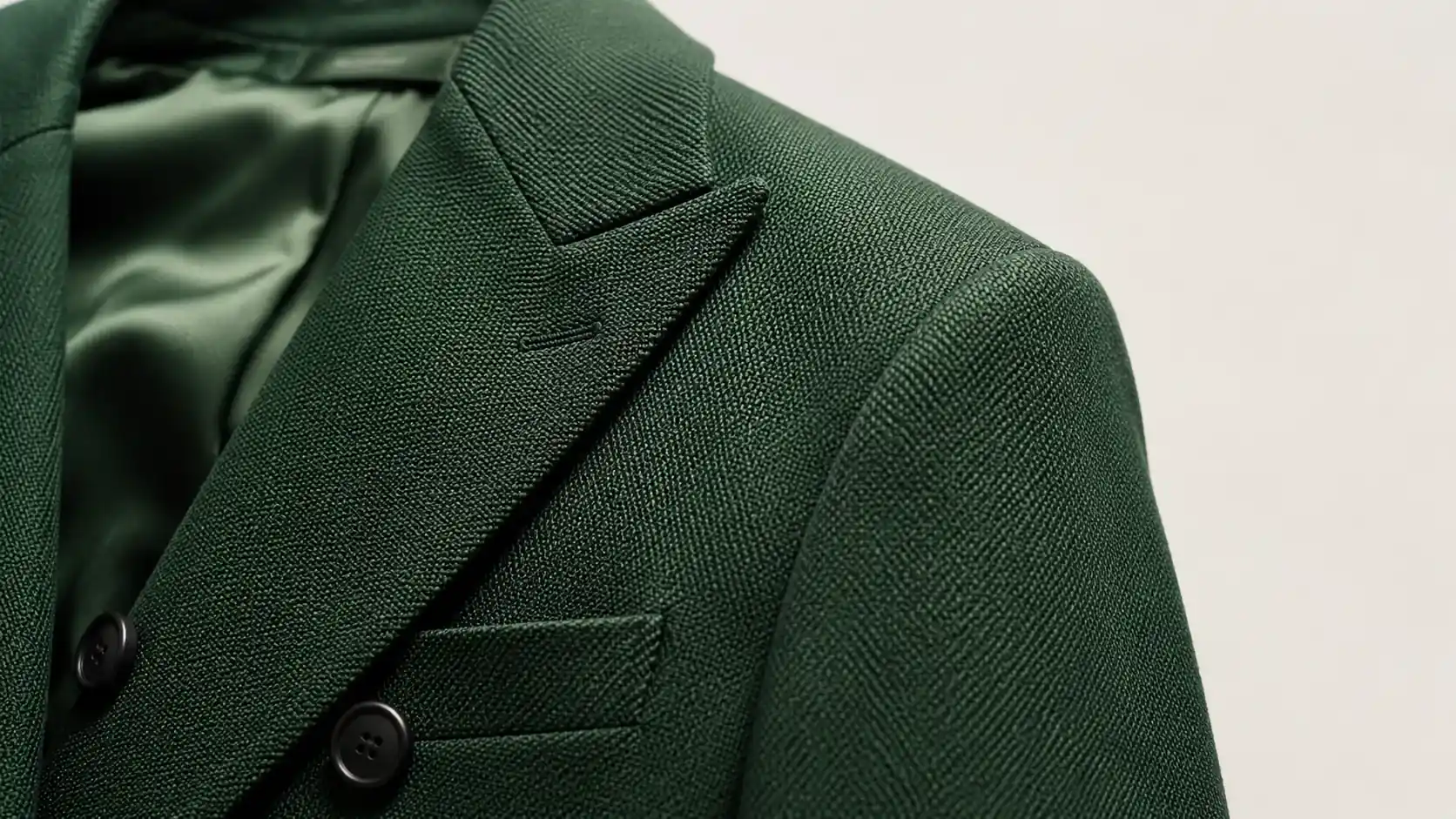
- Fabric close-up
- Fit or length reference
- Colorway image
- Marketplace or PDP-ready image
Catalog images are not mainly about mood. They are about product clarity.
A good catalog image answers buyer questions:
- What is the shape?
- How long is it?
- What does the fabric look like?
- How does it fit?
- Where are the seams, buttons, pockets, zippers, or straps?
- Is the color close to real life?
- What does the back look like?
- Can I trust this product page?
For most ecommerce brands, catalog images are closer to conversion. If the product image is unclear, shoppers hesitate. If the garment looks different from what arrives, return risk increases.
That is why catalog images usually deserve priority when the product is new, unfamiliar, technical, fit-sensitive, or marketplace-driven.
What Are AI Lookbook Images?
AI lookbook images are story-first images. Their job is to show how the garment fits into a lifestyle, season, collection, or campaign.
A lookbook image may show:
- A styled outfit
- A model in a seasonal scene
- A campaign mood
- A lifestyle background
- A collection story
- A social-ready visual
- A landing page hero image
- A more editorial version of a product image
Lookbook images help answer a different set of questions:
- What kind of person wears this?
- How should it be styled?
- What mood does the collection create?
- Is this brand premium, casual, minimal, streetwear, romantic, sporty, or editorial?
- Can I imagine myself in this product?
- Is this product part of a larger story?
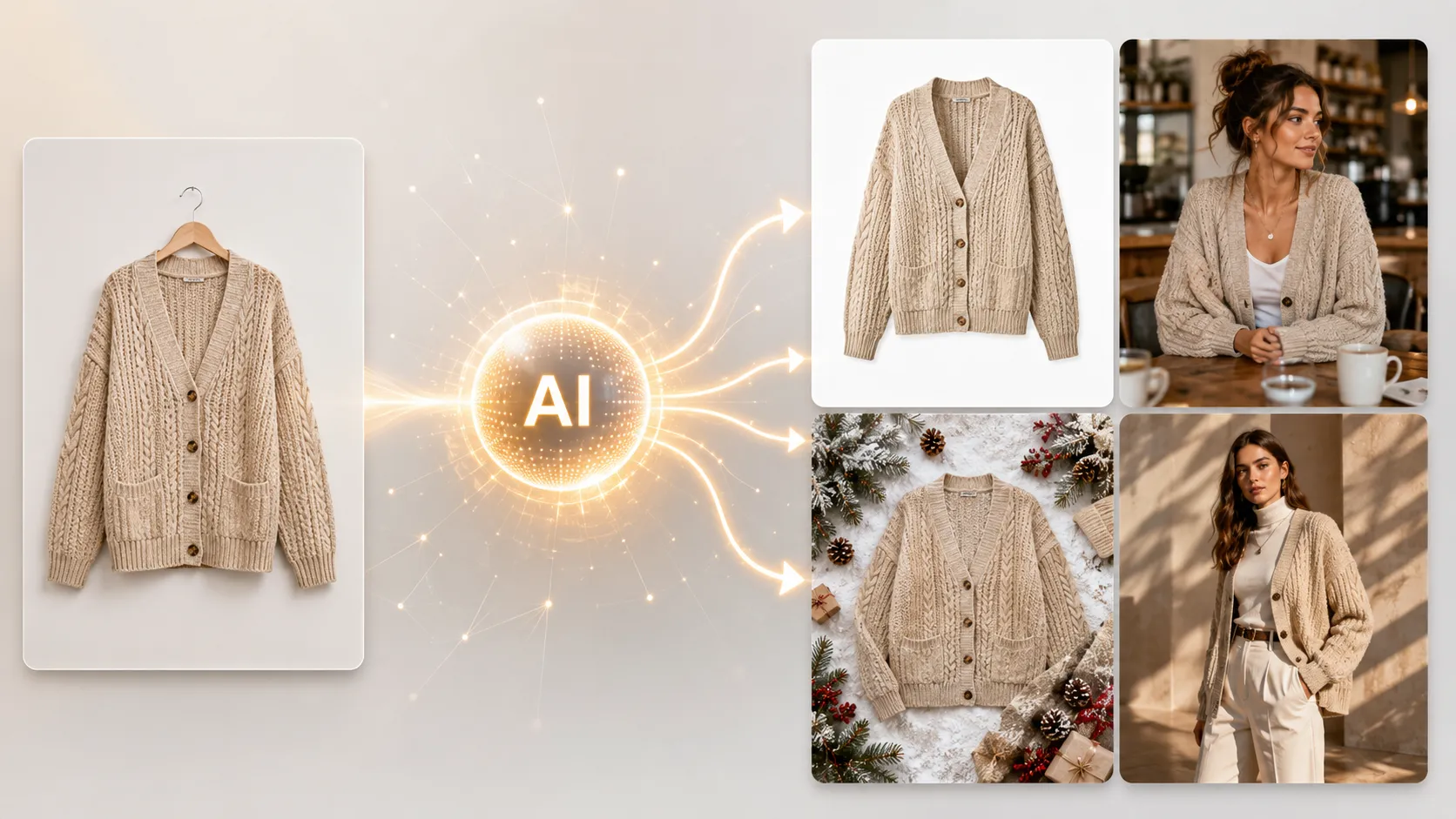
AI lookbook images are especially useful because they can turn a limited set of product references into multiple visual directions without requiring another full photoshoot.
But they come with a risk: if the image changes the garment too much, the lookbook becomes misleading rather than useful.
A strong AI lookbook workflow should not invent a different product. It should expand the story around the real garment.
Catalog Images vs AI Lookbook Images: The Real Difference
| Dimension | Catalog Images | AI Lookbook Images |
|---|---|---|
| Primary job | Show the product clearly | Build mood, styling, and desire |
| Best channels | PDP, marketplace, product listing, collection grid | Campaign page, social, ads, email, lookbook page |
| Main success metric | Product understanding, conversion, reduced returns | Engagement, brand perception, campaign performance |
| Visual style | Clear, accurate, consistent | Styled, emotional, editorial, scene-based |
| Risk if poor | Shoppers do not trust or understand the product | Brand looks generic or campaign feels weak |
| QA priority | Garment accuracy | Garment accuracy + scene consistency |
| Best timing | Before product launch or PDP setup | Before campaign, seasonal drop, or ad push |
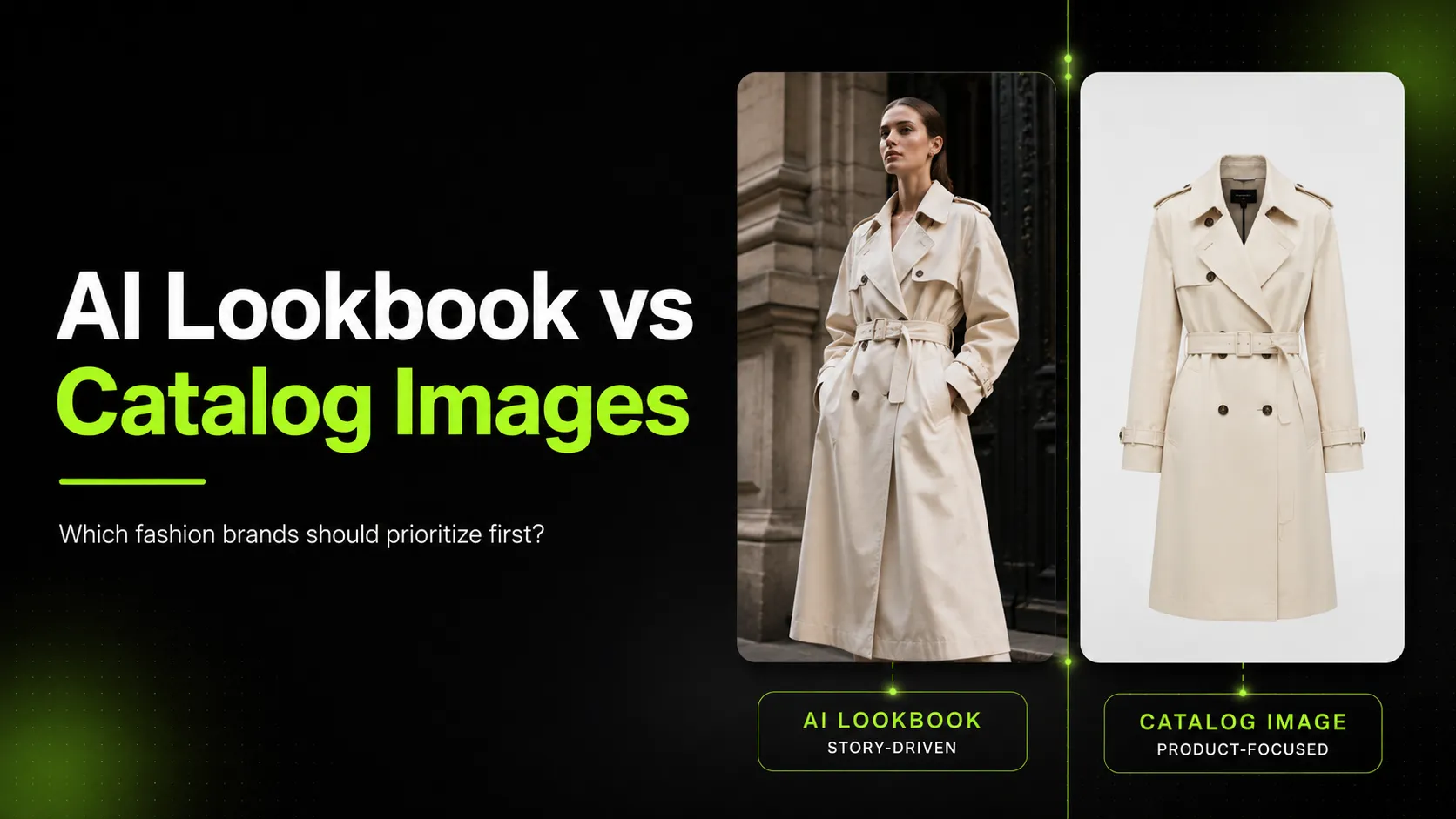
Catalog images sell the product. Lookbook images sell the context.
You need both, but if your budget or production time is limited, the order matters.
When Fashion Brands Should Prioritize Catalog Images
Prioritize catalog images when product clarity is the bottleneck.
This is usually the right move for:
- New ecommerce stores
- Small DTC fashion brands
- Brands with limited product images
- Shopify stores building PDPs
- Marketplace sellers
- Fit-sensitive garments
- Products with important details
- Brands with high return risk
- SKU-heavy catalogs
- New collections where buyers have not seen the product before
If your current product page only has one flat product image or a few inconsistent photos, catalog images should come before lookbook images.
Why? Because a customer can like your brand mood and still not buy if they cannot understand the garment.
For example, a linen blazer may need:
- Front image
- Back image
- On-model fit image
- Sleeve detail
- Button and pocket detail
- Fabric close-up
- Neutral background image
Before creating a campaign scene in a café or city street, the brand should make sure shoppers know what the blazer actually looks like.
Catalog images are especially important for products where details affect the purchase decision:
- Dresses with unique back designs
- Jackets with structured shoulders
- Jeans with specific fit
- Skirts with special cuts
- Tops with prints or embroidery
- Products with logos or hardware
- Fabrics where texture matters
AI can help generate catalog-supporting visuals, but these outputs need strict QA. A catalog image should not make the product more flattering than reality, change the cut, smooth out fabric texture, or hide important construction details.
When Fashion Brands Should Prioritize AI Lookbook Images
Prioritize AI lookbook images when product clarity already exists, but the brand story is weak.
This is usually the right move when:
- You already have usable product images
- You are launching a seasonal campaign
- You need social and ad creatives
- Your PDPs are clear but visually plain
- You want to show styling ideas
- You need more campaign assets from limited shoot materials
- You are building a collection page or landing page
- You want to test different visual directions before a full shoot
Lookbook images are useful when the question is no longer “What is this product?” but “Why should I care?”
For example, a simple black dress may be clear in catalog images but still need lookbook visuals to show:
- Evening styling
- Minimal studio mood
- Streetwear layering
- Holiday campaign use
- Social ad variation
- Collection story
AI lookbook images are especially valuable for small teams that already have one strong garment image but do not have budget for another full studio day.
Instead of shooting a new campaign for every variation, the brand can create a controlled set of lookbook scenes and then select the images that fit the campaign.
This is where a tool such as an AI Fashion Lookbook Generator can fit naturally into the workflow. The goal is not to replace the need for product truth. The goal is to expand approved product references into more scene-based fashion visuals.
The Priority Rule: Catalog First, Lookbook Second — Unless the Product Is Already Clear
For most fashion ecommerce brands, the safest order is:
- Catalog images
- Detail images
- On-model fit images
- Lookbook images
- Social and ad variations
This order protects product clarity.
However, there are exceptions.
If your product images are already strong, but your campaigns look flat, then lookbook images may be the better priority. If your brand relies heavily on Instagram, Pinterest, paid social, or seasonal landing pages, lookbook visuals can help create more emotional reasons to click.
Use this simple rule:
| Situation | Priority |
|---|---|
| Customers do not understand the product | Catalog images |
| PDP has weak or missing product details | Catalog images |
| Marketplace compliance matters | Catalog images |
| Product is fit-sensitive | Catalog images |
| Product is clear but campaign feels generic | AI lookbook images |
| Social ads need more variation | AI lookbook images |
| Seasonal drop needs a story | AI lookbook images |
| Brand wants to test creative directions | AI lookbook images |
| Launching a full collection | Both, but catalog first |
How AI Changes the Catalog vs Lookbook Decision
Traditional production often forced brands to choose. A full catalog shoot and a lookbook shoot both required planning, talent, styling, locations, lighting, editing, and budget.
AI changes the economics.
It can help brands generate more visual options from fewer inputs. A team might start with one garment image, then create:
- A product-focused image
- A model styling variation
- A lifestyle scene
- A campaign image
- A social crop
- A detail-oriented support image
But AI does not remove the need for judgment.
The more product-critical the image is, the stricter the review should be. Catalog images should be reviewed harder than mood images because they directly shape buyer expectations.
A useful AI fashion workflow separates image types by risk:
| Image Type | AI Fit | Review Level |
|---|---|---|
| Social mood image | Strong | Medium |
| Lookbook scene | Strong | Medium-high |
| Campaign concept | Strong | Medium |
| PDP support image | Good with QA | High |
| On-model fit image | Good with QA | High |
| Product detail image | Use carefully | Very high |
| Main product truth image | Use carefully | Very high |
AI is strongest when it expands a clear product reference into more visual options. It is riskier when it becomes the only source of product truth.
A Practical Workflow for Catalog and Lookbook Images
A balanced workflow does not start with image generation. It starts with deciding which images the business needs.
Step 1: Audit the current product visuals
For each SKU, ask:
- Do we have a clear front image?
- Do we have a back image?
- Do we show fit or scale?
- Do we show important details?
- Do we have a campaign or lifestyle image?
- Do we have social crops?
- Do we have enough images for ads or email?
If the PDP is weak, start with catalog. If the PDP is strong but the brand feels flat, start with lookbook.
Step 2: Prepare references
For catalog and lookbook workflows, better references improve output quality.
Useful references include:
- Main garment image
- Detail image
- Back-view image
- Existing model photo
- Fabric close-up
- Brand mood reference
- Previous campaign image
For lookbook generation, a three-reference workflow — main image, detail image, and back-view image — is especially useful because it helps preserve garment features while creating more scene variety.
Step 3: Generate catalog-supporting images
Use AI catalog workflows to create or support:
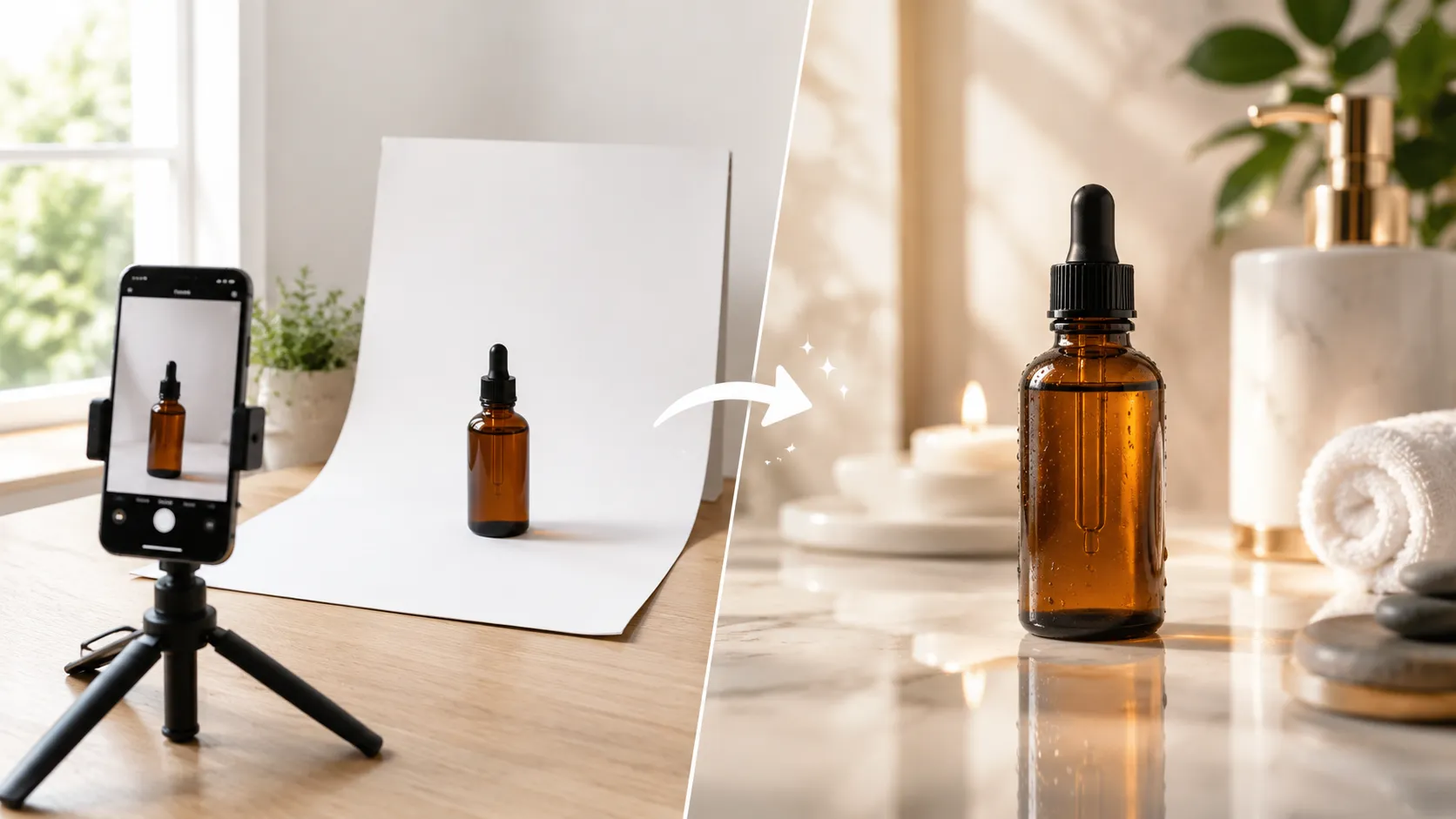
- White-background images
- PDP support images
- Product detail shots
- Fabric close-ups
- Additional product angles
- Marketplace-friendly images
A tool such as an AI Product Photography tool can fit this step when the goal is ecommerce product visuals and campaign-ready product images.
For apparel detail visuals, an AI Fashion Detail Image Generator can support workflows such as detail shots, white-background product images, and product-page assets.
Step 4: Generate lookbook scenes
Once product clarity is covered, generate lookbook scenes around:
- Season
- Customer lifestyle
- Occasion
- Campaign mood
- Styling direction
- Color palette
- Collection story
Do not create random scenes. A good lookbook should feel like a connected visual set.
For example:
- Linen shirt: coastal spring, natural light, relaxed styling
- Black dress: evening city, minimal background, premium mood
- Denim jacket: streetwear, layered outfit, urban setting
- Knit sweater: fall texture, warm indoor light, soft neutral palette
Step 5: Add pose variety when needed
Pose variety can help product pages and ads feel less repetitive. But pose changes can also distort fit.
If pose variety is the main visual gap, an AI Pose Generator can help create model pose variations for product pages, campaigns, and creative testing.
Review every pose for garment truth. A pose that makes a garment look more structured, more fitted, or more flattering than reality may not belong on a PDP.
Step 6: Approve by channel
Do not approve images in one general folder. Approve them by use case.
Use labels such as:
- PDP approved
- Detail image approved
- Social approved
- Ad test approved
- Campaign mood only
- Not product-accurate
- Needs regeneration
This prevents a mood image from accidentally becoming a product-truth image.
Cost: Measure Approved Visuals, Not Generated Images
A common mistake is measuring AI by how many images it can generate.
That is the wrong metric.
Use:
Cost per Approved Visual = Total Workflow Cost ÷ Approved, Publishable Images
Example:
| Workflow | Generated Images | Approved Images | Result |
|---|---|---|---|
| Random lookbook generation | 80 | 8 | High review waste |
| Catalog-first workflow | 30 | 18 | Better product accuracy |
| Lookbook after strong references | 40 | 22 | Better scene consistency |
| Weak references | 60 | 10 | More garment errors |
The cheapest workflow is not the one that generates the most images. It is the one that creates the most usable images with the least review and rework.
Catalog images often take more careful review, but they support conversion. Lookbook images may be faster to create, but they should still be checked for product truth.
QA Checklist for Catalog Images
Catalog image QA should be strict.
Check:
- Does the garment shape match the real product?
- Is the color accurate?
- Is the fit realistic?
- Are the sleeves, hem, waist, neckline, and length correct?
- Are seams, buttons, zippers, labels, pockets, and logos accurate?
- Is the fabric texture believable?
- Are prints and patterns in the right place?
- Is the back view accurate?
- Is the crop suitable for PDP or marketplace use?
- Would the customer understand the product clearly?
If the answer is no, regenerate or use real photography.
QA Checklist for AI Lookbook Images
Lookbook QA has two jobs: protect the garment and protect the brand story.
Check:
- Does the garment still look like the original?
- Does the styling match the brand?
- Does the scene fit the season or campaign?
- Is the model pose believable?
- Does the lighting match the mood?
- Does the background distract from the product?
- Can the image work on social, email, ads, or landing pages?
- Does the image exaggerate the garment’s fit or quality?
- Does the full set feel consistent?
A lookbook image can be more expressive than a catalog image, but it should not mislead the customer.
Recommended Priority by Brand Stage
| Brand Type | What to Prioritize | Why |
|---|---|---|
| New fashion brand | Catalog images first | Shoppers need product clarity before brand mood |
| Small DTC brand | Catalog + a few lookbook scenes | PDP needs accuracy, social needs story |
| Growing brand | Balanced workflow | More SKUs require catalog consistency and campaign assets |
| Campaign-heavy brand | Lookbook after catalog baseline | Brand storytelling drives ads and social |
| Marketplace seller | Catalog images first | Platform and buyer expectations require clarity |
| Fashion agency | Depends on client goal | Some clients need product assets; others need campaign visuals |
| Enterprise retail team | Catalog scale + lookbook campaigns | Needs governance, consistency, and seasonal storytelling |
For most brands, catalog images are the foundation. Lookbook images are the multiplier.
Without catalog images, shoppers may not trust the product. Without lookbook images, shoppers may not feel the brand.
Common Mistakes Fashion Brands Make
Mistake 1: Prioritizing lookbook images before product clarity
A beautiful campaign does not fix a weak PDP. If the product page does not explain the garment, start there.
Mistake 2: Treating AI lookbook images as product truth
Lookbook images are useful for mood and styling, but they still need garment review.
Mistake 3: Creating too many images without a review system
More images can mean more confusion. Generate in small batches and approve by channel.
Mistake 4: Using the same image everywhere
A PDP image, ad image, campaign hero, and social crop have different jobs. Format and review them differently.
Mistake 5: Ignoring detail shots
Fashion buyers care about fabric, trim, stitching, and construction. Detail images often do more for trust than another lifestyle scene.
Mistake 6: Measuring output instead of usefulness
Generated images do not matter if they are not approved, published, or tested.
So, Which One Should You Prioritize?
Use this simple decision path.
Prioritize catalog images if:
- You are launching a new product
- Your PDP lacks clear visuals
- The garment has important details
- Fit and size perception matter
- You sell through marketplaces
- You have high return risk
- Customers need more product confidence
Prioritize AI lookbook images if:
- Your product images are already clear
- You are launching a campaign
- You need social or ad creatives
- Your brand needs stronger visual storytelling
- You want to test seasonal or editorial directions
- You need more visuals from limited shoot assets
Prioritize both if:
- You are launching a new collection
- You need PDP assets and campaign visuals
- You are scaling a catalog
- You want stronger conversion and stronger brand perception
The correct order for most brands is:
- Product truth
- Catalog clarity
- Detail support
- Lookbook storytelling
- Social and ad variation
Final Takeaway
AI lookbook images and catalog images are not competitors. They solve different problems.
Catalog images help shoppers understand the product. AI lookbook images help shoppers imagine the product in a story.
If a brand has weak PDP visuals, catalog images should come first. If product clarity is already strong, AI lookbook images can help create stronger campaigns, social content, and collection storytelling.
The best workflow is not to choose one forever. It is to build a visual system:
- Use catalog images for product truth.
- Use detail images for buyer confidence.
- Use AI lookbook images for story and campaign scale.
- Use pose and scene variations for testing.
- Use QA to protect customer trust.
Fashion brands should not ask, “Do we need lookbook or catalog images?”
They should ask:
Which image type does the customer need next to make a better decision?