


Introduction
Choosing the best AI video generator for TikTok sounds simple until you try to produce content consistently.
One tool generates cinematic footage but gives you no captions or timeline. Another creates a complete video in one click, but every result looks like generic stock content. A third produces excellent talking avatars, yet the final video feels too formal for TikTok.
The most common mistake is choosing a tool based only on visual quality.
TikTok production involves several separate jobs: finding an angle, writing a hook, generating or recording footage, adding captions, editing the pacing, selecting audio, resizing the output, producing variations, and publishing the final video.
No single tool is equally good at every stage.
For most individual creators, CapCut is the best overall AI video generator for TikTok because it combines generation, editing, captions, templates, effects, and vertical export in one accessible workflow.
For agencies, developers, and brands producing many variations, iCreat is the better choice because it provides pay-as-you-go access to multiple video-generation models through one API. It is not a TikTok editor, but it is more suitable for building repeatable content-generation systems.
Best AI TikTok Video Generators at a Glance
| Tool | Best for | Starting price | Main strength | Main limitation |
|---|---|---|---|---|
| CapCut | Most individual TikTok creators | Free; Pro around $19.99/month | TikTok-native generation and editing | Limited API and automated batch control |
| iCreat | Agencies, developers, and content automation | Pay as you go | Multiple video models through one API | Requires a separate editor for final assembly |
| HeyGen | Talking-head and avatar videos | Free; Creator $29/month | Avatars, voices, translation, and lip sync | Can look too polished or corporate |
| InVideo AI | Faceless script-to-video channels | Free access; credit-based paid plans | Creates scripts, visuals, narration, and captions | Stock footage can feel generic |
| Canva | Branded social content | Free; paid plans vary | Templates, brand kits, and team workflows | Less precise video-generation control |
| Runway | Cinematic clips and visual ads | From $12/month annually | High-end generation and visual editing | Expensive for frequent TikTok testing |
| Adobe Express | Repurposing existing videos | Free; Premium $9.99/month | Resize, clips, captions, and scheduling | Not the strongest standalone video model |
| Pippit | TikTok Shop and product videos | Free daily credits | Product-to-video and commerce workflows | Less useful outside e-commerce |
Pricing and product information was checked on August 18, 2026. Prices may vary by billing cycle, country, platform, taxes, promotions, and credit usage.
What Makes an AI Video Generator Good for TikTok?
A model that creates the most realistic footage is not automatically the best TikTok tool.
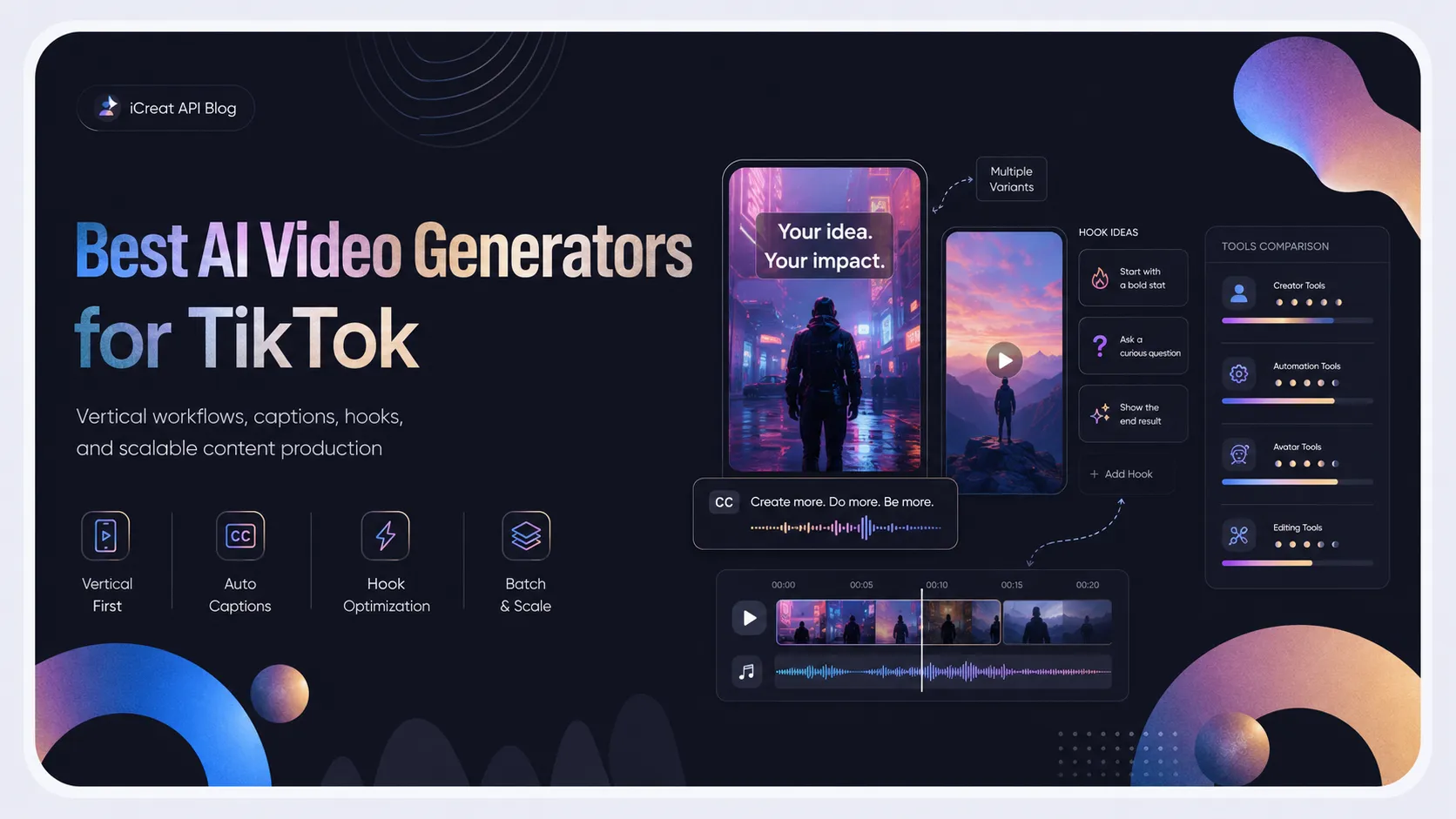
TikTok recommends full-screen vertical production. Its published creative guidance favors a 9:16 aspect ratio, while separate business guidance recommends at least 720p output. TikTok has also reported that videos using the full vertical format perform better than assets surrounded by black bars.
A useful TikTok video tool therefore needs to support more than text-to-video generation.
Vertical output
The tool should either generate in 9:16 directly or make vertical reframing easy. Cropping a landscape video after generation often removes faces, products, gestures, or important background elements.
Fast hook iteration
TikTok performance can depend heavily on the first few seconds. A useful workflow should let you test several openings without rebuilding the entire video.
For example, the same product demonstration might begin with:
- A problem-focused question
- A surprising result
- A close-up product reveal
- A customer objection
- A visual before-and-after comparison
The generator should make these variations affordable and fast.
Captions and audio
AI footage alone is rarely a finished TikTok. Creators usually need voiceovers, sound effects, music, dialogue, captions, and text overlays.
A model with native audio can reduce production work, but you still need control over timing, subtitle placement, and platform-safe music.
Editing control
One-click video generation is convenient, but the first output is rarely ready to publish. You need to shorten pauses, replace weak shots, change the opening frame, move captions, insert product footage, and adjust the CTA.
This is why editing-focused platforms often outperform visually stronger generators for everyday TikTok production.
Consistency and scalability
A solo creator making three videos per week has different requirements from an agency producing 100 ad variations.
Individual creators may value templates and mobile editing. Agencies may care more about APIs, predictable costs, model switching, batch generation, and automated asset management.
How We Evaluated the Tools
This ranking does not claim that one synthetic prompt can determine the best TikTok generator.
A cinematic prompt test would favor visually advanced models while ignoring captions, vertical editing, product workflows, batch production, publishing, and cost.
Instead, each tool was evaluated according to its practical role in a TikTok workflow:
- Vertical video support
- Text-to-video and image-to-video capabilities
- Editing and caption tools
- Voice, audio, and avatar options
- Speed of producing variations
- Brand and product consistency
- Pricing structure
- Suitability for individual or automated production
- TikTok publishing readiness
- Important workflow limitations
1. CapCut: Best Overall AI Video Generator for TikTok
CapCut is the most practical choice for the majority of TikTok creators.
It combines a mobile, desktop, and browser-based editor with AI video generation, auto captions, text-to-speech, background removal, templates, effects, transitions, music, and multi-layer editing.
That combination matters more than having the best standalone video model.
You can start with an AI-generated scene, insert phone footage, add a voiceover, remove weak sections, reposition subtitles, introduce a trending editing pattern, and export the result vertically without moving between several platforms.
CapCut also offers access to AI video-generation features and models inside its broader editing environment. Its current AI video page highlights text-to-video, avatars, templates, automated storyboarding, and social-media-oriented production.
Why CapCut works for TikTok
CapCut is especially strong for:
- Creator-led videos
- Fast trend responses
- Product demonstrations
- Commentary clips
- Short tutorials
- Before-and-after edits
- Meme-style content
- Videos combining AI footage with phone recordings
Its templates and effects can help creators match the visual rhythm audiences already associate with short-form content.
Where CapCut falls short
CapCut is less suitable when you need to generate hundreds of videos automatically, integrate generation into a SaaS product, dynamically route requests between different models, or manage production through an API.
Its subscription and AI-credit structure can also make model-level costs harder to predict than direct usage-based access.
CapCut lists its individual Pro plan at approximately $19.99 per month or $179.99 per year on its official site, although it warns that prices vary by country, device, taxes, and promotions.
Best for: Individual creators who want one application for generation, editing, captions, effects, and export.
2. iCreat: Best for TikTok Video Automation and Multi-Model Access
iCreat serves a different type of TikTok creator.
It is not primarily a template editor. It is a unified AI model platform for developers, agencies, SaaS companies, and production teams that want to generate content programmatically.
Through the iCreat AI model catalog, teams can access different image, video, audio, and language models without building and maintaining separate integrations for every provider.
For TikTok production, this allows a team to use different models for different stages:
- A fast model for generating draft concepts
- A premium model for final hero footage
- An image-to-video model for animating product photos
- A video-editing model for changing scenes or styles
- A language model for scripts, hooks, captions, and variations
For example, Seedance 2.0 Fast is suited to rapid iteration where a team needs to test several concepts, camera movements, or opening shots.
For more visually ambitious content or footage requiring integrated sound, teams can route selected concepts to Veo 3.1. Google describes Veo 3.1 as supporting native audio, image-based direction, video extension, and frame-specific generation.
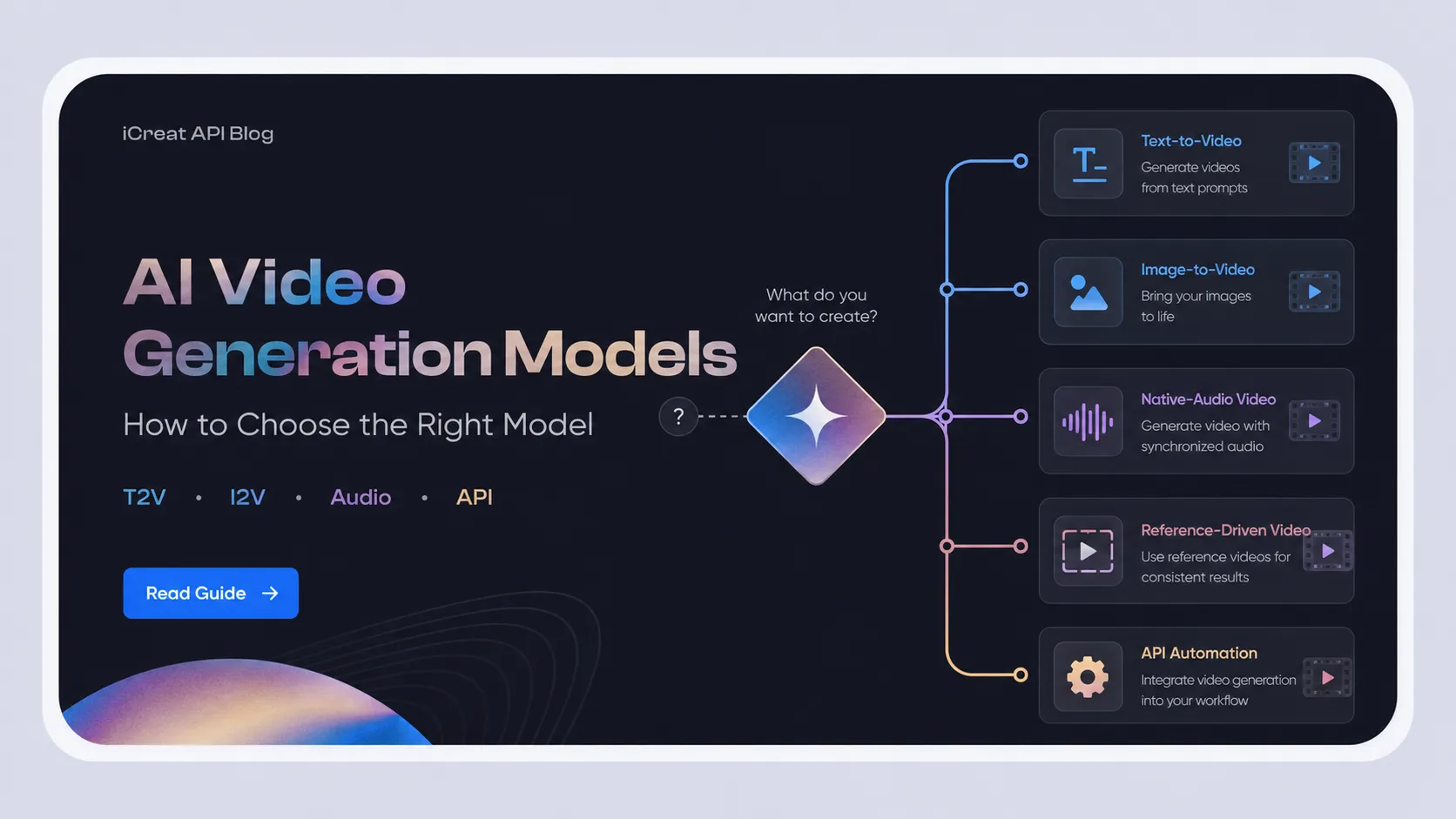
For a deeper look at how different model families handle motion, physics, audio, and cost, see this guide to AI video generation models.
Why iCreat works for TikTok teams
The main advantage is not simply having many models on one website. The advantage is being able to build a repeatable production system.
An agency could automatically:
- Generate five hooks for one product.
- Turn each hook into several scene prompts.
- Use a faster model to create draft footage.
- Send the strongest concepts to a higher-quality model.
- Produce several visual, language, and CTA variations.
- Send the selected clips into an editing or publishing workflow.
This is much harder to manage when every model has a separate account, API format, balance, billing system, and integration.
iCreat uses pay-as-you-go billing rather than requiring one subscription for each provider. Teams can compare models and switch according to output quality, cost, latency, or campaign requirements. Developers can review the iCreat API documentation when building generation into an internal tool or content pipeline.
Where iCreat falls short
iCreat does not replace CapCut or another final editor.
It does not automatically add trending TikTok sounds, arrange captions around the interface safe zones, or provide the same library of transitions, stickers, and platform-specific templates.
A practical workflow is therefore:
Generate with iCreat → edit in CapCut, Adobe Express, or another editor → publish through TikTok.
Best for: Agencies, developers, marketing platforms, and businesses producing large numbers of TikTok assets or testing multiple video models.
3. HeyGen: Best for AI Avatars and Talking-Head TikToks
HeyGen is the strongest choice when the video needs a person speaking directly to the viewer.
It can turn text, images, or audio into videos containing avatars, voiceovers, captions, animations, and supporting visuals. Users can choose stock avatars or create custom digital twins and voices.
This makes it useful for:
- Educational TikToks
- Product explainers
- News summaries
- Multilingual accounts
- Founder-led content without daily filming
- Software demonstrations
- Customer onboarding clips
- Localized creator campaigns
The Creator plan currently costs $29 per month according to HeyGen’s pricing page and includes 600 monthly credits, 1080p exports, voice cloning, stock avatars, and support for many languages and dialects. A limited free plan is also available.
The main trade-off
Avatar videos can easily look like corporate training content.
To make them work on TikTok, scripts should use shorter sentences, stronger opinions, faster openings, casual framing, frequent visual changes, and supporting B-roll.
An avatar reading a polished 60-second paragraph is unlikely to feel native. An avatar opening with a clear problem, making one focused point, and showing relevant footage can work much better.
Best for: Talking-head channels, multilingual creators, educational content, and brands that want a repeatable digital presenter.
4. InVideo AI: Best for Faceless Script-to-Video Channels
InVideo AI is designed to turn a broad instruction into a more complete video.
It can help generate a script, select or generate visuals, add narration, include captions, and assemble scenes. This makes it useful for creators who want to publish without filming themselves.
Typical use cases include:
- List videos
- Storytelling channels
- Travel summaries
- Product explainers
- News recaps
- Historical facts
- Motivational content
- Faceless educational videos
Its paid plans provide access to a large collection of image, video, audio, and music models, as well as stock providers. InVideo currently lists models such as Seedance 2.0, Veo 3.1, and Kling 3.0 among the available options. Pricing is credit-based, and unused credits do not roll over.
The main trade-off
The easier it becomes to generate a complete video, the greater the risk that the result looks generic.
Stock footage, predictable narration, and evenly paced scenes may produce a technically complete video without creating a compelling TikTok.
Creators should replace generic shots, rewrite the first line, shorten the introduction, and manually tighten the pace before publishing.
Best for: Faceless TikTok channels that prioritize script-to-video convenience over precise shot control.
5. Canva: Best for Branded TikTok Content
Canva is a strong option for small businesses, social media teams, and creators who already manage their brand assets in Canva.
Its AI TikTok generator can create short-form videos from prompts or uploaded clips. The wider Canva environment adds templates, typography, stock assets, brand kits, collaborative editing, and format resizing.
Canva works particularly well for:
- Branded announcements
- Product launches
- Event promotions
- Quote videos
- Educational carousels converted into video
- Consistent multi-platform campaigns
- Simple product presentations
The main trade-off
Canva is stronger at layout, branding, and template-based assembly than detailed video direction.
Creators who need complex human motion, cinematic camera work, realistic physics, or strict character consistency may prefer generating footage elsewhere and importing it into Canva.
Best for: Marketing teams that value brand consistency and easy collaboration more than advanced video-generation control.
6. Runway: Best for Cinematic TikTok Footage
Runway is built for creators who care about shot design, visual quality, world consistency, and generative editing.
Its platform includes text-to-video, image-to-video, video transformation, background changes, object removal, relighting, style changes, visual effects, and access to several video models.
This makes it useful for:
- High-concept brand ads
- Fashion visuals
- Music promotion
- Cinematic product reveals
- Surreal hooks
- Story-driven short films
- Visual effects
- Spec commercials
Runway’s Standard plan starts at $12 per month when billed annually, Pro at $28, and Max at $76. Credit usage varies significantly by model.
The main trade-off
Runway can produce an impressive shot without producing a complete TikTok.
You will normally need another tool for captions, sound selection, pacing, overlays, CTA placement, and final vertical assembly.
Generation credits can also become expensive when producing many failed attempts or testing dozens of hooks.
Best for: Creators and brands that need distinctive hero shots rather than the cheapest daily content workflow.
7. Adobe Express: Best for Repurposing Existing Content
Adobe Express is most useful when you already have source footage.
Its tools can help creators resize content, add captions, remove backgrounds, apply templates, create social assets, schedule posts, and turn longer videos into shorter clips.
The AI Clip maker analyzes an uploaded video and extracts shorter segments that can be edited into social posts.
Adobe Express Premium currently costs $9.99 per month and includes premium templates, additional editing tools, generative credits, one-click resizing, and broader asset access.
The main trade-off
Adobe Express is not the strongest choice when the project begins with an ambitious text-to-video prompt.
It is more valuable for transforming webinars, interviews, podcasts, product demonstrations, and existing brand footage into TikTok-ready assets.
Best for: Businesses and creators repurposing existing videos across several social platforms.
8. Pippit: Best for TikTok Shop and E-Commerce Videos
Pippit focuses heavily on commerce content.
It can generate marketing videos from product links, create product images, use avatars and voices, schedule content, publish across platforms, and track performance.
Its current feature list includes TikTok Shop links, multi-platform publishing, content analytics, product management, and one-click generation of multiple social videos from product information.
This makes Pippit a strong fit for:
- TikTok Shop sellers
- Dropshipping stores
- Product catalogs
- Promotional campaigns
- Seasonal offers
- Affiliate content
- Product demonstration variations
A free plan provides daily credits. Paid plans expand credit limits, generation speed, model access, watermark removal, publishing, and analytics.
The main trade-off
Pippit is built around products and commerce workflows.
A comedy creator, filmmaker, personal brand, or educational account may find its commerce features unnecessary.
Best for: TikTok Shop sellers and e-commerce teams producing product-led content at scale.
Which AI Video Generator Should You Choose?
The correct choice depends on what you are actually producing.
Choose CapCut if you are an individual creator
CapCut offers the shortest path from idea to published TikTok. It is the most balanced option when you need generation, editing, captions, effects, templates, and vertical export in one place.
Choose iCreat if you need scale or automation
Use iCreat when you need to generate many assets, test multiple models, integrate video generation into a product, or automate campaign variations.
It is especially useful when a single model cannot cover every campaign. A team can use a faster model for drafts and switch to a premium model only for the concepts worth developing.
Choose HeyGen for presenter-led videos
HeyGen works best when a consistent person, avatar, or multilingual speaker is central to the content.
Choose InVideo AI for faceless channels
InVideo is useful when your priority is generating a complete first draft from a topic rather than controlling each individual shot.
Choose Canva for branded templates
Canva is the safer option for small teams that need every TikTok to match the same fonts, colors, logos, and campaign assets.
Choose Runway for cinematic visuals
Runway is better when one unusual or visually ambitious shot is the core of the video.
Choose Adobe Express for repurposing
Adobe Express is ideal when your starting point is a longer interview, webinar, tutorial, podcast, or existing promotional video.
Choose Pippit for TikTok Shop
Pippit is the most specialized choice for converting product information into multiple commerce-focused videos.
A Practical AI TikTok Production Workflow
The strongest workflow often combines a generation platform with an editor rather than expecting one tool to do everything.
Step 1: Generate several hooks
Do not begin by generating the entire video.
Create five to ten opening ideas first. Each should present the same topic from a different angle.
For example:
- “This is why your product videos look like ads.”
- “I tested three ways to show this product.”
- “You do not need another studio shoot.”
- “Watch what happens when this photo starts moving.”
- “Most brands waste the first three seconds.”
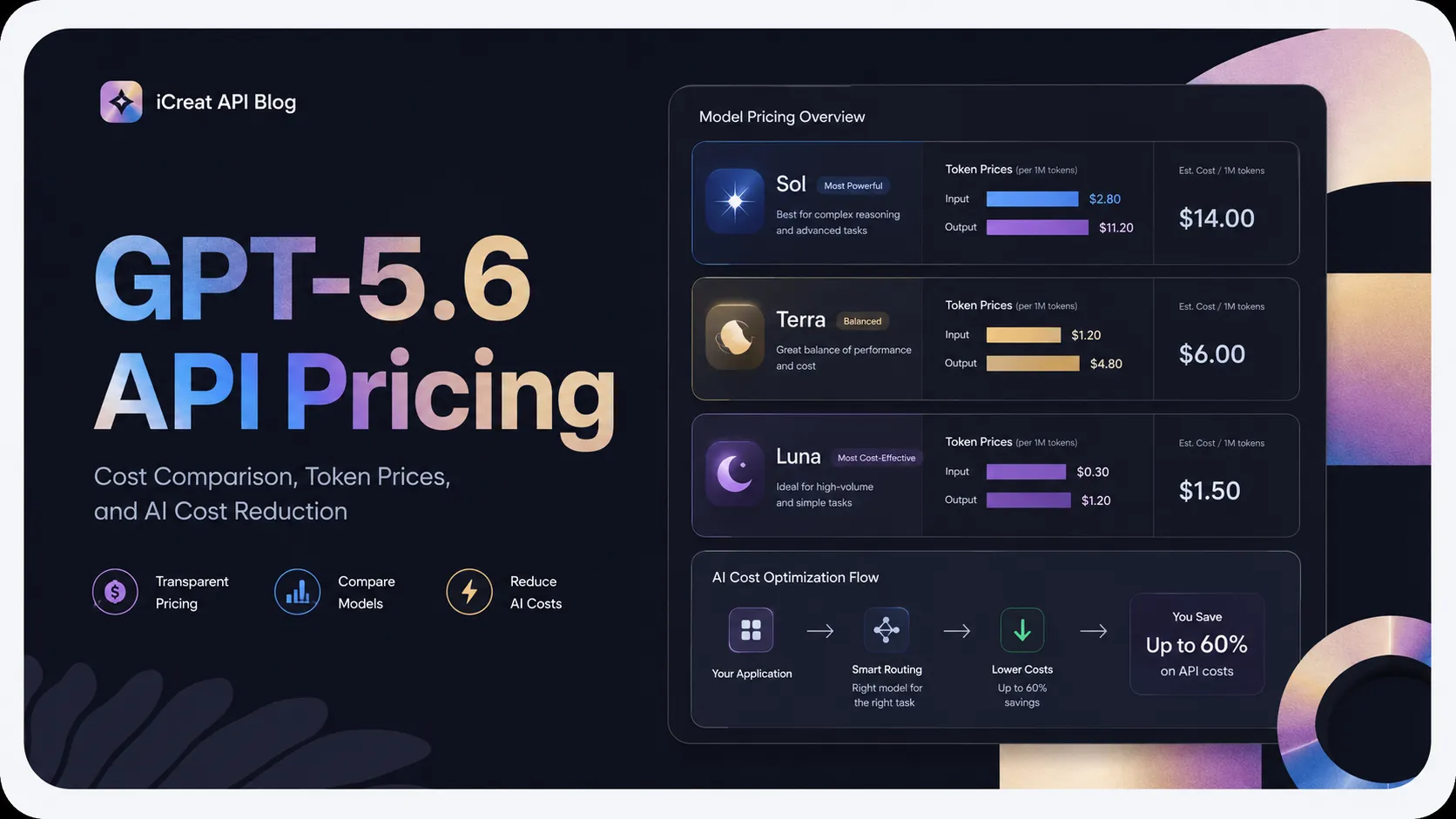
A language model can draft dozens of these variations in seconds. Teams generating hooks at scale can review how GPT-5.6 API pricing works for high-volume script production.
Step 2: Generate only the essential footage
Use AI for shots that would be expensive, difficult, or impossible to film.
That might include a transformation, product environment, animated reference image, unusual camera movement, visual metaphor, or cinematic reveal.
Do not generate ordinary footage simply because AI is available. Real phone footage can make the final video feel more credible and less synthetic.
Step 3: Assemble the video in a TikTok-focused editor
Bring the selected footage into CapCut, Adobe Express, or another editor.
Remove slow frames. Add captions. Reposition text away from interface elements. Add real product footage, screenshots, reactions, or supporting evidence.
Step 4: Create meaningful variations
Changing the background color does not create a genuinely different TikTok.
Test variables that affect how the viewer understands the video:
- Opening line
- First frame
- Speaker
- Product angle
- Proof or demonstration
- Video length
- CTA
- Caption wording
Step 5: Disclose AI-generated content when required
TikTok requires creators to label realistic AI-generated images, audio, and video. Commercial posts promoting a brand, product, or service must also use the appropriate content disclosure setting. Undisclosed AI-generated advertising may be rejected or restricted.
AI generation does not remove the creator’s responsibility for likeness rights, copyright, product claims, or misleading content.
Frequently Asked Questions
Final Verdict
CapCut is the best AI video generator for TikTok for most individual creators. It provides the most complete combination of AI assistance, vertical editing, captions, templates, effects, and publishing preparation.
iCreat is the best option for agencies, developers, and businesses building scalable TikTok production workflows. It allows teams to access and switch between multiple video models through one API instead of committing their entire workflow to a single generator.
HeyGen is best for avatar-led videos, InVideo AI for faceless script-to-video content, Canva for branded templates, Runway for cinematic footage, Adobe Express for repurposing, and Pippit for TikTok Shop.
The strongest choice is not always the model that produces the prettiest clip.
It is the system that helps you produce more useful variations, maintain quality, control costs, and turn generated footage into content that actually feels like it belongs on TikTok.
To start building that system, browse the video models in the iCreat model catalog, review rates on the iCreat pricing page, or create an iCreat account and generate your first test clips with pay-as-you-go billing.