


The best AI video editing tool for product marketing depends on whether your team needs scene restyling, background changes, campaign cutdowns, or motion extension from existing product assets. Teams should evaluate tools based on edit control, product fidelity, workflow speed, and how well outputs fit ecommerce ad and launch formats — not on which demo reel looks most impressive in isolation.
Product marketing teams already face this choice practically every week. A new product launch needs a 10-second social ad cut. An existing hero image should become a short motion creative for a retargeting campaign. A seasonal sale banner would perform better as video than static. The product photos from the last shoot could support three more video variants if there were a fast way to add motion without re-filming.
The market has responded with dozens of AI video tools, each positioning differently: some generate video from text prompts, others extend still images into motion, some offer frame-level editing controls, and a newer group provides context-aware editing that propagates changes across entire shots. Sorting through them requires a framework, not a feature checklist. This guide covers why product marketers need editing-first tools alongside generation capability, how to distinguish between generation and editing workflows, which criteria actually matter for product marketing, what recent tool developments reveal about where the category is heading, a practical evaluation checklist, and when to choose editing over reshooting or generating from scratch.
Key Takeaways
- The most useful AI video tools for product marketing are often those that edit and adapt existing assets rather than generating footage from zero.
- Generation-first workflows start from text or abstract prompts; editing-first workflows start from real product images you already own and trust.
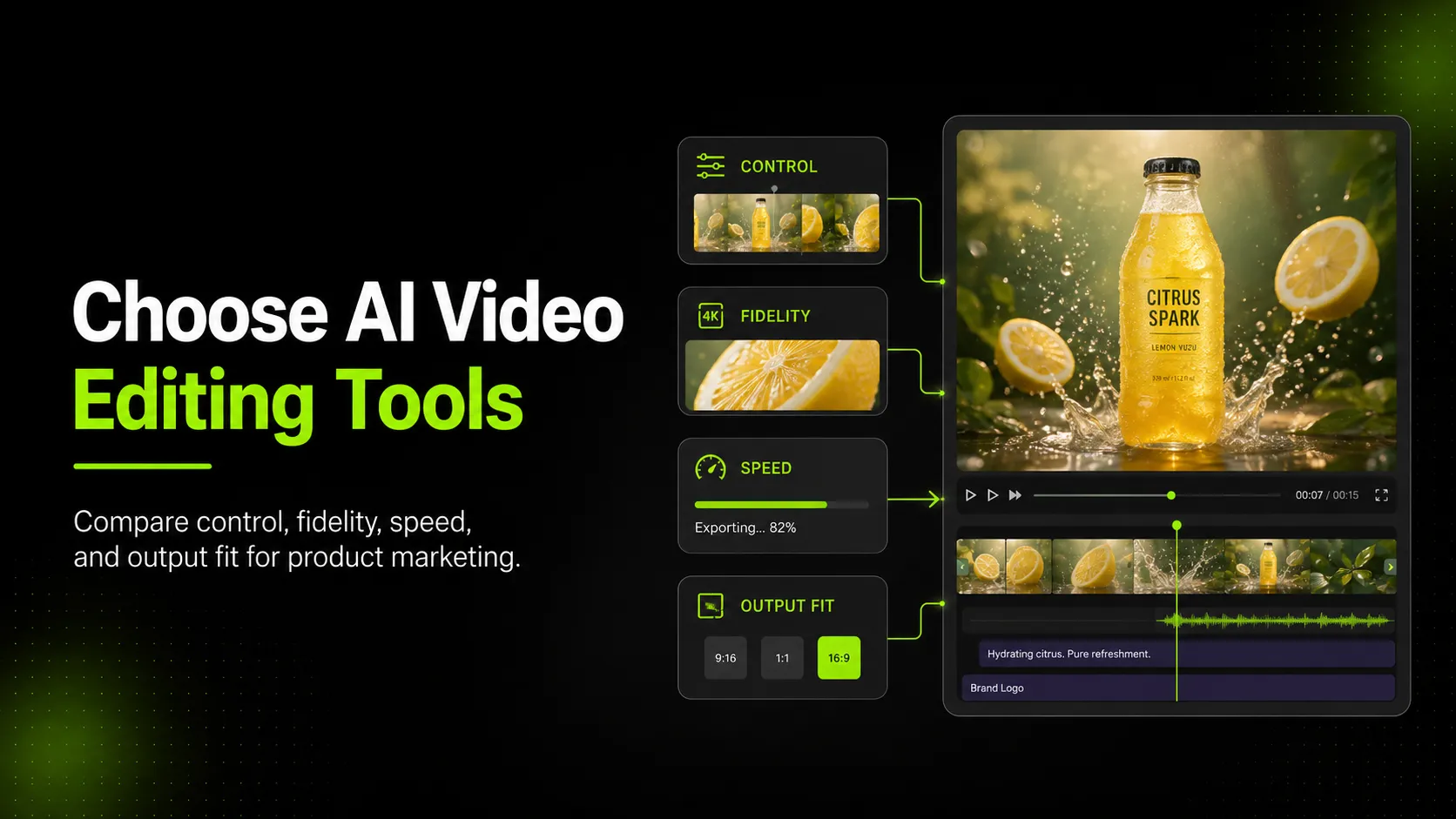
- Four criteria matter most: edit control (how precisely you can direct changes), product fidelity (whether the output still looks like the actual item), workflow speed (turnaround time for campaign-ready variants), and output fit (whether results match your target placement's format requirements).
- Recent updates like Runway's Aleph 2.0 show context-aware editing propagating changes across frames, Luma's Ray3.2 API positioning cinematic rendering as embeddable infrastructure, and connected still-to-motion pipelines like PixVerse's workflow signal that the category is maturing toward production use.
- iCreat AI's AI Product Video connects existing product images to short-form motion outputs using Seedance 2.0, fitting into editing-first workflows where teams turn trusted static assets into campaign-ready video variants.
Why Product Marketing Teams Need AI Video Editing, Not Just AI Video Generation
AI video generation gets the attention. Demos show text prompts turning into cinematic scenes, still images blooming into elaborate motion, and abstract concepts becoming visual narratives. These are impressive, but they solve a problem most product marketing teams do not have.
The problem product teams actually have is different: they already own good visual assets. They have product photos from their last shoot, approved campaign images, hero shots that performed well, and brand guidelines that define how their products should look. What they lack is a fast way to turn those trusted static assets into motion variants for paid social, product launch pages, email headers, and multi-format campaign distribution.
Generation-first tools ask you to describe what you want from scratch. That introduces risk at every step: the model may not render your product accurately, may place it in an implausible setting, may distort proportions or colors, and may produce something that looks exciting but does not match anything you actually sell. For a product marketer shipping content to customers who will receive and judge the real item, that gap between generated footage and shipped product is a liability.
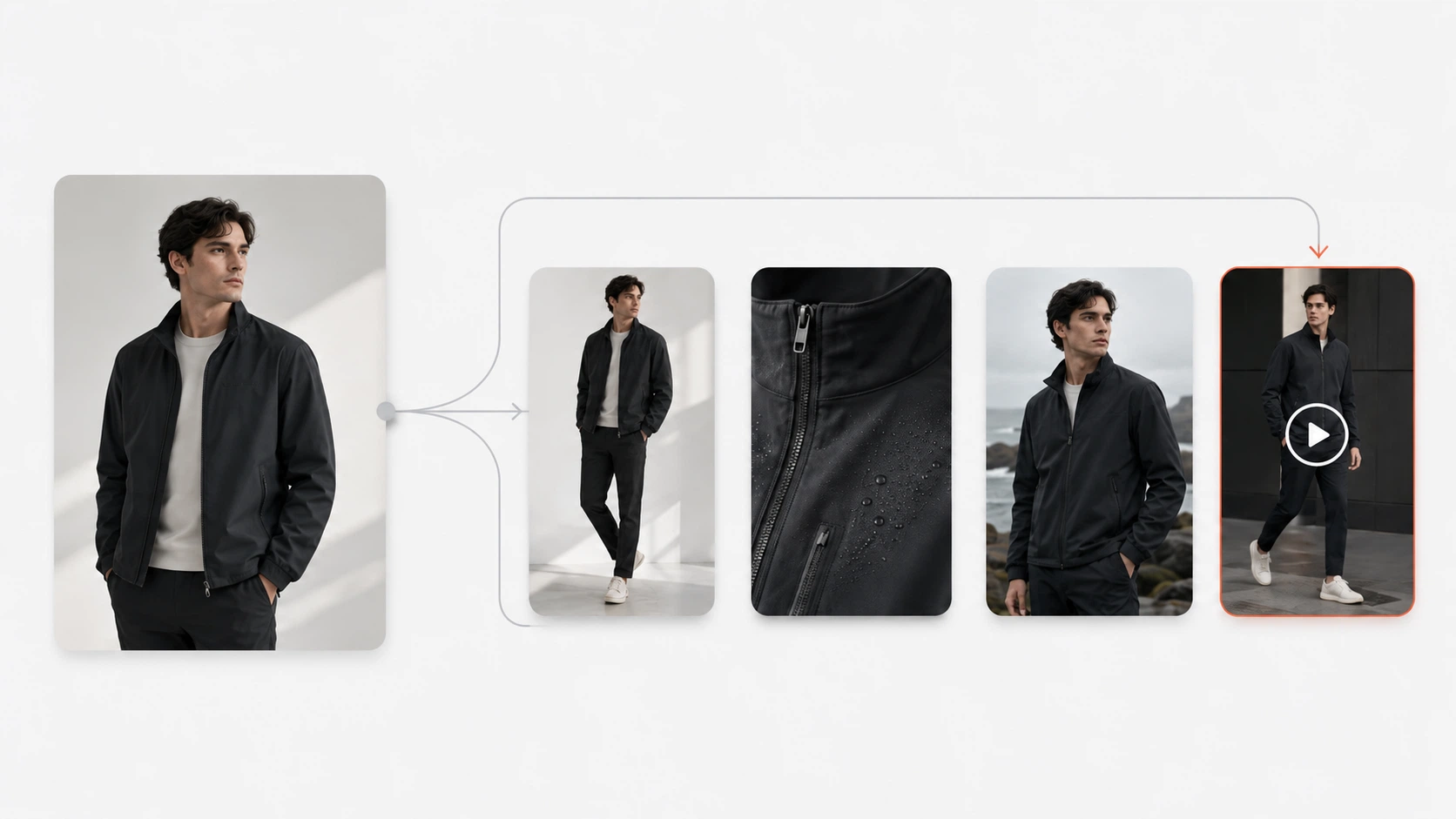
Editing-first tools take a different approach. They accept your existing product image as input and apply motion, restyling, background changes, or format adaptation while preserving the visual information you already verified. The starting point is an image you know is accurate. The edits are directional and bounded. The output is a variation of something you already approved, not a gamble on whether the model understood your product description.
This distinction matters more as video becomes a standard expectation across ecommerce channels. Social platforms favor video content. Ad systems reward motion creatives with better reach and engagement. Product pages with video convert better than those without. The demand for video variants is growing faster than most teams' production capacity. The tools that help most are the ones that multiply existing assets into more formats, not the ones that replace your asset library with AI imagination.
The Difference Between Generation-First and Editing-First Workflows
Understanding this distinction helps you quickly eliminate tools that do not fit your workflow before investing evaluation time in them.
Generation-First Workflow
Input: Text prompt, sometimes with a reference image treated as style guidance only.
Process: The model interprets your prompt and generates video frames from its training data, producing motion that matches your description in spirit but not necessarily in product-specific detail.
Output: New footage that did not exist before. May be visually striking. May not match your actual product, colors, materials, or branding with sufficient accuracy for direct customer-facing use.
Best for: Concept exploration, mood boards, experimental creative directions, content where product accuracy is secondary to emotional impact.
Risk for product marketing: High. The generated product may look similar to yours but differ in details that matter to shoppers: sleeve length, fabric texture, logo placement, color shade, button style. Using generation-first output in a product listing or ad can create expectation mismatches that drive returns and complaints.
Editing-First Workflow
Input: An existing product image or video that you already trust as accurate.
Process: The tool applies specific edits to your input: adding motion to a still image, changing the background, extending clip duration, adjusting color grading, cropping to a new aspect ratio, or applying consistent styling across multiple shots. Your original product visual remains the reference point throughout.
Output: A modified version of an asset you already own. The product appearance stays consistent because it originated from a verified source. The changes are additive (motion, background, format) rather than reconstructive (reimagining the product entirely).
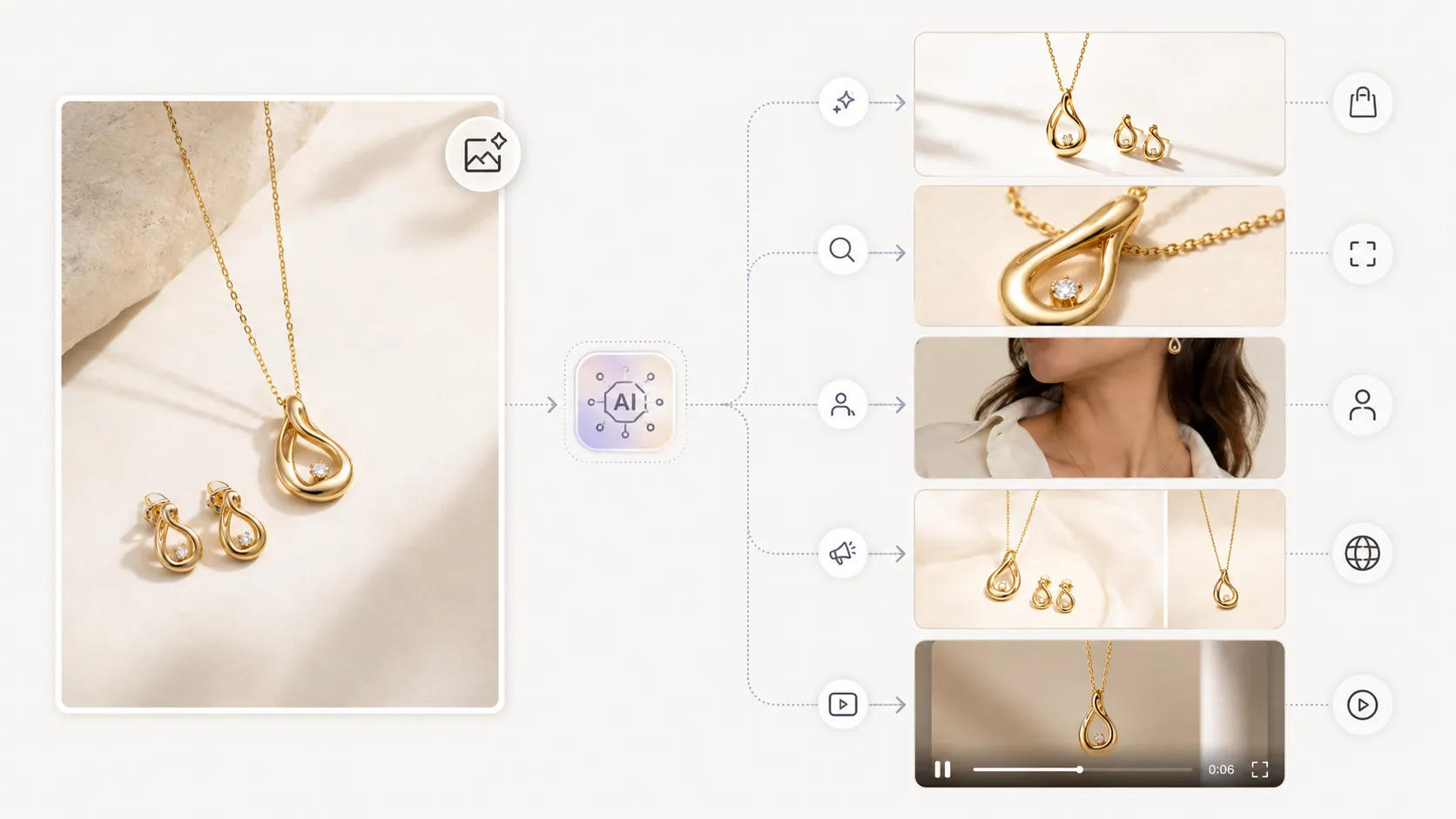
Best for: Turning product photos into social ad videos, creating motion variants of hero images for launch campaigns, adapting one campaign visual into multiple video formats, producing short-form content from existing still assets.
Risk for product marketing: Lower. Because the input is a verified product image, the main risks are in the quality of the edit itself (motion artifacts, unnatural movement, background mismatch) rather than in product misrepresentation. These are easier to catch in review than generative inaccuracies.
Most product marketing teams benefit from tools that support editing-first workflows as their primary mode, with generation available for exploratory work when needed. The evaluation framework below assumes this priority.
The Criteria That Matter Most: Control, Fidelity, Speed, Output Fit
When comparing AI video editing tools for product marketing, four criteria carry more weight than benchmark scores or demo quality.
Edit Control
How precisely can you direct what the tool does? This breaks down into several sub-questions:
- Input flexibility: Does the tool accept the image formats and resolutions you actually work with (PNG, JPEG, WebP, 4K files), or does it require conversion first?
- Edit specificity: Can you tell the tool exactly what to change ("add subtle fabric movement," "replace background with solid coral," "extend by 3 seconds looping the last frame")? Or does it offer only broad style buttons ("cinematic," "energetic," "minimal")?
- Iteration speed: If the first output is close but not right, how fast can you adjust and regenerate? Some tools require a full re-render; others allow incremental tweaks to specific parameters.
- Batch consistency: When you process 20 product images through the same settings, do the outputs look like a coherent set, or does random variation make them look like they came from different brands?
Runway's Aleph 2.0 model represents an advance in edit control: it uses context-based editing that propagates your changes from keyframes across all frames in which the subject appears, supporting clips up to 30 seconds at 1080p resolution and applying edits consistently across multiple shots. This kind of control — where an adjustment to one frame intelligently affects related frames — is what separates production-grade editing tools from single-shot generators.
Product Fidelity
Does the output still look like the actual product? This is the non-negotiable criterion for any tool used in customer-facing product marketing.
Check specifically for:
- Shape and proportion preservation: Does the product maintain its correct silhouette, or does motion generation stretch, squash, or warp it?
- Color and material accuracy: Do fabrics read as the correct material? Do colors stay within an acceptable range of the original product photo?
- Detail retention: Are logos, labels, prints, stitching, zippers, and other fine details preserved or recognizably maintained?
- Movement naturalness: Does the product move in a way that is physically plausible, or does it exhibit the uncanny jitter, melting, or morphing common in lower-quality AI video?
A useful test: show the AI-edited video output alongside the original product photo to someone who knows the product well. Ask whether anything looks "off." If they spot problems immediately, the fidelity bar is not being met.
Workflow Speed
How long does it take to go from uploaded product image to usable video output? Speed matters differently depending on the use case:
- Flash turnaround (under 1 hour): Needed for reactive content, social trend responses, last-minute ad creative refreshes. Only tools with fast processing and minimal manual adjustment per asset qualify here.
- Same-day production (within a working day): Standard for planned campaign variants, launch video sets, and regular social content cycles. Most editing-first tools should hit this bar for individual assets.
- Batch production (overnight or scheduled): Needed when processing 50+ product SKUs into video variants. Speed here means throughput per hour, not just per-asset time.
When evaluating speed, measure the full cycle: upload → configure → wait for processing → review → adjust if needed → export in correct format. Tools that look fast in demos (quick preview render) may be slow in practice if the adjustment loop requires multiple full re-renders.
Output Fit
Does the tool produce video in the formats, resolutions, and aspect ratios your channels actually need?
Ecommerce and social video requirements vary significantly:
| Placement | Typical Format | Resolution | Aspect Ratio | Duration |
|---|---|---|---|---|
| Instagram Reel / TikTok | MP4 (H.264) | 1080×1920 | 9:16 | 15–60 sec |
| Facebook / LinkedIn Feed | MP4 (H.264) | 1200×628 or 1200×1200 | 1.91:1 or 1:1 | 6–60 sec |
| YouTube Short | MP4 (H.264) | 1080×1920 | 9:16 | 30–60 sec |
| Instagram Story | MP4 (H.264) | 1080×1920 | 9:16 | 5–15 sec |
| Product Page Hero | MP4 or WebM | 1920×1080 or adaptive | 16:9 | 5–15 sec |
| Email GIF / Motion | GIF or MP4 | 600px wide variable | Variable | 3–8 sec loop |
A tool that only produces square 1:1 output at low resolution will force you into additional transcoding and reformatting steps for most placements. A tool that exports directly in your target formats at sufficient resolution saves time and preserves quality at every step.
Luma's Ray3.2 API release signals that output quality and integration depth are becoming competitive differentiators: Luma is explicitly positioning Ray3.2 as a cinematic rendering API designed to be embedded inside products and services rather than used only as a standalone creator tool. For product marketing teams, this kind of integration-ready output matters because it suggests the tool can fit inside larger automation pipelines rather than remaining a manual stepout.
Where Context-Aware Editing Changes the Workflow
The newest wave of AI video editing tools introduces capabilities that meaningfully change how product teams can work. Understanding these helps you evaluate whether a tool is built around the workflow you actually have or the workflow the vendor wishes you had.
Context propagation. As noted above, Runway's Aleph 2.0 propagates edits from keyframes across all matching frames. For product marketing, this means you could adjust the lighting or color grade on one frame of a product video and see that change applied intelligently throughout the clip wherever the product appears — without manually repainting every frame. This reduces per-asset editing time from hours to minutes for certain types of adjustments.
Still-to-motion pipelines. PixVerse's recent workflow demonstration showed paired model steps where a static character or product concept carries through into motion output with design consistency preserved across stages. For product teams, this pattern maps directly to a common need: take an approved product visual (perhaps created with an AI Product Photography tool), pass it through a still-to-motion pipeline, and receive video output that maintains the visual identity established in the still image.
API-first embedding. When tools like Luma position their rendering engines as APIs rather than only standalone interfaces, it opens the possibility of integrating AI video editing directly into your DAM, PIM, or creative management system. A product team could theoretically trigger video variant generation from within their asset library when a new product is added or a campaign is launched. This level of integration is where the category is heading, even if many teams are not ready for it today.
What this means for evaluation: When testing AI video editing tools, pay attention not just to what the output looks like, but to how the editing interface works. Does it let you work the way product marketing actually happens — iterative, reference-driven, batch-aware — or does it push you toward a one-shot generate-and-hope workflow that does not match how your team operates?
Practical Evaluation Checklist for Ecommerce Teams
Use this checklist when evaluating AI video editing tools for product marketing workflows. Score each item from 1 (poor) to 5 (excellent). Tools that score highest on the criteria weighted most heavily for your specific use case are usually the better fit, regardless of demo impressiveness.
Input & Edit Control (Weight: High)
- Accepts common product image formats (PNG, JPEG, WebP) at 4K resolution or higher
- Allows specific directional edits (not just style presets)
- Supports iteration without full re-render penalty
- Maintains consistency across batch processing of multiple products
- Preserves product detail (logos, prints, labels, textures) through the editing process
Product Fidelity (Weight: Critical)
- Output product shape and proportions match the input image
- Colors and materials remain recognizable and accurate
- Movement is physically plausible (no melting, morphing, or uncanny jitter)
- Fine details survive the video generation/editing process
- Output passes review when shown alongside the original product photo
Workflow Speed (Weight: High for high-volume teams)
- Single-asset turnaround under 30 minutes for simple edits
- Batch processing available for 10+ products in one session
- Adjustment loop (review → tweak → re-render) takes under 10 minutes per round
- Queue management for processing multiple jobs without manual babysitting
Output Fit (Weight: High)
- Exports in MP4 (H.264) at 1080p minimum
- Supports multiple aspect ratios (16:9, 1:1, 9:16, 4:5)
- Duration range covers your needs (5-second loops to 60-second cuts)
- Export settings are configurable (resolution, framerate, codec)
- Output plays correctly on target platforms (Instagram, TikTok, Facebook, YouTube)
Integration & Ecosystem (Weight: Medium)
- Works with inputs from your existing product photography workflow
- Outputs can feed into your downstream publishing or ad tools
- API or bulk export options available for larger teams
- Pricing scales reasonably with volume (per-asset or subscription models suited to SKU counts)
Total Score Interpretation
- 90+: Strong fit. Trial seriously; likely worth adopting for core product video workflow.
- 70–89: Good fit with gaps. Identify which criteria dragged down the score and decide whether workarounds exist.
- 50–69: Marginal fit. May work for specific narrow use cases but probably not as a primary tool.
- Below 50: Poor fit. The tool is likely optimized for a different user type (entertainment creators, hobbyists) rather than product marketing workflows.
When to Choose Editing Over Reshooting or From-Scratch Generation
Not every video need calls for AI editing. Sometimes the right answer is to pick up a camera, and sometimes the right answer is to let a generation tool explore concepts. Here is a decision framework:
| Scenario | Best Approach | Why |
|---|---|---|
| Turn 50 existing product photos into 15-second social ad variants | AI video editing (editing-first) | You already own verified assets; need volume and format variety, not new creative direction |
| Create a concept video for a product that has not launched yet | AI video generation (generation-first) | No existing footage to edit; need to explore visual direction before committing to production |
| Add motion to an approved hero image for a landing page | AI video editing (editing-first) | The hero image is already brand-approved; motion should extend it, not reimagine it |
| Produce a founder story or brand documentary-style video | Traditional video production | Narrative complexity, interview footage, and human elements exceed current AI editing scope |
| Refresh ad creatives for a running campaign with declining CTR | AI video editing (editing-first) | Need fast variants of proven performers; product is known, audience response data exists |
| Test whether a new product concept has visual appeal before shooting | AI video generation (generation-first) | Low-stakes exploration; output informs production decisions, does not replace them |
For product marketing teams whose daily reality falls mostly into the top row of this table — turning existing assets into more formats, faster — editing-first AI video tools aligned with the criteria above will deliver more consistent value than chasing each new generative model announcement.
iCreat AI's AI Product Video workflow fits this editing-first approach: it accepts existing product images as input, uses Seedance 2.0 for image-to-video generation, produces short-form promotional video output in multiple aspect ratios suitable for social and ad placements, and integrates with upstream tools like AI Product Photography and AI Image Replacer so that the still-to-motion pipeline starts from assets your team already trusts.
FAQ
Log in to iCreat AI when you're ready to turn your existing product images into short-form campaign videos: https://icreat.ai/ai-tools/login.