


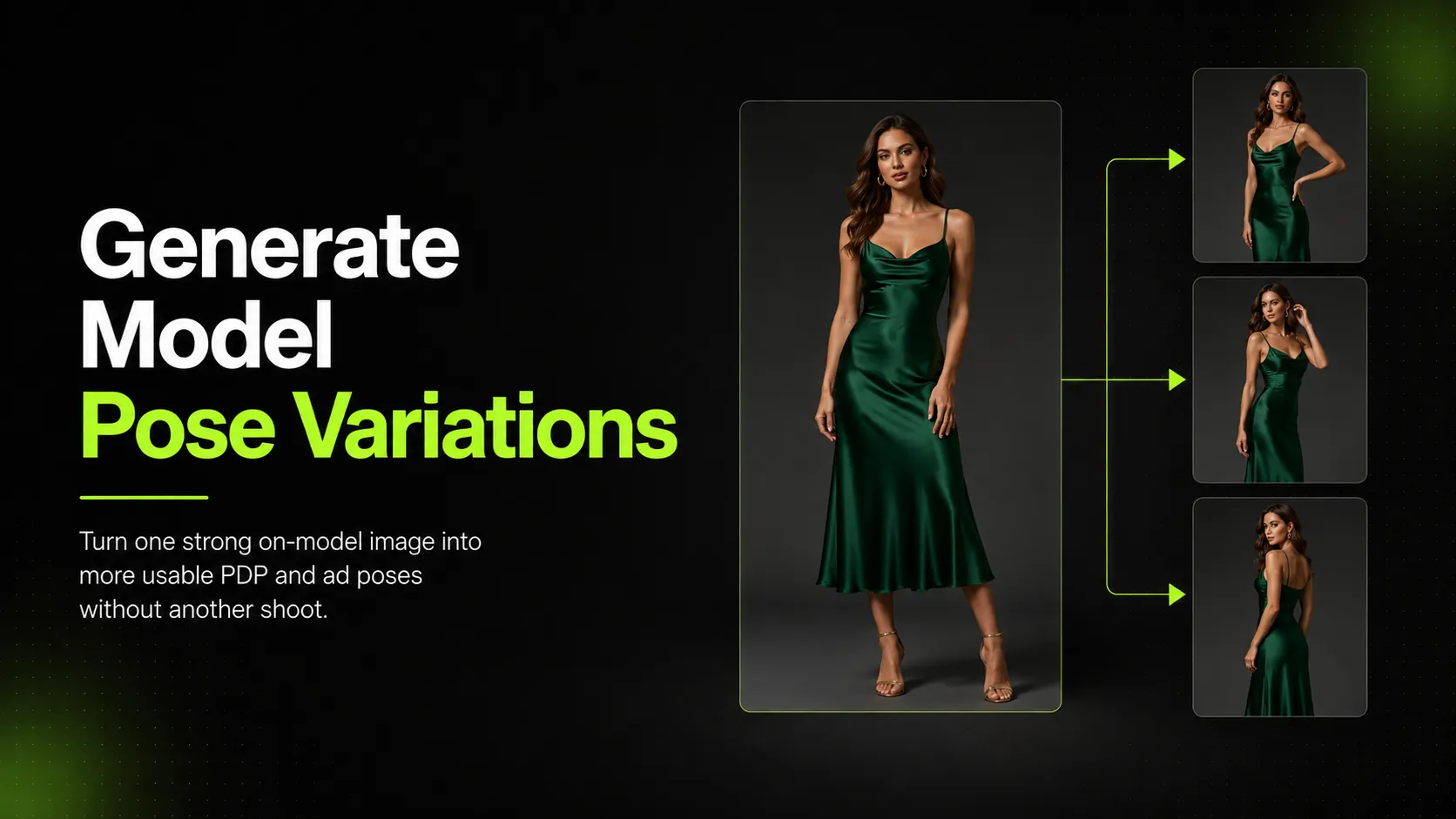
One strong on-model photo can become five or six usable poses without booking another shoot. That is the real promise of AI pose variation — and it is also where most brands get stuck deciding which method actually works for their situation.
The issue is not whether AI can generate a person in a different position. The issue is whether the output preserves garment fit, fabric behavior, and product accuracy well enough for a product page or ad creative. A generated pose that looks polished but changes how a dress drapes, stretches a logo beyond recognition, or makes jeans fit differently than the original shot creates more problems than it solves.
This guide covers three paths: reshooting with a real model, generating pose variations from an existing on-model image, and using virtual model tools that place your product onto an AI-generated figure. Each path has different costs, quality tradeoffs, and use-case fits. The goal is to help you pick the right one for your SKU count, timeline, and quality bar.
Why Pose Variations Matter for Ecommerce
Shoppers evaluate fit and style by seeing how a product looks on a body in motion, not just in one static frame. A single standing front-facing shot tells part of the story. A set of poses — sitting, walking, turning, close-up detail — gives shoppers enough visual information to decide whether the item fits their needs.
For fashion ecommerce, pose variety serves specific jobs:
- Product detail pages benefit from multiple angles so shoppers can inspect fit, drape, and construction before adding to cart.
- Ad creatives need variation for A/B testing different poses against the same audience.
- Seasonal refreshes require new visual assets without the cost of another full production cycle.
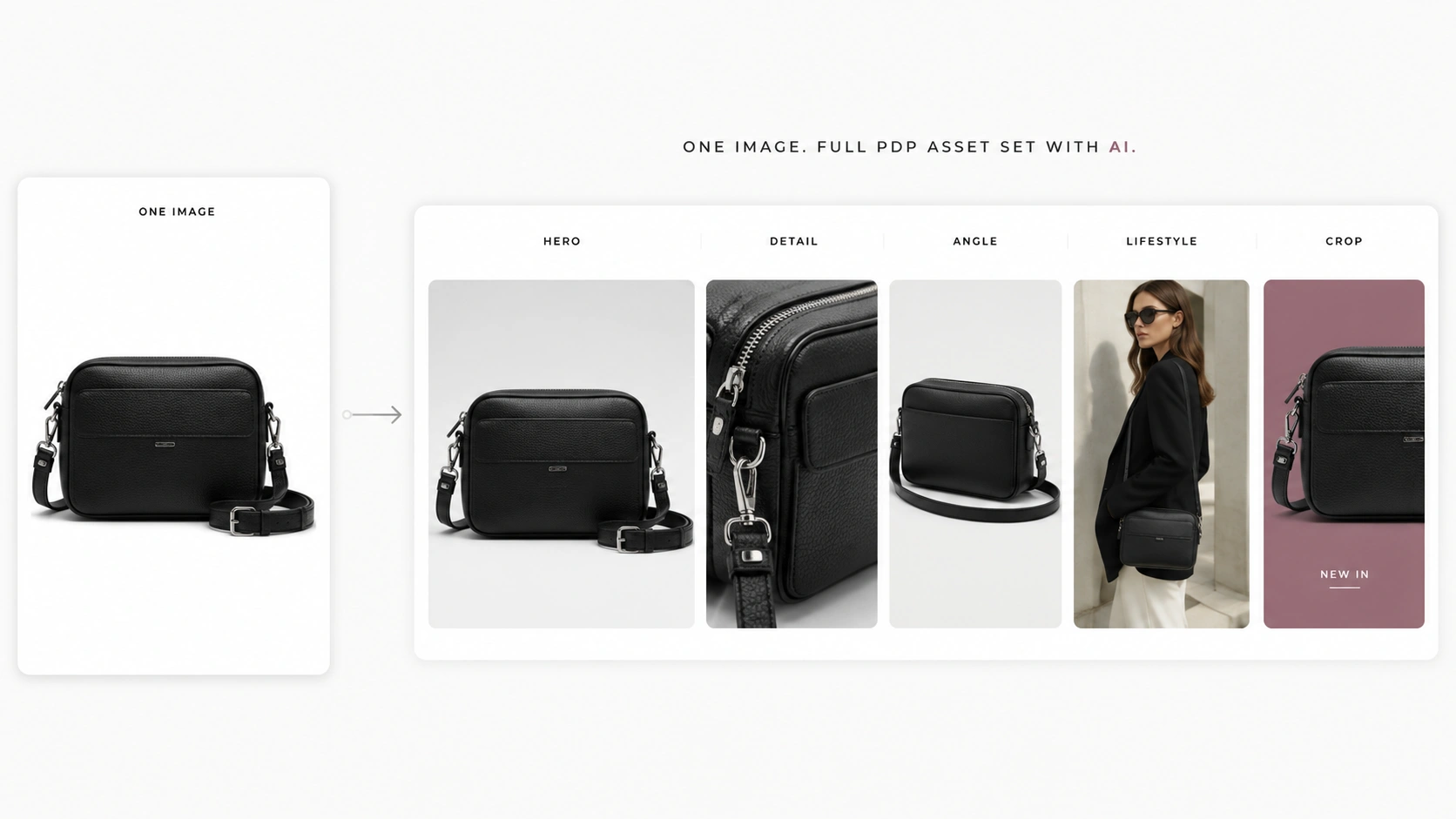
- Lookbooks and social content gain editorial range when the same model-product combination appears in different contexts and positions. For brands that need to turn one product image into a full campaign visual set, AI Fashion Lookbook Generator can extend pose variations into editorial-style compositions.
The practical question is not whether pose variety helps. It is how to produce it efficiently when you already have at least one good on-model reference image.
Reshoot vs AI Variation vs Virtual Model: Which Path Fits Your Situation?
Most brands default to one of three approaches. The right choice depends on three concrete factors: what reference assets you already own, what output volume you need to produce, and how much review capacity your team can allocate per week.
| Factor | Professional Reshoot | AI Pose Variation (from existing on-model photo) | AI Virtual Model (product onto AI model) |
|---|---|---|---|
| Input needed | New model, studio, styling, full production | One good on-model reference image | Clean product photo (usually cutout or white background) |
| Cost per SKU | High (studio, model, stylist, post-production) | Low to medium (credits or subscription) | Low to medium (credits or subscription) |
| Turnaround time | Days to weeks | Minutes to hours | Minutes to hours |
| Garment accuracy | Highest (real fabric on real body) | Depends on reference quality and tool | Variable (AI interprets how product fits) |
| Pose control | Full creative direction | Moderate (pose library or prompt-guided) | Limited to available model/pose options |
| Batch scalability | Poor (each pose requires shooting) | Good (batch from one reference) | Good (batch from one product image) |
| Best for | Hero campaign imagery, flagship SKUs | Expanding existing on-model sets, PDP enrichment | Brands with no on-model photos yet |
| Risk level | Low (real photography) | Medium-High (requires output review) | Medium-High (requires output review) |
When to reshoot
Reshoot when the asset is high-value enough to justify full production: flagship items, seasonal hero visuals, or any image that will appear across homepage, paid ads, and wholesale presentations. Real photography still provides the most reliable garment behavior, lighting consistency, and brand alignment. For SKUs where a full reshoot is not feasible, AI Product Photography can help generate initial on-model reference images from product cutouts, which then feed into a pose variation workflow.
When to use AI pose variation from an existing on-model photo
Use this path when you have at least one solid on-model shot and need more poses of that exact model wearing that exact product. This is the scenario where pose variation tools add the most value: extending a limited photoshoot into a richer visual set without calling the model back.
When to use AI virtual models
Use virtual model tools when you do not have any on-model photography yet and need to go straight from a product image to on-body visuals. These tools place your product onto an AI-generated model figure, which is useful for early-stage brands, drop-shipping catalogs, or SKUs that never received a professional model shoot.
How to Generate Pose Variations from Existing On-Model Images
This workflow assumes you start with one clear on-model photograph and want multiple poses of the same model-product combination. The key advantage over virtual model tools is that the base identity, proportions, and product placement are already established in your reference image.
Step 1: Choose your best on-model reference image
The reference image should meet these criteria:
- The model and product are both clearly visible with minimal occlusion.
- Lighting is even enough that the tool can read garment details, color, and texture.
- The pose is neutral enough that the tool has room to generate meaningful variation (a contorted action shot is harder to vary than a clean standing pose).
- Resolution is sufficient for your target output channel (Shopify's documentation recommends at least 1000px on the shortest side for product images; other platforms set their own thresholds).
If you have multiple reference images from the same shoot, pick the one where garment fit and product details are most accurate. A slightly lower-resolution image with correct fit will produce better pose variations than a high-res image where the product sits unnaturally on the body.
Step 2: Select a pose variation tool with a structured pose library
Not all AI image tools treat pose as a variable. Many generate random variations without giving you control over the type of pose you get. For commercial workflows, a structured pose library matters because it lets you plan which poses serve which channel:
- Standing poses for primary PDP images
- Sitting or crouching poses for lifestyle or social context
- Walking or turning poses for motion and drape demonstration
- Close-up or detail-focused poses for fabric texture and construction shots
- Three-quarter or back-facing poses for fit and silhouette completeness
iCreat AI's AI Pose Generator includes a professional model pose library with filtering options for age, composition, and saved poses. This structure helps teams select poses that match their intended use case rather than scrolling through random outputs hoping for a good result.
Step 3: Upload your reference and select target poses
Upload the on-model reference image into the tool. Then select the poses you want to generate from the library. Most tools allow batch selection, which means you can queue multiple poses at once rather than generating one at a time.
When selecting poses, consider the product type:
| Product type | Recommended pose mix | Why |
|---|---|---|
| T-shirt or basic top | Standing front, three-quarter turn, seated casual, arm-in-pocket | Simple garments show fit clearly across standard poses |
| Dress or gown | Standing full-length, walking motion, seated elegant, back view | Complex garments need drape and movement to show shape |
| Jeans or denim | Standing front pocket view, seated fit check, walking stride | Fit-critical items benefit from poses that show seat and leg line |
| Hoodie or outerwear | Zipped standing, open-front relaxed, layered over tee | Layering pieces need poses that show closure options |
| Sneaker or footwear | On-foot standing, mid-walking stride, seated ankle view | Footwear needs poses that show how shoe sits during movement |
| Jewelry (necklace) | Neck close-up, turned profile, seated leaning forward | Small items need poses that show scale and how piece moves with body |
Step 4: Generate and review each variation for quality
Generate the pose variations and review each output against these checks:
- Pose naturalness: Does the model look like a real person in this position? Unnatural joint angles, frozen posture, or impossible limb positions usually indicate the generation struggled with the requested pose.
- Garment behavior: Does fabric fold, stretch, cling, and drape realistically? Pay attention to areas around seams, waistlines, hems, and any elastic or fitted portion of the garment.
- Product accuracy: Are logos, prints, labels, buttons, zippers, and design details preserved correctly? A pose variation that distorts a brand logo or changes a print pattern may not be usable for commercial purposes.
- Proportions: Is the product-to-body ratio consistent across all variations? If the shirt looks oversized in one pose and fitted in another, shoppers may receive conflicting fit signals.
- Lighting consistency: Does the lighting direction and quality match reasonably well across the pose set? Minor variation is acceptable; completely different lighting between poses breaks visual cohesion.
- Facial and hand features (if visible): Do hands look like hands? Does the face maintain recognizable features if it was visible in the reference?
Flag any output that fails critical checks (product accuracy, major proportion errors, or obviously unnatural poses). Regenerate or exclude those variations from your final set.
Step 5: Export in the format and resolution your channels require
Most ecommerce and ad platforms accept JPEG for final published images. If you need transparent backgrounds for compositing into custom scenes, confirm the tool supports PNG export. Check resolution requirements for your target platforms before exporting — downscaling later degrades quality, and upscaling cannot recover detail that was never there.
How to Use AI Virtual Models When You Don't Have an On-Model Photo Yet
Virtual model tools take a different approach: they start with a clean product image (often a cutout or white-background shot) and generate a new on-model image by placing that product onto an AI-generated human figure. This path is useful when you have no existing on-model photography at all.
How virtual model tools work
The typical workflow:
- Upload a clean product image (cutout preferred).
- Select a model from the tool's library (age, ethnicity, body type options vary by platform).
- Choose a pose or scene composition.
- Generate the on-model output.
- Review and export.
Tools in this category include Photoroom Virtual Model, Claid AI Fashion, and similar platforms. Each offers some combination of model diversity, pose selection, background options, and batch processing.
What virtual models do well
Virtual model tools solve a specific problem: getting on-body visuals when you have zero model photography budget or timeline. For early-stage brands, catalog expansion, or testing whether a product category benefits from on-model imagery at all, this approach provides a starting point.
Where virtual models fall short for pose variation
The limitation is that virtual model tools generate a new model-product combination each time. They do not vary the pose of an existing on-model image. This means:
- You cannot maintain model consistency across poses (each generation may produce a different-looking figure).
- Garment fit interpretation varies between generations because the AI places the product onto a new body each time.
- Brand consistency is harder to control when every output starts from scratch.
If your goal is pose variation of an existing on-model image, a dedicated pose variation workflow delivers more consistent results than treating a virtual model tool as a pose generator.
Using Pose Variations on Product Detail Pages
A product detail page benefits from pose variety when each image answers a different shopper question. Instead of uploading six nearly identical standing poses, structure the image set to cover distinct informational goals:
| Image position | Pose type | Shopper question it answers |
|---|---|---|
| 1 (hero) | Clean standing front | What does the product look like overall? |
| 2 | Three-quarter angle | How does the silhouette look from the side? |
| 3 | Back view or turned pose | What does the back/construction look like? |
| 4 | Seated or lifestyle pose | How does it fit when the body is in a natural position? |
| 5 | Close-up detail pose | What is the fabric texture, stitching, or print quality? |
| 6 | Movement or walking pose | How does the garment move and drape? |
This structure gives shoppers a complete picture of fit, construction, and style without redundant visuals. Not every SKU needs all six positions — a basic t-shirt may only need three or four — but the principle holds: each pose should add information the previous ones did not provide.
Using Pose Variations in Ad Creative and Social
Pose variations enable several ad and social workflows that are difficult or expensive with traditional photography:
A/B test poses against the same audience. Run two ads with the same product, same model, same background, but different poses. One may outperform the other for reasons that are hard to predict ahead of time — a walking pose might signal active lifestyle appeal while a seated pose signals relaxed comfort. Testing reveals which resonates.
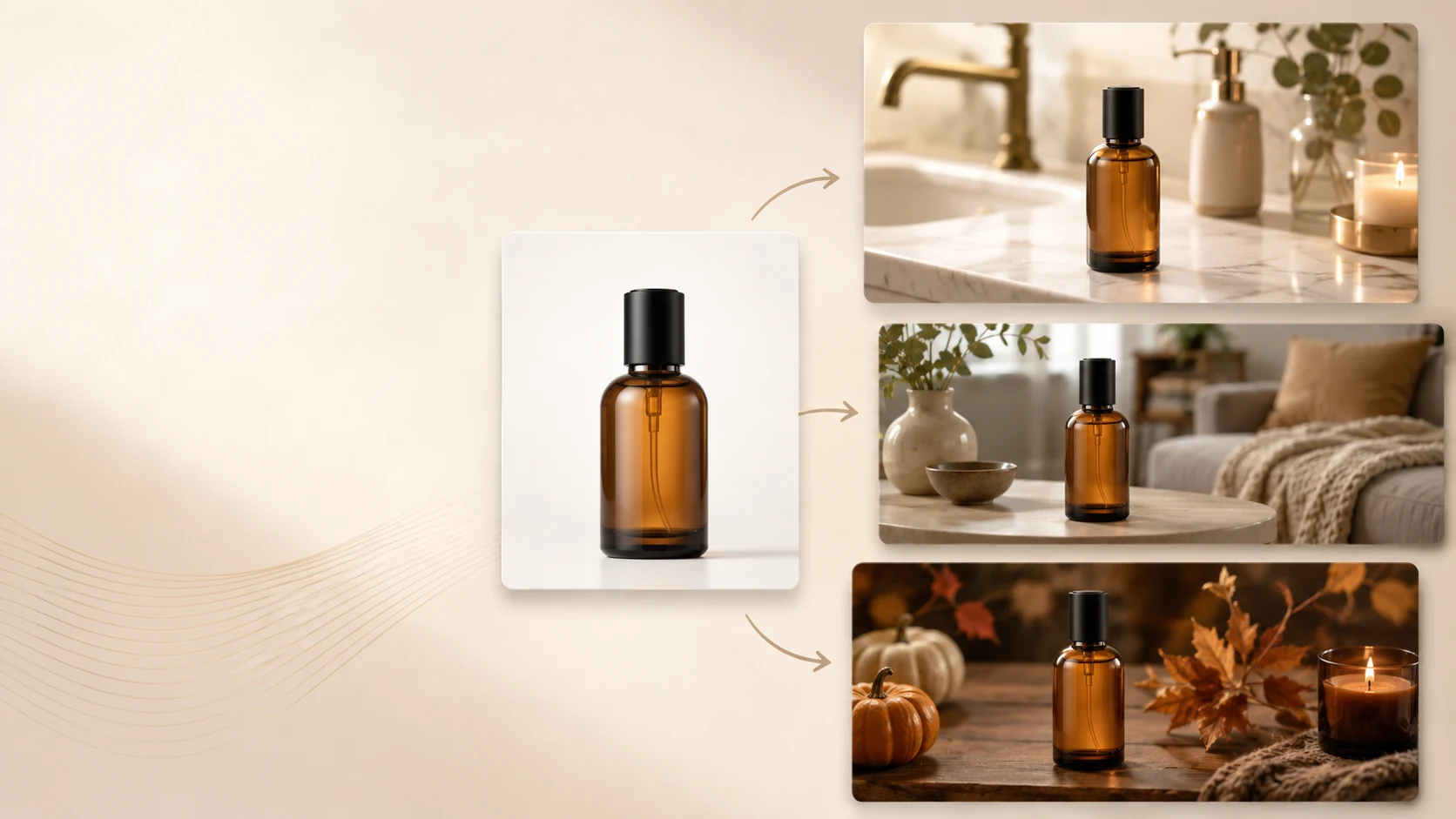
Refresh seasonal campaigns without new shoots. Take the same core on-model image and generate pose variations that match the seasonal mood: lighter, more open poses for spring collections; closer, cozier poses for fall. The product and model stay consistent while the visual tone shifts.
Adapt formats across placements. A square Instagram feed image may work best with a centered standing pose. A vertical Stories format may benefit from a full-length walking pose that uses the taller canvas. Horizontal Facebook or display ads may suit a seated three-quarter composition. Generating multiple poses from one reference makes format adaptation faster.
Build social content cadence. Posting the same static image repeatedly reduces engagement. Rotating through pose variations of the same model-product combination keeps the feed feeling fresh without requiring new production each week.
Building a Consistent Pose Library Over Time
Teams that produce on-model content on a recurring basis benefit from organizing poses into a reusable library rather than treating each generation as a one-off task. A pose library approach has three components:
Categorize poses by function. Group poses into categories such as: primary retail (standing front, three-quarter), lifestyle (sitting, walking, leaning), detail (close-up fabric, collar, hem), and editorial (dynamic movement, environmental context). This makes it easier to select the right pose for the right job instead of choosing randomly.
Save successful pose combinations. When a particular pose produces strong results for a product type, save that pose as a template or favorite within your tool. Over time, you build a personal library of proven poses that work for your brand's aesthetic and product range.
Maintain consistency across seasons. Use the same core pose set for each product launch so shoppers develop a consistent visual expectation of your brand. Drastic pose-style changes between seasons can make a brand feel disjointed even if individual images look polished.
Quality Control for On-Model Images
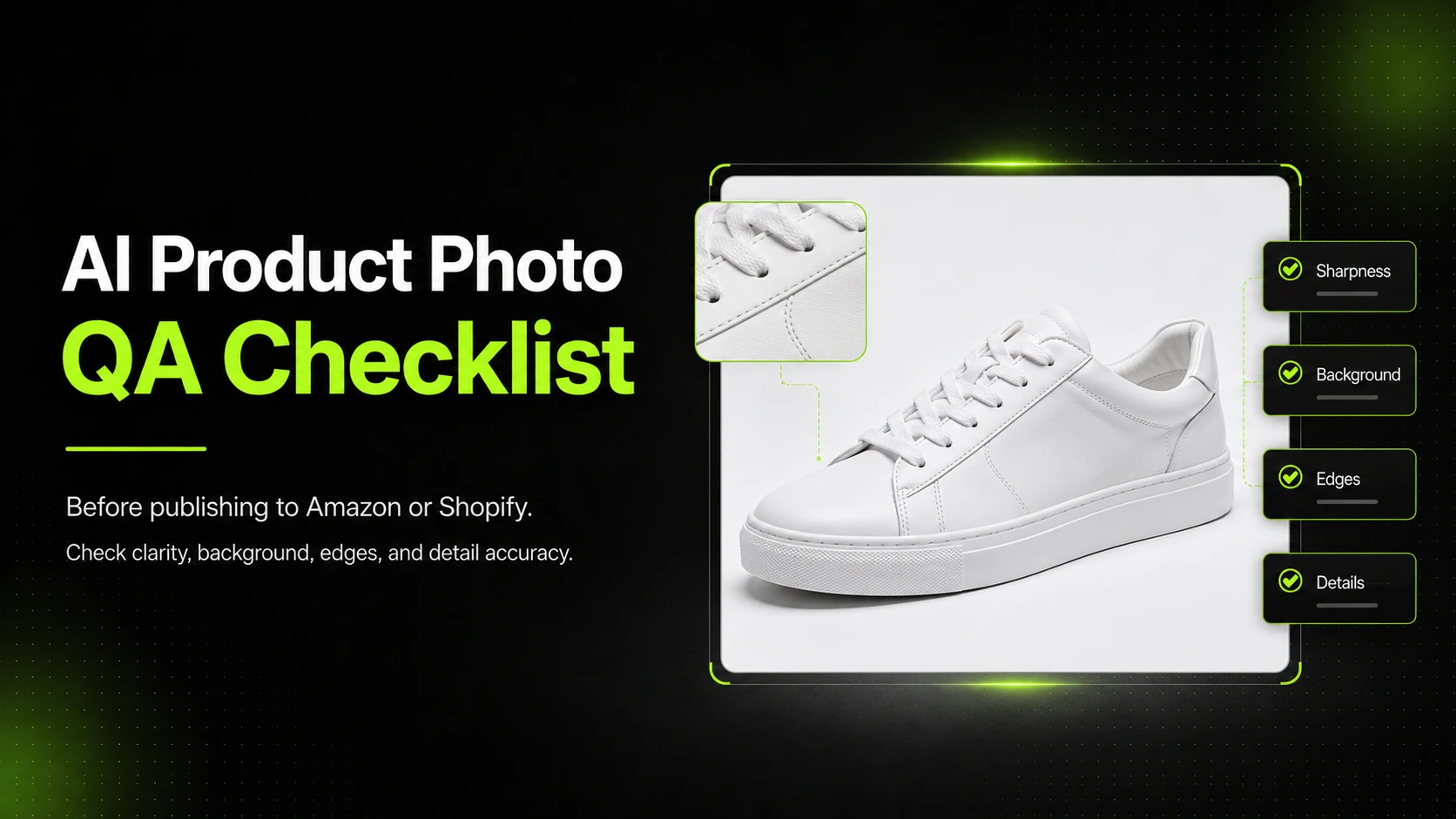
Because this article guides readers toward producing publishable commercial visuals, quality control is not optional. Inaccurate on-model images can mislead shoppers about fit, drape, scale, and product appearance. Use this checklist before publishing any AI-generated pose variation:
Pre-Publish QA Checklist
- [ ] Pose naturalness: The model's posture, limb positions, and weight distribution look like a real human body in this position. No impossible joint angles or frozen mannequin-like stiffness.
- [ ] Garment behavior: Fabric folds, stretches, clings, and drapes in a way that matches the material type. Heavy denim does not float like chiffon; knit cotton does not hang like stiff woven fabric.
- [ ] Product accuracy: Logos, prints, labels, buttons, zippers, hardware, and design details match the actual product. No distorted text, smeared prints, or missing elements.
- [ ] Proportions: The product-to-body ratio is consistent with the reference image and realistic for the item's size category. An oversized hoodie should not look like a fitted crop top.
- [ ] Color accuracy: Product color matches the reference within acceptable tolerance. Color shifts that change the perceived product identity (navy appearing as black, red appearing as orange) require correction or regeneration.
- [ ] Consistency across pose set: All poses in a set look like the same model wearing the same product. Different facial features, body proportions, or skin tones between poses break the illusion of a consistent model.
- [ ] Resolution and format: Output meets the minimum requirements of the target channel. Shopify recommends at least 1000px on the shortest side for product images; Amazon and other marketplaces have their own thresholds.
- [ ] Channel compliance: The image follows any specific rules of the platform where it will be published (background requirements, aspect ratio limits, content policies).
If any check fails on a critical item (product accuracy, major proportion error, or misleading representation), do not publish that image. Regenerate, edit manually, or exclude it from the set. The cost of regenerating one image is lower than the cost of a return, a negative review, or a marketplace policy flag based on inaccurate visual representation.
Common Mistakes When Generating Pose Variations
Using a low-quality reference image and expecting high-quality pose variations
The output quality is bounded by the input quality. A blurry, poorly lit, or heavily compressed reference image will limit how much detail the tool can preserve across pose changes. Invest in the strongest reference you have before generating variations.
Ignoring garment physics across poses
Different poses put different mechanical stress on a garment. A standing pose shows how fabric hangs under gravity. A seated pose shows how fabric bunches at the waist and hips. A walking pose shows how fabric moves with leg motion. If the AI output shows the same flat fabric pattern regardless of pose, the result will look unnatural to anyone who has worn clothing.
Generating too many poses without a plan
Batch generation is efficient, but generating 20 poses and then figuring out which ones to use wastes review time. Decide beforehand which poses serve which channel, generate those specifically, and review against the planned use case.
Skipping review because "the AI handles it"
AI pose variation tools accelerate production. They do not eliminate the need for human review. Every output should be checked against the QA checklist above before it goes live on a product page or into an ad creative. Teams that skip review to save time often spend more time later fixing problems that could have been caught earlier.
Mixing pose variation methods inconsistently within the same SKU
Using AI pose variations for some images and virtual model outputs for others within the same product page image set can create visible inconsistency — different-looking models, different fit interpretations, different lighting. Pick one method per SKU and stick to it for visual coherence.
FAQ
---
If you already have an on-model product photo and need more pose variations without scheduling another shoot, try iCreat AI's AI Pose Generator to create pose variations from your existing on-model images using a professional pose library with batch generation support.