


Key Takeaways
- AI product photography saves the most time when it removes repetitive cleanup and formatting work, not when it tries to replace final judgment.
- Background removal, resizing, shadow cleanup, and controlled variations are usually the clearest time-saving steps.
- Trust-critical checks like color, shape, labels, and product truth still need review before publishing.
- The strongest workflow separates automate-first tasks from review-first tasks.
- Teams with strong source images usually get more value from AI-assisted post-production than teams trying to repair weak inputs.
AI product photography can save hours in post-production when it removes the repetitive work that does not require a fresh creative judgment every time. It is strongest for cleanup, background work, resizing, and controlled variation tasks. It is much weaker when teams expect it to replace the final review that protects product truth.
That distinction is where most teams either gain real efficiency or create a faster version of the same problem. If automation only helps you ship inaccurate crops, distorted labels, or scene variations that still need heavy review, the workflow is not actually faster. It is just moving the bottleneck from editing into QA.
The real post-production problem is not editing. It is repetition.
Most ecommerce teams do not lose time in one dramatic Photoshop marathon. They lose time in hundreds of small decisions repeated across dozens or hundreds of images.
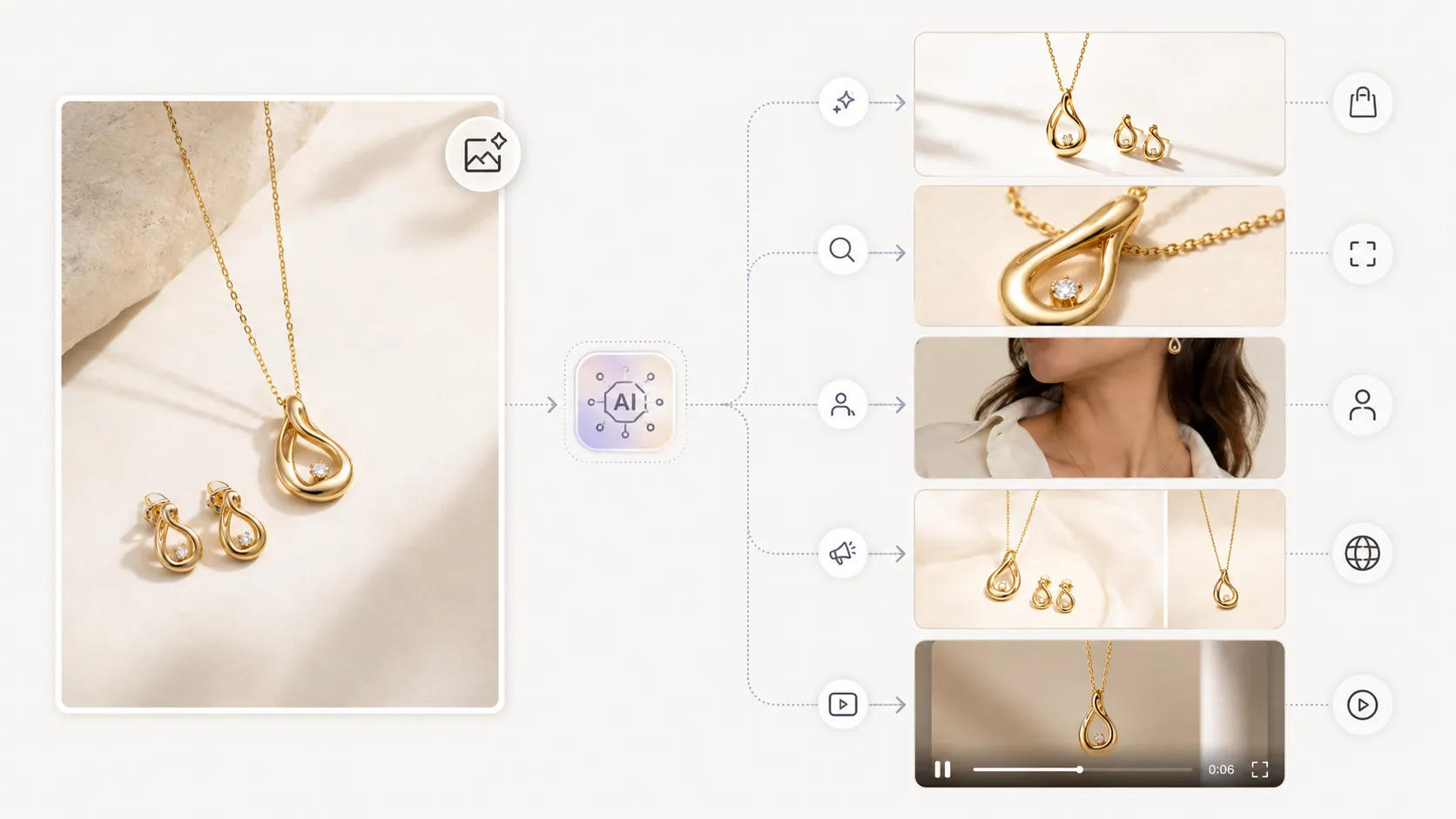
After the shoot, someone still has to isolate the product, clean the background, standardize the crop, fix shadow inconsistencies, prepare exports for different placements, and build variations for product pages, listings, and ads. A skincare bottle may need a white-background listing version, a closer crop for PDP detail, and one cleaner lifestyle variation. A handbag may need hardware visibility checks, background cleanup, and a resized version for marketplace use. A sneaker may need repeated framing across multiple angles and export-ready crops for different placements.
Each task looks manageable on its own. Across 50, 100, or 500 images, repetition becomes the real cost center.
That is the practical reason AI matters here. It helps most when the task is predictable, repeated, and visually structured enough to automate without asking the team to make the same low-value edit over and over again.
Where AI saves time and where it does not
The most useful question is not, "Can AI do post-production?" The better question is, "Which tasks become faster without making the final image less trustworthy?"
| Task | Strong fit for AI | Why it still needs review |
|---|---|---|
| Background removal | Yes | product edges, transparent elements, and fine detail can still break |
| Basic shadow cleanup | Yes | shadows can become artificial or inconsistent |
| Resizing and format prep | Yes | final channel crop still needs checking |
| Batch consistency work | Yes | consistency should not overwrite product truth |
| Simple scene or background variations | Sometimes | scene changes can distort color or product realism |
| Final publish decision | No | this is where trust, accuracy, and channel fit still need human judgment |
This is the line that matters. AI is strongest when the task is repetitive and rules-based. It is weaker when the task asks, "Does this still represent the actual product well enough to publish?"
The stronger reason to take AI-assisted post-production seriously is not a generic adoption stat. It is the way repetitive editing work accumulates in real ecommerce operations. Shopify and Adobe both emphasize how much product image workflows depend on repeated cleanup, multiple views, controlled backgrounds, and consistent preparation. When those tasks repeat across hundreds of images, the value of AI is not abstract. It shows up in how much manual cleanup the team no longer has to repeat by hand.
The safer rule: automate cleanup, not product truth
This is where teams often get the workflow wrong. They try to use AI on the most sensitive parts of the image instead of the most repetitive parts.
If you are editing a skincare bottle, AI can help remove the background faster. It should not be trusted blindly to preserve every label detail or subtle color relationship between the cap, bottle, and liquid. If you are editing a handbag, AI can speed up background cleanup and crop consistency. It should not be treated as self-validating when hardware finish, stitching, and silhouette matter. If you are editing a sneaker, AI can help standardize angle sets and export preparation. It still needs review for sole pattern, panel detail, and color blocking.
That is the safer rule: automate the work that is repetitive, not the work that defines product truth.
A practical AI-assisted post-production workflow
Step 1: Start with the strongest source image you have
AI reduces downstream work best when the source image is already clean, well lit, and detailed enough to preserve the product shape. If the input is weak, the workflow often becomes slower because the team ends up reviewing and correcting more outputs.
Step 2: Automate the edits that repeat across every image set
Start with the steps that have the highest repetition and the lowest need for fresh creative judgment:
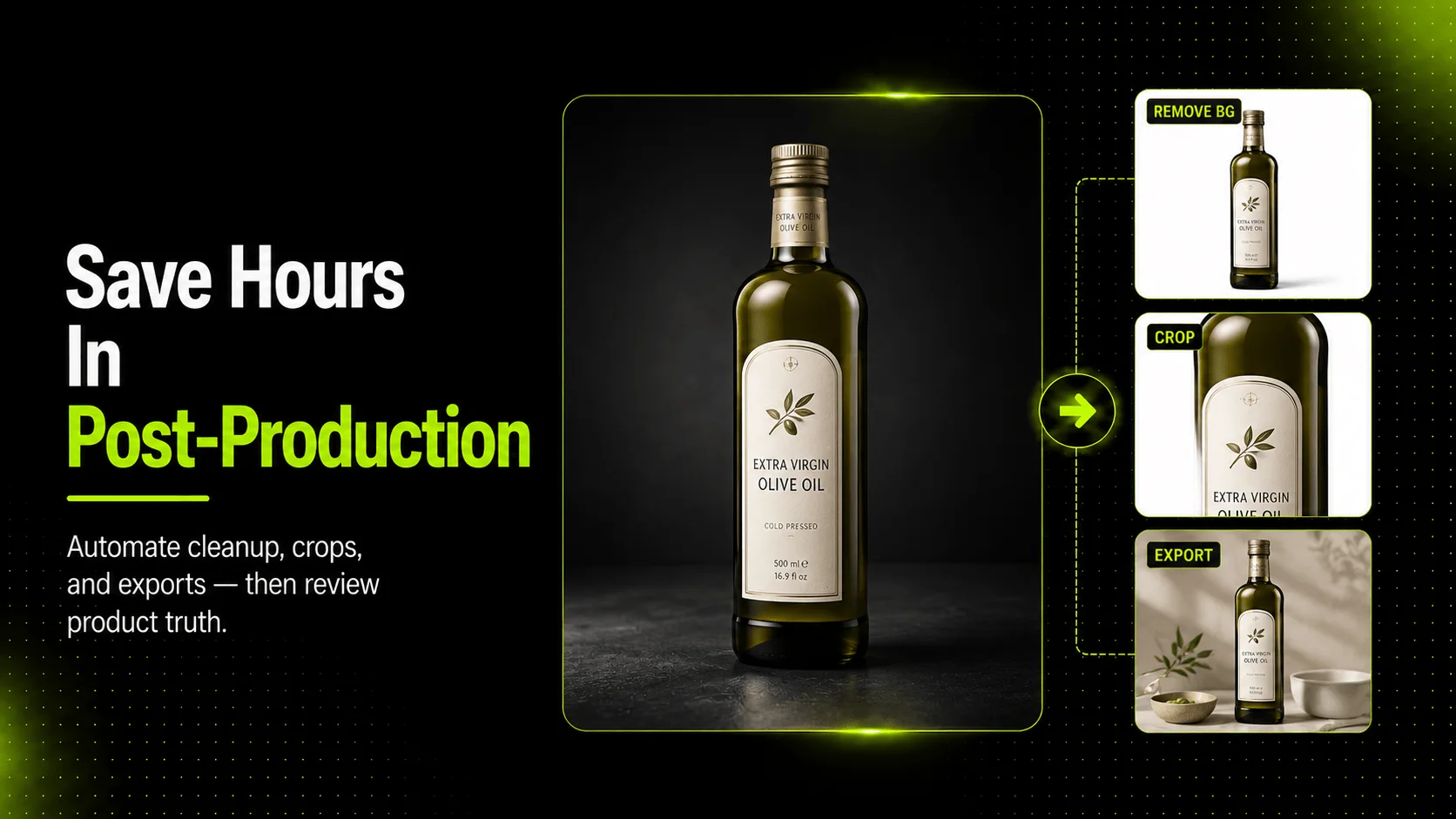
- isolate the product
- clean or replace the background
- standardize crop and framing
- prepare export sizes by destination
This is where the first real time savings usually appear. Not because AI is magically better at taste, but because it prevents the team from redoing the same technical cleanup over and over again.
Step 3: Generate only the variations that solve a real content need
Do not generate extra outputs just because the tool makes it easy. Extra variations still create review work.
Use AI variation when it answers a real need:
- a cleaner white-background listing asset for a skincare bottle
- a softer product-page variation for a handbag
- a repeatable crop set for a sneaker launch
- a tidier apparel image set where the background and framing need to stay consistent
If the variation does not reduce future work or improve page usefulness, it is probably creating more work than it saves.
Step 4: Slow down for trust-critical review
This is the part the workflow should never rush.
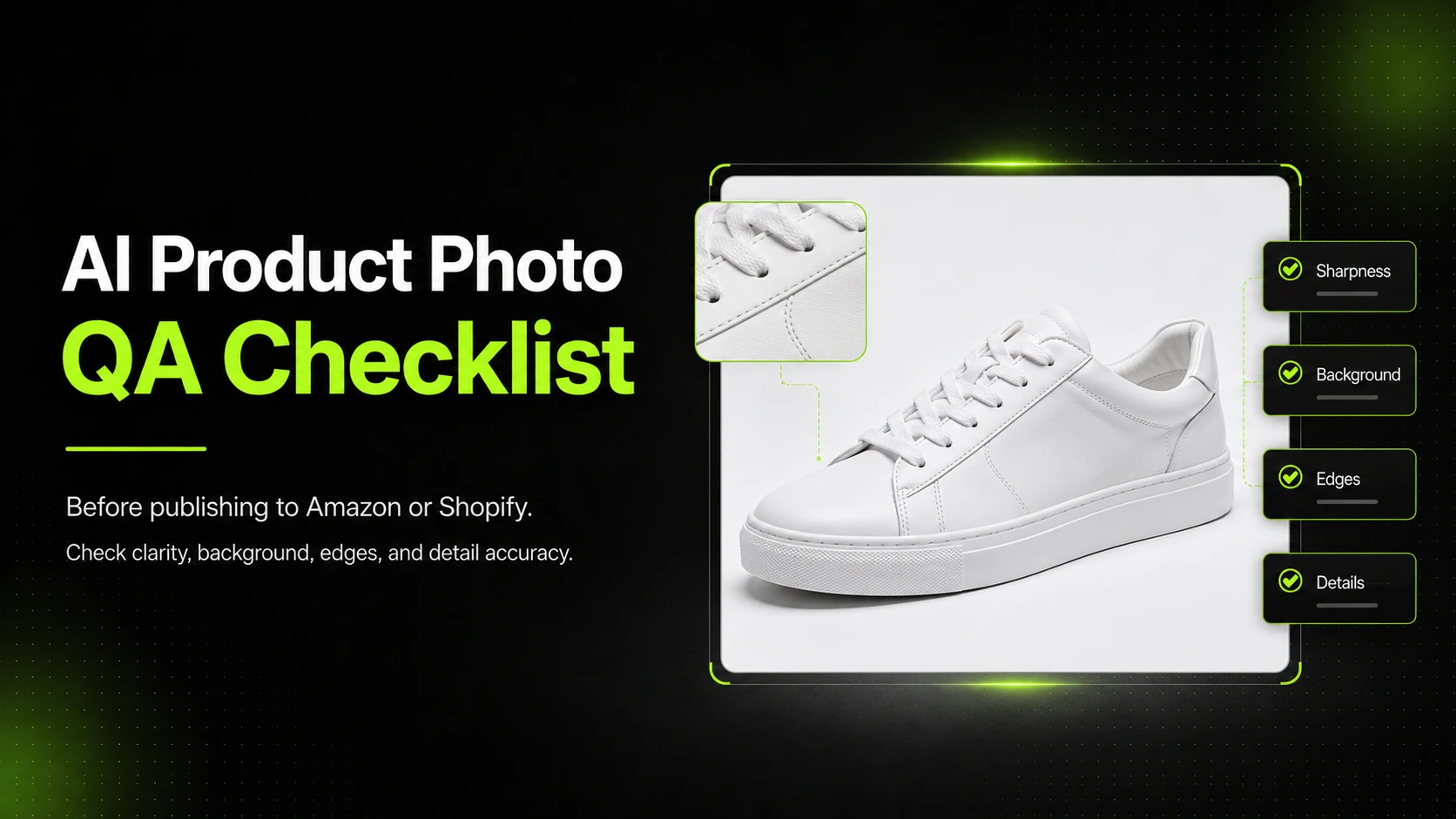
Check the edits that affect product truth and shopper trust:
- product shape
- color accuracy
- label text
- material or texture clarity
- cropping and framing
- target channel requirements
Google Merchant Center's image guidance makes this more than a design preference. Product images should accurately display the product, avoid promotional overlays, and fit supported image requirements. That means automation can prepare the image, but it should not be treated as the final publish decision.
Step 5: Export by channel, not as a one-size-fits-all asset
Once the image is approved, export it according to where it will actually appear: PDP, listing, marketplace, or ad. This keeps teams from repeating manual prep later and reduces the chance that one generic export will be stretched across jobs it was never designed to do.
If your team is spending too much time on repetitive cleanup after the shoot, AI Product Photography, Background Remover, and Image Upscaler are most useful when they support this kind of controlled workflow rather than pretending to replace review.
Common mistakes that erase the time savings
Mistake 1: Trying to automate before the image is ready for automation
AI does not turn a weak source image into a trustworthy publishable asset by itself. If the input is poorly lit, badly cropped, or missing critical detail, the team often spends the saved editing time on added review and correction.
Mistake 2: Measuring success only by output speed
A workflow is not better just because it produces files faster. If the team saves time but ships a misleading product image, the workflow failed. The right metric is not only speed. It is speed without damaging trust.
Mistake 3: Creating more variants than the workflow can realistically review
Ten extra scene options may feel productive, but they still create extra review burden. Generate what solves a channel or page need, not what simply fills a folder.
Mistake 4: Treating final review as optional
This is where teams lose the most. Automation can prep the image. It should not be the reason you stop checking whether the final output is accurate enough for the customer.
What to review before publishing AI-assisted product images
Before publishing, review the parts of the image that affect product truth and channel fit.
- Does the product shape still match the original?
- Does the color still look accurate?
- Is label text or packaging copy still readable where relevant?
- Are material details or texture still believable?
- Is the crop clean and channel-appropriate?
- Could the final image mislead a shopper about what they will receive?
That review matters even more when the workflow feels efficient. AI shortens repetitive work. It does not remove the need to decide whether the image still tells the truth.
FAQ
Conclusion
AI product photography saves time in post-production when it removes the repetitive work that teams do across large image sets. The strongest gains usually come from cleanup, resizing, background work, and repeatable asset preparation. The weaker use case is asking AI to make the final trust judgment for you.
The practical takeaway is simple. Automate the work that repeats. Review the work that determines product truth. If your team wants to reduce repetitive manual effort without giving up control over the final image, a product-focused AI workflow is the strongest place to start.