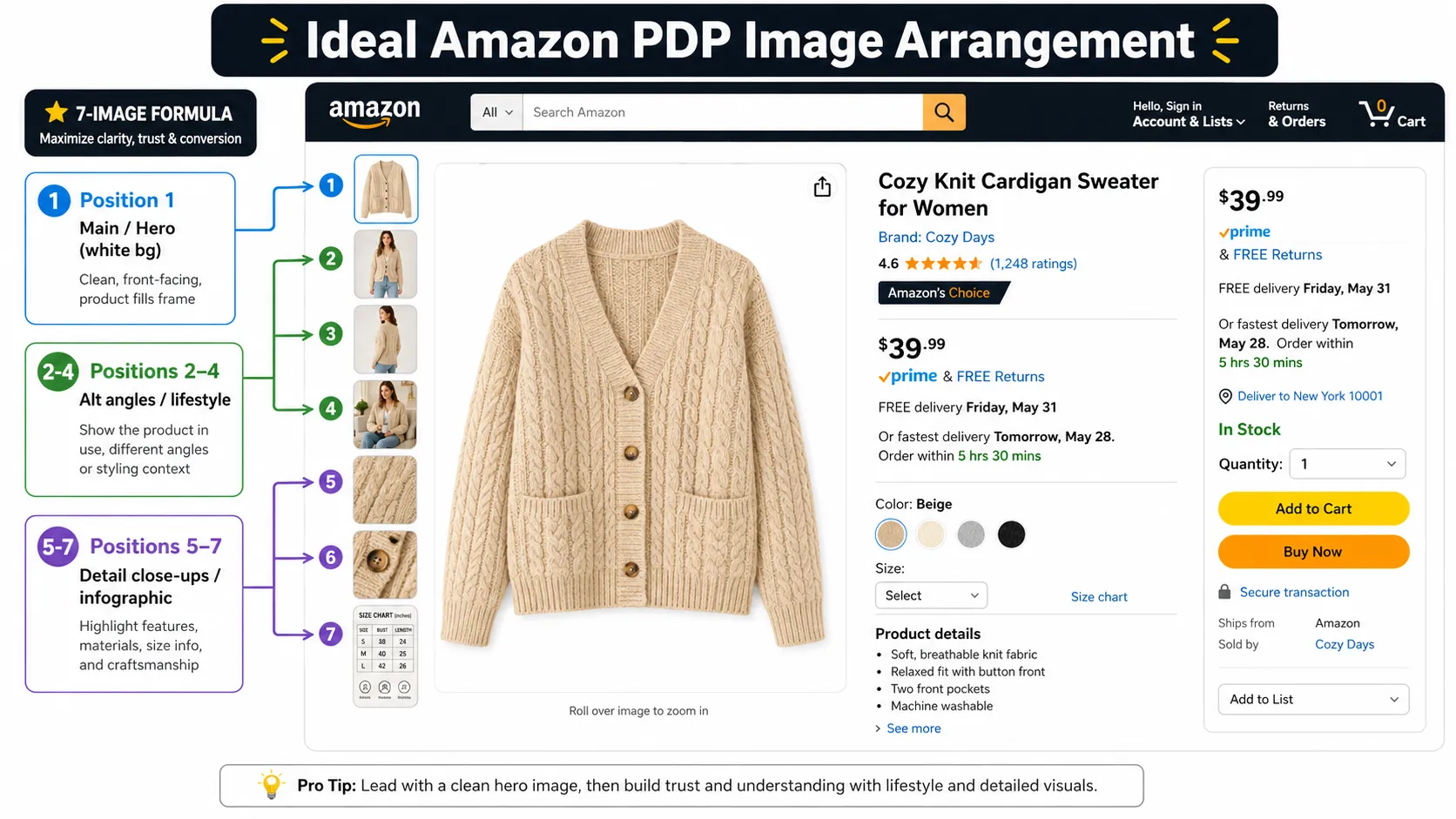



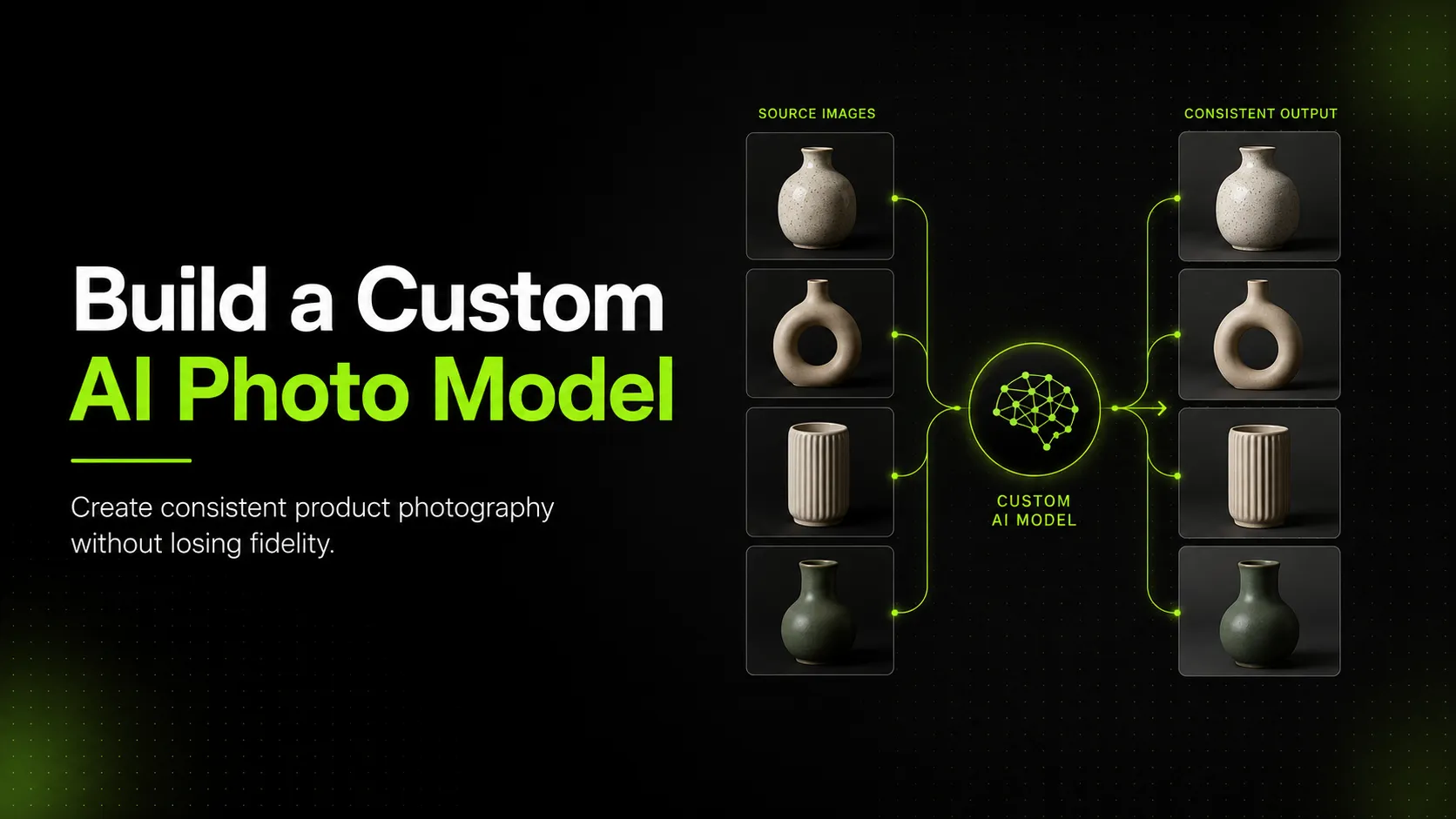
What a Custom AI Model Is Really Trying to Solve
A custom AI model for product photography is usually not trying to make the image "more AI." It is trying to reduce the visual drift that happens when teams generate many images from a broad, general-purpose model.
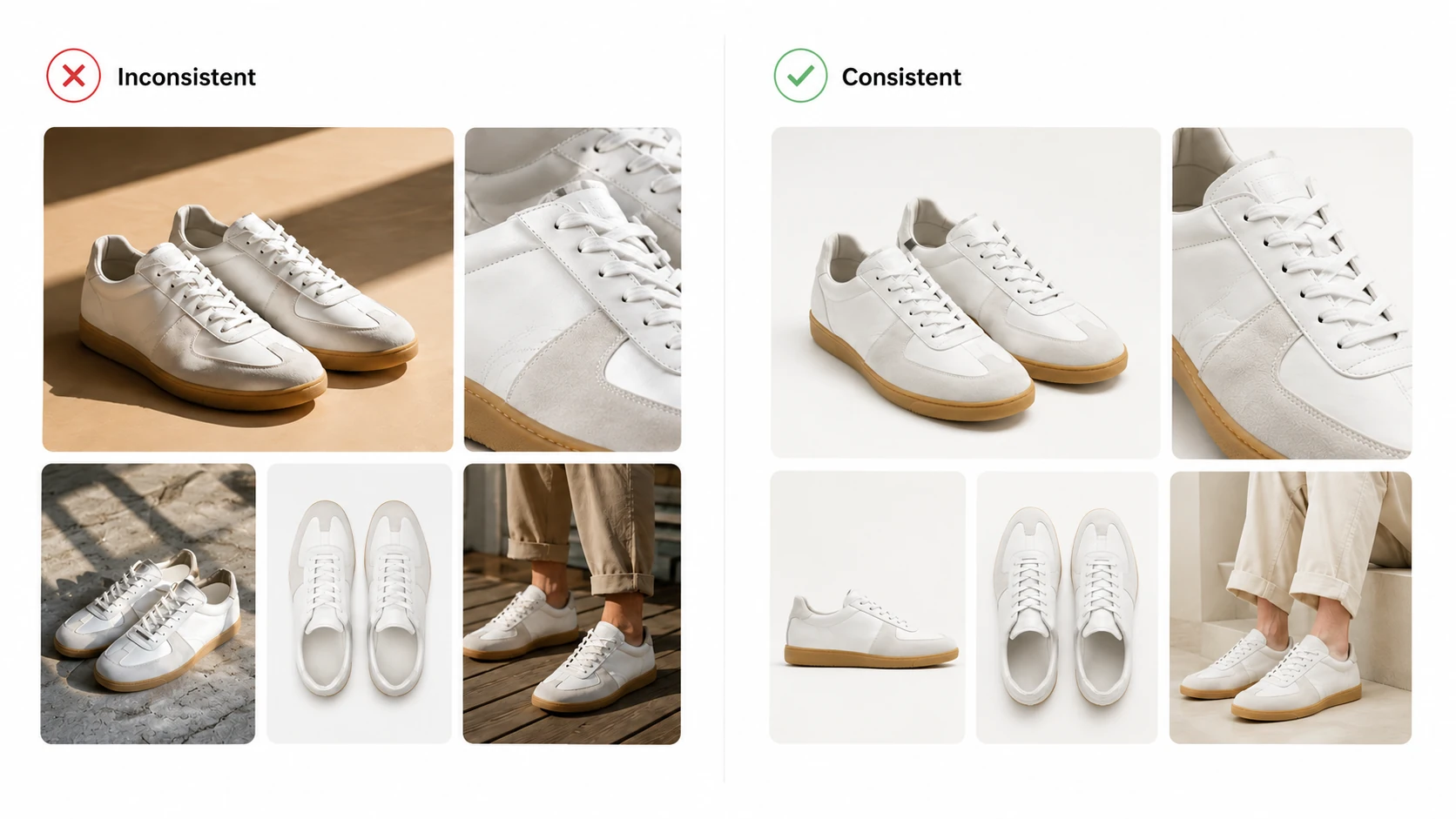
For a skincare bottle line, that might mean keeping lighting, bottle angle, and packaging treatment consistent across a full launch set. For a sneaker catalog, it might mean stabilizing color handling, crop logic, and scene treatment across many variants. For a handbag brand, it might mean keeping material tone, silhouette, and hardware presentation aligned across hero images, campaign assets, and supporting visuals. For a t-shirt line, it might mean repeating a reliable garment presentation system so the catalog does not feel like it was assembled from unrelated shoots.
That is the operational goal. Not novelty. Not one spectacular image. A repeatable visual system.
Typeface's brand-management guide is useful here because it frames consistency as an infrastructure problem, not just a design taste issue. If the brand cannot define a stable visual language, the model will not magically invent one for the team.
When a Custom Model Makes Sense and When It Does Not
A Custom Model Makes Sense When
- the brand already has a stable visual identity
- the team can provide a clean and curated training set
- the image jobs repeat often enough to justify the setup effort
- product categories are consistent enough to benefit from model tuning
- the business needs scale with more visual control than prompt-only workflows provide
For example, a skincare brand with hundreds of similarly packaged SKUs may benefit from a custom model more than a retailer that sells many unrelated product types. A sneaker brand with stable visual standards across launches may benefit more than a merchant whose visual direction changes every month. A handbag line with strong product photography archives may have better training material than a team still scraping together mixed-quality images from different shoots.
A Custom Model Does Not Make Sense When
- the brand style is still changing
- training images are inconsistent in quality, lighting, or product treatment
- the team mostly needs cleanup, resizing, and controlled exports rather than true training
- the product mix is too broad for one visual system to hold together
- the team expects the model to remove the need for QA
This is where teams often overbuild. If the real problem is background cleanup or repeatable asset preparation, a product-focused workflow may solve more than a custom model with far less overhead.
What You Need to Create a Custom AI Consistency Workflow
The build process is less about one training action and more about workflow discipline.
1. Define the Visual System First
Before training, decide what the model is expected to preserve. BluEdge's process article describes this as understanding the brand's visual identity first: colors, lighting styles, textures, composition preferences, and branding details. Without that, you are not training a consistent system. You are feeding a model a loose pile of images and hoping it discovers the pattern you never documented.
That means the team should define:
- preferred background treatment
- camera angle patterns
- lighting style
- crop logic
- product framing rules
- visible branding rules
2. Curate Training Images Aggressively
Adobe Firefly's custom-model best practices make this point clearly: the quality of the training set directly affects output quality. High-resolution, clean, and relevant source images matter more than volume alone.
For a skincare bottle, remove outdated label versions and low-quality package shots. For a sneaker line, avoid mixing highly inconsistent color treatments or wildly different shot styles in the same training batch. For handbags, keep only images that represent the intended brand tone and product detail standard. For apparel such as t-shirts, do not mix flat lays, mannequin shots, and loose lifestyle imagery into one uncontrolled dataset unless that variety is intentional and well-structured.
3. Label and Group the Data by Workflow Need
Do not treat every source image as interchangeable. Group them by product type, background logic, camera treatment, and intended use. That way the system learns a pattern that is useful for the actual production job.
This is where technical concepts like embeddings are useful at a high level. Google's machine learning guidance explains that embeddings help represent similarity and grouping in a lower-dimensional space. You do not need to explain vector math in the article, but it is useful to clarify that a custom model is trying to learn reusable relationships between visual patterns, not just copy one image.
4. Train for the Narrowest Useful Job First
Start with one consistency problem, not every problem. A custom model trained to handle skincare packaging hero images is easier to evaluate than one trained to handle skincare hero images, campaign banners, social ads, and educational infographics all at once.
The safer workflow is to narrow first, then expand.
5. Evaluate Against Real Product Checks
This is where many teams fail. They judge whether the output looks visually coherent, not whether it remains true to the real product.
Photoroom's 2026 product-fidelity benchmark is useful here as a warning. In that benchmark, top editing image models passed product-fidelity checks only 28% of the time overall, and logo/text distortion was the biggest single failure category. That does not mean your custom-trained workflow will produce the exact same result. It does mean you should not assume that training alone removes the fidelity problem.
If your brand cares about package labels, sneaker color blocking, handbag hardware, or t-shirt print placement, your evaluation criteria must check those details explicitly.
How to Prepare Training Assets and Brand References Effectively
This is where custom workflows often win or lose before training even starts.
Use a Single Brand Language Per Training Scope
If you want consistent product imagery, the training set should not contain mixed signals. Do not combine bright commercial white-background product images with moody luxury editorials unless the model is specifically meant to support both and the categories are clearly separated.
Preserve the Product, Then Style the Scene
Start with product-truth images first. Then add style references that control background, mood, or campaign direction. If those two things are mixed without hierarchy, the model often learns scene flavor more strongly than product truth.
Remove Weak or Outdated Inputs
Old label versions, poor edge quality, wrong colorways, compression damage, and inconsistent shadows do not just lower quality. They teach the model the wrong standard.
Build Reference Packs, Not Random Folders
The strongest training reference sets usually include:
- approved hero images
- detail-preserving close views
- background reference examples
- category-specific consistency examples
- do-not-use examples when the team has them
This also makes human review easier later because the evaluation set mirrors the training intent.
Where Custom Models Still Fail in Product Photography
Custom models can improve consistency. They do not remove the core risks of AI product imaging.
Labels and Logos
Text and logos are still fragile. A skincare bottle may keep the right general look while spacing the front label differently. A coffee bag may reproduce the brand feel but soften small packaging text. A sneaker box may carry the correct brand but distort small printed marks or side-panel detail.
Material and Hardware
Handbag hardware, zipper alignment, leather texture, and sneaker panel detail are all places where outputs may remain stylistically consistent but materially wrong.
Color Drift Across Variants
A custom model can still create enough color variation that a catalog feels more polished than accurate. This becomes especially risky when customers compare variants directly.
Overconfidence From Good-Looking Outputs
This is the most expensive failure mode. The images look coherent enough that the team lowers its guard, even though subtle distortions are still there.
What to Review Before Publishing Images From a Custom AI Workflow
Before publishing, review the image set against the real product, not just the trained style.
- Product shape: does the silhouette still match the actual item?
- Color accuracy: are shades stable enough across outputs and true to the product?
- Logo placement: are logos and visible brand marks still correct?
- Label text: if packaging text matters, is it still readable and accurate?
- Material or texture consistency: do the surfaces still look believable and stable?
- Cropping and framing consistency: does the set follow one visual system without introducing accidental drift?
- Shopper trust: could the image set create the wrong expectation about the real product?
Google Merchant Center's image guidance reinforces the same point from the publication side: images should accurately display the product and avoid misleading presentation. A custom model can help your images feel more consistent. It does not remove the need to verify that the set is still telling the truth.
FAQ
Conclusion
The best reason to build a custom AI model for consistent product photography is not that custom training sounds more advanced. It is that your team has a repeatable image problem worth solving and the disciplined source material to train against.
The strongest custom workflows begin with clean brand rules, high-quality source imagery, and narrow training scope. They succeed when the team treats custom training as a control system, not a replacement for review. If your team wants more repeatable product imagery but is not ready to build and govern a full custom model stack, a product-focused workflow can often deliver more control than a prompt-only approach with far less overhead.