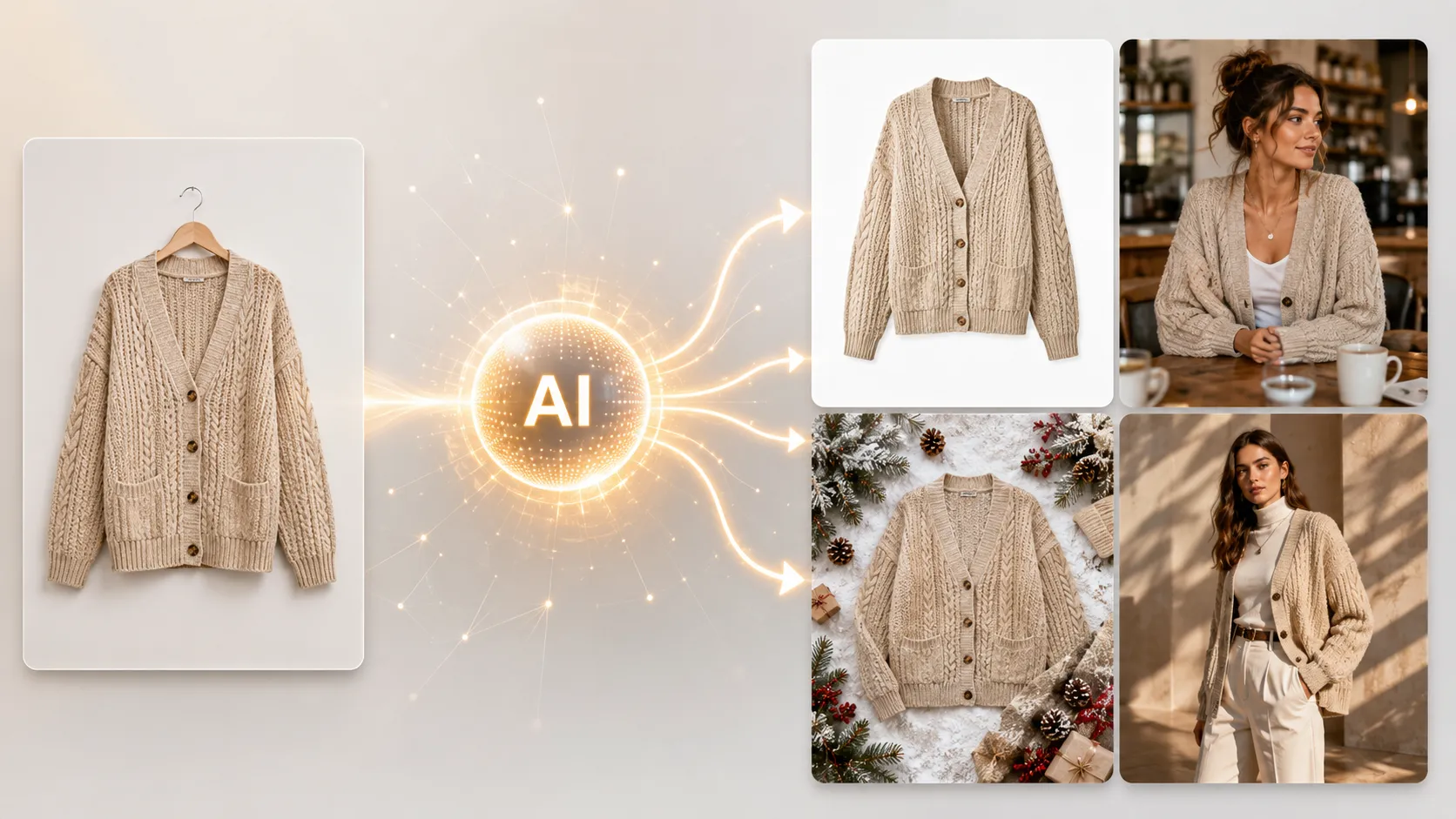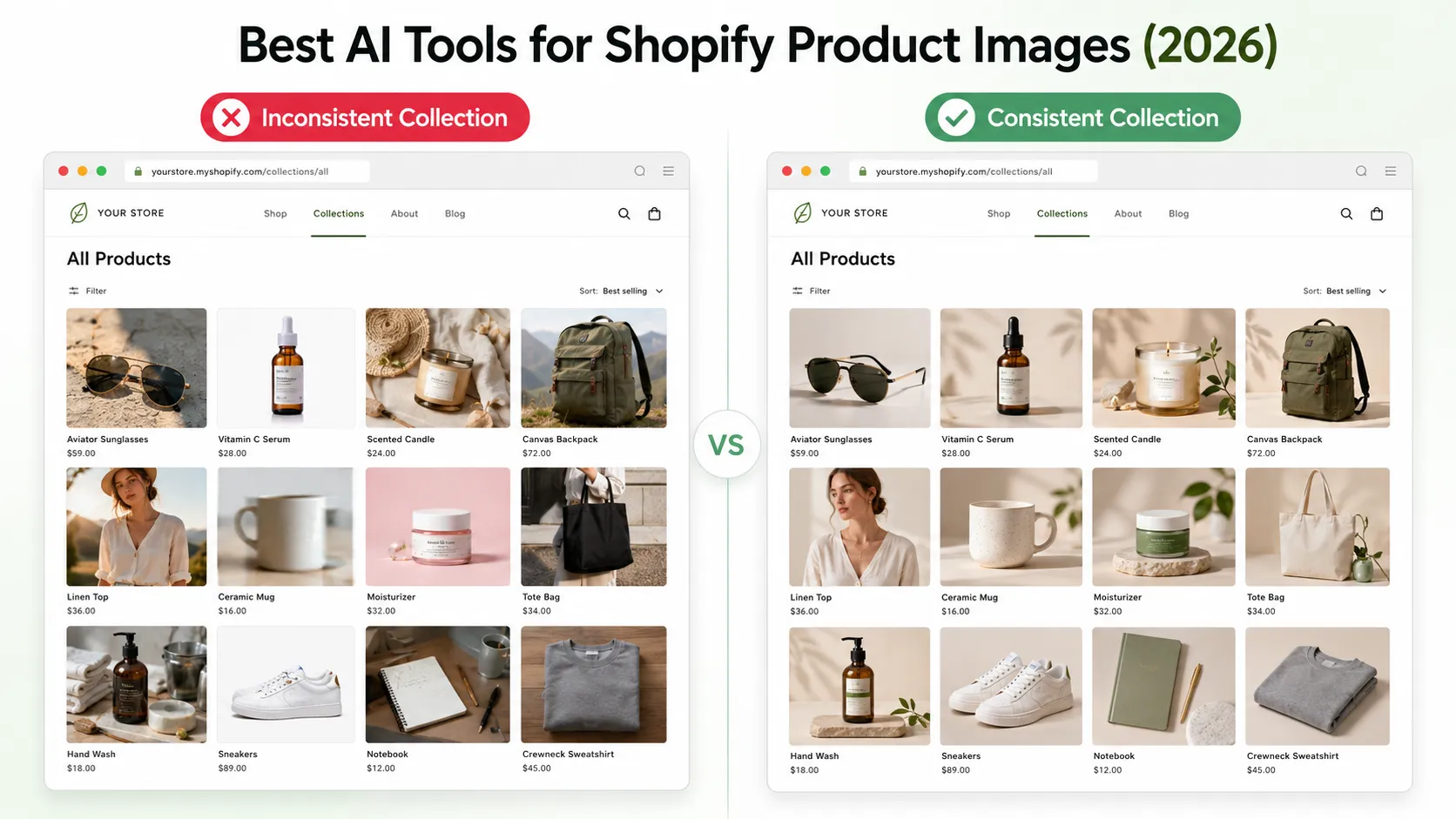



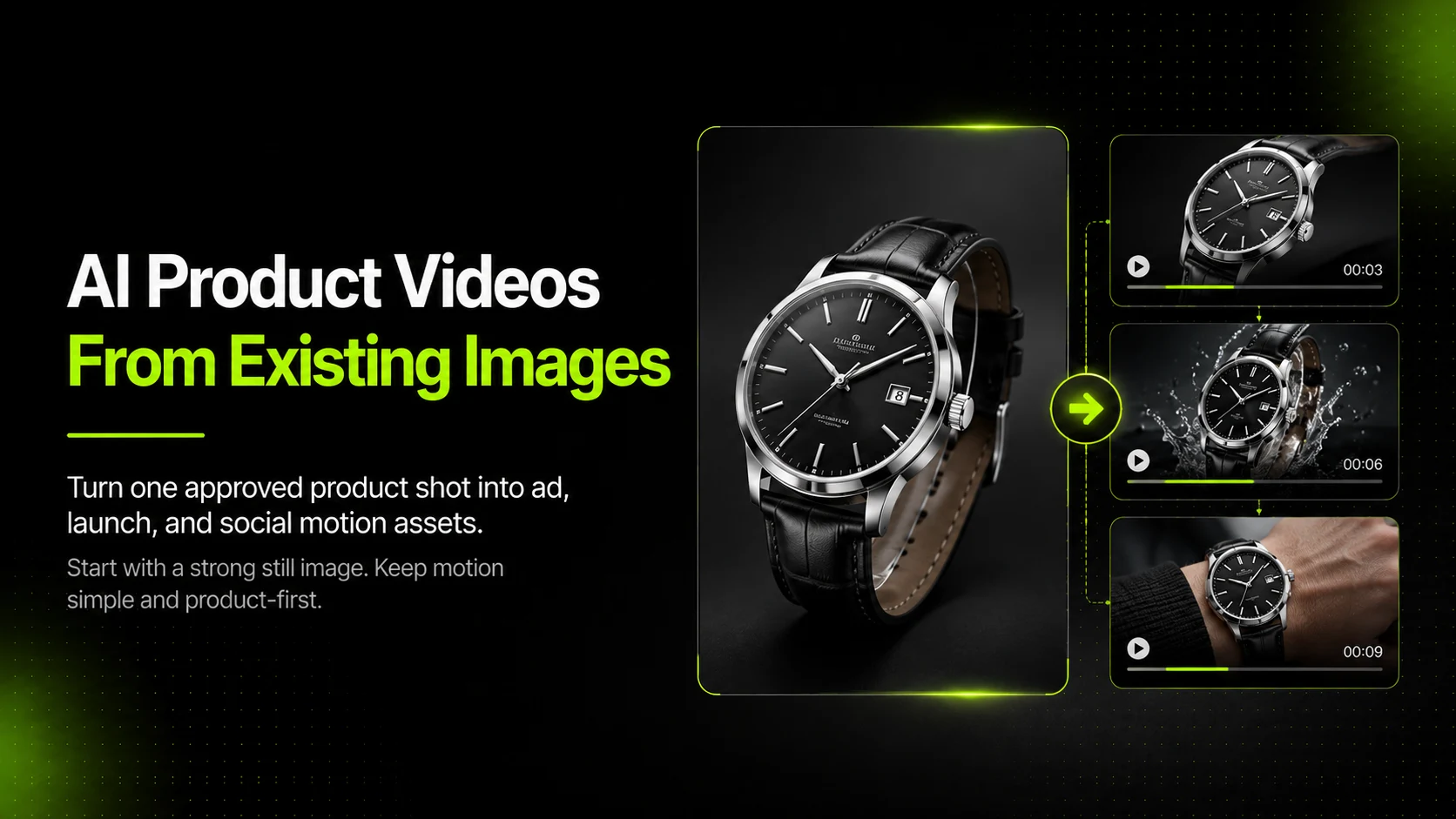
AI product videos work best when they start from strong product images. If you already have clean product photos, campaign visuals, or ecommerce listing assets, AI can help turn them into short-form videos for ads, launches, and social content without requiring a full new video shoot.
That is what makes this workflow useful for ecommerce teams. The goal is not to replace every part of traditional video production. The goal is to create more motion-ready product assets from visuals you already trust.
Key Takeaways
- The best AI product videos usually start from strong, already-approved product images.
- Image-to-video works best when the product is clear, the scene is controlled, and the motion goal is simple.
- AI product video should be treated as an extension of the product image workflow, not a separate creative task.
- Teams can use one product image to create more ad, launch, and short-form variations without filming from scratch.
- iCreat AI is most useful when you want to turn existing product visuals into more campaign-ready motion assets.
Why Existing Product Images Are the Best Starting Point
Most ecommerce teams already have some usable product visuals. They may have a hero image, a clean studio shot, a product-page visual, or a campaign image that already communicates the product well.
That is the strongest starting point for AI product video because the visual problem is already partly solved. The product is visible, the scene makes sense, and the image has already passed some level of brand or merchandising review.
Strong Input Reduces Randomness
The more useful the starting image is, the more stable the video output tends to be. If the product already looks clear and believable, the motion workflow has less invention to do.
That usually means fewer strange transitions, fewer off-brand results, and less cleanup later.
Motion Should Extend, Not Rescue, the Visual
If the image is already weak, the video usually inherits that weakness. A confusing product image does not become a strong ad simply because it moves.
This is why AI Product Video should be treated as a workflow built on top of product image quality, not as a fix for weak product visuals.
What Makes a Good Image-To-Video Source Asset
Not every product image is equally useful for AI video generation.
Clear Product Visibility
The product should be easy to identify at a glance. If the viewer cannot tell what the item is in a still image, motion will rarely solve the problem.
Simple, Controlled Composition
The best source images usually have one clear focal point and a scene that does not fight the product. AI video workflows often perform better when the composition is visually stable.
Product Accuracy Before Motion
Before turning an image into video, make sure the still image already preserves the product details you care about. Labels, shape, surface logic, and important visual cues should already be strong before you add motion.
If your team needs to create better source visuals first, AI Product Photography is the right workflow to begin with.
How To Create AI Product Videos From Existing Product Images
Step 1: Choose the Best Existing Product Image
Start with the strongest image you already trust. That might be a clean studio product image, a lifestyle product shot, or a campaign visual that already communicates the product clearly.
The key is to choose an image that already works as a still asset.
Step 2: Define the Motion Goal
Do not ask the video workflow to do everything at once. Decide what the motion asset is supposed to achieve.
For example:
- A short promotional ad for paid social.
- A launch asset for a new product drop.
- A more engaging version of an existing campaign visual.
Clear motion intent usually produces cleaner outputs.
Step 3: Keep the Motion Simple and Product-First
For ecommerce, motion does not need to be cinematic. It only needs to help the viewer notice the product more quickly or understand it more clearly.
Simple movement often works better than overly dramatic motion when the goal is conversion.
Step 4: Generate More Than One Version
Do not stop at the first acceptable output. Generate a small set of options, then review them for product clarity, motion quality, and whether they still feel commercially usable.
Step 5: Use the Strongest Version for Campaign Extension
Once one motion concept works, treat it as the base for more variations rather than as a one-off final asset.
Best Use Cases for AI Product Videos
Paid Social Ads
Short-form product videos work well in social ad placements where attention is limited and the product needs to register quickly.
Product Launches and Seasonal Campaigns
One strong campaign image can become multiple motion-led launch assets without a separate filming schedule.
Product-Page and Merchandising Support
Some teams also use motion assets to support broader ecommerce storytelling, especially when the product benefits from movement, material demonstration, or visual energy.
How To Expand the Workflow Beyond One Video
The most useful AI product video workflow does not end with one export.
Background or Scene Variation First
If the concept needs a different backdrop or creative direction before video generation, AI Image Replacer can help adapt the source image before turning it into motion.
One Still Image to Multiple Motion Concepts
Once the image works, the team can create multiple short-form directions from it: cleaner ad versions, seasonal versions, or audience-specific variants.
Strong Static to Broader Asset System
This is where the workflow becomes more scalable. A single approved image can feed a still campaign, a short motion ad, and additional ad variations without starting from zero each time.
Common Mistakes To Avoid
Starting with a Weak Product Image
If the still image is off-brand, too busy, or product-unclear, the video usually becomes a moving version of the same problem.
Asking for Too Much Motion Complexity
When the motion request becomes too ambitious, the output often gets less stable. For ecommerce content, simpler is usually better.
Treating Video as a Separate Creative Workflow
AI product video works best when it stays connected to product photography, image replacement, and final review. It should extend the image workflow, not ignore it.
A Practical Ecommerce Workflow
- Create or select the strongest existing product image.
- Review it for product clarity and brand readiness.
- Decide the motion goal before generating.
- Turn the image into a short-form product video.
- Compare multiple outputs and keep the most usable version.
- Extend that concept into more campaign-ready motion assets if needed.
This is the most practical reason to use AI product video. It helps teams create more useful motion assets from visuals they already trust, without adding another full production cycle.
FAQ
Conclusion
AI product videos are most useful when they extend the value of existing product images. The workflow works best when the starting image is already clear, the motion goal is simple, and the product stays central throughout the final asset.
If you want to turn trusted product visuals into short-form campaign assets, start with iCreat AI's AI Product Video. If the source image still needs improvement first, AI Product Photography helps create stronger starting assets, and AI Image Replacer can help adapt the concept before motion generation.
When you are ready to create more video assets from existing product images, log in to iCreat AI and start from your strongest product visual.