


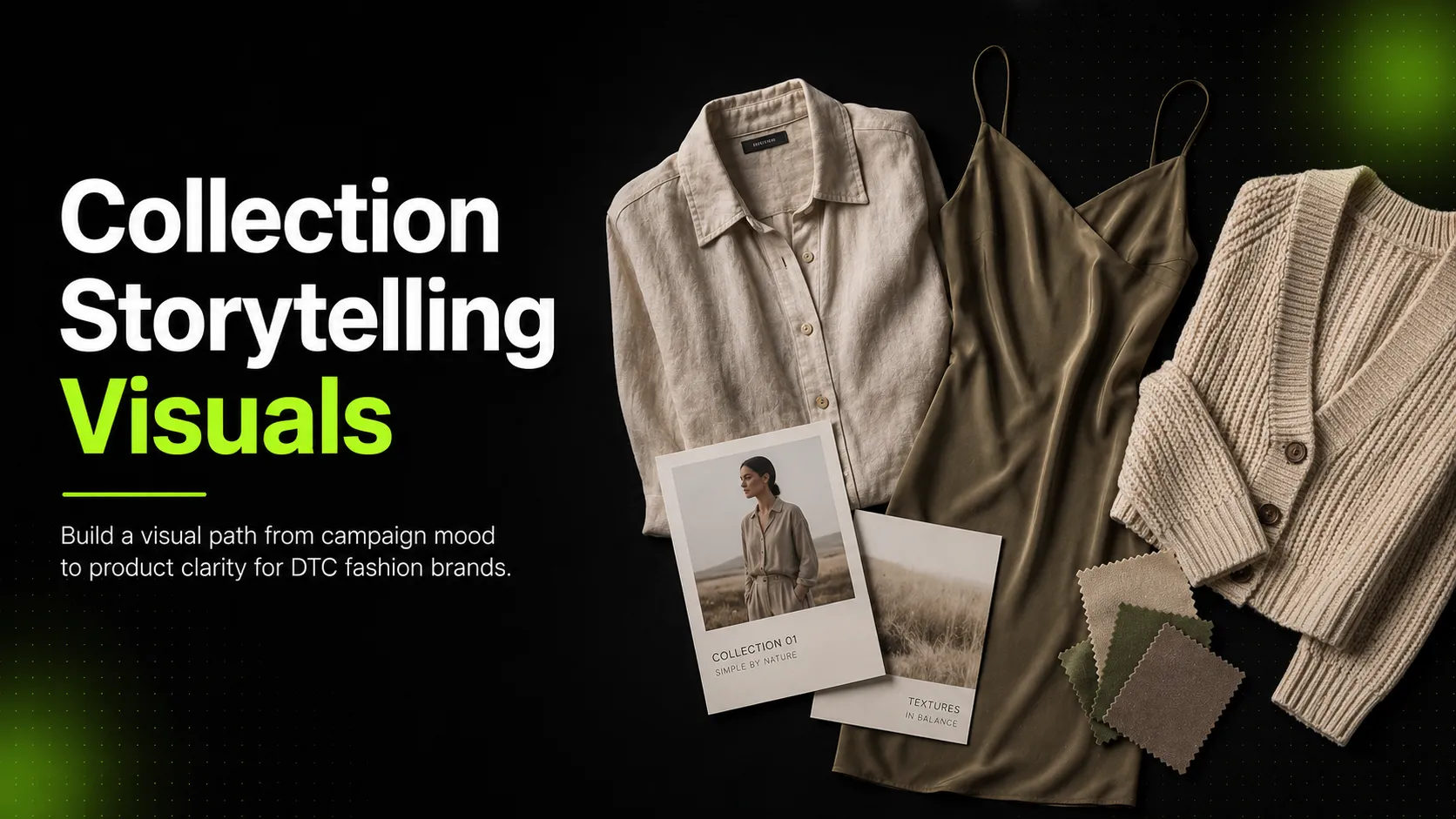
DTC fashion brands sell through images.
A shopper may first meet a collection through an Instagram ad, then see it again in an email, land on a collection page, open a product page, zoom into a fabric detail, and decide whether the brand feels worth buying from. Most of that decision happens before they read much copy.
That is why collection storytelling visuals matter.
They are not just campaign decoration. They are the visual path that helps a shopper understand what the collection is about, how the pieces work together, and why the products belong in their life.
The common mistake is going too far in one direction. Some brands create beautiful campaign images, but the shopper still cannot tell what the garments look like. Others create clear product photos, but the collection feels like a flat grid with no point of view.
A strong collection does not need more images. It needs the right images in the right order.
This guide explains how to create collection storytelling visuals for DTC fashion brands: how to define the story, choose image types, use AI responsibly, adapt by channel, and review before publishing.
What Collection Storytelling Visuals Actually Do
A collection story is not the same as a moodboard.
A moodboard helps your team decide the direction. Collection storytelling visuals help the customer understand the drop.
For a DTC brand, collection visuals need to do two jobs at once: make the collection feel desirable and help the shopper understand what they can actually buy.
A good visual system answers:
- What is the mood of this collection?
- Which pieces are the hero products?
- How do the items work together?
- What occasion or lifestyle does the collection belong to?
- What does the fabric, fit, and cut look like?
- Which image should make the shopper click?
- Which image should help the shopper feel confident enough to buy?
A campaign image may create desire. A detail image may create trust. A product image may answer fit questions. A social crop may get attention.
The mistake is expecting one image type to do everything.
Start With the Collection Point of View
Before planning visuals, define the collection point of view.
This is not a slogan. It is the working idea behind the collection.
“Summer Drop” is not enough. It does not tell you what the images should look like.
A stronger point of view would be:
Now the visuals have direction. You can imagine warm daylight, relaxed styling, quiet streets, resort terraces, simple accessories, and outfits that feel practical but still considered.
Another example:
That collection needs a different visual language: evening light, richer texture, closer crops, polished styling, and stronger contrast.
Ask these questions before creating the images:
- What is the customer buying into?
- Is this about season, occasion, lifestyle, fabric, color, silhouette, or styling?
- What are the hero pieces?
- Which products need more explanation?
- Which pieces should be shown together?
- What should the shopper feel in the first five seconds?
- What should the shopper understand before they reach a product page?
Build a Visual Story Arc
A DTC shopper rarely sees your full collection in one place. They move between channels.
That is why the visual story needs a sequence.
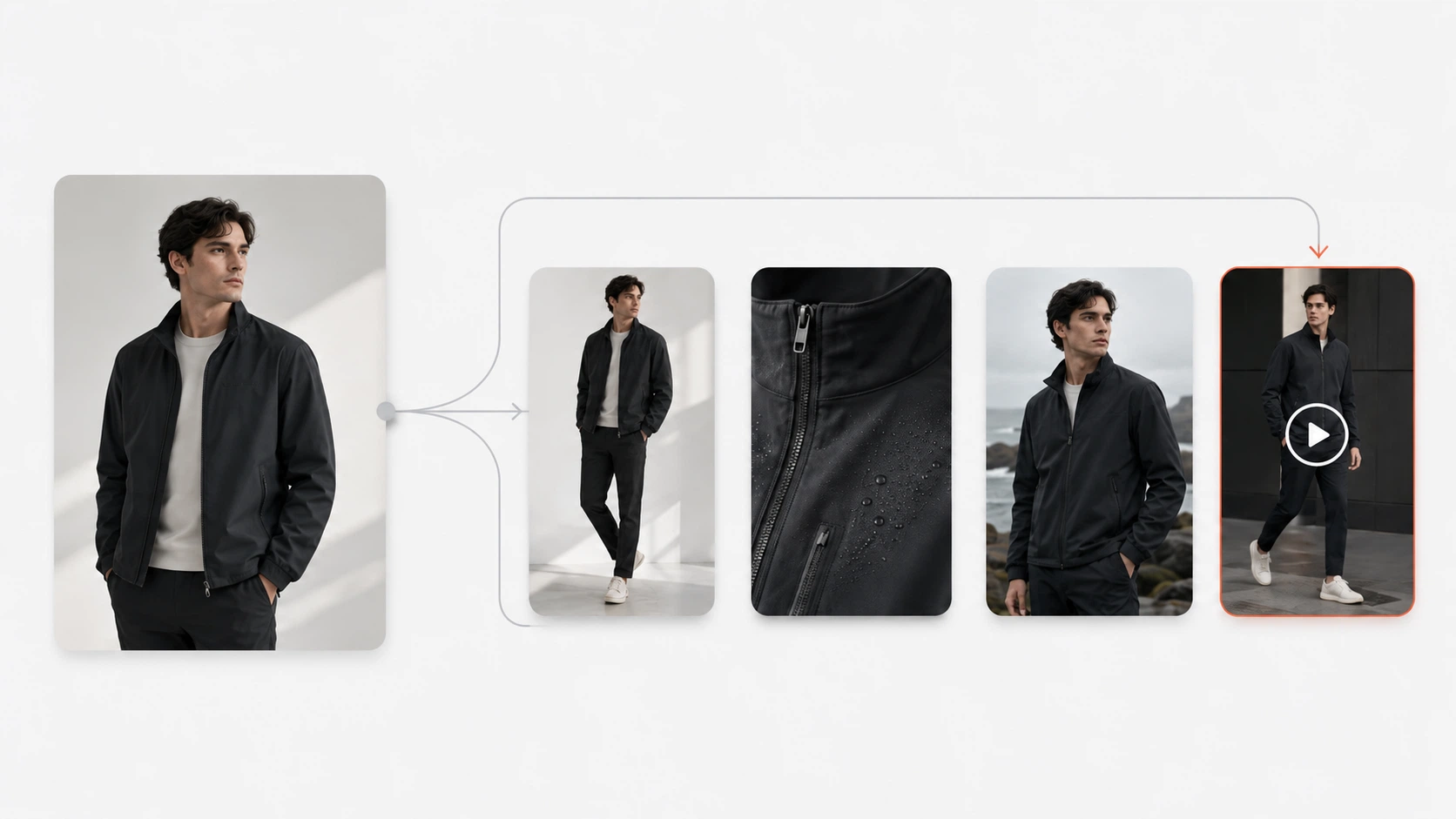
A simple collection story arc can look like this:
- Hero image: Introduces the mood and main idea.
- Collection overview: Shows how several pieces belong together.
- Key look images: Shows the strongest outfits or hero products on model.
- Product clarity images: Shows fit, cut, color, and styling more clearly.
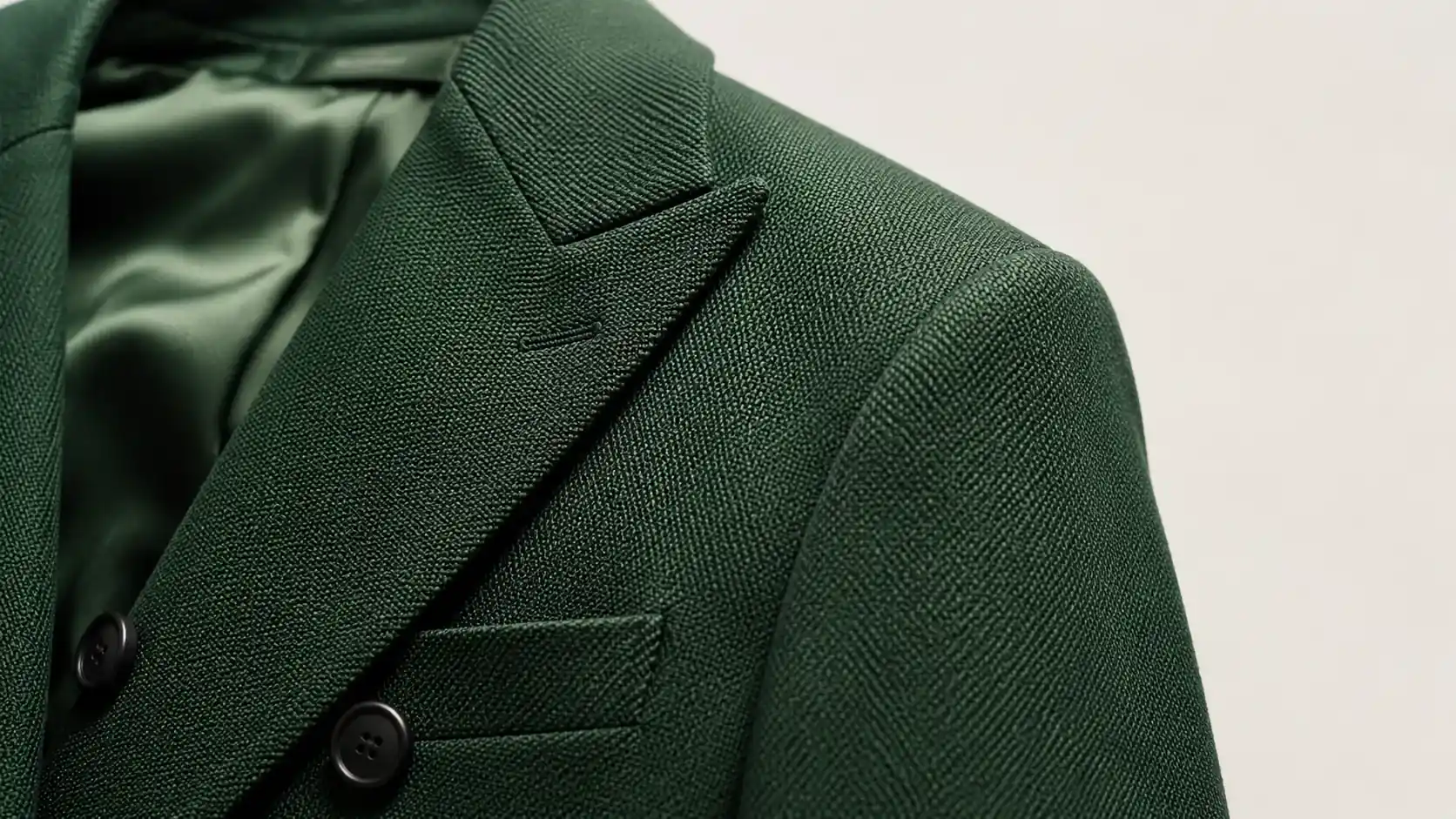
- Detail images: Shows fabric, trims, buttons, stitching, print, or finish.
- Lifestyle images: Shows where the collection lives in the customer’s world.
- Channel crops: Adapts the strongest images for social, email, ads, and mobile.
This sequence matters because desire and confidence happen at different moments.
A hero image may make the shopper interested. But it probably will not answer whether the trouser is high-waisted, whether the fabric is sheer, or how the jacket sits at the shoulder. A detail image may help the shopper trust the product, but it may not create the mood that makes the collection feel worth exploring.
The goal is not to make every image beautiful in the same way. The goal is to make every image useful.
If You Only Have Time for Six Visuals
Small DTC teams often do not have time for a full visual system.
Start with six images:
- One hero image to introduce the collection mood.
- Two key look images to show the main outfits or hero products.
- One product clarity image to show fit, shape, or styling.
- One detail image to build trust around fabric or construction.
- One social crop to create a mobile-first traffic asset.
This is enough to support a collection page, email, social launch, and at least one paid ad test.
For a larger drop, expand from there. Add more detail images for complex garments, more key looks for outfit-led styling, or more social crops for creative testing.
Do not start by generating twenty random visuals. Start with the images your customer actually needs.
Choose Visual Types Based on the Collection
Different collections need different visual weight.
A minimal basics collection may need more product clarity and detail because the differences are subtle. A resort collection may need more lifestyle and mood because the customer is buying into a setting. A holiday edit may need closer detail shots because texture, shine, and finish matter.
Use this table as a planning guide:
| Visual Type | Best For | Where It Works |
|---|---|---|
| Hero campaign image | First impression and collection mood | Homepage, landing page, email, ads |
| Key look image | Outfit styling and product role | Collection page, lookbook, social |
| On-model product image | Fit, scale, and proportion | PDP, collection page, ads |
| Detail image | Fabric, trims, buttons, print, finish | PDP, email, product story |
| Group image | Showing pieces as a capsule | Collection page, lookbook |
| Lifestyle scene | Connecting the collection to a real context | Social, email, campaign page |
| Social crop | Mobile-first engagement | Instagram, Pinterest, paid social |
A strong collection page usually mixes three things: mood, product clarity, and detail.
If it only has mood, the shopper may like the brand but hesitate to buy. If it only has product clarity, the shopper may understand the clothes but feel no story. If it only has details, the page may feel too technical.
Prepare Product References Before Creative References
If you use AI to create or expand collection visuals, product references matter more than mood prompts.
A beautiful image is not useful if it changes the garment.
Start with product references for each key piece:
- Main front image for silhouette, color, neckline, and overall fit
- Back-view image for straps, closures, cutouts, back shape, or rear details
- Detail image for fabric, print, embroidery, logo, buttons, hardware, or trim
- Existing model photo for scale, fit, and garment behavior
- Previous brand campaign image for visual consistency
After that, collect creative references such as lighting style, location mood, color palette, model attitude, styling direction, prop references, previous collection images, and crop examples.
Keep these two groups separate.
Product references protect the garment. Creative references guide the mood.
If you only provide mood references, the result may look good but drift away from the real product. If you only provide product references, the garment may stay accurate but the campaign may feel flat.
Where AI Fits Into the Workflow
AI is most useful when your story is clear but your visual coverage is limited.
For example, your brand may already have product images, but not enough campaign scenes. You may have one model shoot but need more social crops. You may have a collection page but no email hero image. You may have a strong product image but no lookbook-style visual that shows the piece in a lifestyle setting.
In that situation, AI can help fill specific gaps.
For fashion collection storytelling, an AI Fashion Lookbook Generator can help turn product references into lookbook-style campaign visuals once the point of view and scene types are clear. An AI Product Photography tool can support product-led ecommerce visuals, while an AI Pose Generator can help create on-model variation. For fabric, trim, or close-up support, an AI Fashion Detail Image Generator can help create product detail images.
The important point: do not use AI to create random fashion images. Use it to create a specific missing asset in the collection story.
Plan the Visual System Before Generating
Before producing images, build a simple map.
For each asset, define product or outfit, visual role, scene type, channel, required references, approval standard, and whether it is product-truth or mood-only.
A useful plan might look like this:
| Asset | Product | Scene | Channel | Approval Standard |
|---|---|---|---|---|
| Hero image | Full collection | Lifestyle editorial | Landing page | Strong mood, product visible |
| Key look | Linen set | On-model terrace scene | Collection page | Fit and styling accurate |
| Detail image | Linen shirt | Fabric and button close-up | PDP | Texture and buttons accurate |
| Social crop | Linen dress | Travel scene | Mobile-readable, product clear | |
| Email hero | Best-selling set | Warm daylight lifestyle | Strong first impression |
This prevents overproduction. It also prevents the wrong image from being used in the wrong place.
A mood-only image may be fine for Instagram. It may not be safe for a product page if the garment has changed. A wide hero image may work on a landing page but fail in a mobile feed.
Plan the job before creating the asset.
Create the First Batch Slowly
AI makes it easy to generate too much.
That is not always helpful.
Start with one product, one scene type, and a small batch.
A controlled workflow:
- Choose the product or outfit.
- Upload the strongest product references.
- Add the scene direction.
- Generate 3 to 6 variations.
- Review for garment accuracy.
- Keep one or two.
- Adjust the prompt or references.
- Move to the next scene type.
This may feel slower than generating a huge batch, but it usually produces better assets. It also keeps the review process manageable.
The goal is not a folder full of options. The goal is a set of approved visuals that can actually be used.
Write Prompts Like a Merchandising Brief
A useful prompt should sound like a creative brief and a merchandising note at the same time.
Avoid vague prompts like:
That may create a pretty image, but it does not help your collection.
Better:
A strong prompt includes product, mood, setting, lighting, model direction, garment details to preserve, channel, and crop.
Protect Garment Truth
DTC brands depend on trust.
A campaign image should make the product more desirable, not less honest.
Before approving an image, ask:
- Did the garment shape change?
- Did the fabric texture become unrealistic?
- Did the color shift?
- Did the print, logo, button, or trim distort?
- Did the sleeve, hem, waist, neckline, or length change?
- Did the model pose make the garment look more flattering than it really is?
- Did the image remove or invent product details?
- Would the shopper feel misled after receiving the product?
This is especially important for on-model scenes. AI may make a garment look more structured, smoother, longer, shorter, tighter, or more expensive than reality.
Use strict standards for product pages and product-truth images. Use slightly more flexible standards for campaign mood images, but never publish an image that changes the core product.
A lookbook image that cannot survive a product accuracy check is not a campaign asset. It is only a mood reference.
Use Detail Images to Support the Story
Collection storytelling is not only about wide campaign shots.
Detail images can make the story feel more real.
Use detail visuals for fabric texture, stitching, buttons, zippers, embroidery, hardware, print placement, label detail, hem finish, back construction, or layering detail.
For a “City Weekend” jacket, a detail image may show the pocket, zipper, and fabric texture. For a holiday satin dress, it may show the sheen, seam, and drape. For a resort linen shirt, it may show the collar, buttons, and weave.
These images do not always get the most attention in ads, but they help customers make decisions on product pages and emails.
Adapt Visuals by Channel
A collection story should feel consistent across channels, but every channel has a different job.
| Channel | Visual Role | What to Prioritize |
|---|---|---|
| Homepage | Strong first impression | Hero story and brand mood |
| Collection page | Browsing and context | Product grouping and visual rhythm |
| PDP | Product decision | Fit, fabric, detail, accuracy |
| Quick narrative | Clear hero, seasonal hook, product link | |
| Paid social | Attention and testing | Strong crop, visible product, fast read |
| Mood and aspiration | Styling, story, shareability | |
| Searchable inspiration | Vertical crops, outfit ideas, styling clarity |
Do not use one crop everywhere. A landing page image can be wider. A paid social image needs a faster read. A PDP image needs product clarity.
Label every asset by use case: PDP approved, collection page approved, social approved, email approved, ad test approved, mood only, needs review, or rejected.
This simple step prevents a mood image from becoming a product-truth image by mistake.
Measure Approved Visuals, Not Generated Images
AI can make image volume look impressive, but volume is not the goal. Track the assets your team can actually use.
```text Cost per Approved Visual = Total Workflow Cost / Approved Collection Assets ```
A folder of 90 generated images with only 9 approved assets is not efficient. A smaller batch of 30 images with 18 usable outputs is usually a better workflow because review time stays manageable and the collection stays consistent.
QA Checklist for Collection Storytelling Visuals
Before publishing, review each image in four ways.
Collection story: Does the image support the collection point of view? Does it fit the season, occasion, and customer story? Does it belong with the rest of the visual set?
Garment accuracy: Does the product match the reference? Are fit, length, sleeves, neckline, waist, hem, fabric texture, color, prints, labels, buttons, trims, and seams correct?
Ecommerce use: Is the product visible enough? Is the crop useful for the channel? Does the image help the shopper understand the product?
Brand fit: Does the image feel like the brand, or does it look like a generic fashion visual?
One final question matters most:
If not, it may be attractive, but it is not doing enough work.
Practical Example: City Weekend Collection
Imagine a DTC brand launching a five-piece “City Weekend” collection: a cropped jacket, relaxed trousers, a ribbed tank, a soft knit, and a crossbody bag.
The collection point of view:
The visual system could include a hero image of the model in jacket and trousers walking through a quiet city street, a key look with the knit layered over the tank, a product clarity image showing the jacket from the front and side, a detail image of the pocket and zipper, a café lifestyle image with the bag visible, a vertical social crop, an email hero with two key pieces, and a PDP support image focused on trouser fit.
The team could start with existing product references, create a small AI-assisted lookbook batch, review for garment truth, and approve only the strongest assets.
This turns the collection into a story without losing the product details customers need before buying.
When Real Photography Still Matters
AI can help DTC brands scale visual production, but it should not replace every image.
Use real photography for core product truth, complex fabric behavior, fit-sensitive pieces, high-value hero campaigns, close-up product claims, signature seasonal campaigns, and products where customer trust depends on exact detail.
A hybrid workflow is often strongest:
- Real product references establish truth.
- AI expands the story.
- QA decides which images are safe to publish.
- Channel labels prevent misuse.
This keeps the process efficient without sacrificing credibility.
Final Takeaway
Collection storytelling visuals help DTC fashion brands do more than show products.
They help customers understand the reason behind a collection, the lifestyle it belongs to, and the product details that make each piece worth considering.
The strongest approach is not to choose between campaign mood and product clarity. It is to connect them.
Start with the collection point of view. Build a story arc. Prepare product references. Plan each image role. Use AI to fill specific visual gaps. Review every image for garment truth. Adapt the final assets by channel.
A useful collection story does not need endless images. It needs the right images in the right order.
Use campaign visuals to create interest. Use product and detail visuals to build trust. Use AI to expand the visual system when the story is already clear.
For DTC fashion brands, that is the difference between a collection that looks good and a collection that actually sells.