


Fashion campaign visuals are not the same as product photos.
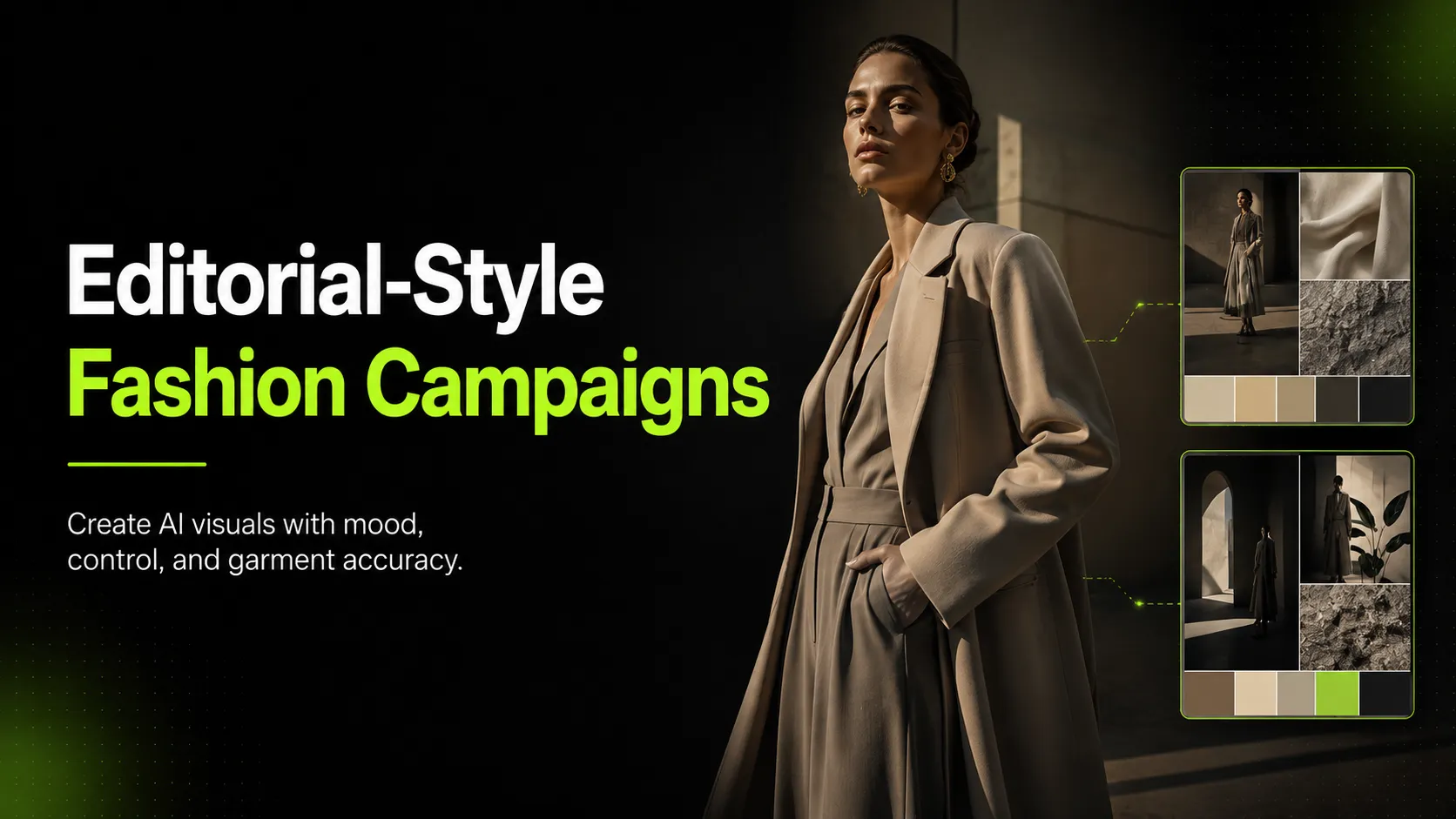
A product photo explains the garment. A campaign visual creates a feeling around it. It gives the collection a season, a mood, a customer, a setting, and a reason to care.
That is why editorial-style fashion campaign visuals are difficult to produce. They need more than a clean product image. They need styling, location, model direction, lighting, composition, and a visual story that holds across multiple assets.
Traditional campaign production can involve a full shoot day, location planning, stylists, models, photographers, retouchers, and several rounds of approval. For a large brand, that may be normal. For a small or growing fashion brand, it can slow down every campaign launch.
AI can help, but only if it is used with a real creative process.
The goal is not to generate random “fashion-looking” images. The goal is to turn approved garment references into a controlled set of editorial campaign visuals that still respect the product.
A good AI-assisted fashion campaign workflow should answer four questions:
Introduction
- What is the campaign story?
- What references are needed to protect garment accuracy?
- Which scenes are useful for the actual channels?
- Which images are approved, and which are only mood tests?
This guide walks through a practical workflow for creating editorial-style fashion campaign visuals with AI, without turning the process into a product manual or a generic prompt list.
What Editorial-Style Campaign Visuals Actually Do
Editorial-style visuals sit between product photography and brand storytelling.
They are not as plain as catalog images, but they cannot be as loose as pure concept art either. They still represent a real garment that customers may buy.
For fashion ecommerce, editorial-style campaign visuals can be used for:
- Collection launch pages
- Seasonal landing pages
- Paid social ads
- Email hero images
- Instagram and Pinterest campaigns
- Lookbook pages
- Homepage banners
- Product story sections
- Creative testing before a full shoot
The best campaign visuals do not simply show the product. They frame the product inside a mood.
A linen shirt may become part of a coastal summer story. A black dress may become part of a city evening campaign. A denim jacket may become part of a streetwear drop. A knit sweater may become part of a warm autumn collection.
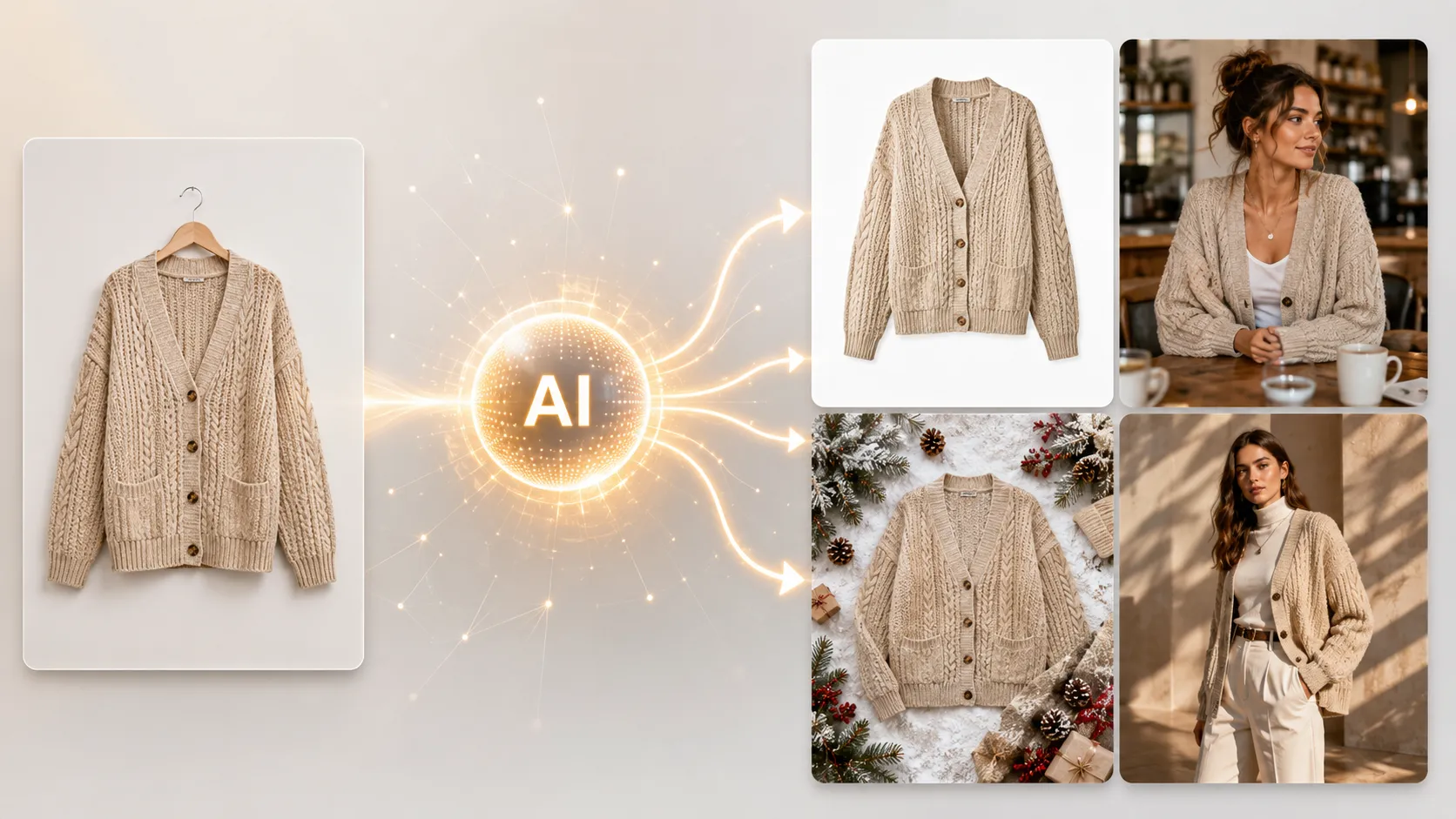
AI is useful here because many brands already have basic product images but lack enough campaign scenes. Instead of planning a new shoot for every background, crop, pose, or seasonal variation, teams can use AI to expand from approved references.
But the campaign still needs direction. Without direction, AI outputs can look polished but disconnected.
Start With the Campaign Brief
Before generating anything, write a short campaign brief.
This does not need to be complicated. It should define the creative direction clearly enough that every image in the set feels connected.
Use this structure:
| Brief Element | What to Define |
|---|---|
| Collection or product | Which garments are being promoted |
| Season or occasion | Spring, resort, holiday, workwear, evening, festival, daily wear |
| Customer | Who the campaign is speaking to |
| Mood | Minimal, relaxed, premium, romantic, urban, sporty, vintage, bold |
| Color palette | Neutrals, monochrome, warm tones, pastels, saturated color, earth tones |
| Setting | Studio, street, café, hotel, beach, apartment, gallery, office, nature |
| Model direction | Pose, movement, expression, styling, attitude |
| Channel | Landing page, social, ads, email, lookbook, PDP support |
| Output count | How many approved visuals are needed |
Here is an example:
This kind of brief prevents the common AI mistake: generating ten images that all look impressive but do not belong to the same campaign.
Prepare Garment References Before Scene References
Fashion campaign visuals must protect the garment first.
Before collecting mood references, prepare the product references. If the AI does not understand the garment, the campaign image may drift away from the real product.
Use these reference types:
| Reference | Why It Matters |
|---|---|
| Main garment image | Shows overall silhouette, front structure, color, and shape |
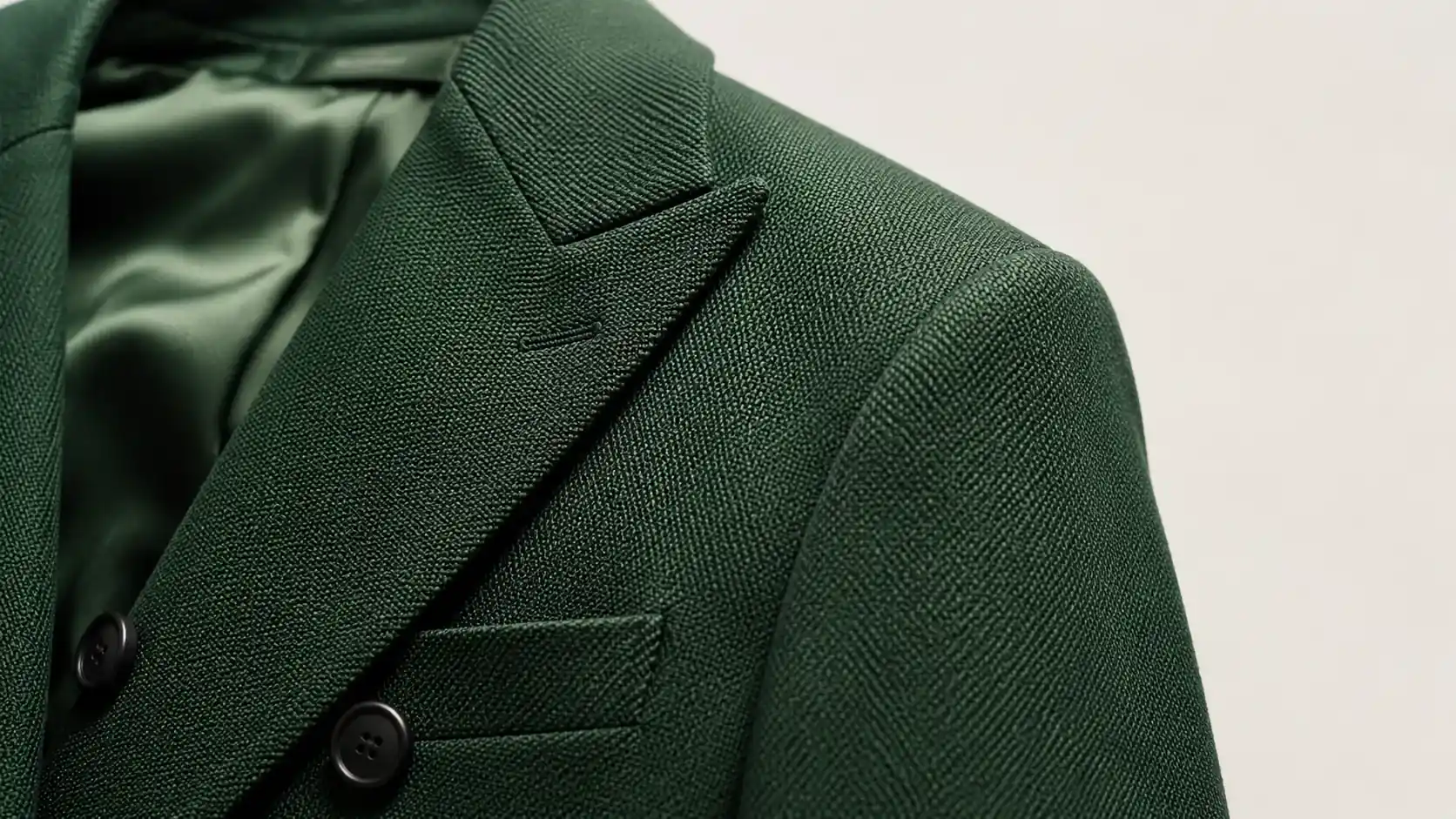
| Detail image | Protects fabric texture, buttons, embroidery, logo, collar, trim, or print |
| Back-view image | Protects back cut, straps, closures, silhouette, and rear details |
| Existing model image | Helps with fit, scale, pose, and model direction |
| Previous brand image | Helps maintain visual language and styling consistency |
A single garment image can start the workflow, but a stronger campaign usually needs more than one reference. This is especially true for garments with special fabric, print placement, logos, unique collars, asymmetrical cuts, or important back details.
After the garment references are ready, collect mood references. These can include location images, lighting examples, campaign screenshots, old brand visuals, color palettes, or styling references.
Keep garment references and mood references separate. The garment reference protects product truth. The mood reference guides the scene.
Decide Which Scene Types the Campaign Needs
Editorial campaigns work best when each image has a job.
Do not generate random scene variations just because the tool can. Decide which scene types are needed before production.
A practical campaign set may include:
| Scene Type | Purpose | Best Use |
|---|---|---|
| Hero editorial image | Creates the main campaign impression | Landing page, homepage, paid ads |
| On-model styling scene | Shows fit, styling, and attitude | Lookbook, PDP support, social |
| Lifestyle scene | Places the garment in a believable world | Email, ads, social, campaign page |
| Detail-led image | Highlights fabric, cut, trim, or brand detail | PDP support, email, product story |
| Motion-ready image | Works as a first frame for short video | Reels, TikTok, paid social |
| Social crop | Designed for fast mobile viewing | Instagram, Pinterest, ads |
| Collection group visual | Shows how pieces belong together | Lookbook, collection launch page |
For a small brand, start with 5-7 approved images. For a larger campaign, you may need 12-20. The number should come from channel needs, not from how many outputs the AI can generate.
A useful starter set is:
- 1 hero image
- 2 on-model editorial scenes
- 1 lifestyle scene
- 1 detail-led image
- 2 social crops
That is enough to support a launch page, email, and social campaign without creating an unmanageable review process.
Build the AI Workflow in Controlled Batches
The biggest mistake in AI campaign production is generating too much too early.
Start small.
A controlled workflow looks like this:
- Upload the garment references.
- Define the campaign direction.
- Select one scene type.
- Generate 3-6 options.
- Review garment accuracy.
- Keep the best one or two.
- Adjust the direction.
- Generate the next scene type.
This is slower than pressing generate 100 times, but it produces a cleaner campaign.
For lookbook-style visuals, an AI Fashion Lookbook Generator can fit into the workflow when the goal is to turn product references into editorial-style campaign compositions. Use it after the campaign brief is clear, not before.
For product-led campaign assets, an AI Product Photography tool can support ecommerce visuals, product images, campaign scenes, and social creatives from reference images. It is useful when the campaign still needs product clarity, not only mood.
For model variation, an AI Pose Generator can help create pose options for on-model scenes, ad tests, and lookbook pages. This is useful when the garment needs more visual variety but another model shoot is not practical.
Use each tool for a specific job. Do not treat every AI tool as a general “make it pretty” button.
Write Prompts Like a Creative Brief, Not a Fantasy Scene
A good fashion campaign prompt should be grounded.
Avoid vague directions like:
That type of prompt often produces generic images.
Instead, specify the campaign situation:
The better prompt includes:
- Product type
- Scene
- Mood
- Lighting
- Styling
- Model direction
- Crop or format
- Product accuracy requirement
- Channel
Use this structure:
```text Create a [scene type] for [garment/product]. Mood: [mood]. Setting: [location]. Lighting: [lighting]. Model direction: [pose/expression/styling]. Product accuracy: preserve [specific details]. Channel: [landing page/social/ad/lookbook/PDP support]. ```
This keeps the image useful for campaign production instead of turning it into unrelated fashion art.
Protect Product Truth in Editorial Images
Editorial visuals can be expressive, but they should not misrepresent the garment.
This is the line fashion brands need to hold.
A campaign image can change the scene, pose, background, crop, and mood. It should not change the garment’s real identity.
Before approving an AI-generated campaign visual, check:
- Has the garment length changed?
- Did the neckline, sleeve, waist, or hem shift?
- Are buttons, zippers, pockets, or trims still correct?
- Did the fabric become smoother, heavier, shinier, or more structured than reality?
- Did the logo or print distort?
- Did the pose make the garment look more fitted or flattering than it is?
- Does the back or side view invent details?
- Would a customer feel misled after receiving the product?
This matters most for ecommerce campaigns because campaign visuals may send traffic directly to product pages. If the campaign image creates unrealistic expectations, the product page has to repair trust.
Add Detail Images to Make Editorial Campaigns More Credible
Editorial images create desire. Detail images create confidence.
For fashion, detail visuals are not optional when the garment has important materials or construction.
Use detail-led campaign images for:
- Fabric texture
- Embroidery
- Print placement
- Buttons
- Zippers
- Collar structure
- Hem finish
- Hardware
- Stitching
- Back details
- Logo placement
If the campaign includes close-up or PDP-support visuals, an AI Fashion Detail Image Generator can support product detail image workflows such as apparel detail shots, white-background assets, and fabric-focused visuals.
Detail images should be reviewed with more discipline than mood images. A campaign scene can be slightly stylized. A fabric close-up cannot invent a texture that does not exist.
Adapt Campaign Visuals by Channel
One approved campaign image should not be used everywhere without adaptation.
Different channels need different crops and priorities.
| Channel | Best Image Type | What to Prioritize |
|---|---|---|
| Landing page | Hero editorial image | Mood, composition, brand story |
| Product page | On-model or detail image | Product accuracy, fit, clarity |
| Hero crop or detail-led image | Fast visual hierarchy | |
| Paid social | Lifestyle or social crop | Hook, product visibility, mobile readability |
| Instagram feed | Editorial or lifestyle image | Mood and shareability |
| Vertical styled image | Searchable styling inspiration | |
| TikTok / Reels cover | Motion-ready image | Clear garment and strong first frame |
| Collection page | Consistent set of looks | Cohesion across garments |
For each approved visual, label the intended channel. This avoids using a campaign mood image as a product-truth image by mistake.
A simple folder structure can help:
- Campaign / Approved / Landing Page
- Campaign / Approved / Social
- Campaign / Approved / PDP Support
- Campaign / Review Needed
- Campaign / Rejected
- Campaign / Mood Only
This makes the workflow easier for founders, marketers, designers, and agencies.
Use Cost per Approved Visual
AI can reduce production time, but only if the approval rate is healthy.
Do not measure campaign production by generated images. Measure approved images.
Use:
```text Cost per Approved Visual = Total Workflow Cost / Approved Campaign Images ```
Example:
| Workflow | Generated Images | Approved Images | Result |
|---|---|---|---|
| Random generation | 80 | 8 | Too much review waste |
| Strong references + clear brief | 36 | 22 | Efficient campaign output |
| Weak garment references | 50 | 9 | High distortion and regeneration |
| Controlled scene-by-scene workflow | 30 | 18 | Good balance of quality and speed |
The goal is not to create the most images. The goal is to create enough approved visuals to support the campaign.
A smaller set of strong, consistent images is better than a large folder of almost-usable outputs.
QA Checklist for Editorial-Style Fashion Campaign Visuals
Use this checklist before publishing.
Garment QA
- Does the garment still match the original?
- Are shape, fit, length, neckline, sleeves, waist, and hem correct?
- Are fabric texture and weight believable?
- Are seams, buttons, zippers, pockets, labels, and logos accurate?
- Are prints and patterns in the right place?
- Does the image invent or remove garment details?
Model QA
- Does the model pose look natural?
- Are hands, arms, shoulders, legs, and face realistic?
- Does the pose make the garment look misleading?
- Does the styling fit the campaign brief?
- Does the model direction feel consistent across the set?
Scene QA
- Does the setting match the campaign mood?
- Is lighting consistent across the series?
- Do props support the product rather than distract from it?
- Does the crop work for the intended channel?
- Does the scene feel connected to the rest of the campaign?
Brand QA
- Does the image feel like the brand?
- Does the color palette match the campaign?
- Does the visual story make sense across the full set?
- Would this image fit beside last season’s campaign?
- Does it look polished but still believable?
Customer Trust QA
Ask one final question:
If not, do not use the image as a campaign asset.
Common Mistakes to Avoid
Mistake 1: Starting with prompts instead of a campaign brief
Prompts cannot fix unclear direction. Start with the story, mood, channel, and product role.
Mistake 2: Using weak product references
If the garment image is unclear, AI will guess. Those guesses often become product errors.
Mistake 3: Generating too many images at once
Large batches create review fatigue. Small controlled batches create better campaigns.
Mistake 4: Letting editorial style overpower product truth
A dramatic image is not useful if it changes the garment.
Mistake 5: Using one image across all channels
A landing page hero, PDP support image, and paid social crop have different jobs.
Mistake 6: Skipping detail visuals
Campaign mood may attract attention, but detail images support trust.
Mistake 7: Approving images without labels
Every approved image should have a channel and use case. Otherwise, mood images may end up in product-truth positions.
A Practical Example Workflow
Imagine a small fashion brand launching a black satin midi skirt.
The team has one clean front image, one fabric close-up, and one back-view image. They need campaign visuals for a landing page, paid social, email, and product page support.
A practical workflow:
- Write the brief: evening city campaign, soft flash lighting, minimal styling, premium but wearable.
- Prepare references: front image, fabric detail, back view.
- Generate 4 hero image options.
- Select 1 hero image that keeps the skirt length and fabric sheen accurate.
- Generate 6 on-model pose options.
- Approve 2 that show believable fit and movement.
- Generate 4 social crops with stronger contrast.
- Approve 2 for ad testing.
- Generate 2 detail-led images focused on fabric and waist finish.
- Approve 1 for PDP support.
- Export by channel.
- Track which visual drives better clicks and product page engagement.
The final campaign may only use 6 images, even if 25 were generated. That is normal. Curation is part of the workflow.
When AI Is Not Enough
AI is useful for expanding campaign assets, but some situations still need real production.
Use real photography or professional creative production for:
- Major brand campaigns
- Luxury hero images
- Complex reflective fabrics
- Highly technical garments
- Fit-sensitive items
- Close-up product claims
- Celebrity, influencer, or regulated campaigns
- Any visual where exact product truth matters more than variation
A practical approach is hybrid:
- Use real photography for core product truth.
- Use AI for campaign expansion, pose options, scene variations, and channel crops.
- Use QA to decide which AI outputs are safe to publish.
This keeps the brand efficient without sacrificing trust.
Final Takeaway
Editorial-style fashion campaign visuals require more than attractive images.
They need a campaign story, accurate garment references, useful scene planning, controlled generation, channel-specific adaptation, and strict review.
AI can help fashion brands create more campaign visuals from fewer production inputs. It can reduce the need for repeated shoots, support faster creative testing, and help small teams build stronger visual campaigns.
But AI works best when it is guided by a real workflow.
Start with the garment. Define the campaign. Plan the scenes. Generate in small batches. Review for product truth. Approve by channel. Measure approved visuals, not total outputs.
The strongest AI-assisted fashion campaign workflow is simple: