


Ecommerce teams can use AI to create product launch videos by starting from approved product photos, campaign visuals, or lookbook-style assets and turning them into short announcement clips, reveal sequences, or motion-based social creatives. The best workflows prioritize speed, consistency, and launch readiness over cinematic complexity.
That matters because launch windows move quickly. A team may already have strong still assets, but still need motion for paid social, landing pages, email, and organic launch content. AI helps fill that gap without adding a full new production cycle.
Key Takeaways
- AI product launch videos work best when they start from existing approved product visuals.
- Launch videos should communicate the product clearly, match the campaign feel, and move fast enough for rollout needs.
- AI video is most useful as a launch-speed layer, not as a replacement for every type of production.
- Teams can reuse product images, campaign visuals, and lookbook assets to create more launch-ready motion formats.
- iCreat AI is most useful when you want to extend strong product visuals into faster launch content.
Why Launch Moments Need More Than Static Product Images
Static product images are often enough to start a launch, but they are rarely enough to support the full rollout. Paid teams want motion. Social teams want short-form assets. Merchandising teams may want something more dynamic than a still hero image.
That creates a familiar problem: the launch needs more visual energy, but the schedule does not allow another full shoot.
Launches Need More Formats, Not Just More Assets
A launch usually needs several asset types at once:
- A core product announcement visual.
- Short-form social launch content.
- Paid creative for testing.
- Supporting motion for campaign rollout.
The challenge is not only volume. It is speed across multiple channels.
Traditional Video Production Is Often Too Slow
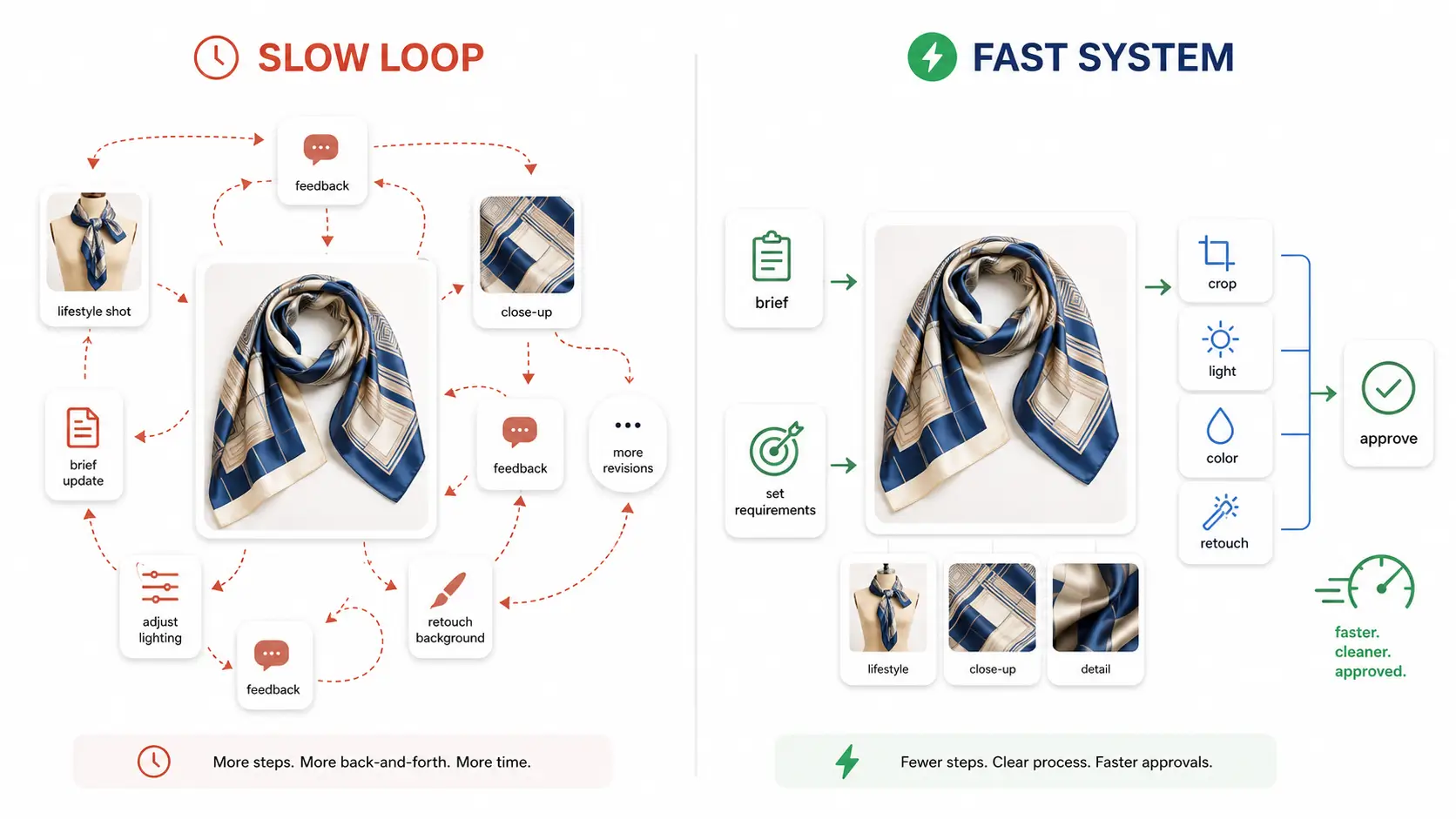
Even when a team wants launch video, a full traditional process can take too long. Storyboards, filming, editing, approvals, and revisions all compete with the launch calendar.
AI product video becomes useful when the team needs a faster middle ground between static posts and a full production shoot.
What a Useful Ecommerce Product Launch Video Needs To Do
Not every launch video needs to be dramatic. It needs to do the job of a launch asset.
Show the Product Quickly
The viewer should understand the product early. If the video hides the item behind too much scene setup or motion, it loses usefulness.
Match the Launch Mood
A launch video should feel aligned with the product drop. That could mean premium, urgent, seasonal, clean, or editorial, depending on the campaign.
Stay Consistent with Existing Product Visuals
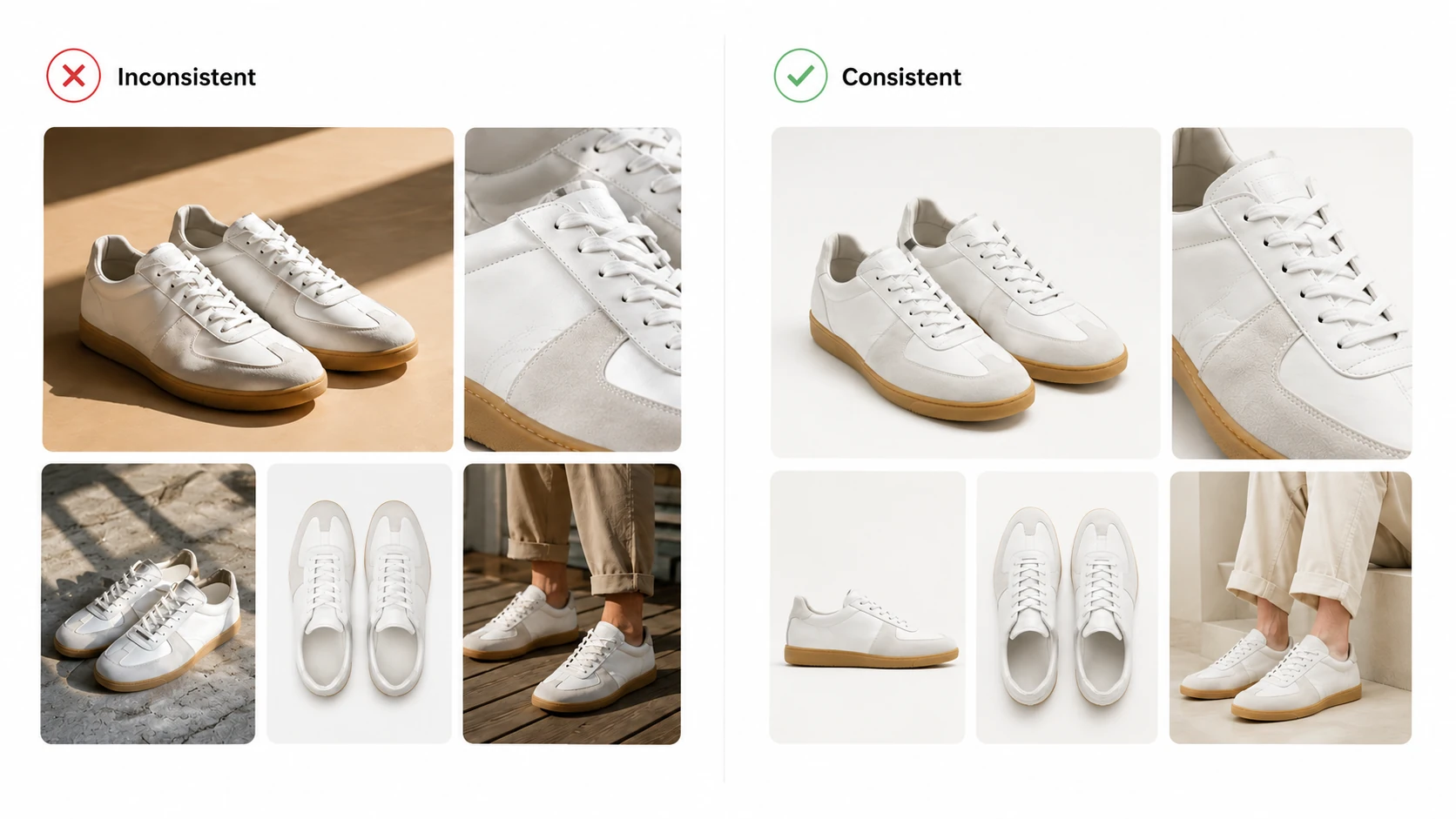
The biggest advantage of starting from approved still assets is consistency. If the product image already matches brand expectations, the launch video can inherit that visual logic.
Which Existing Assets Are Best To Start From
The best source assets for launch video are usually the still visuals that already passed internal review.
Approved Product Photos
If the product is already clear and merchandised well in a still image, that image is a strong starting point for launch motion.
Campaign Visuals and Lookbook Assets
For fashion and editorial-style launches, lookbook and campaign images can be stronger launch-video sources than plain catalog shots.
AI Fashion Lookbook Generator fits naturally here when a product image needs to support a broader launch story across several visual formats.
Adapted Visuals for Audience or Seasonal Angles
Sometimes the best launch concept already exists, but the scene or emphasis needs to change. In those cases, AI Image Replacer can help adapt the source concept before the video stage.
What AI Can Realistically Generate for Launches Today
AI launch video works best when the expectations are clear.
Announcement Clips and Reveal Sequences
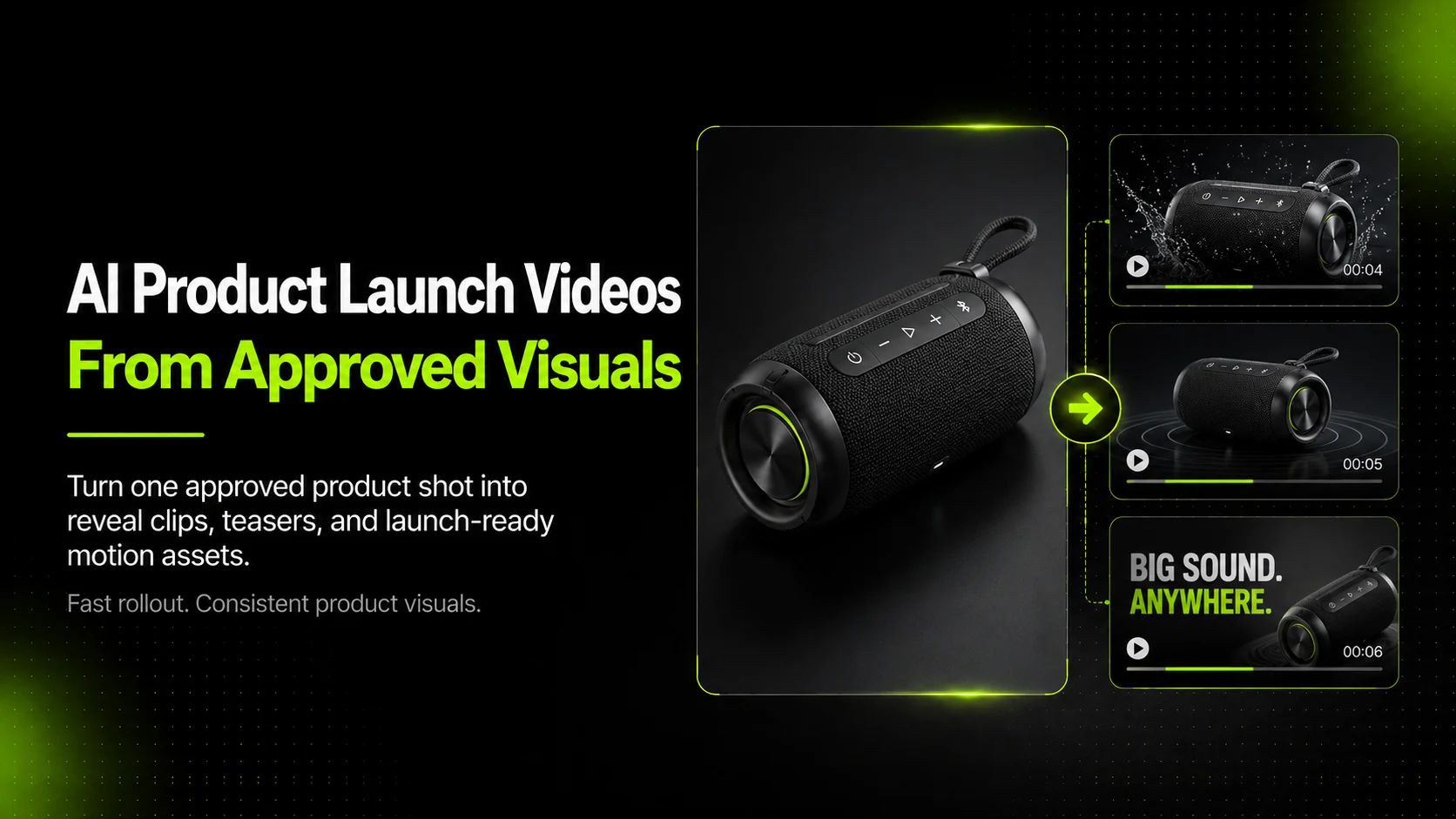
AI can help create short reveal-style sequences that add movement and urgency to a product drop.
Social-First Motion Creatives
Short-form launch videos for social placements are one of the strongest use cases because they benefit from speed, visual consistency, and quick iteration.
Channel Variants from One Source Concept
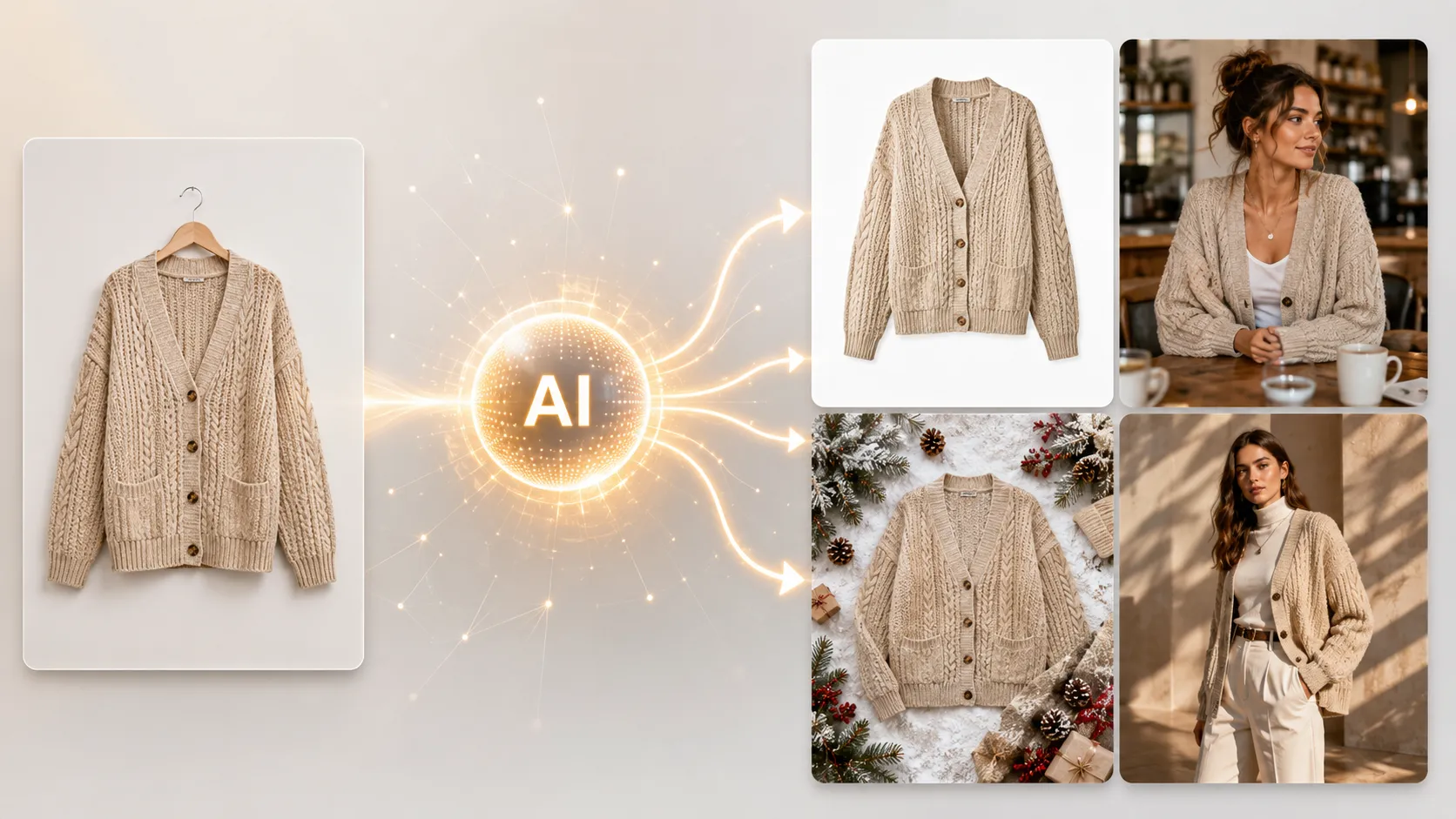
Once the source asset is strong, the team can often create multiple launch-ready variants rather than treating every channel as a separate production request.
That is where AI Product Video is most useful. It helps teams turn existing product or campaign visuals into short promotional videos for launch, paid, and social content.
A Practical Workflow for Turning Launch Images Into Launch Videos
Step 1: Start with the Strongest Approved Visual
Choose the still asset that already communicates the product clearly and fits the launch mood. This could be a hero image, a styled campaign shot, or a product-first visual from the launch set.
If the source still needs work first, AI Product Photography can help create a stronger starting asset before motion begins.
Step 2: Define the Launch Video Job
Before generating anything, decide what the video is supposed to do.
For example:
- Announce a new drop.
- Support paid social launch creative.
- Add motion to an existing campaign image.
- Create a short teaser for launch week.
The clearer the use case, the more useful the output tends to be.
Step 3: Keep the Motion Product-First
For ecommerce launches, motion should make the product easier to notice or more exciting to view. It does not need to look like a full commercial film.
Simple motion often works better than overcomplicated cinematic ideas when the launch needs speed and clarity.
Step 4: Generate More Than One Version
Launch content usually benefits from at least two or three versions. That gives the team more flexibility across channels and helps paid teams test early without waiting for a second production cycle.
Step 5: Review for Product Accuracy and Brand Fit
Even if the source image is approved, the motion output still needs review. Check whether the product stays recognizable, the visual logic still feels right, and the result matches the launch tone.
Where Human Review Still Matters Most
AI can speed up launch production, but it should not remove judgment.
Product Accuracy
The product still needs to look like the thing being sold. If the shape, texture, packaging, or garment details drift too far, the video may not be publishable.
Campaign Consistency
The motion asset should still feel like it belongs to the same launch system as the still visuals.
Final Channel Readiness
The video also needs to fit the practical channel role. A social teaser, a launch ad, and a landing-page support clip do not all have the same job.
Common Mistakes To Avoid
Treating Any Product Image as Good Enough
The still source matters. If the source image is weak, the video will usually inherit that weakness.
Asking AI To Replace the Whole Launch Strategy
AI launch videos are useful because they extend launch assets quickly. They are not a substitute for the full launch plan.
Overcomplicating the Motion Concept
When the motion idea becomes too complex, the result often becomes less useful for ecommerce. Launch content usually works best when it stays simple and product-centered.
A Practical Launch Workflow for Ecommerce Teams
- Pick the strongest approved launch image.
- Decide which channel the launch video is for first.
- Turn that asset into one short-form motion version.
- Create one or two alternate launch edits or concepts.
- Review for clarity, accuracy, and launch readiness.
This is the most practical reason to use AI in product launch video workflows. It helps teams create more motion-led campaign assets from approved visuals, faster than a new shoot cycle would allow.
For a fashion brand, that may mean a campaign still becomes a teaser video, a paid social launch asset, and a short product reveal. For a smaller ecommerce team, it may simply mean getting launch video coverage without blowing up the calendar.
FAQ
Conclusion
AI product launch videos are most useful when they extend the value of existing product visuals. They help ecommerce teams move faster during launch week by turning approved still assets into short-form motion content that supports paid, social, and rollout needs.
If you want to create launch-ready motion assets from existing product visuals, start with iCreat AI's AI Product Video. If the still source needs improvement first, AI Product Photography can help strengthen the base asset, and AI Image Replacer can help adapt the concept before the video stage.
When you are ready to build faster launch content from the visuals you already trust, log in to iCreat AI and start from your strongest launch image.