


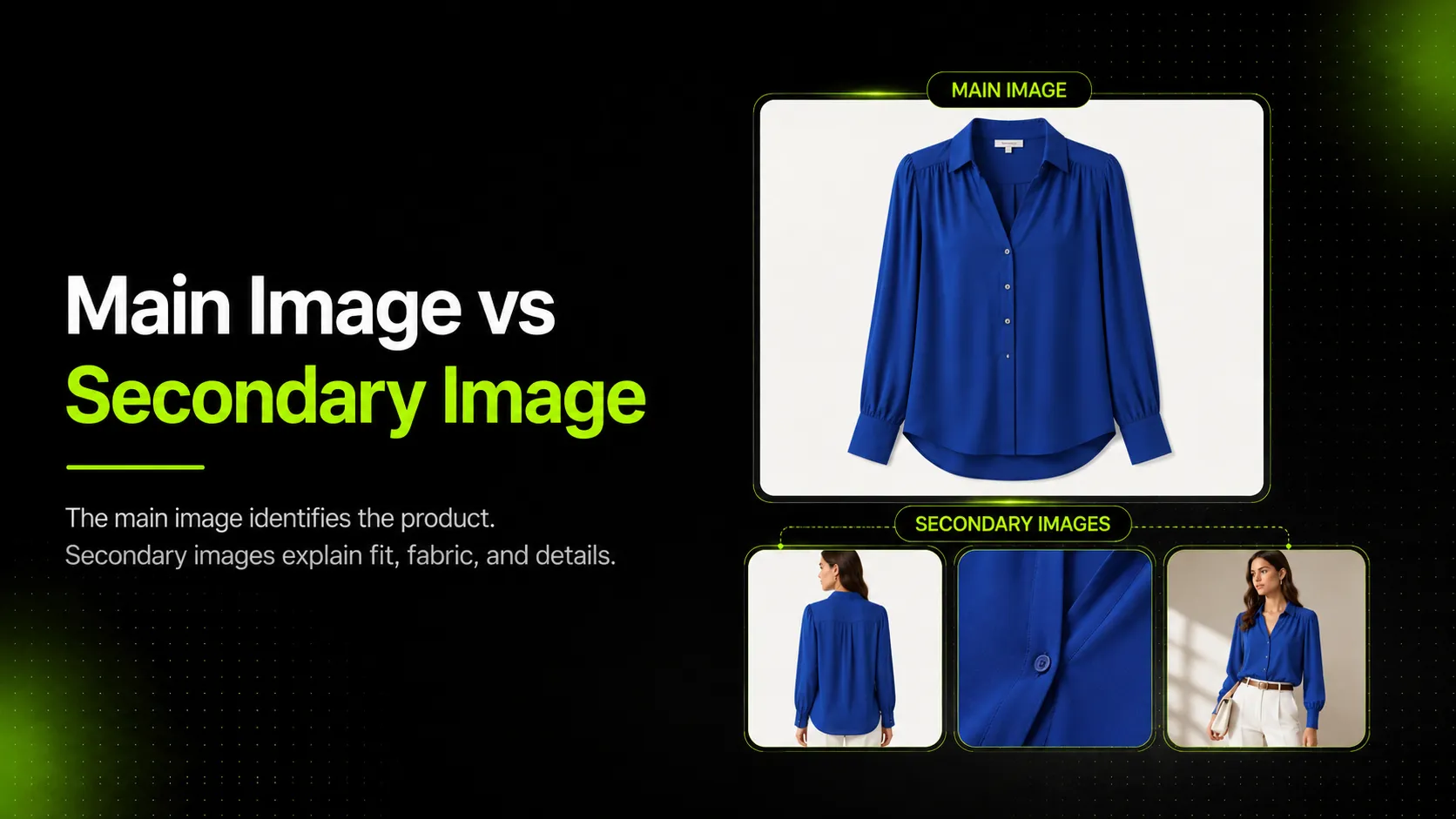
The main image should identify the exact apparel product clearly. Secondary images should explain everything the main image cannot: fit, fabric, construction, back view, size context, styling, use case, and trust details. For apparel sellers, the main image vs secondary image decision matters because shoppers need to understand a garment without touching it, trying it on, or seeing it in person.
This article gives apparel sellers a practical placement framework: what belongs in the main image, what belongs in the secondary gallery, what should move into A+ Content or PDP modules, and what should be avoided because it can confuse shoppers or create channel risk.
Key Takeaways
- Main images should be clean, accurate, and channel-safe.
- Secondary images should answer shopper questions that the main image cannot.
- Apparel sellers should use secondary images for fit, fabric, construction, back view, measurement, styling, and lifestyle context.
- A+ Content and PDP modules are better for deeper brand stories, comparison charts, and expanded education.
- AI can help create product image variations, but product accuracy review is required before publishing.
Main Image vs Secondary Image: The Quick Difference
The quick difference is simple: the main image shows what is being sold; secondary images explain whether the product is right for the shopper.
On a product listing, the main image carries the first responsibility. It needs to make the item easy to identify. According to Amazon's product listing guidance, product detail pages include the product name, images, description, and more, and sellers can upload up to nine photos and arrange the image order. Amazon also recommends product images that are accurate, illustrative, sharp, clear, well lit, high resolution, and shown against a simple backdrop.
For apparel, that means the main image should not try to answer every question at once. A clean front view of a blazer, leggings, knit sweater, or linen shirt is usually more useful than a busy image with text, props, multiple poses, and styling details competing for attention.
Secondary images can take over after the product is identified. They can show how the garment fits on a model, how the fabric looks up close, how the back is cut, where pockets sit, how long the sleeve is, or how the item works in a real outfit.
If the product needs even deeper storytelling, use A+ Content or PDP modules. Amazon describes A+ Content as a way to add enhanced images, videos, customized text placements, comparison charts, carousels, and more. That is a better place for brand story, collection comparisons, and expanded education than the core main image.
What Apparel Sellers Should Put In The Main Image
The main image should put product identification first. It should help a shopper understand the exact garment being sold before they start evaluating fit, styling, or details.
For apparel, a strong main image usually includes:
- The exact garment or SKU being sold
- A clean front-facing or strongest identification angle
- Minimal distraction from props, text, or backgrounds
- Accurate shape, color, cut, and visible product boundaries
- A channel-safe presentation for Amazon, marketplace, or PDP use
The right main image depends on the product and sales channel. A plain T-shirt may work best as a clean front product shot. A dress may need a model view if shape and drape are essential to understanding it. A structured blazer may need a front model or mannequin view that shows the shoulders, lapel, and waistline clearly.
The main image is not the place to explain everything. If the shirt is breathable, the leggings have a side pocket, or the sweater has a special knit texture, those details should usually move into secondary images. The main image should make the product recognizable first.
What Apparel Sellers Should Keep Out Of The Main Image
Many apparel listings become weaker because the main image tries to do too much. If the first image looks cluttered, shoppers may not know what is included or what the product actually looks like.
Avoid these in the main image:
- Heavy text callouts that cover the garment
- Lifestyle scenes where the product is too small or partially hidden
- Props or accessories that look included but are not part of the offer
- Multiple products or variants when the listing sells one specific item
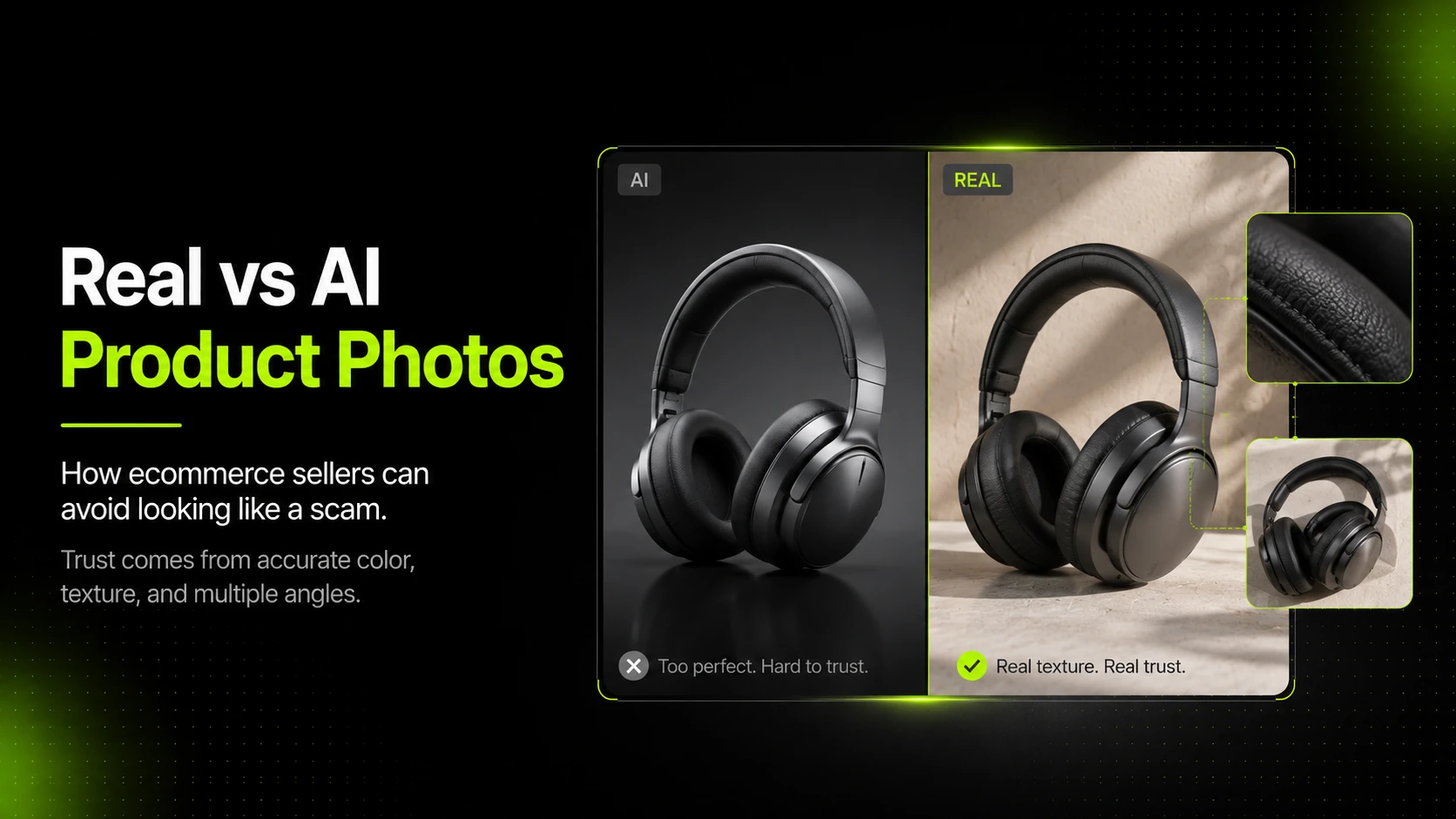
- AI edits that change the fit, color, construction, logo, pattern, or fabric
- Overly stylized backgrounds that compete with the product
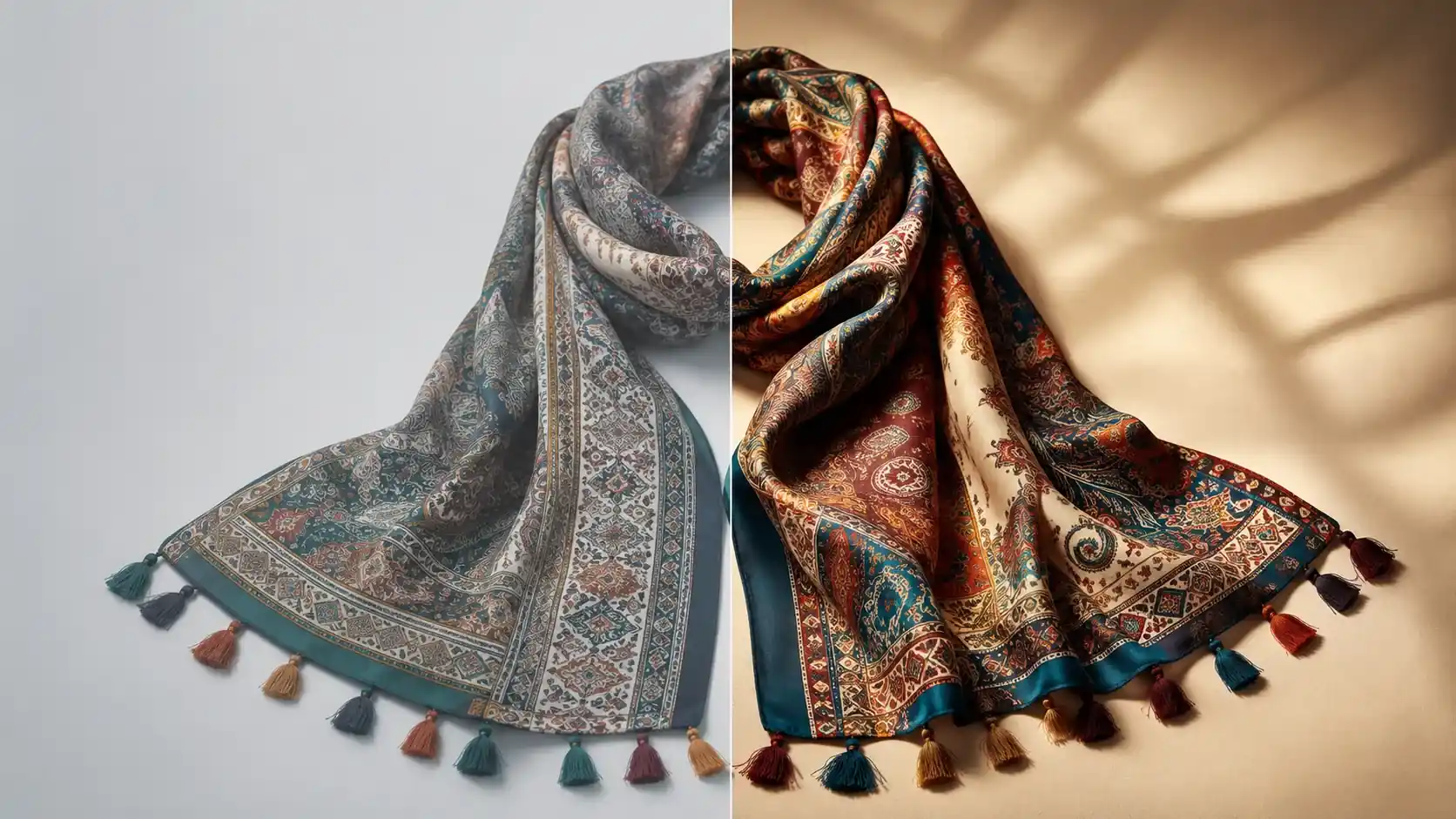
This matters especially for apparel because small changes can mislead shoppers. If an AI edit makes a knit sweater look thicker than it is, a blazer more structured than the real product, or leggings more compressive than the material supports, the image may create the wrong expectation.
When in doubt, keep the main image boring in the best way: clear, accurate, easy to understand, and focused on the product.
What Belongs In Secondary Images
Secondary images should answer the shopper questions that remain after the main image. For apparel, those questions are usually about fit, fabric, construction, size, styling, and real-world use.
Useful secondary image types include:
- Fit and silhouette: Show the garment on a model or mannequin so shoppers can understand length, drape, rise, sleeve shape, shoulder structure, or volume.
- Fabric texture and material behavior: Use close-ups to show knit, weave, ribbing, lining, transparency, sheen, stretch, or thickness.
- Back view and side view: Show details that the front view hides, such as straps, cutouts, pocket placement, seams, or back length.
- Construction details: Highlight collars, cuffs, buttons, zippers, pockets, hems, lining, seams, embroidery, or logo placement.
- Measurements and size context: Use simple measurement visuals or scale references when shoppers need more confidence before choosing a size.
- Styling or lifestyle use case: Show how the item might be worn in a real setting, as long as the image does not confuse what is included.
- Packaging, care, or trust details: Use these when packaging, garment care, included components, or authenticity affect the purchase decision.
Shopify's ecommerce photography guide separates image types such as white-background photos, lifestyle photography, product packaging, zoom or close-up shots, and group shots. That same thinking applies to apparel listings: every image type should have a job.
Apparel Image Placement Table
Use this table when deciding where a visual message belongs.
| Visual Message | Best Placement | Why |
|---|---|---|
| Exact product identification | Main image | Helps shoppers and marketplace systems understand what is being sold. |
| Clean front view | Main image or Secondary 1 | Use as main when it is the clearest product view; use as secondary if another view better identifies the garment. |
| Model fit | Secondary image | Shows silhouette, length, drape, and proportion after the product is identified. |
| Fabric close-up | Secondary image | Helps shoppers judge texture, thickness, weave, lining, or finish. |
| Back view | Secondary image | Useful for apparel with back details, straps, cutouts, or silhouette concerns. |
| Size chart or measurement guide | Secondary image | Supports decision-making but should not replace the main product view. |
| Lifestyle styling | Secondary image or A+ Content | Shows use context after shoppers know what the product is. |
| Brand story or comparison chart | A+ Content or PDP module | Better suited for deeper content than the core image gallery. |
| Heavy promotional text | Usually avoid | Can distract from product evaluation and may create channel compliance risk. |
| Props not included with the product | Avoid or label clearly | Can mislead shoppers if the offer is unclear. |
The table is not a strict rule for every product, but it gives apparel sellers a practical starting point. The more a visual explains the product, the more likely it belongs in the secondary gallery. The more it educates beyond the product itself, the more likely it belongs in A+ Content, a PDP module, or campaign content.
Apparel Examples: What Goes Where
The easiest way to apply the main image vs secondary image framework is to map it to specific products.
Linen Shirt
For a linen shirt, the main image should show the shirt clearly. A clean front view or model view can work, depending on the channel and how important drape is to the purchase decision.
Secondary images should show what the main image cannot: fabric texture, transparency level, sleeve length, collar structure, cuff detail, back view, and casual styling. A close-up of the linen weave is useful because shoppers often care whether the shirt feels lightweight, breathable, or textured.
Watch out for color shift and transparency. If the image makes the fabric look heavier or more opaque than it is, shoppers may be disappointed after delivery.
Compression Leggings
For compression leggings, the main image should identify the product clearly. Depending on the channel, this may be a clean product view or a model view that shows the full silhouette.
Secondary images should show waistband height, side pocket, seam placement, fabric stretch, back view, and movement. A squat or stretch pose can be useful if it shows how the leggings perform without exaggerating claims.
Watch out for distorted body proportions or unsupported claims. Do not use images that imply a fit effect the garment cannot deliver.
Knit Sweater
For a knit sweater, the main image should show the full garment shape and neckline. A clean front product view works well when the sweater has a simple silhouette.
Secondary images should show knit texture, ribbed cuffs, hem detail, yarn weight, sleeve shape, and care information. A worn image can help shoppers understand volume and drape.
Watch out for AI changing knit density. A generated close-up that looks attractive but does not match the real yarn texture is not useful for a product page.
Structured Blazer
For a structured blazer, the main image should show the full front view clearly, ideally with enough shape to communicate the shoulder line, lapel, and waist.
Secondary images should show side profile, back view, lining, buttons, lapel construction, pocket detail, and styling use case. A model view can show whether the blazer feels tailored, relaxed, cropped, or oversized.
Watch out for altered lapel shape, button placement, shoulder width, and fabric weight. These details affect how shoppers understand fit and quality.
How To Order Apparel Product Images
Image order should follow the shopper's decision flow, not the order in which the images were produced.
Start with identification. The first image should answer: what is being sold?
Move into fit and fabric. After the product is clear, show the garment on a body or mannequin, then show the material close up. These are often the most important apparel questions.
Add details and measurements. Once shoppers understand the product and fabric, show construction details, back view, size chart, or scale visuals.
End with styling, lifestyle, or trust support. Lifestyle images can help shoppers imagine use, but they usually work better after the product itself is clear. Packaging, care, or brand information can also sit later in the sequence unless it is central to the purchase decision.
A practical sequence for apparel is:
- Main image: clean product identification
- Secondary 1: model or alternate angle
- Secondary 2: fit or silhouette explanation
- Secondary 3: fabric close-up
- Secondary 4: construction or feature detail
- Secondary 5: measurement or size context
- Secondary 6: lifestyle or styling use case
- Secondary 7: care, packaging, comparison, or trust detail
Use this as a decision flow, not a rigid template. A simple T-shirt may need fewer images than a structured blazer or technical legging.
Where AI Fits In The Main vs Secondary Image Workflow
AI can support both main and secondary product images, but the risk level is different depending on placement.
The main image needs stricter product-identification accuracy. It should not change the garment's shape, color, cut, print, logo, or included details. If you use AI for main image preparation, start with strong references and review the output carefully against the real product.
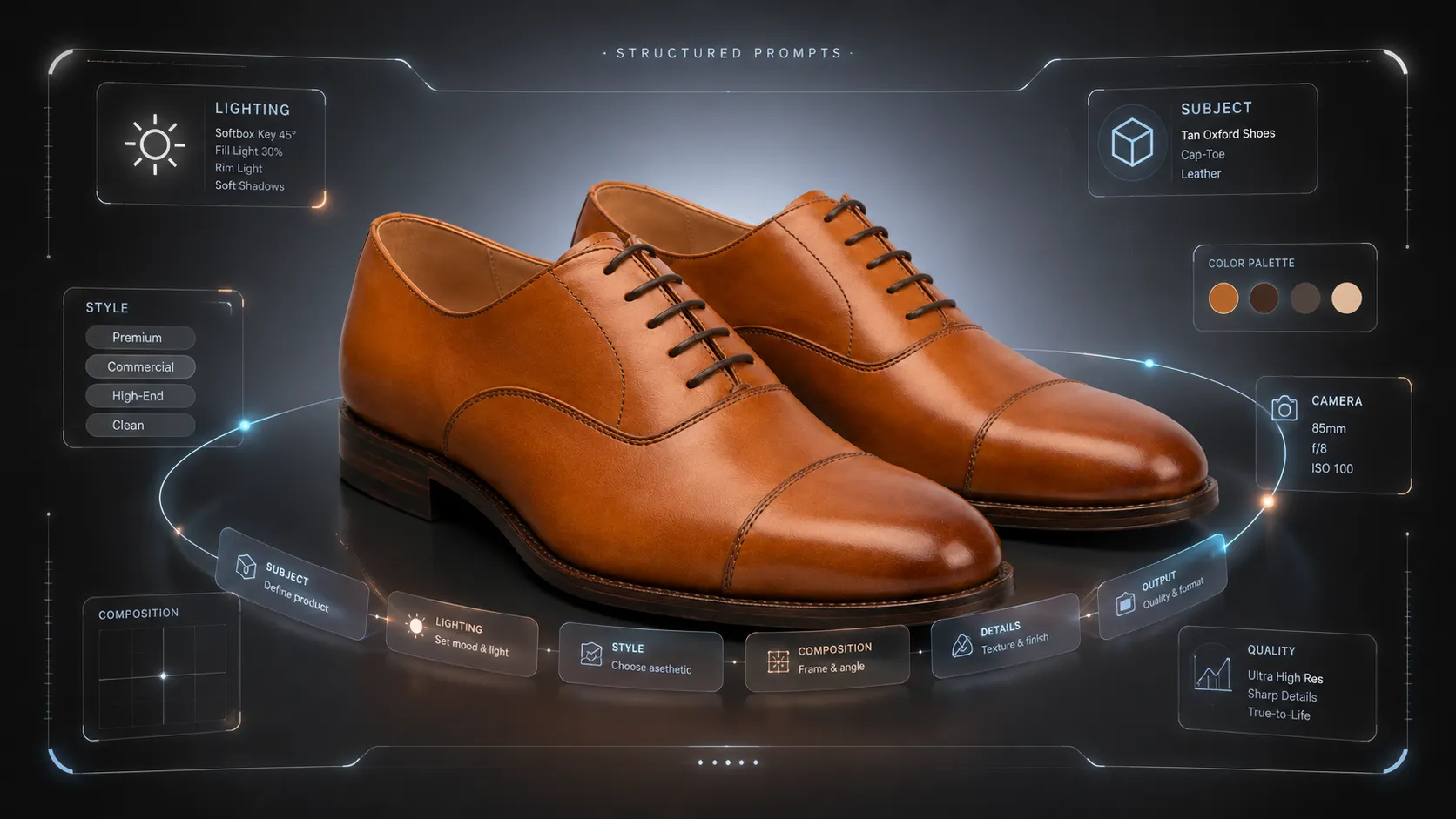
Secondary images often give AI more useful room to help. You can use AI to create fabric detail visuals, alternate angles, model pose variations, lifestyle contexts, and product page support images from existing references.
iCreat AI's AI Product Photography can support the full product image workflow when apparel teams need ecommerce visuals from reference images. For detail-specific work, AI Fashion Detail Image Generator is useful for fabric close-ups, construction images, white-background support visuals, and apparel PDP assets. For fit and silhouette, AI Pose Generator can help create pose variations that show length, drape, and movement.
The workflow should stay practical:
- Decide the main image job: identify the exact garment clearly.
- Map secondary image jobs: fit, fabric, details, size, lifestyle, trust.
- Gather source references: front, back, fabric, label, and construction detail.
- Generate or edit visuals based on placement.
- Review every output for product truth, channel rules, mobile readability, and misleading elements.
AI can speed up visual production, but it should not invent missing product facts. Use it to expand a good product reference into a better image set, not to create a version of the garment that does not exist.
Quality Checklist Before Publishing
Before publishing apparel product images, check whether each visual is doing the right job in the right place.
Use this checklist:
- The main image identifies the exact garment being sold.
- The main image is clean enough for the target channel or marketplace.
- Secondary images answer real shopper questions about fit, fabric, size, construction, styling, or use.
- Fabric texture, color, print, and finish match the real product.
- Fit, length, drape, and proportions are not distorted.
- Seams, stitching, buttons, zippers, labels, and logos are not changed.
- Props and accessories do not imply items are included when they are not.
- Text overlays are readable on mobile and do not crowd the product.
- The final image set is reviewed against current platform policies before upload.
If an image fails the checklist, fix it or move it to a more appropriate channel. A lifestyle image that is too stylized may work for social content but not for a product listing. A close-up that changes fabric texture should not be used as a product detail image.
FAQ
Conclusion
The main image vs secondary image decision is really a merchandising decision. The main image should make the product clear. Secondary images should make the purchase decision easier.
For apparel sellers, that means placing fit, fabric, construction, back view, measurement, and lifestyle context in the right part of the image gallery. A clean main image helps shoppers understand what is being sold. Strong secondary images help them understand whether the garment fits their needs.
If you already have apparel product references and want to build a stronger image set, use iCreat AI's AI Product Photography to create ecommerce product visuals, then review every output for product accuracy before publishing.